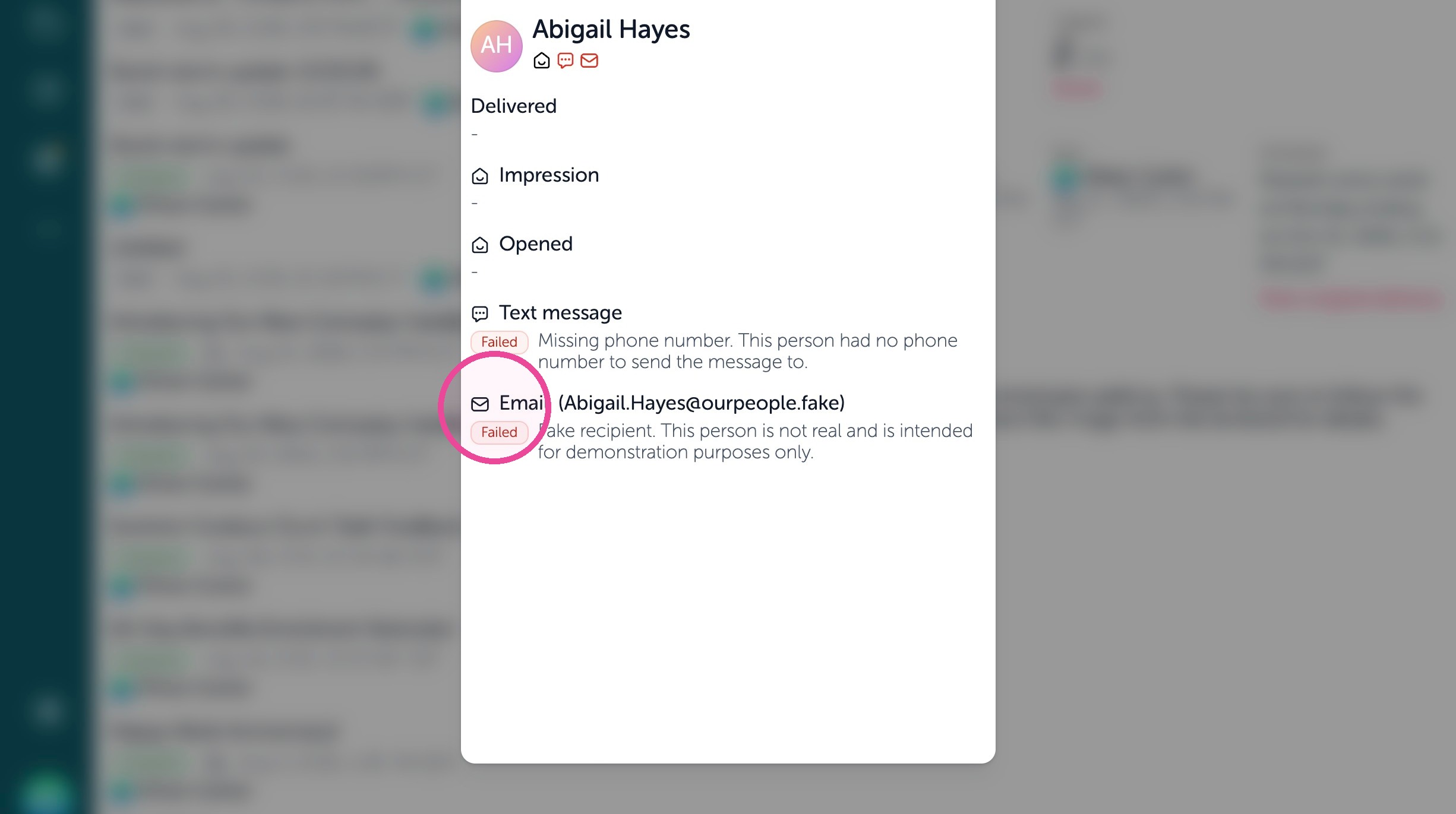
In this article, we review in a broadcast report on failed deliveries and understand how a text or an email broadcast delivery has failed.
Open Broadcast Report
1. Open your Feed
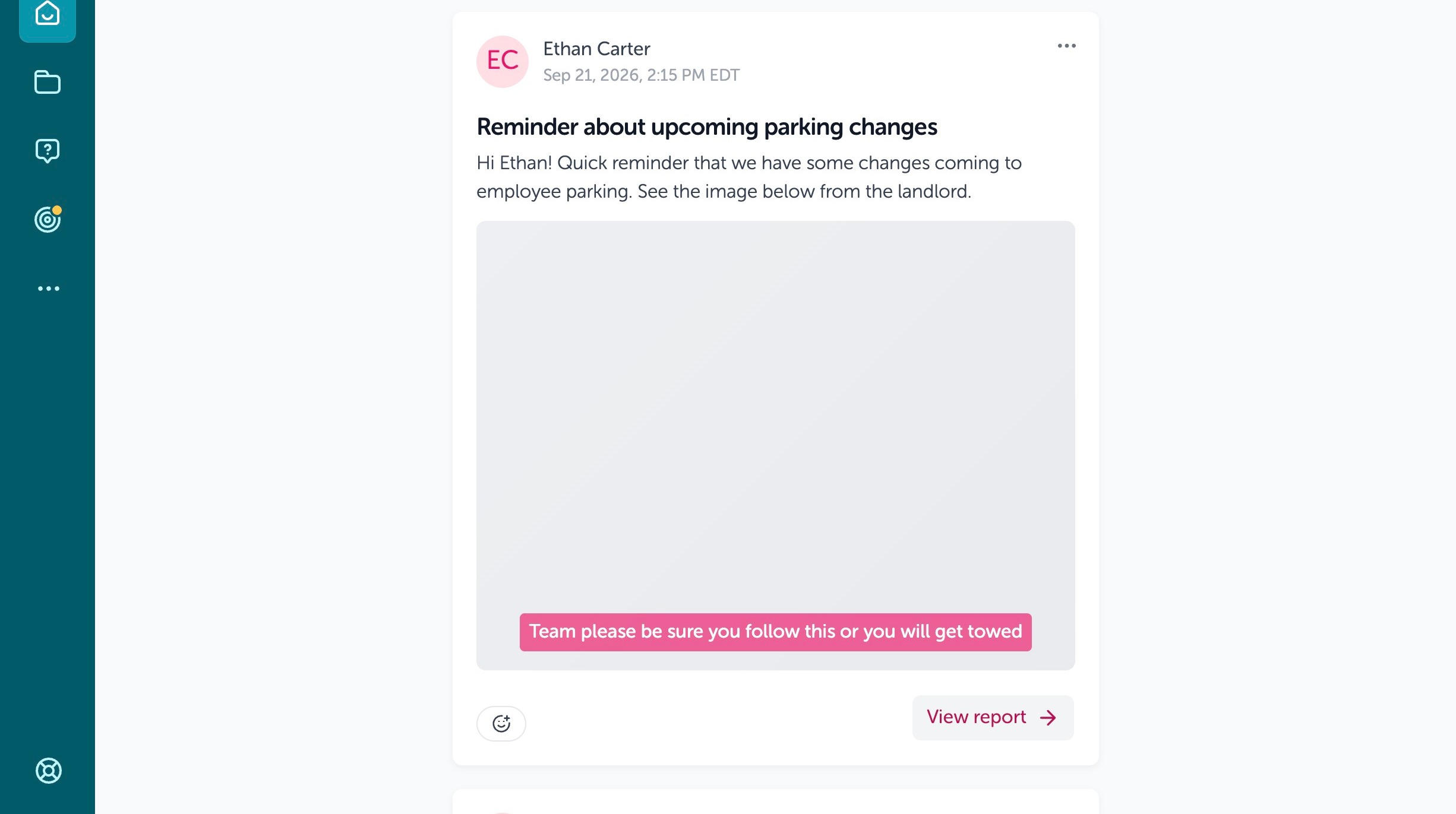
2. Click "View report"
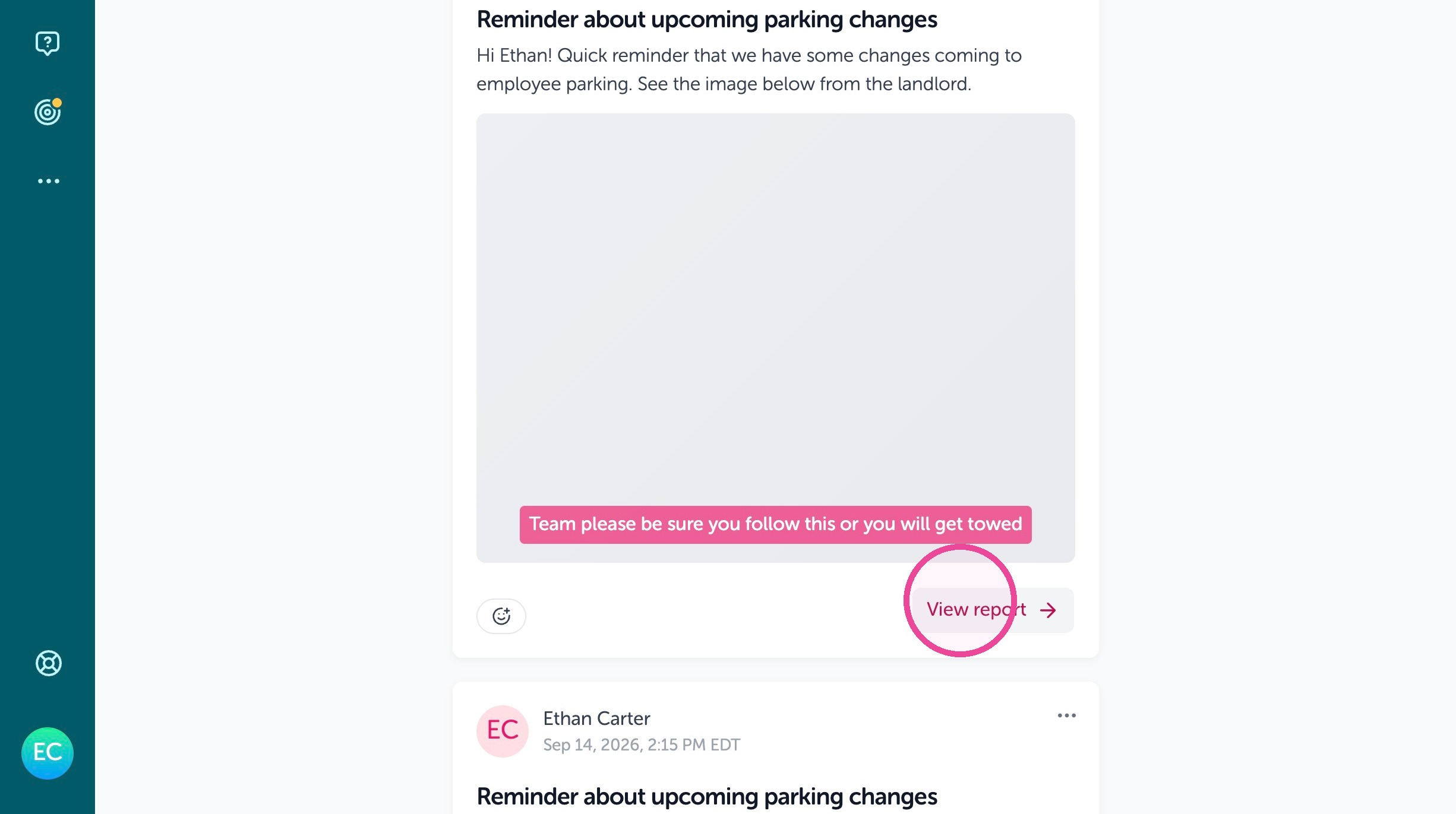
3. Click on the broadcast you want info on for delivery of text and email notifications.
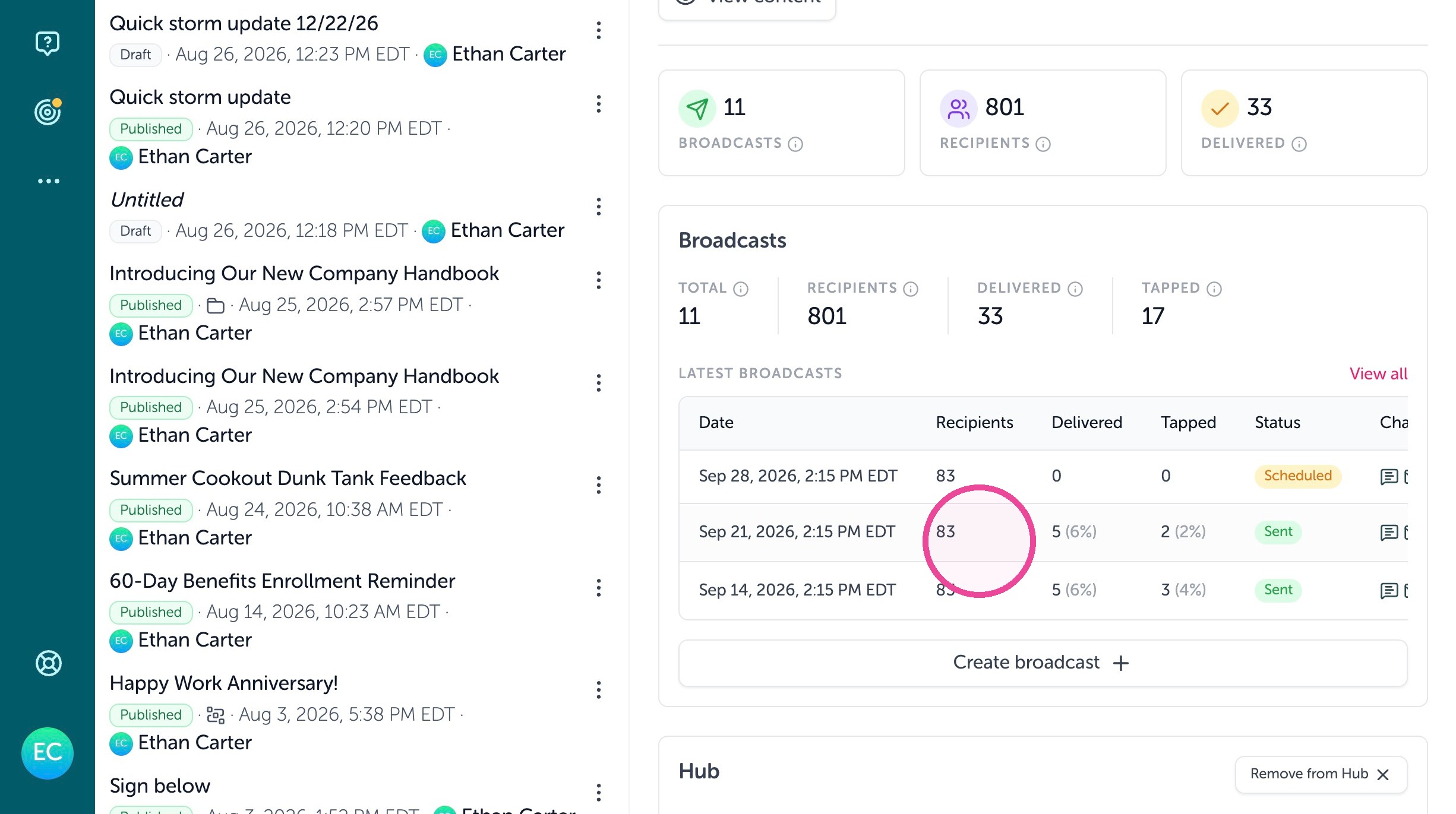
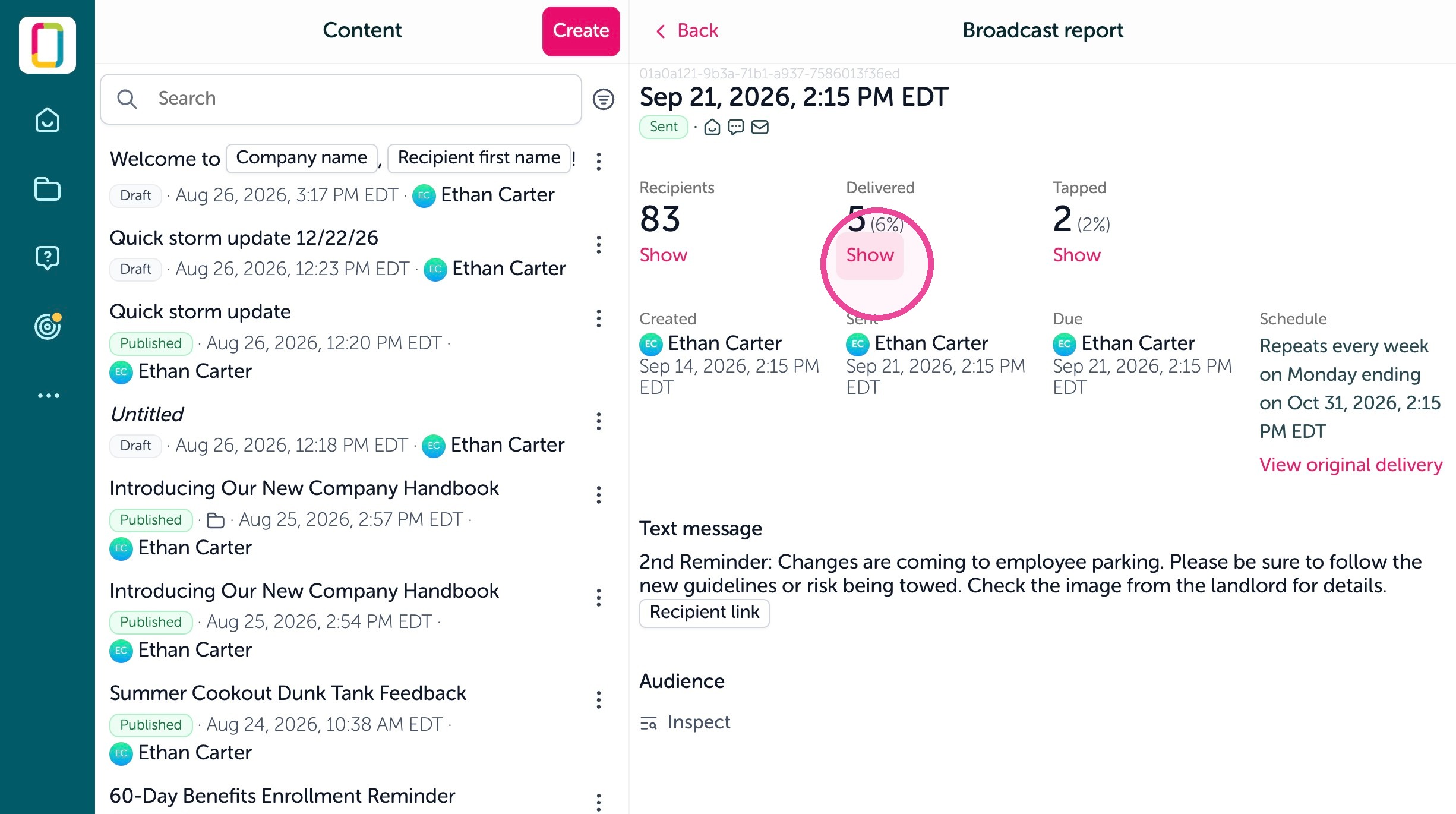
4. Click "Show" under Delivered
5. Click the filter icon
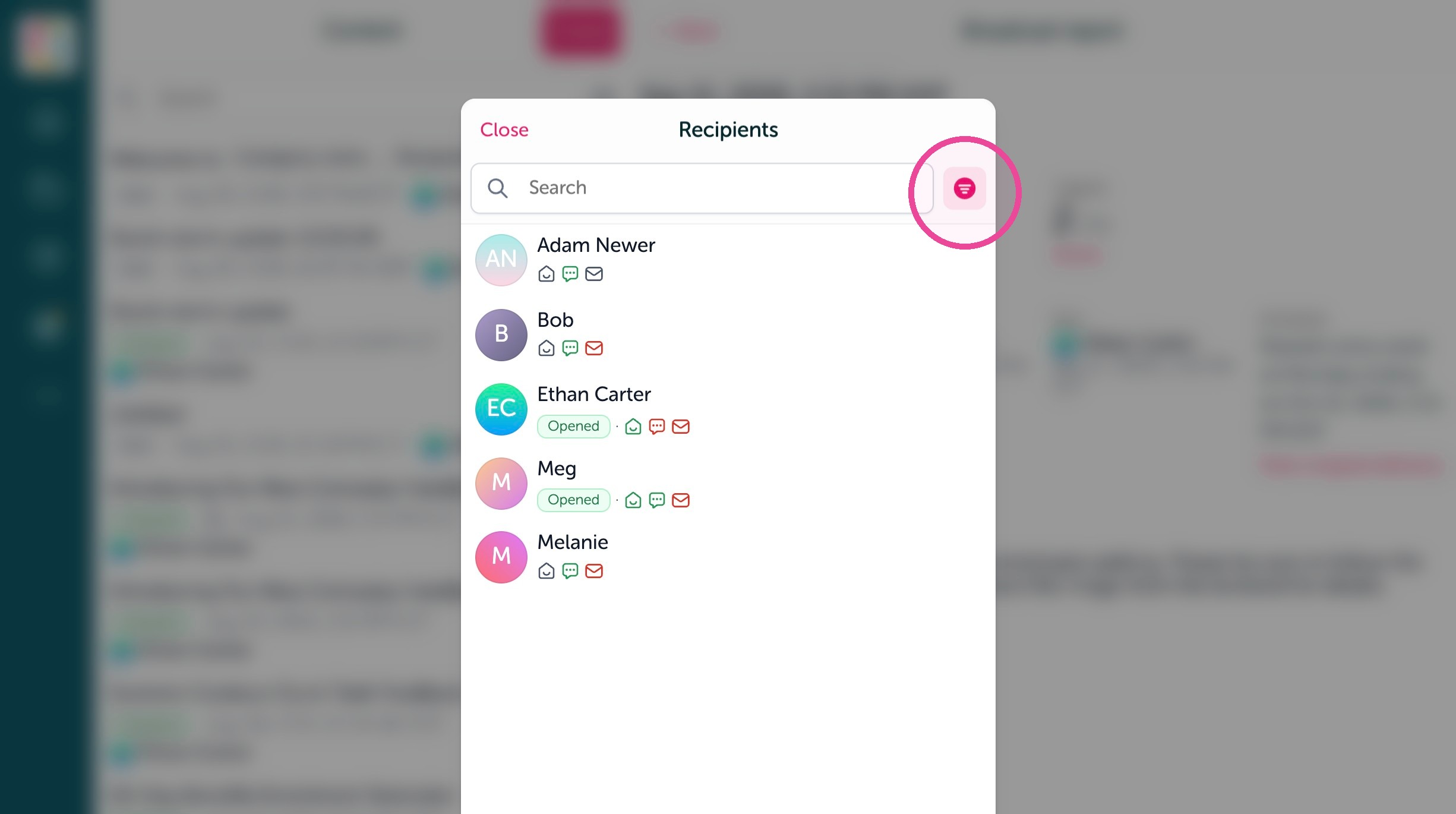
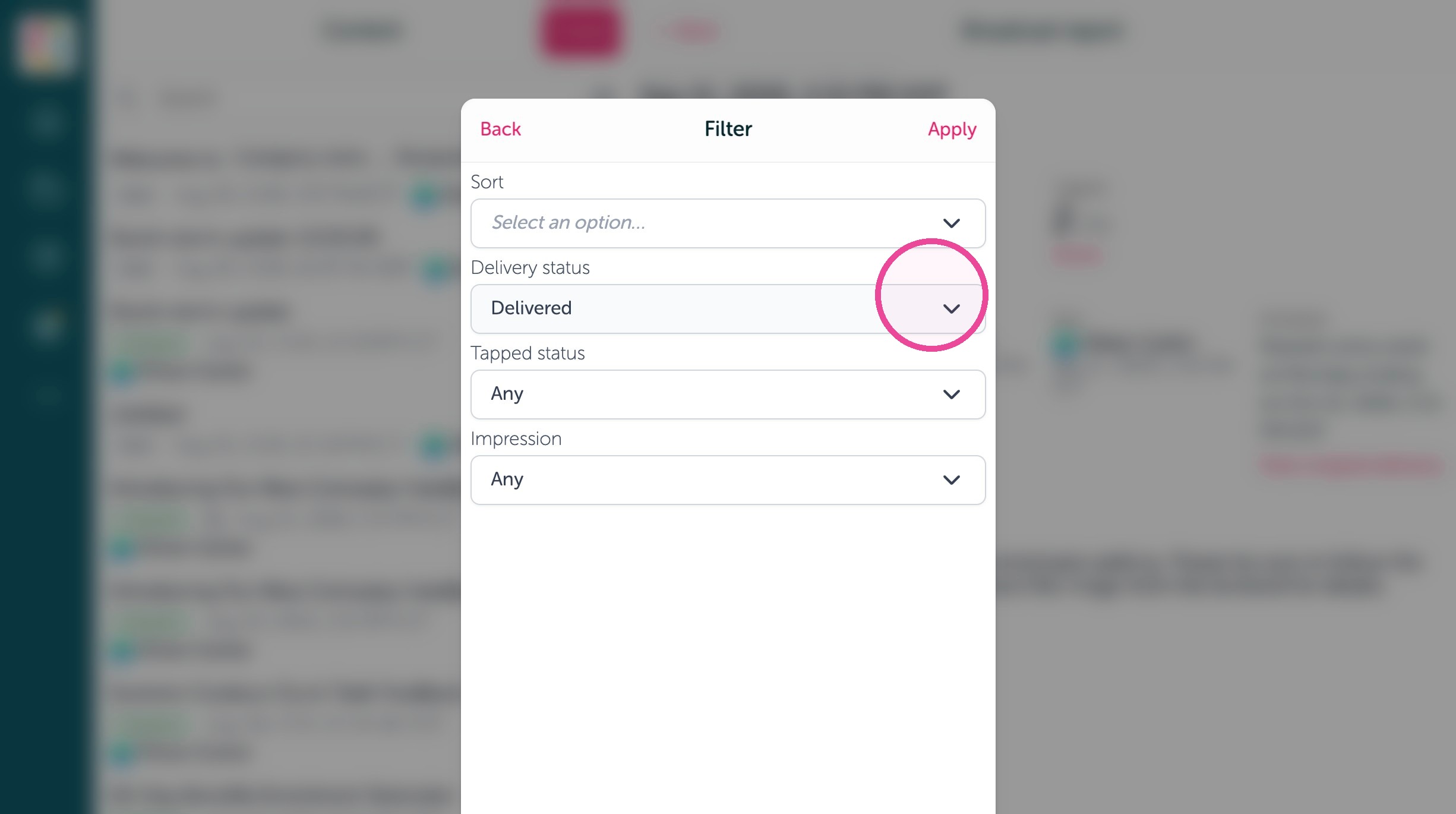
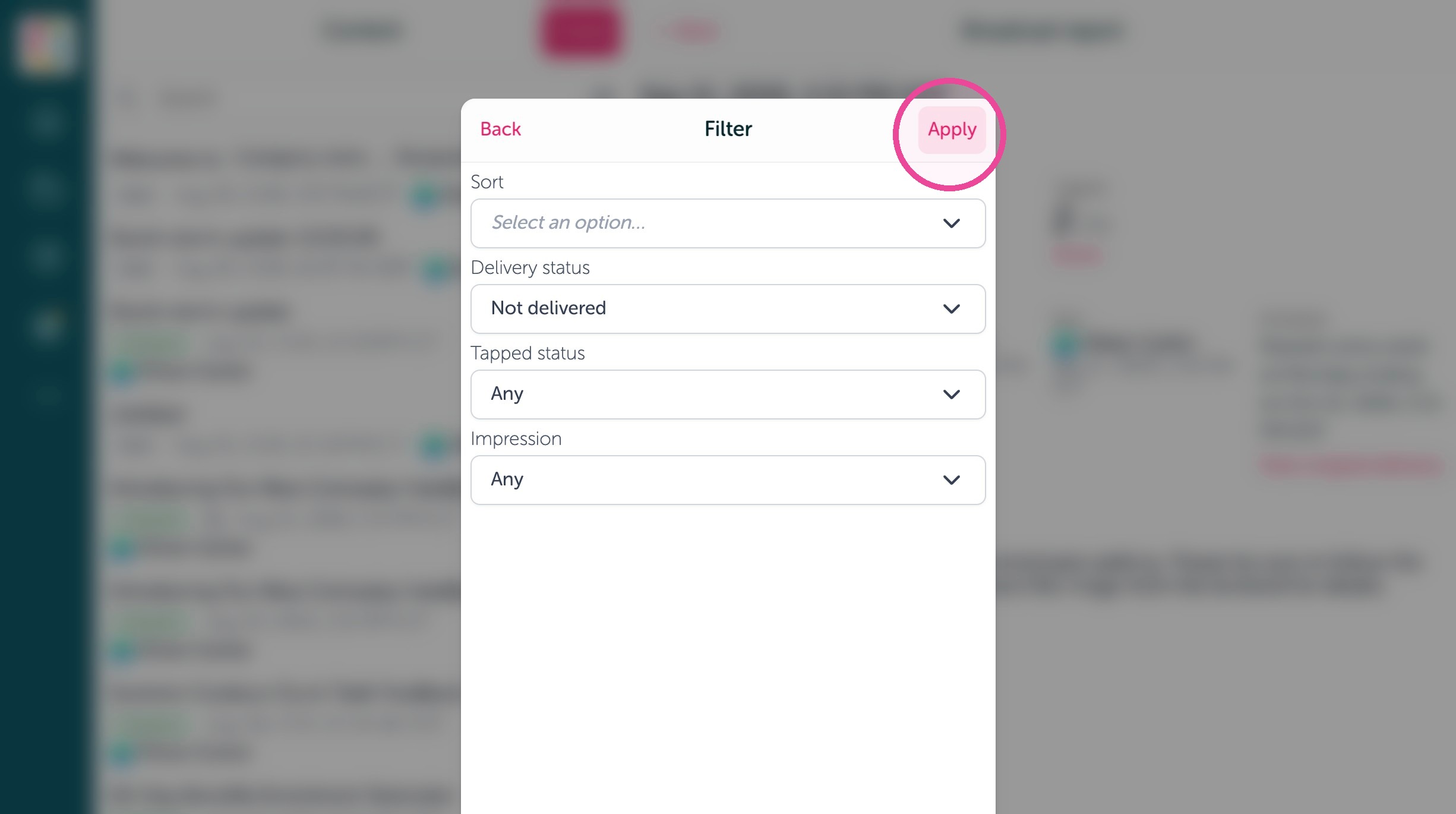
Filter Recipients
6. Click "Delivered" dropdown
7. Click "Not delivered"
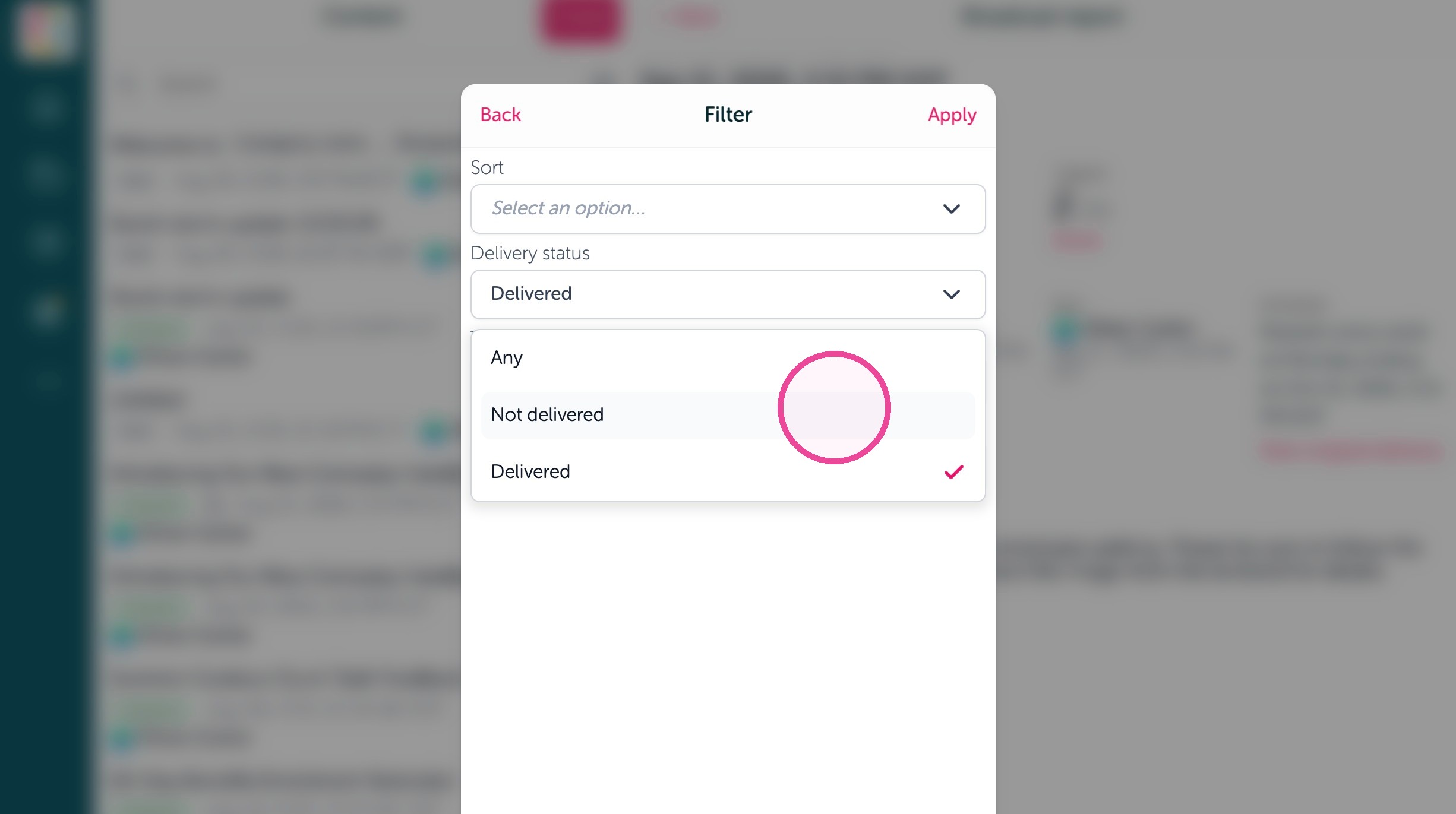
8. Click "Apply"
Review Recipient Details
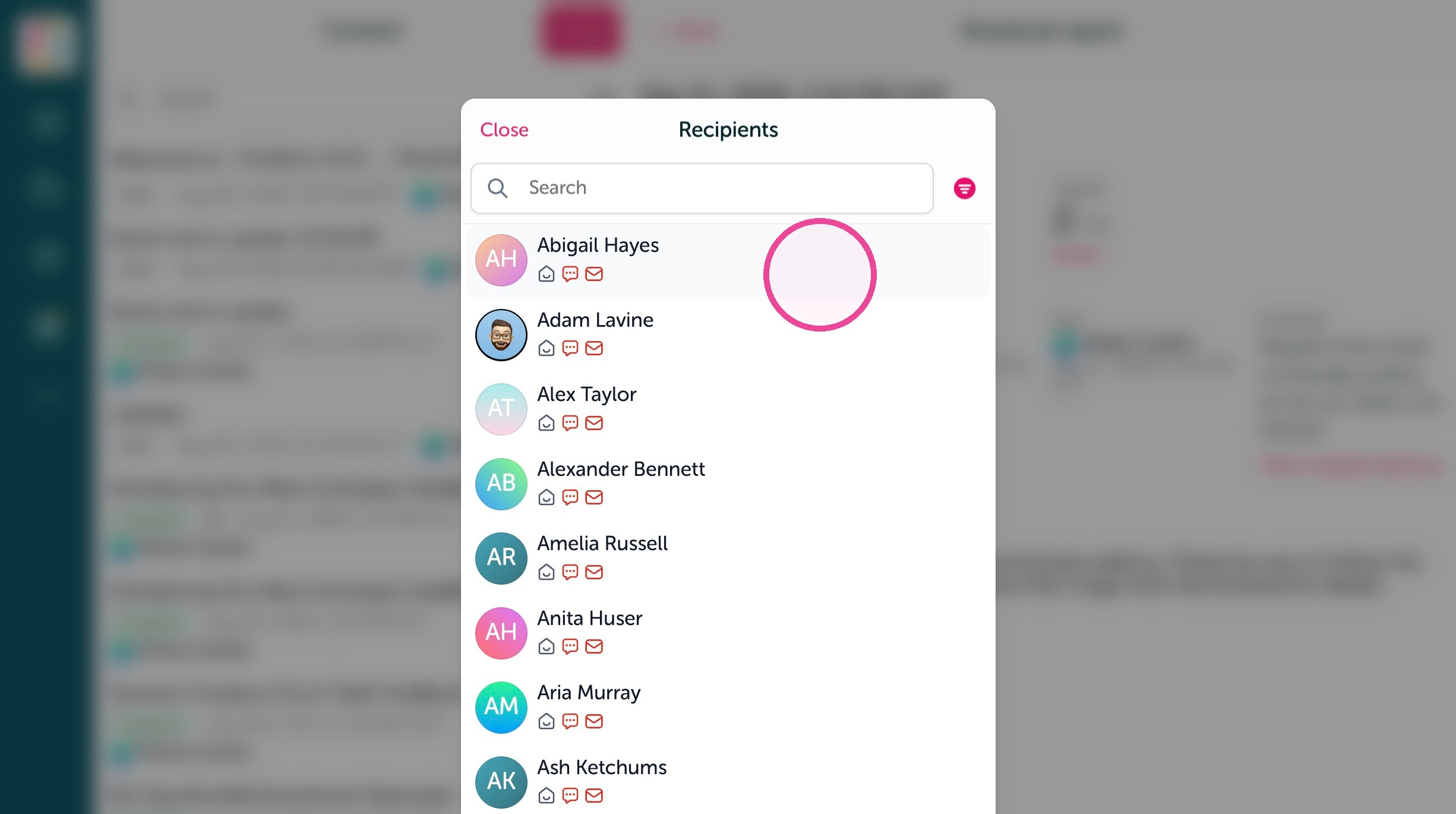
9. Click on the failed recipient
10. On this page you will see if a channel failed such as a text or email notification
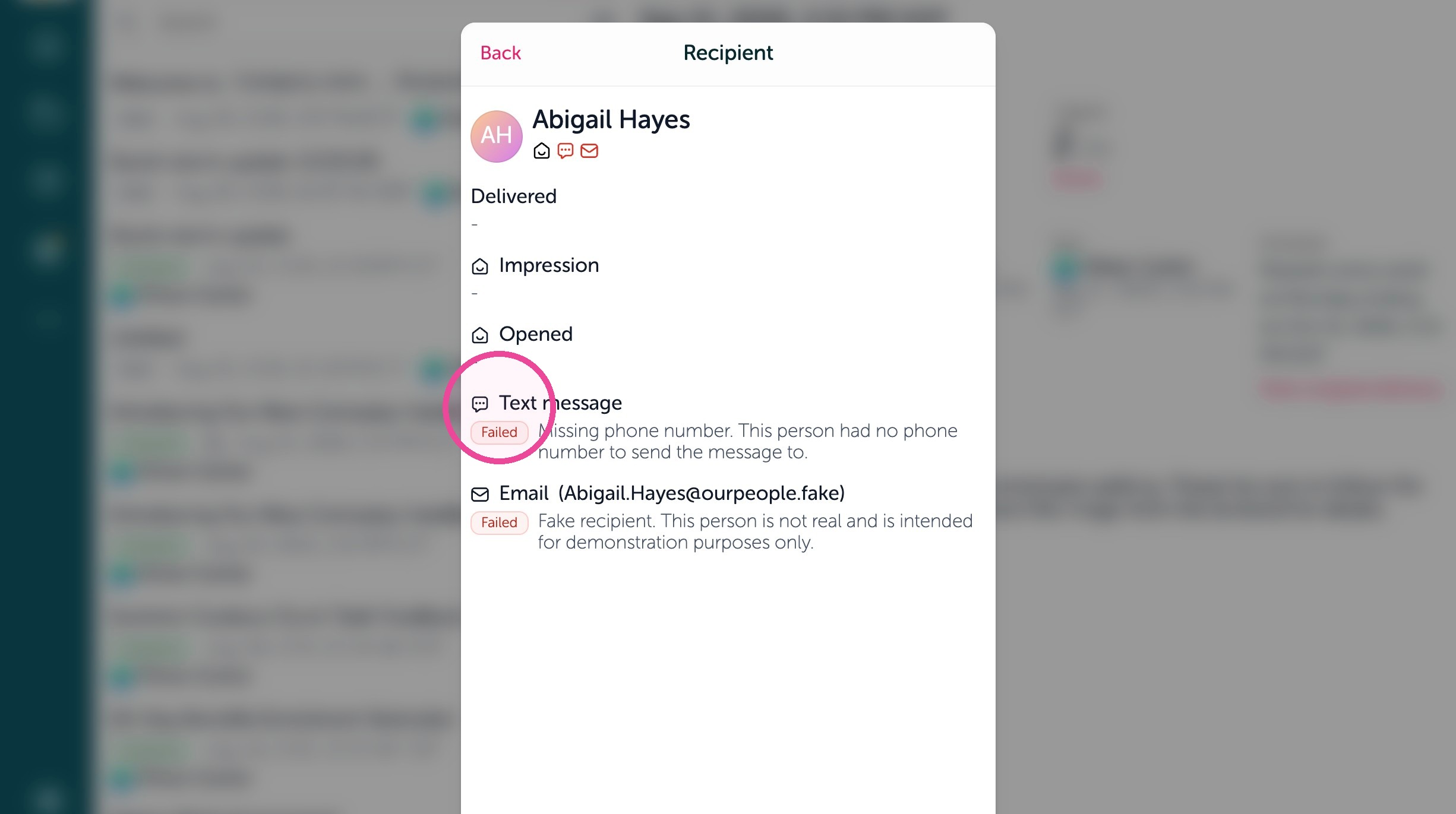
11. It will explain the reason why it failed under each channel