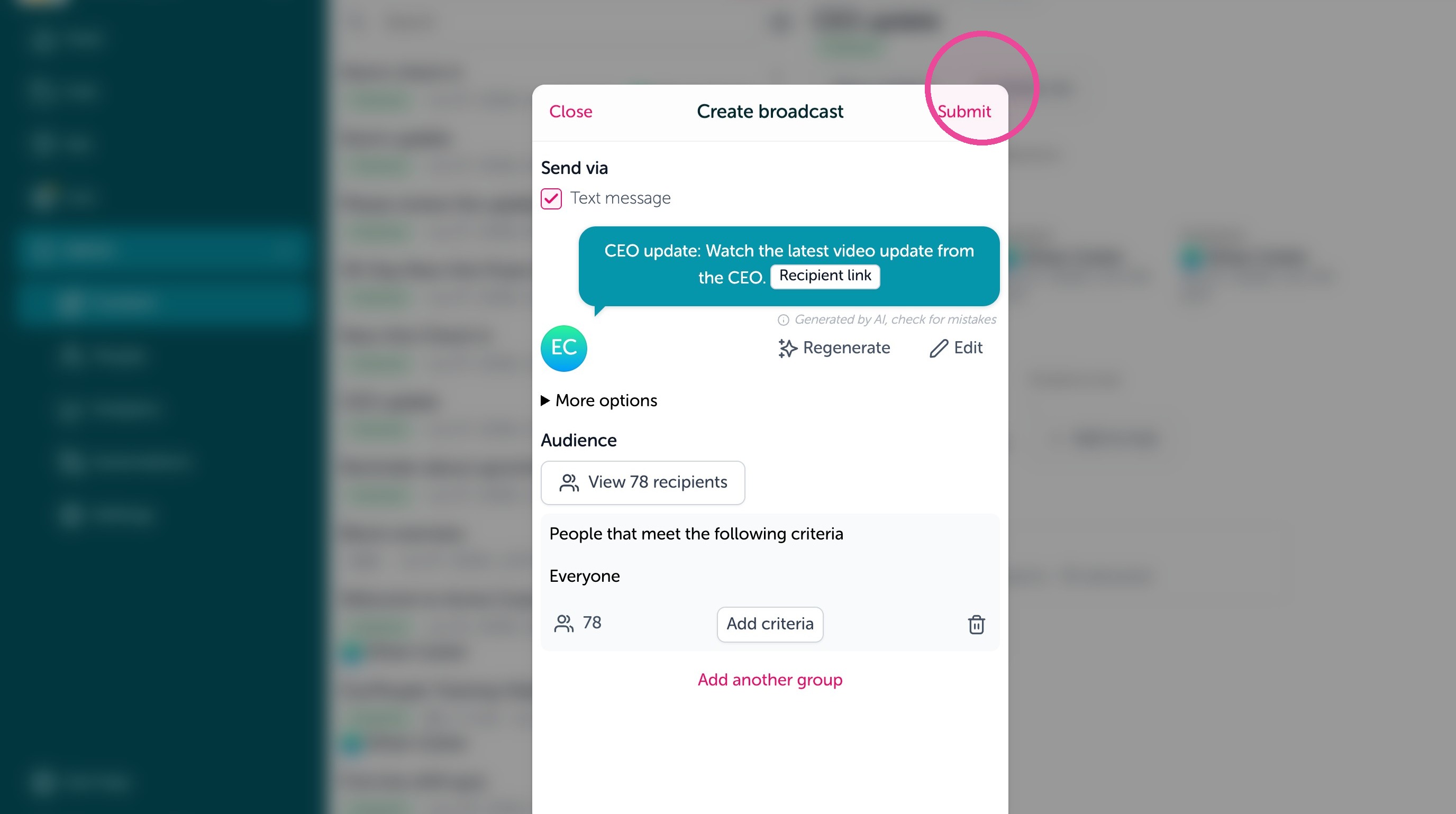
This guide shows you how to send content made already to a new audience of employees in the Feed.
1. Under the Admin menu, click "Content"
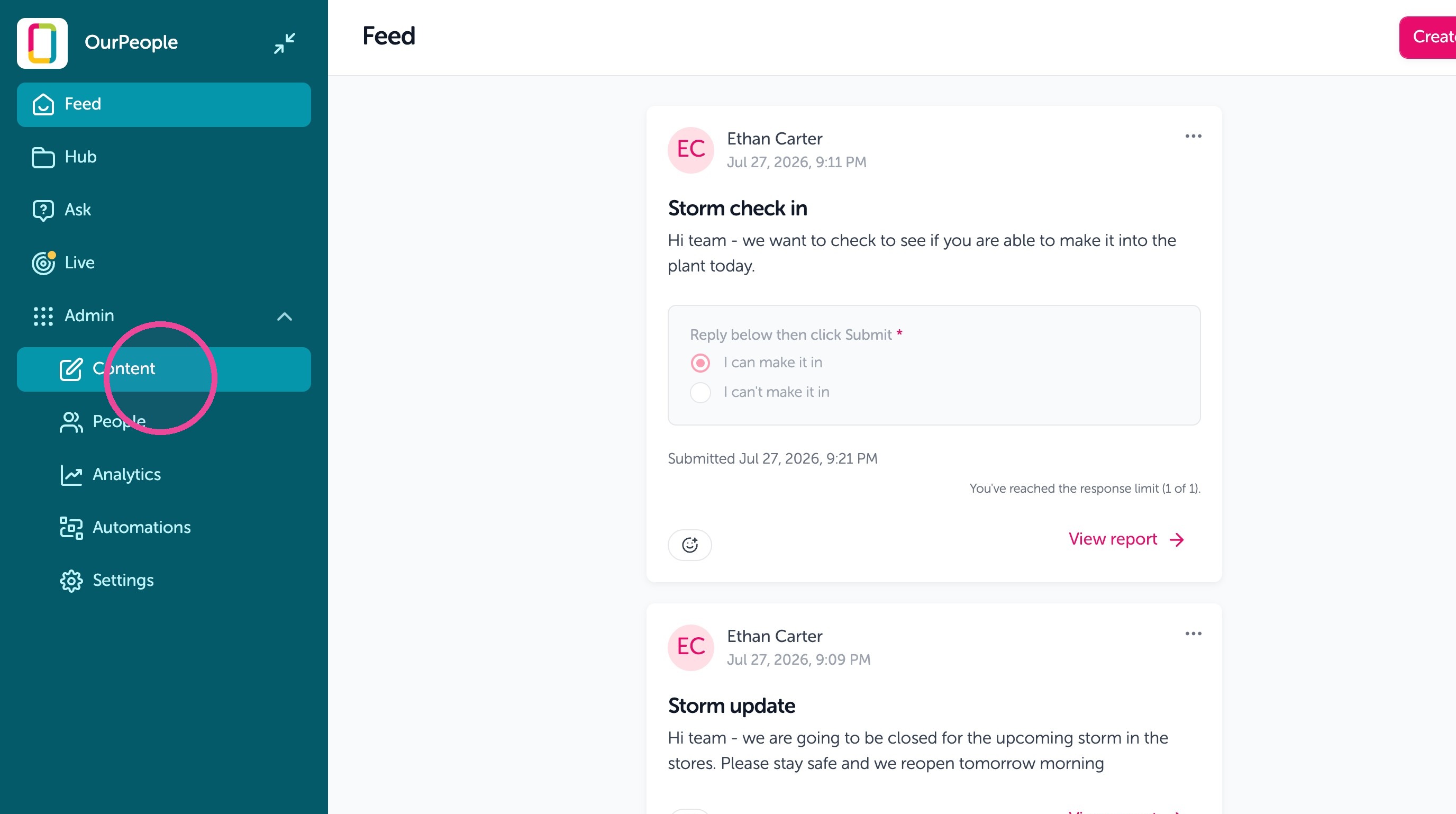
2. Search for the content you want to send again.
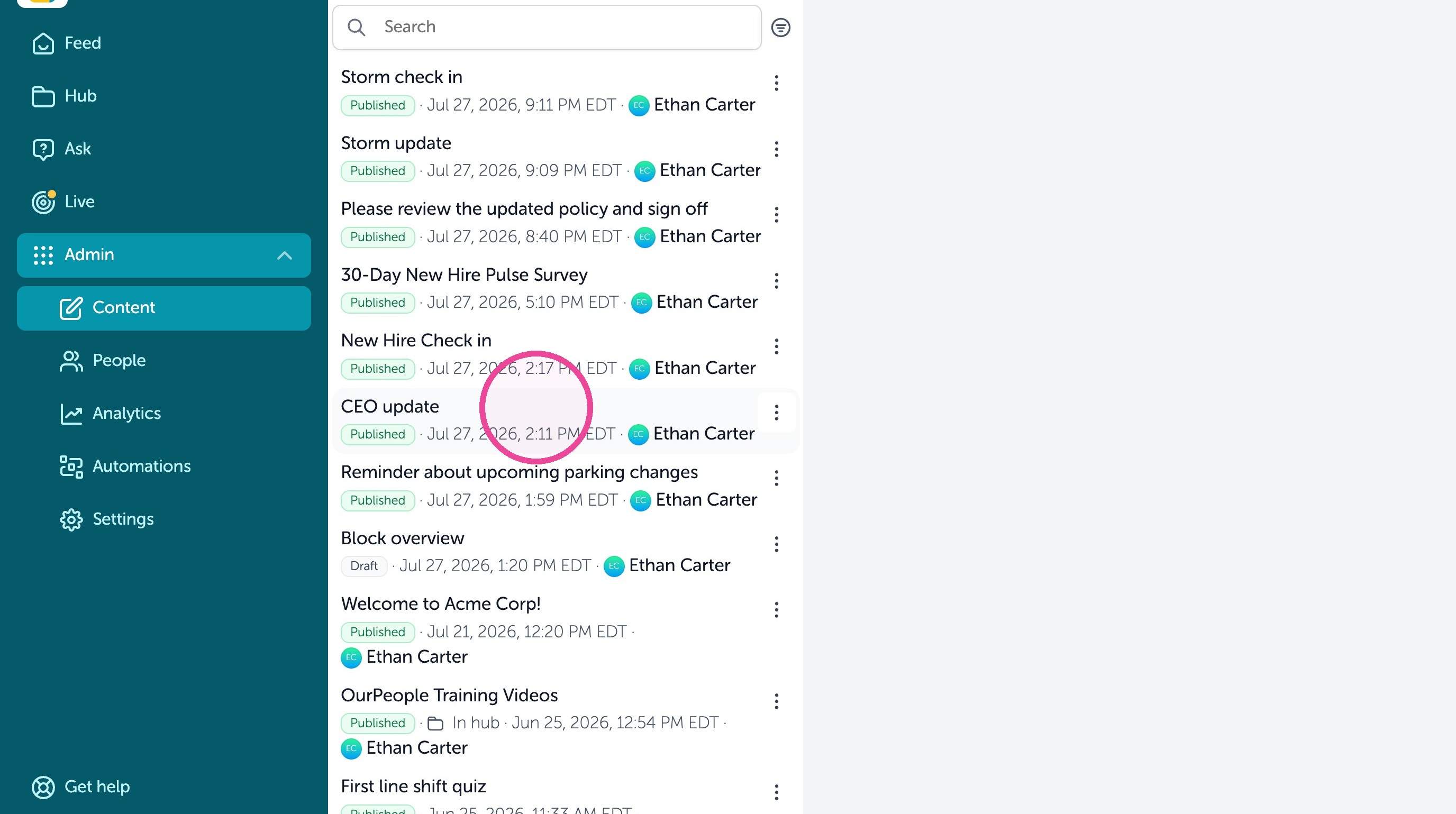
3. Under "Latest broadcast" click "Create broadcast" to broadcast this Content to another audience.
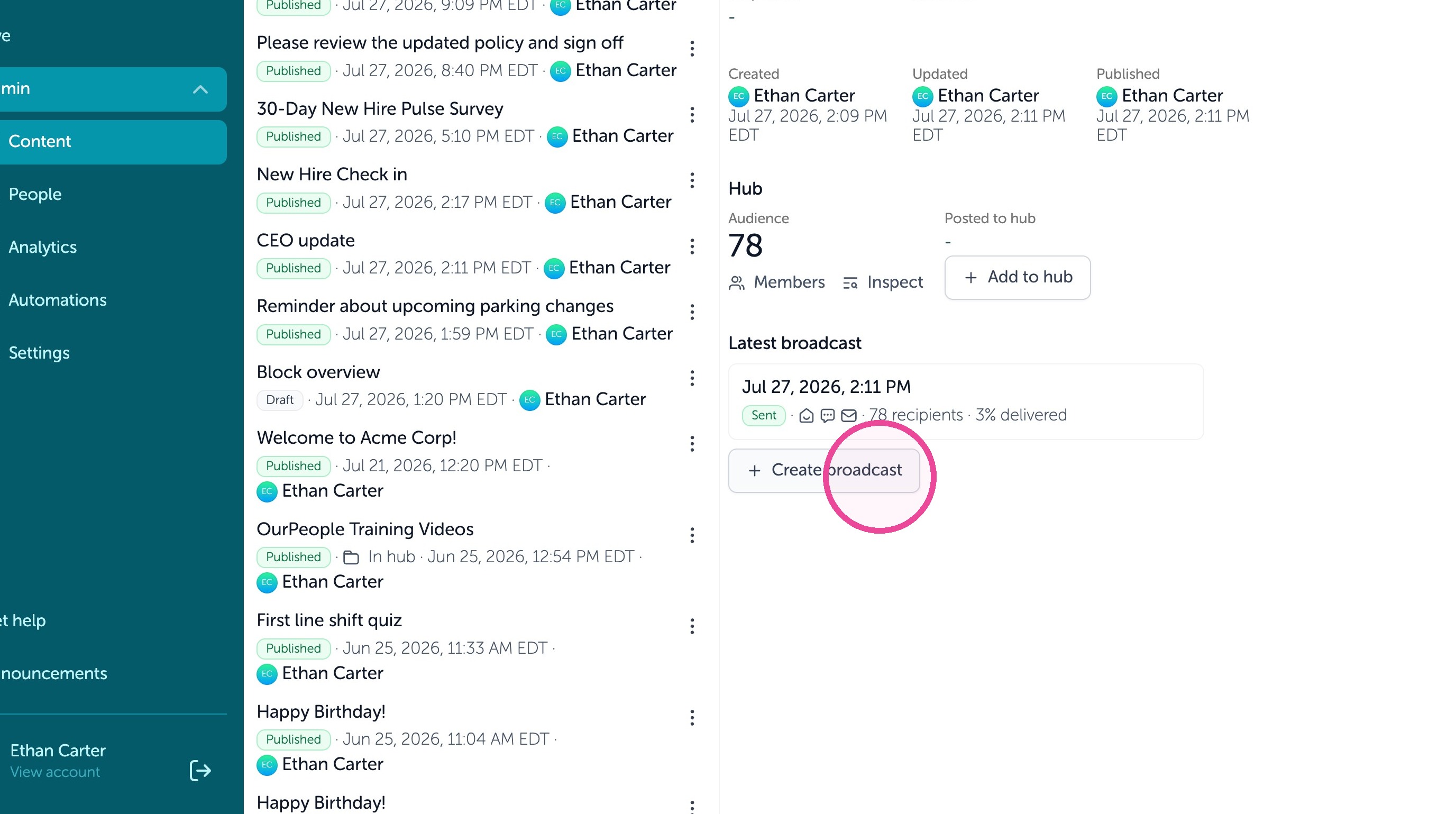
4. From here, you can edit the text message. As well "Edit audience" to use tags to filter a new group of employees to send this content to.
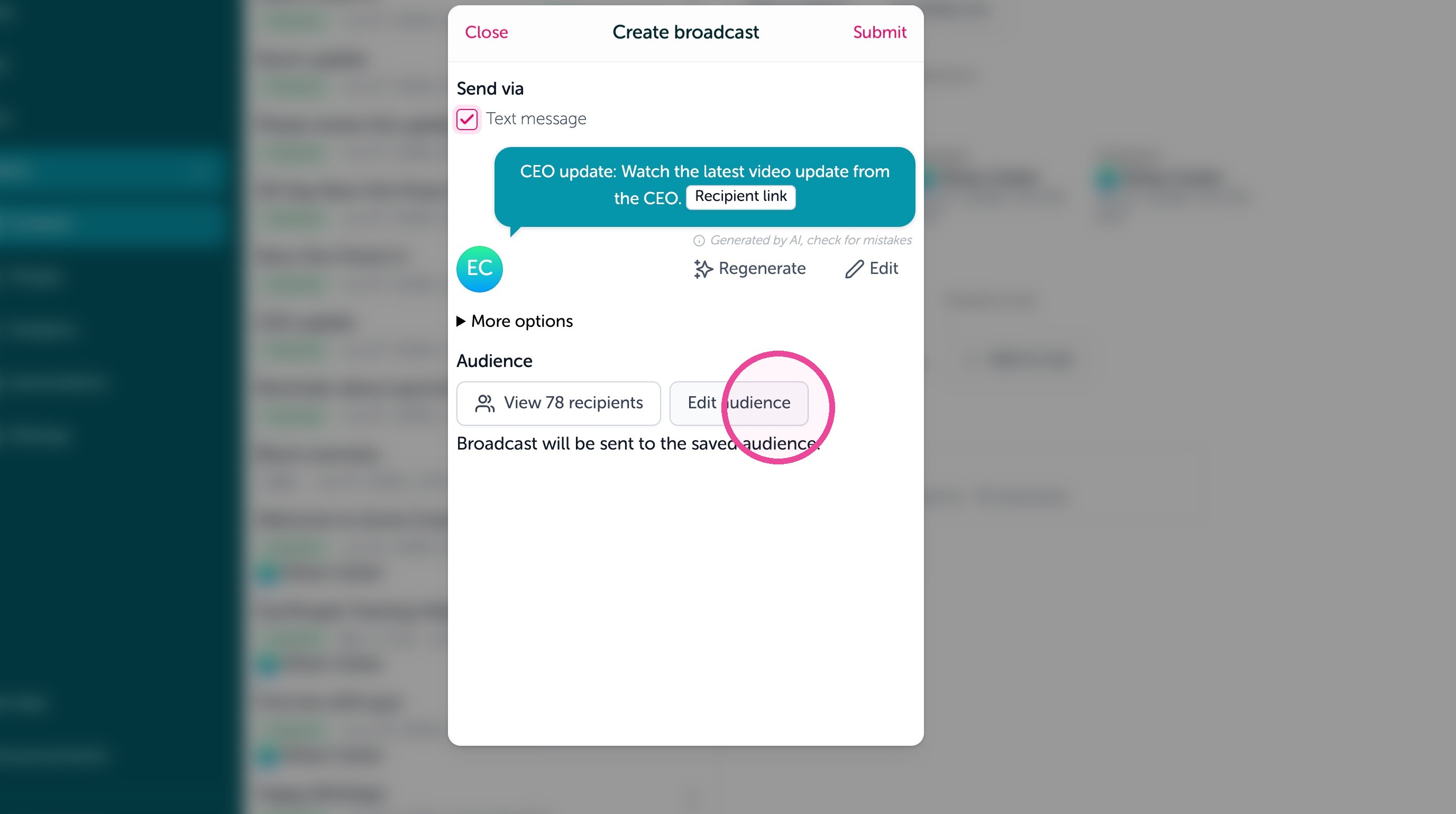
5. When you're ready, you can either click Submit to send it immediately or you can use "More options" to schedule or repeat the broadcast.