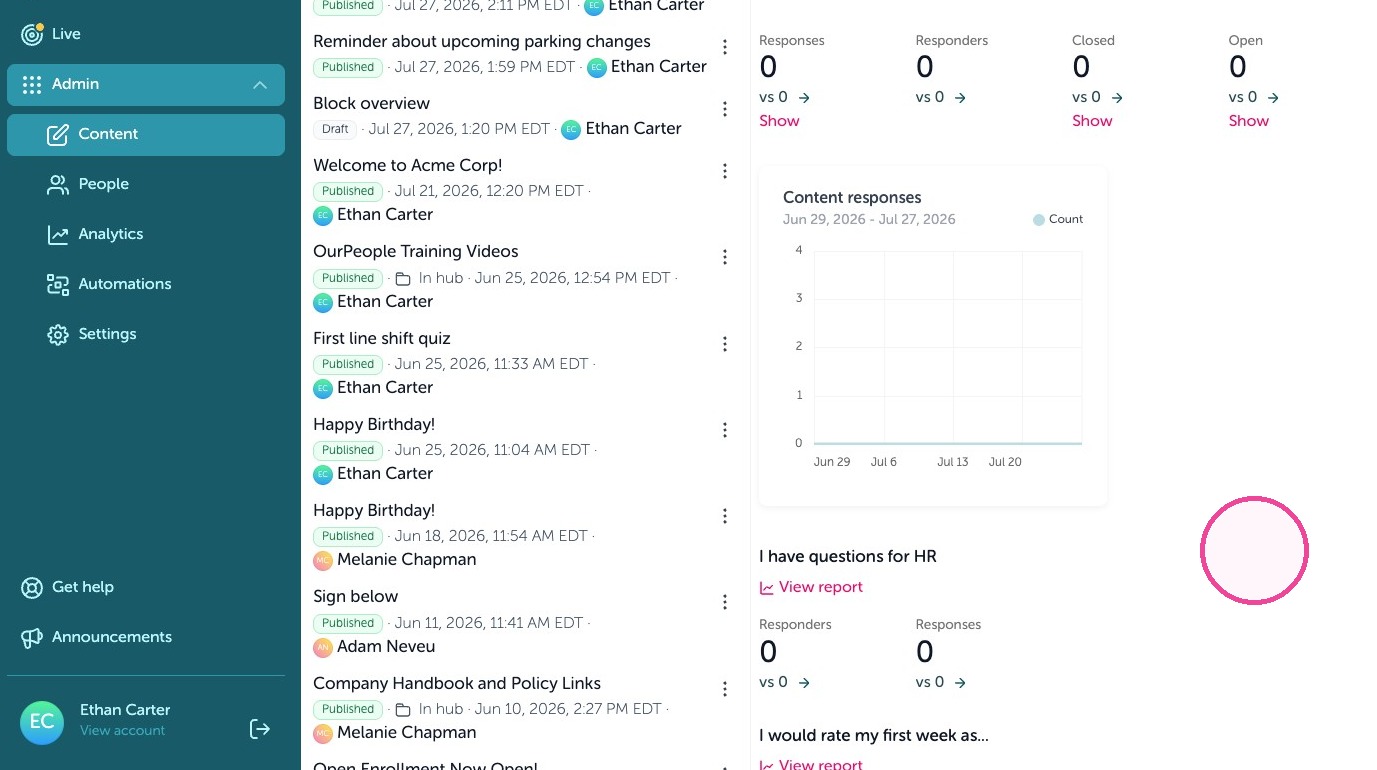
Learn how to build a comprehensive survey to gather essential feedback from employees. This guide covers how to set up interactive questions, rating scales, and benefit interest lists to streamline your integration process.
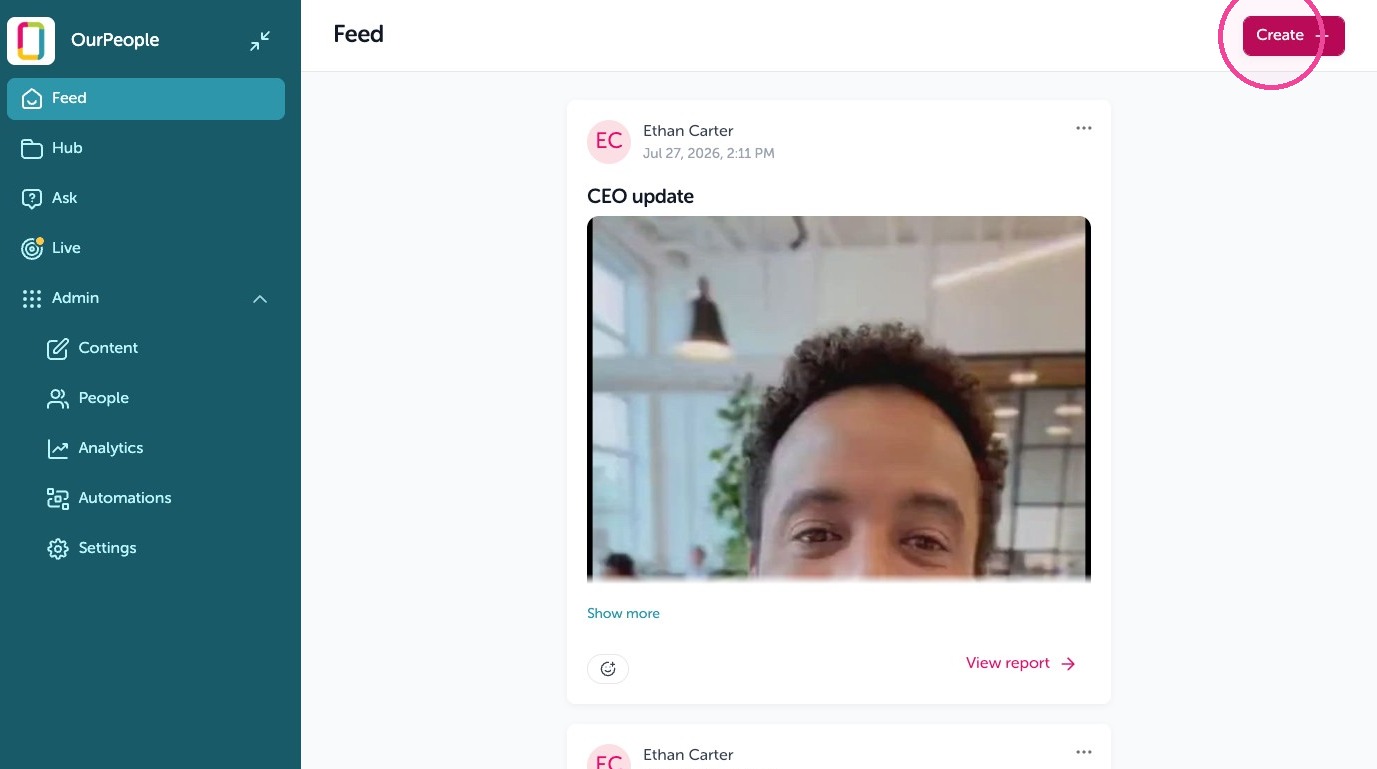
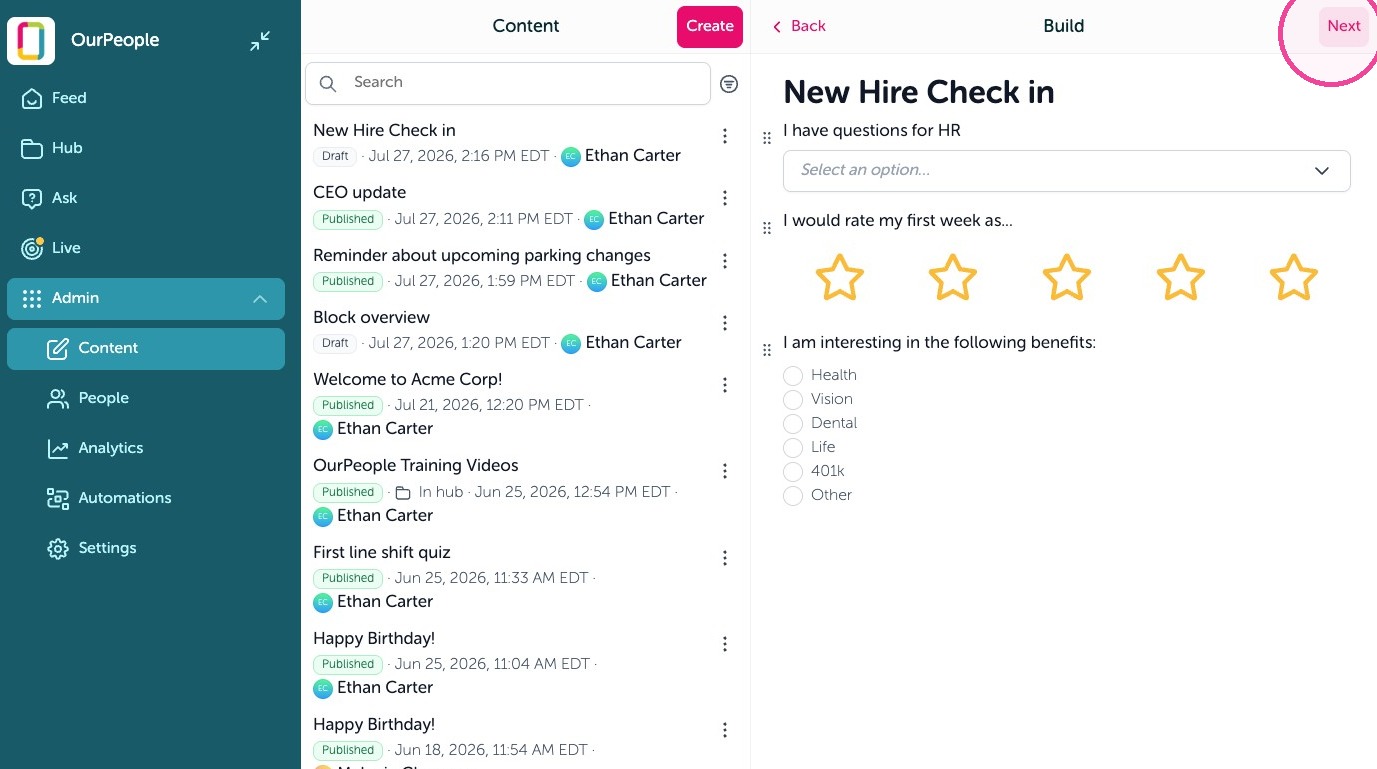
1. To send a survey, go to your feed and click "Create"
2. Give your survey a title
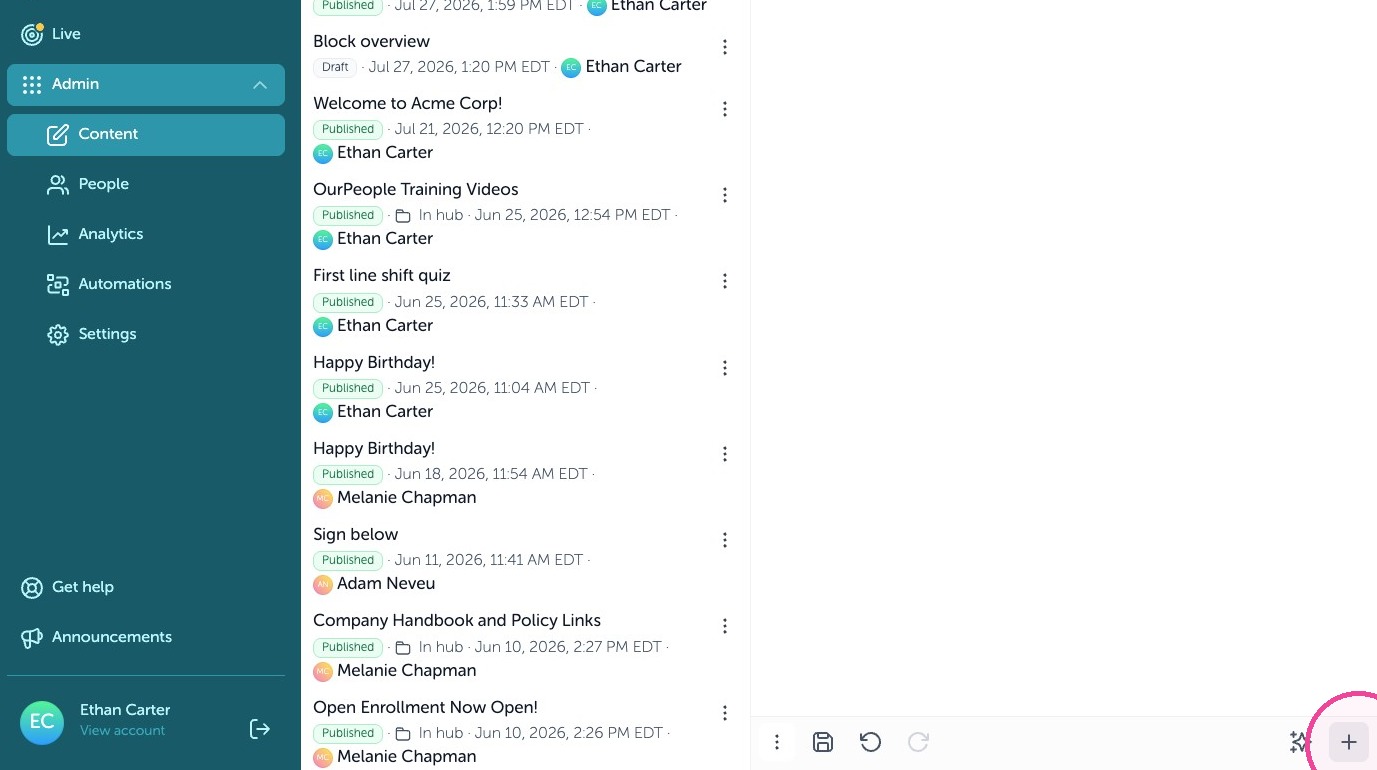
3. Add blocks by clicking on the + icon
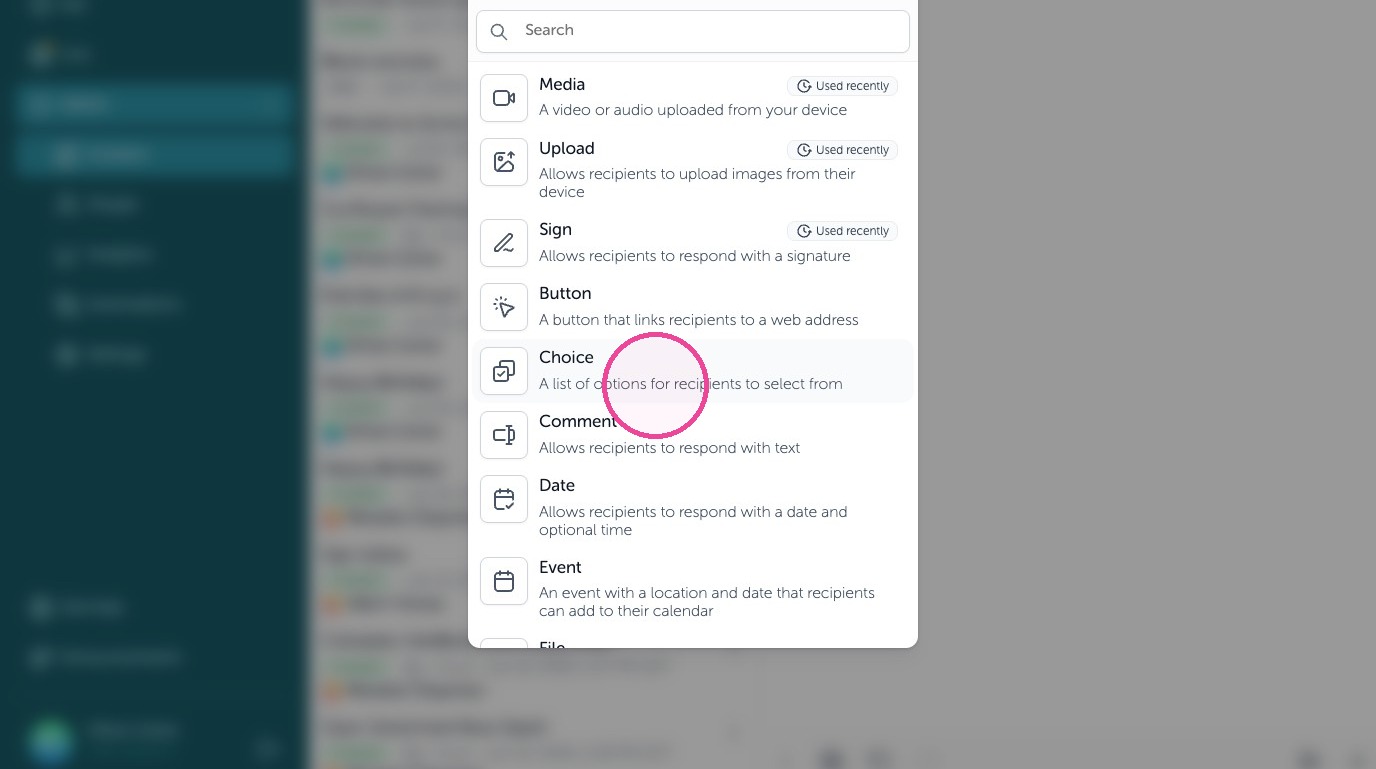
4. Add questions to your surecy by using blocks such as choice, comment, or rating blocks.
5. When your survey is complete click "Next"
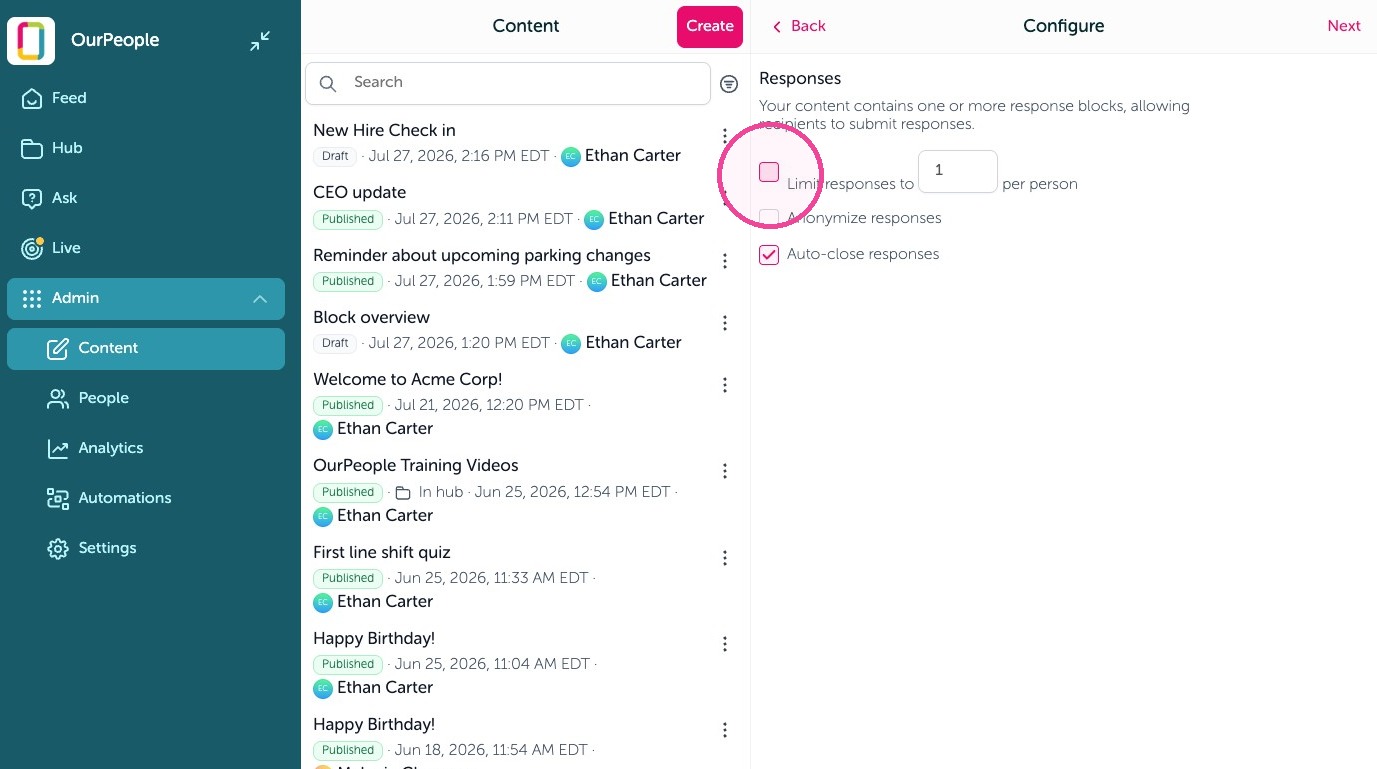
6. You can limit the number of responses someone can send in
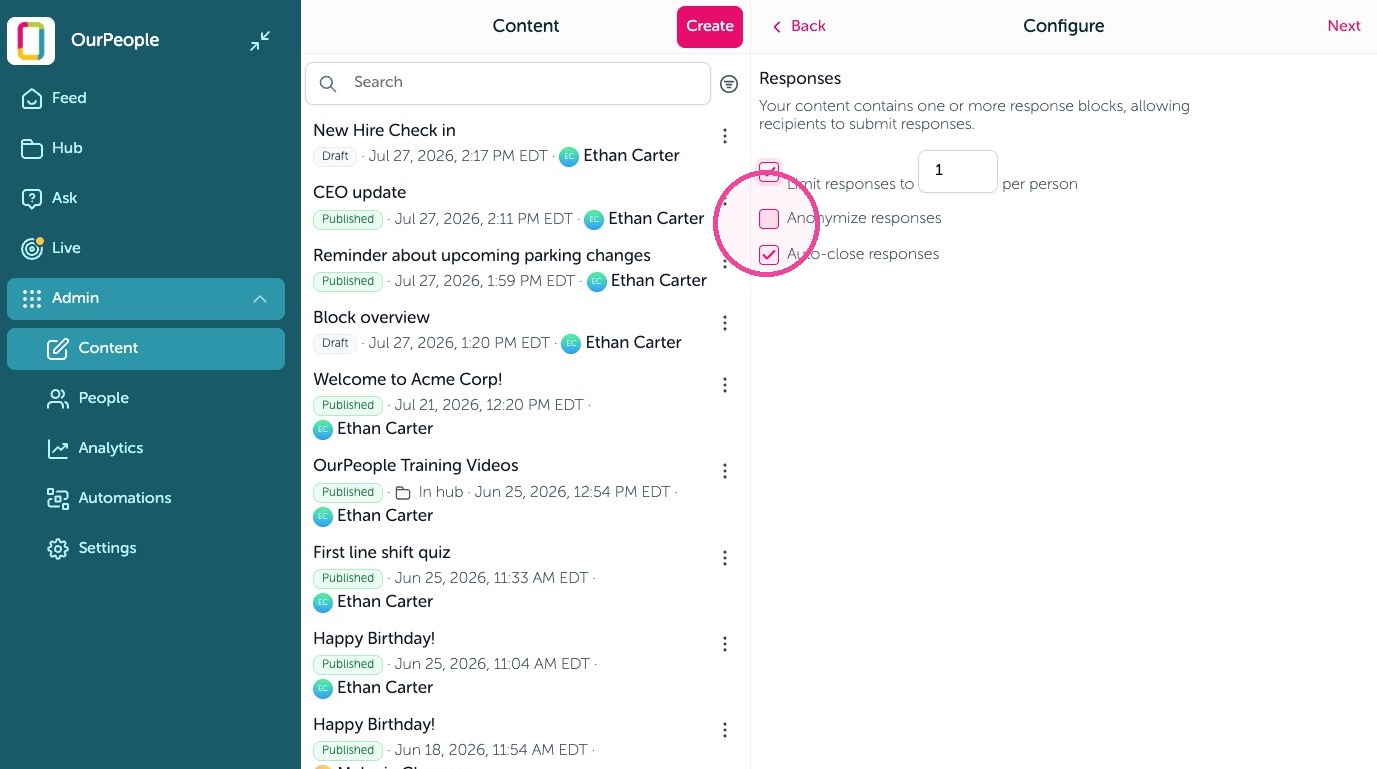
7. You can make it anonymous by clicking "Anonymize responses"
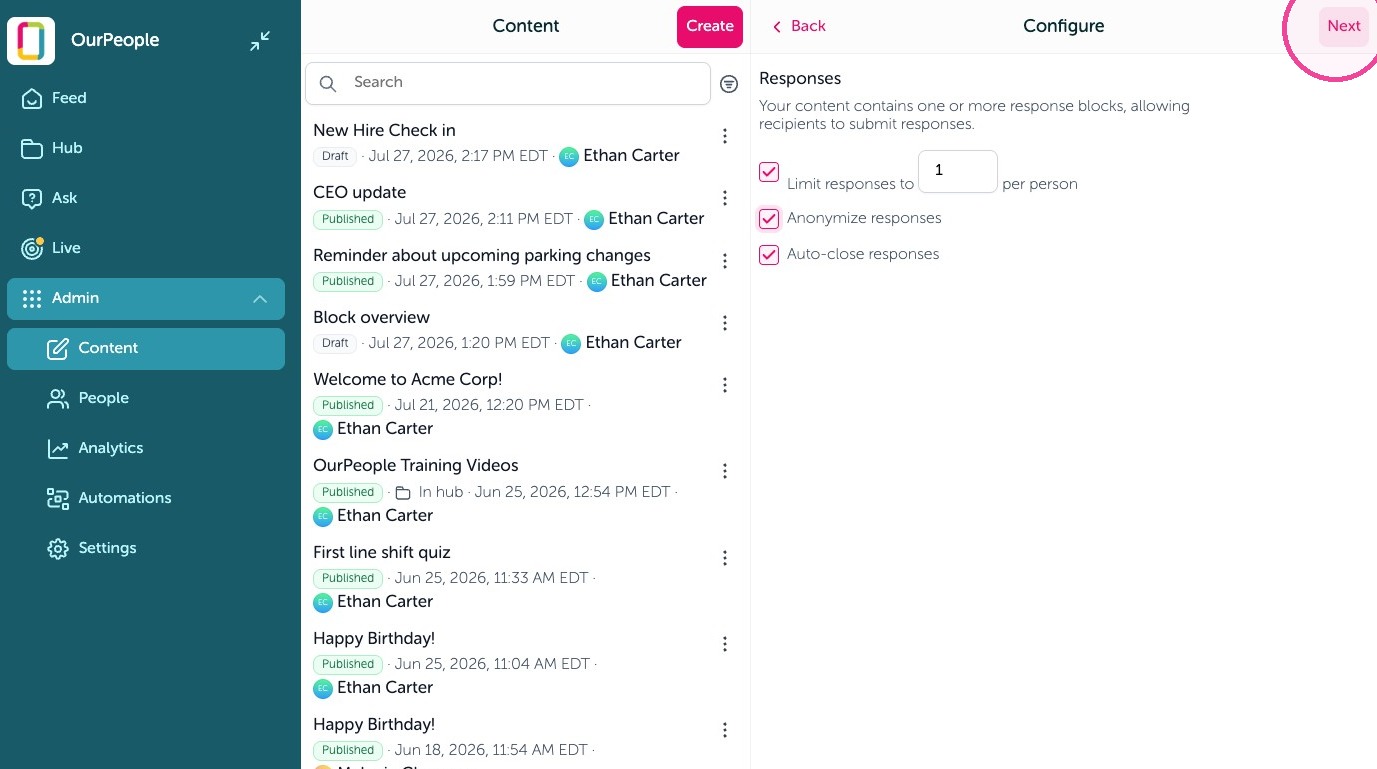
8. Click "Next" to continue
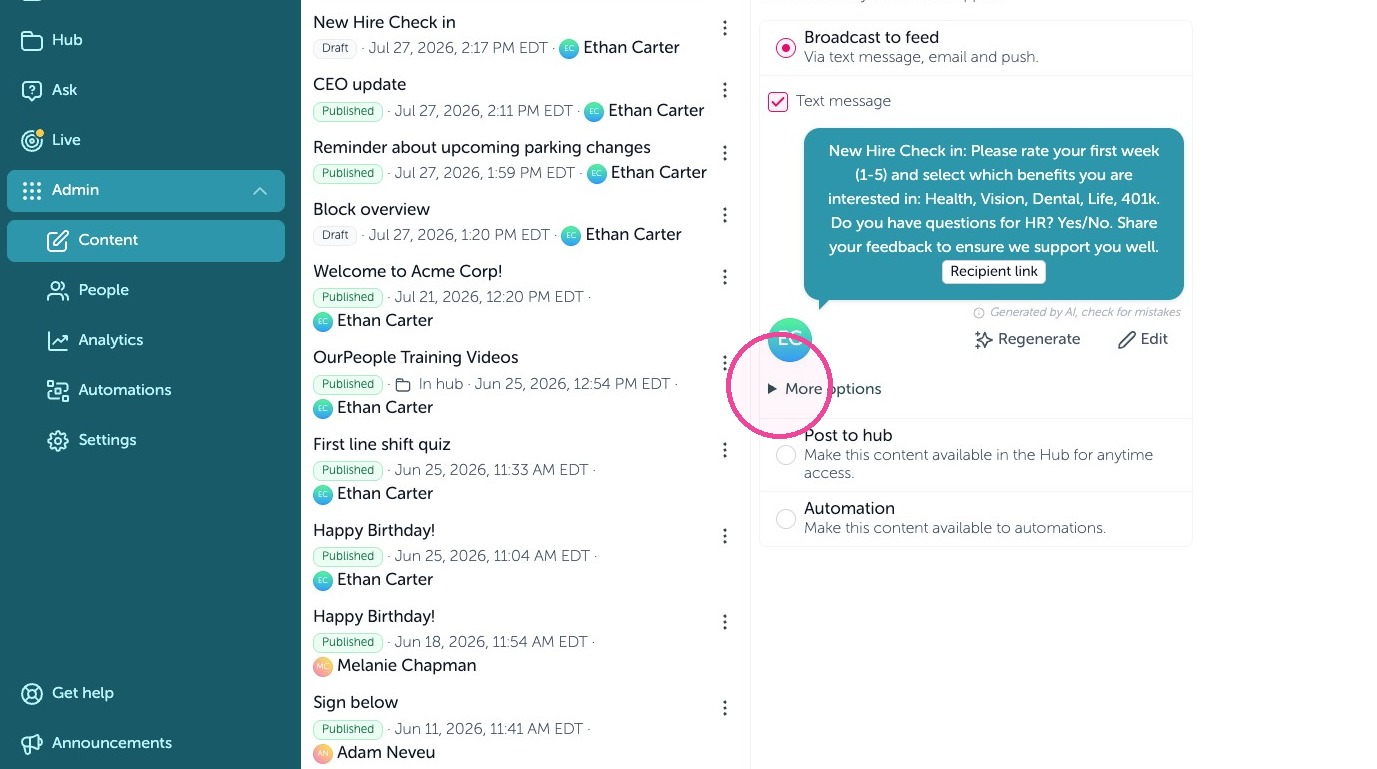
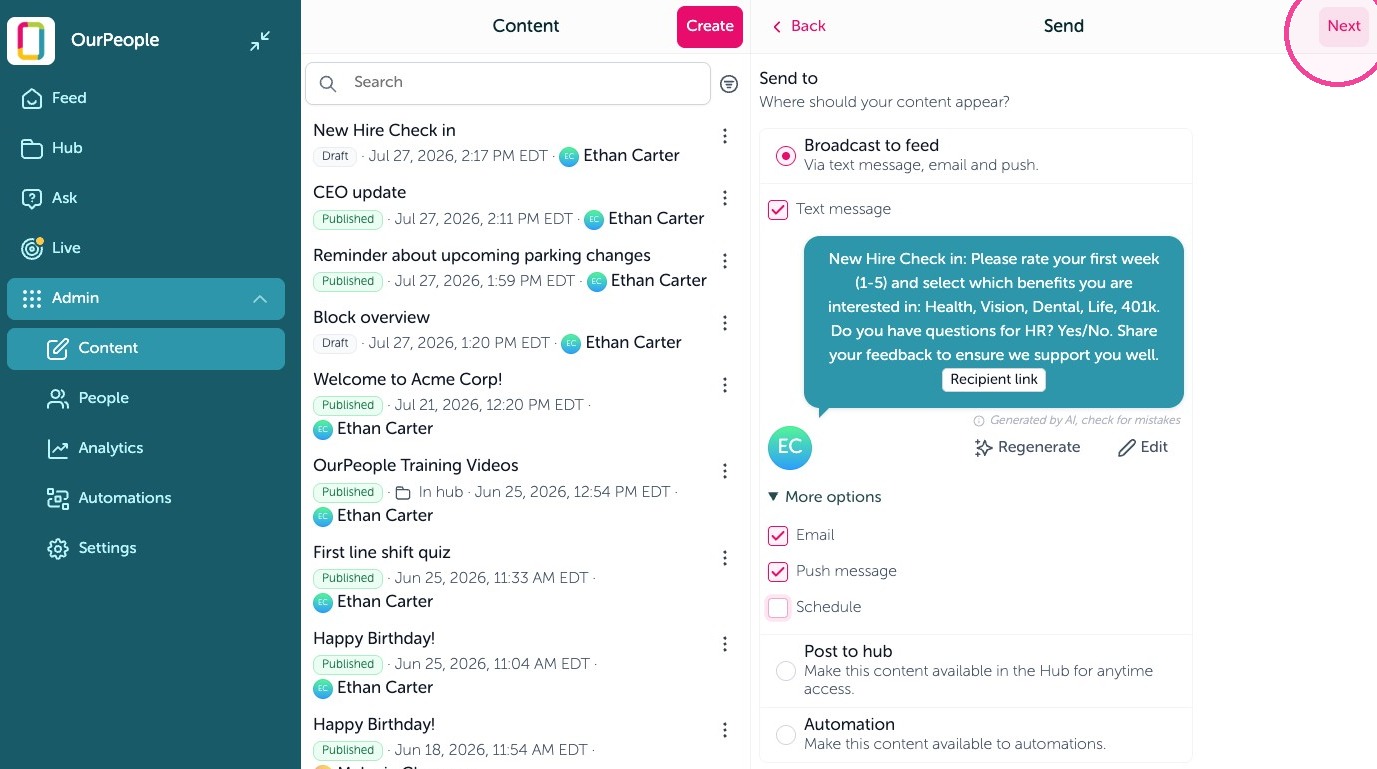
9. You will see preview of the text message that will go out. Select "more options" to schedule this to go out as a broadcast.
10. Select "Next" to continue
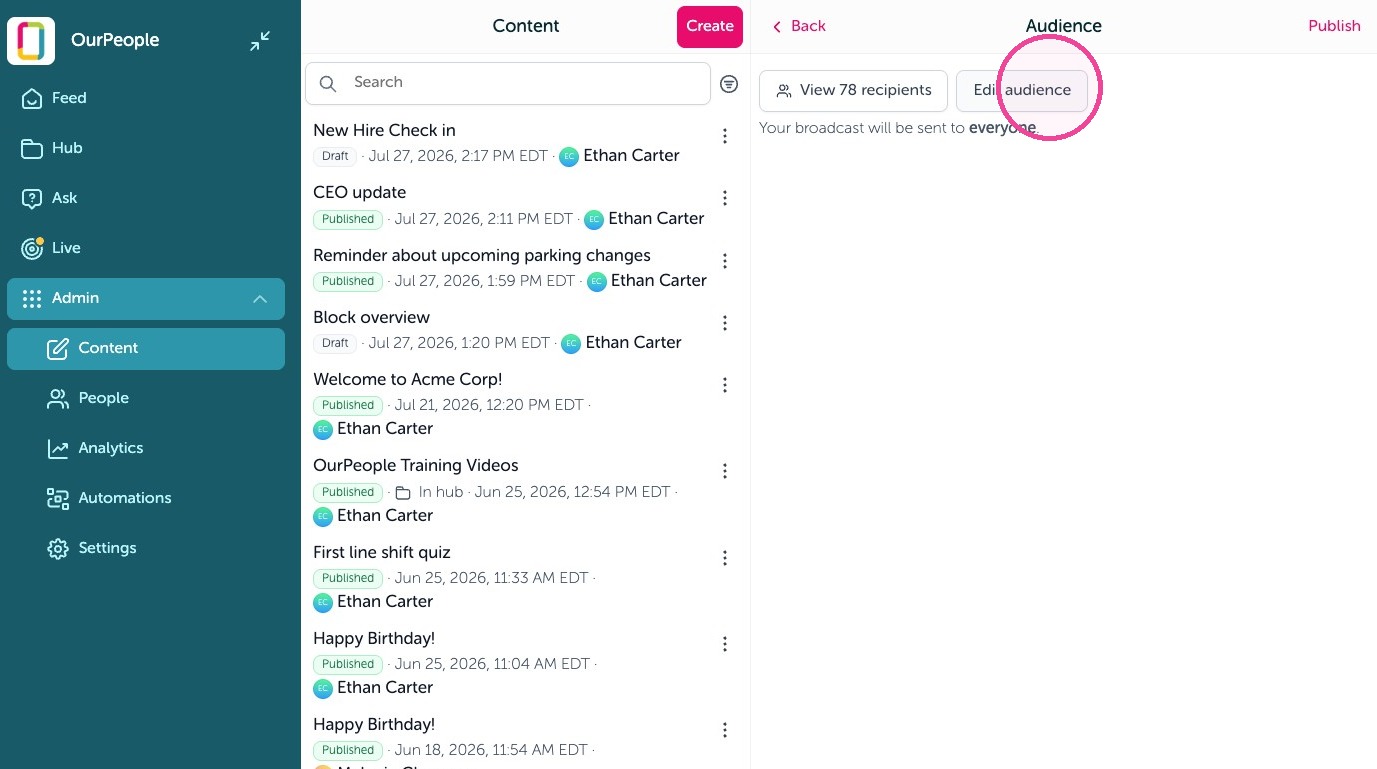
11. Send to specific people by tags, select "Edit audience" to add filters and tags.
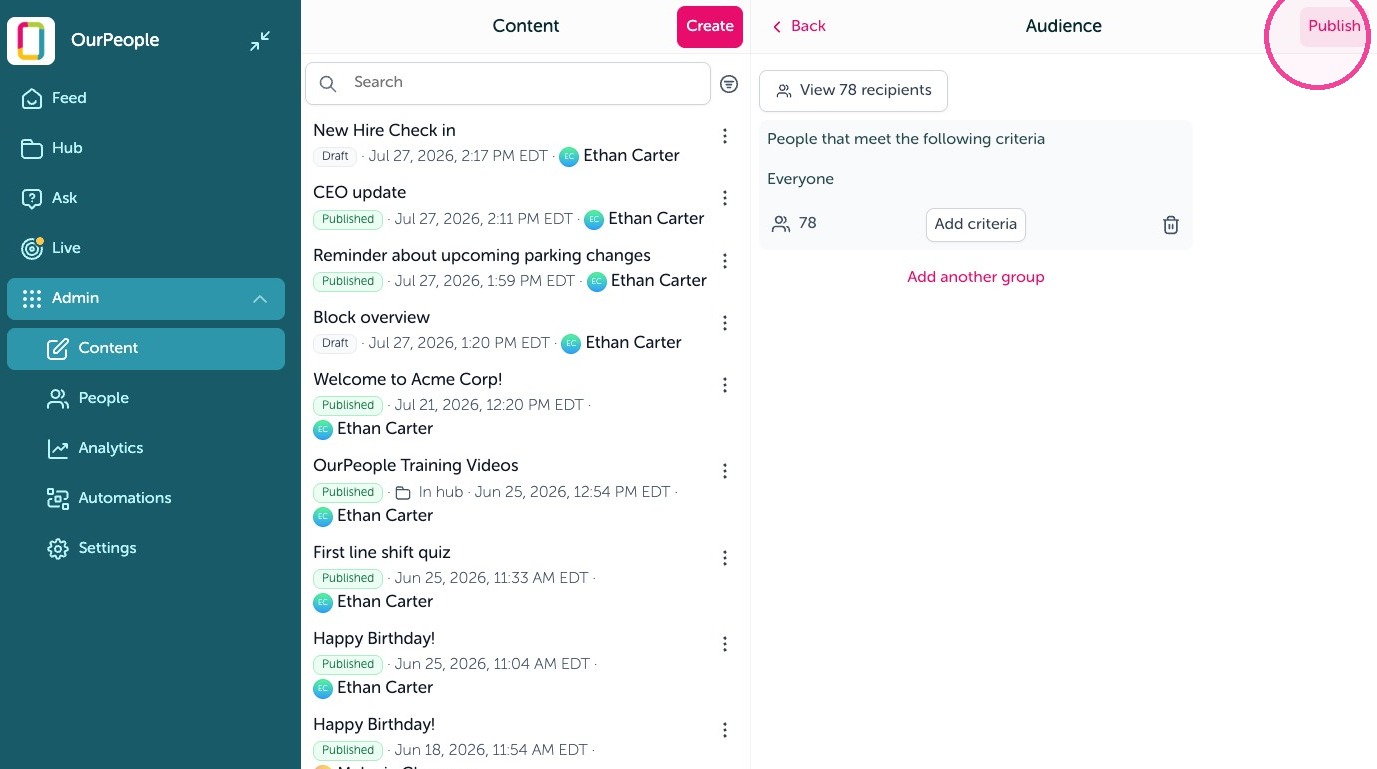
12. Select "Publish" to send the survey
13. Survey responses are recorded in a survey report, click "View report" to see them. Click "Notify me" to get a text or email when someone fills out the survey.
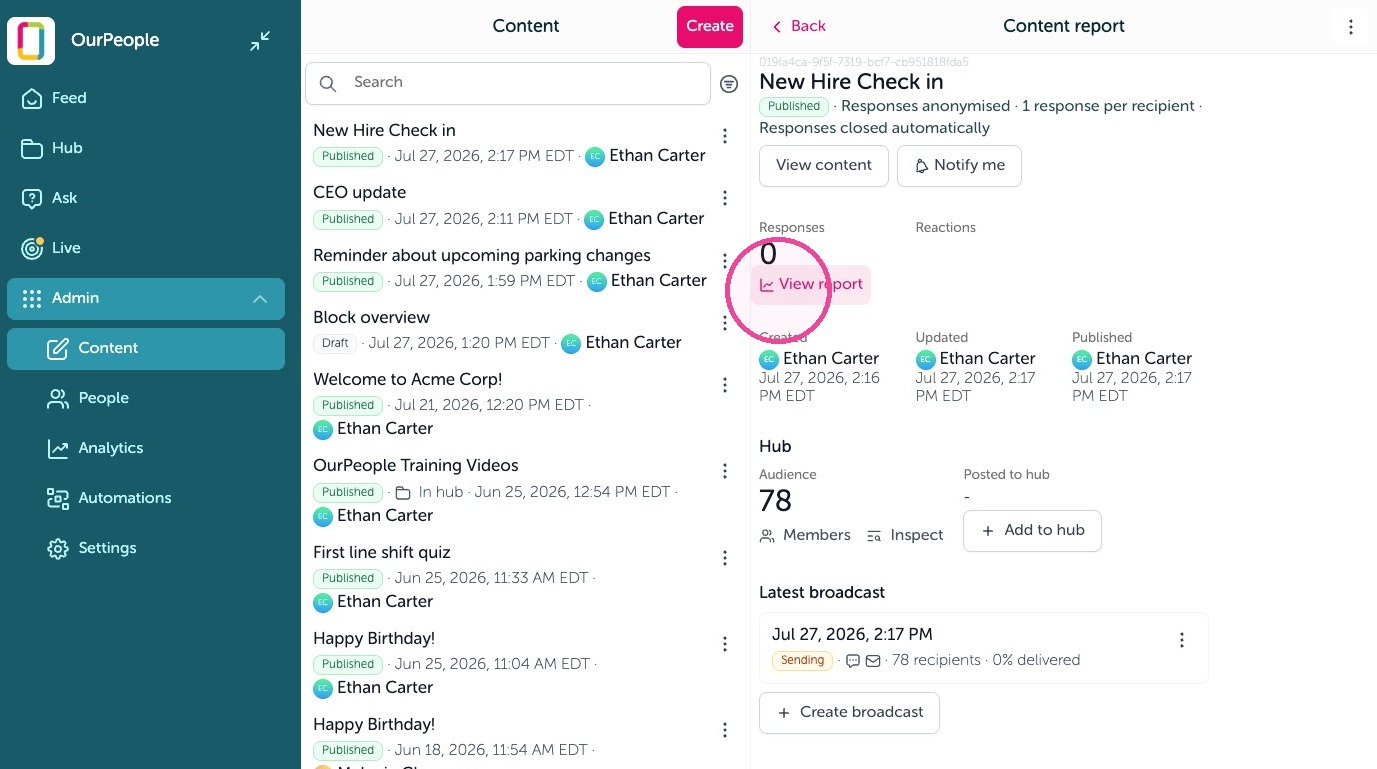
14. You can export the full survey, or single employee or question responses here.