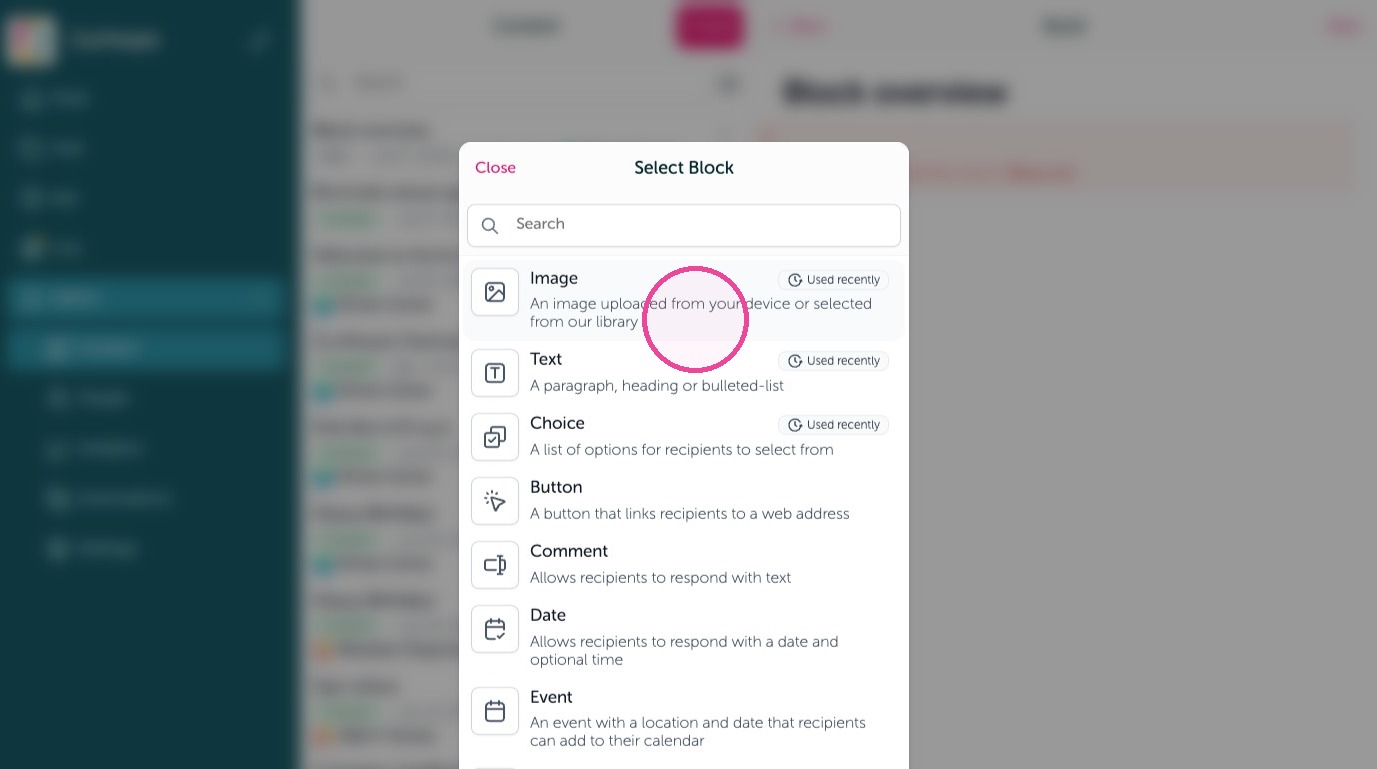
Image
1. Add images using the Image block. An image uploaded from your device or selected from our library.
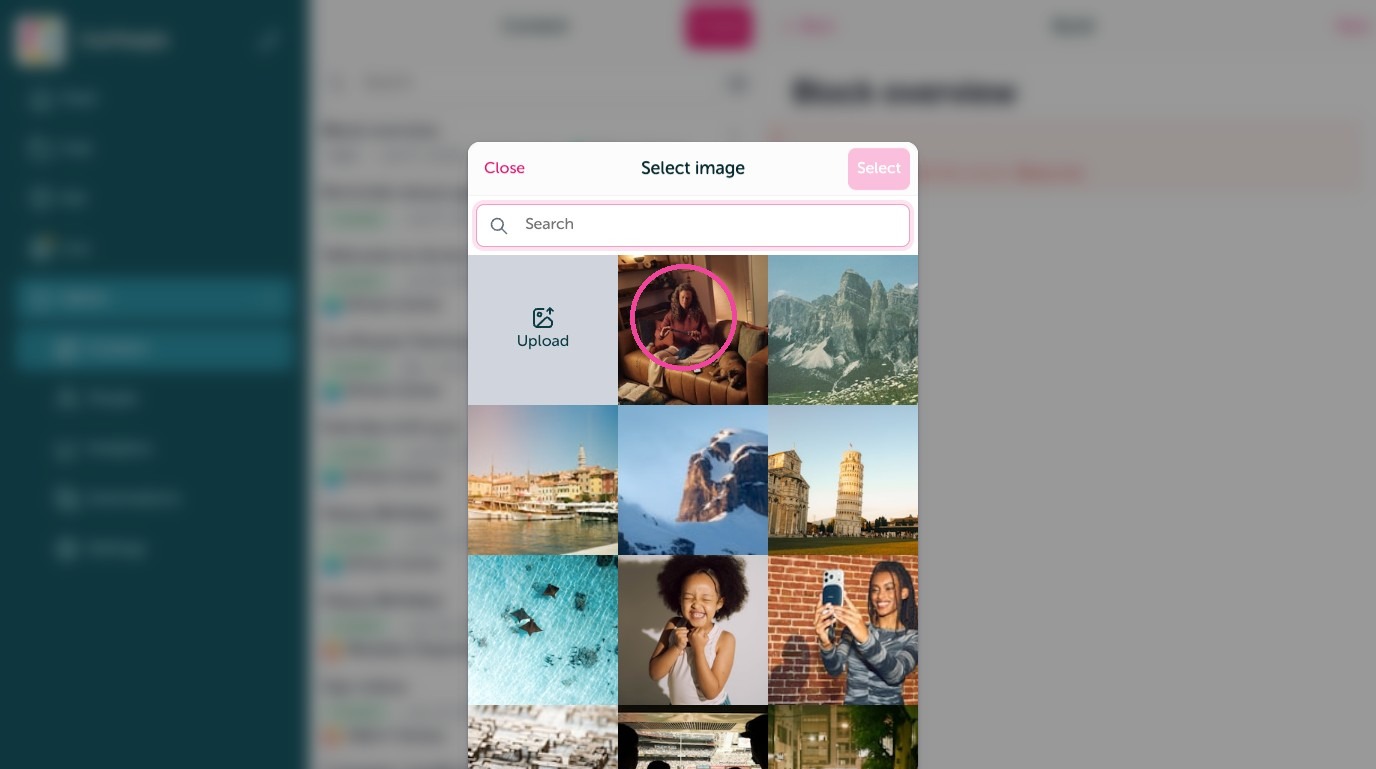
2. Upload your own or search for free images to use
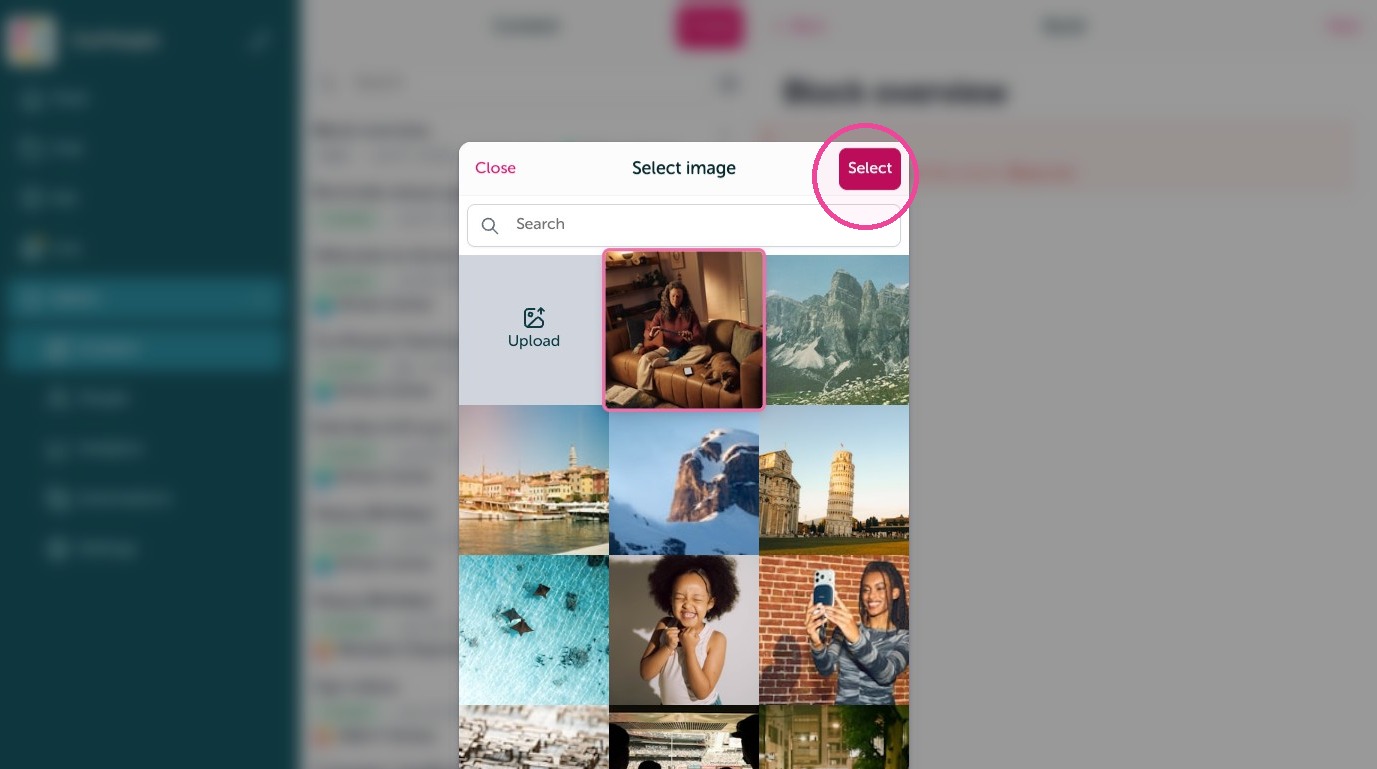
3. Click "Select" to select the image
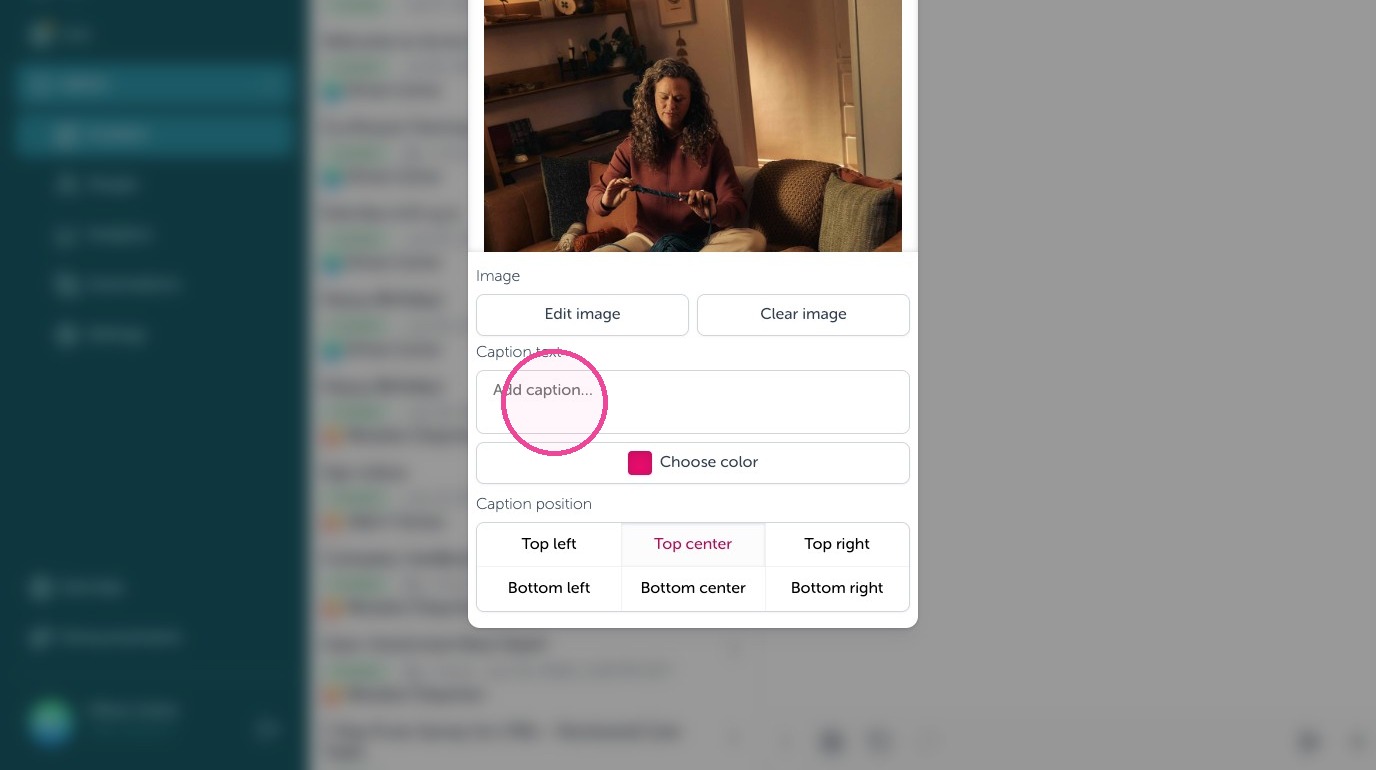
4. You can also add an overlay of text to any image called "Caption text"
Text
5. Add text using the Text block. Add paragraphs, headings, bulleted-lists and more.
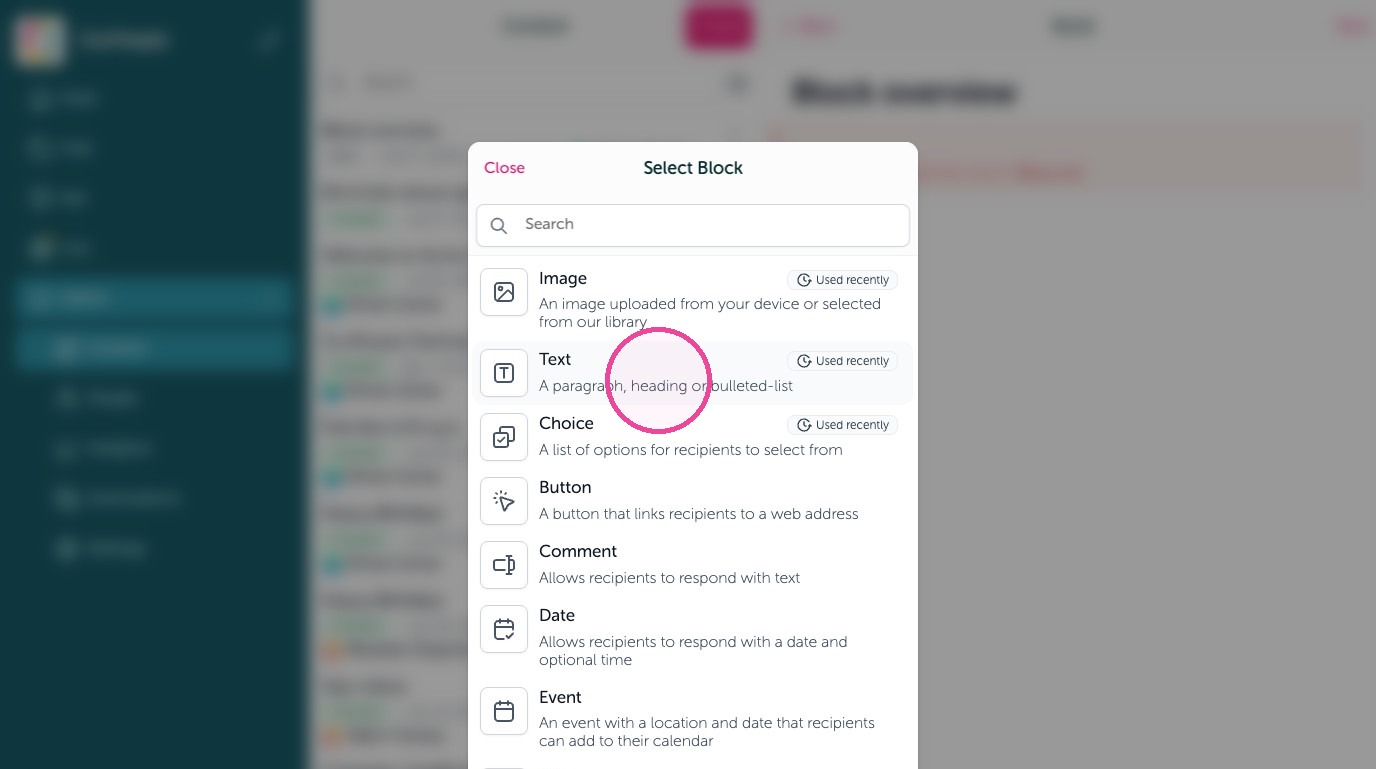
6. Select formatting options here.
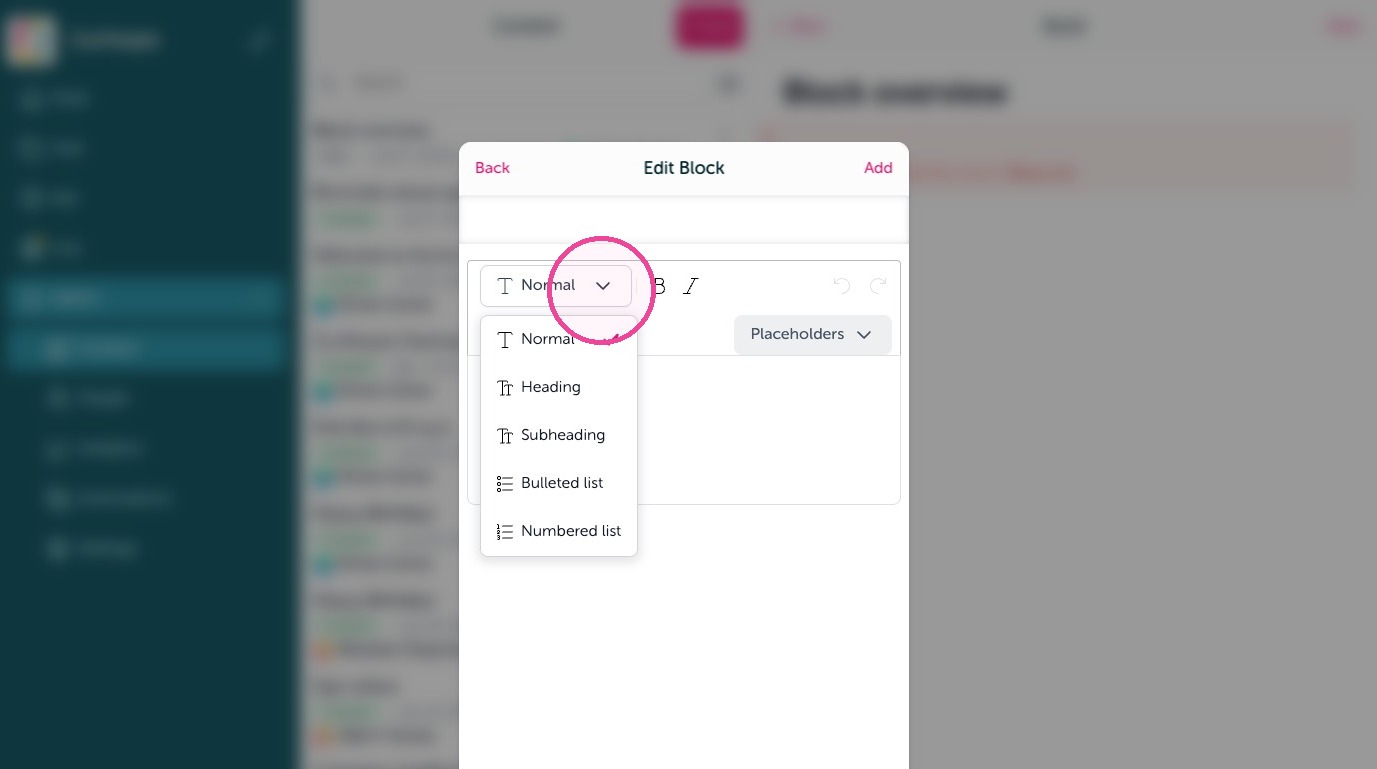
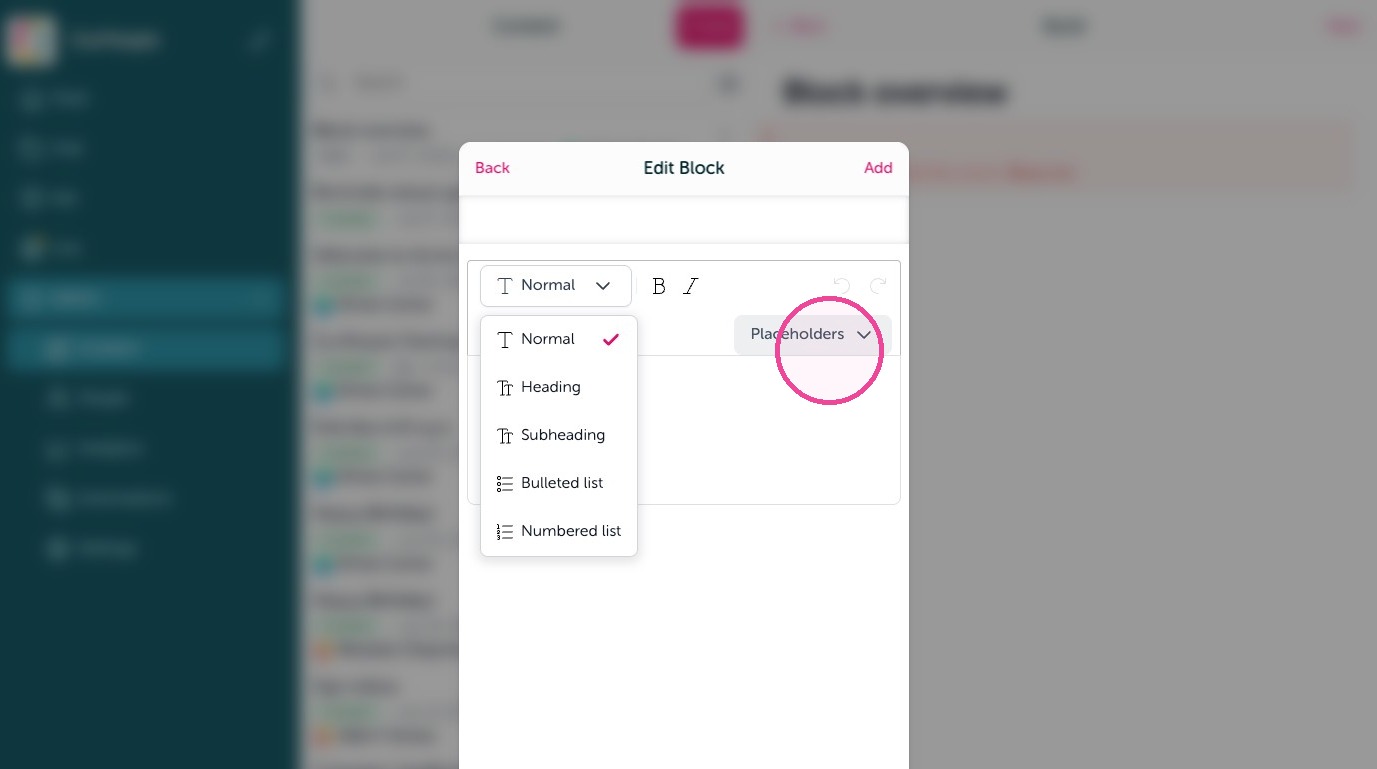
7. "Placeholders" help personalize a message, such as adding automatically the company name or the employee's first or full name.
Choice
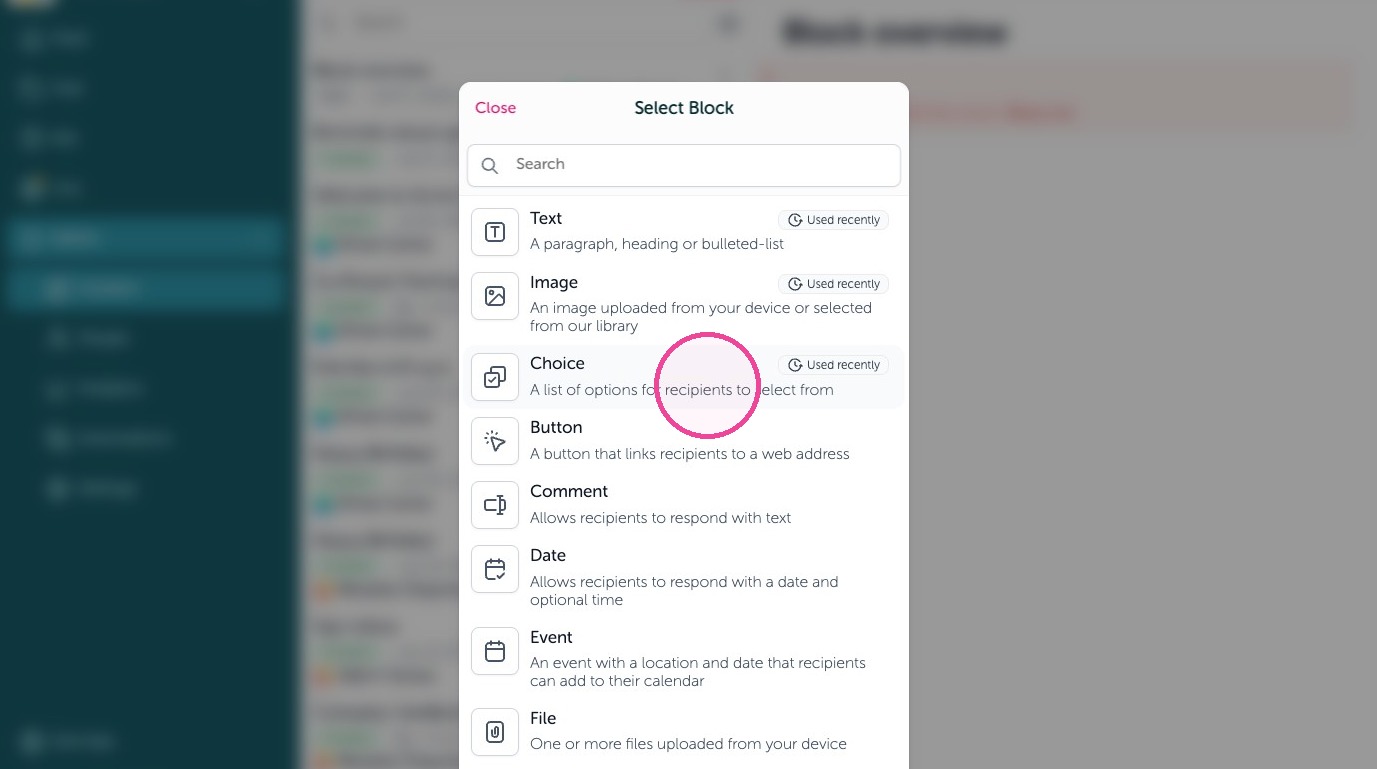
8. Send a checklist or dropdown list using a Choice block. A list of options to recipients to select from.
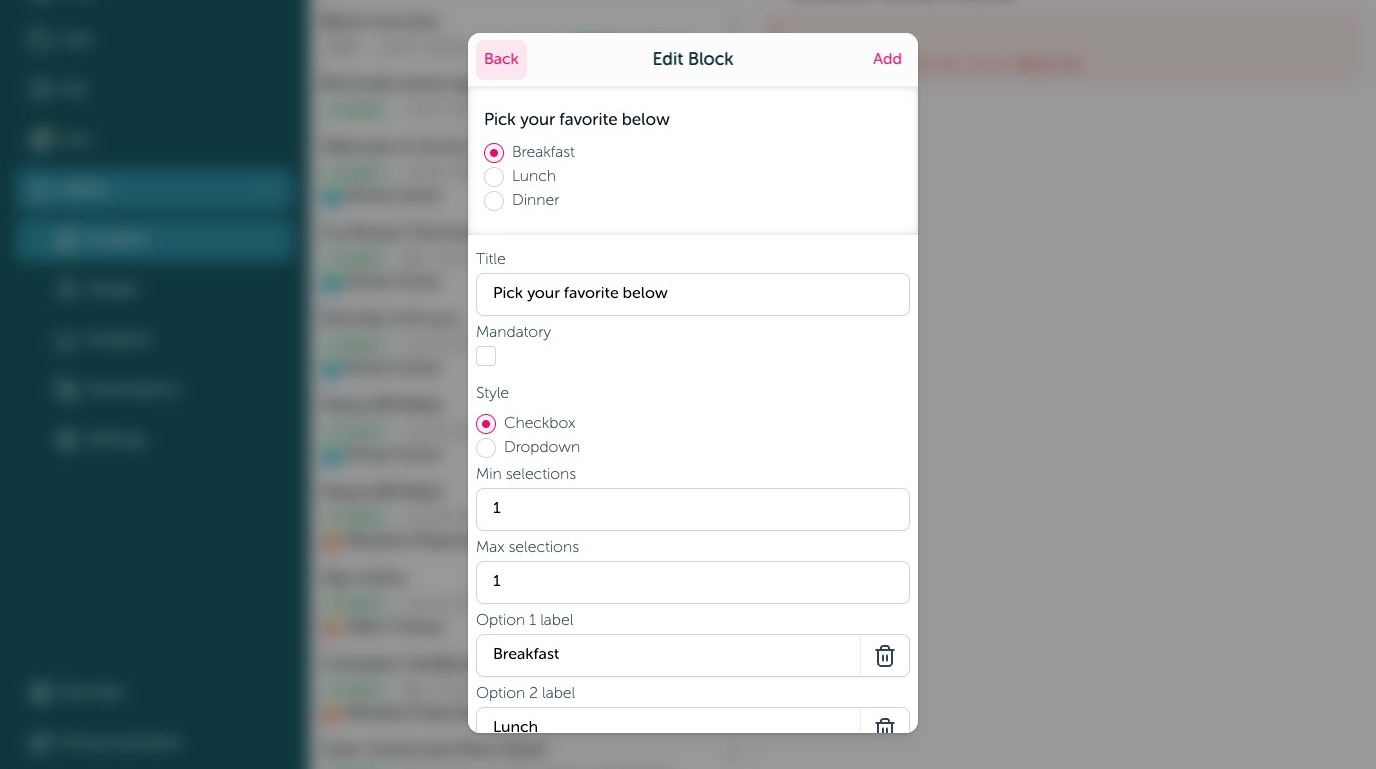
9. Add a title to show above the list, make it mandatory to select something, change from checkboxes to a drop down list, and update minimum or maximum selections when in "Checkbox" mode here.
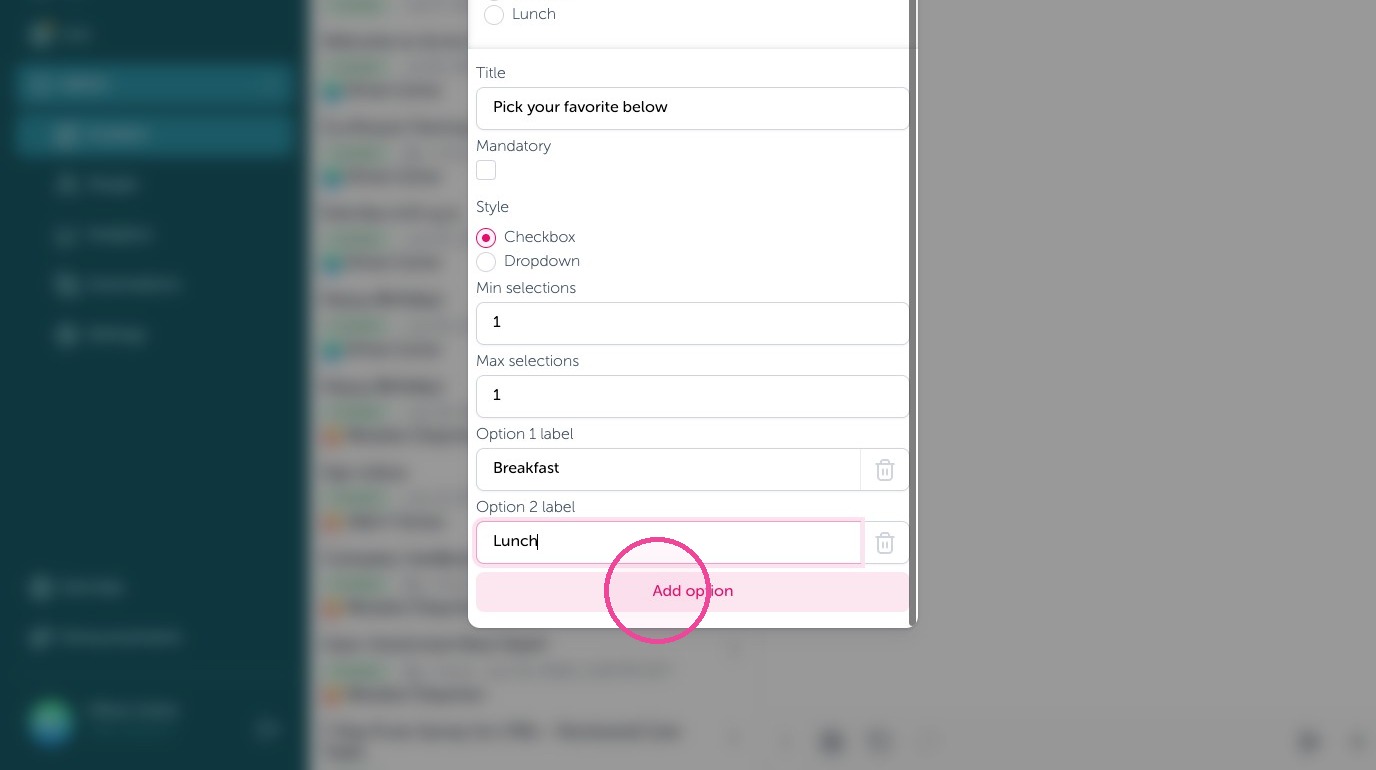
10. Click "Add option" to add more to select from.
Button
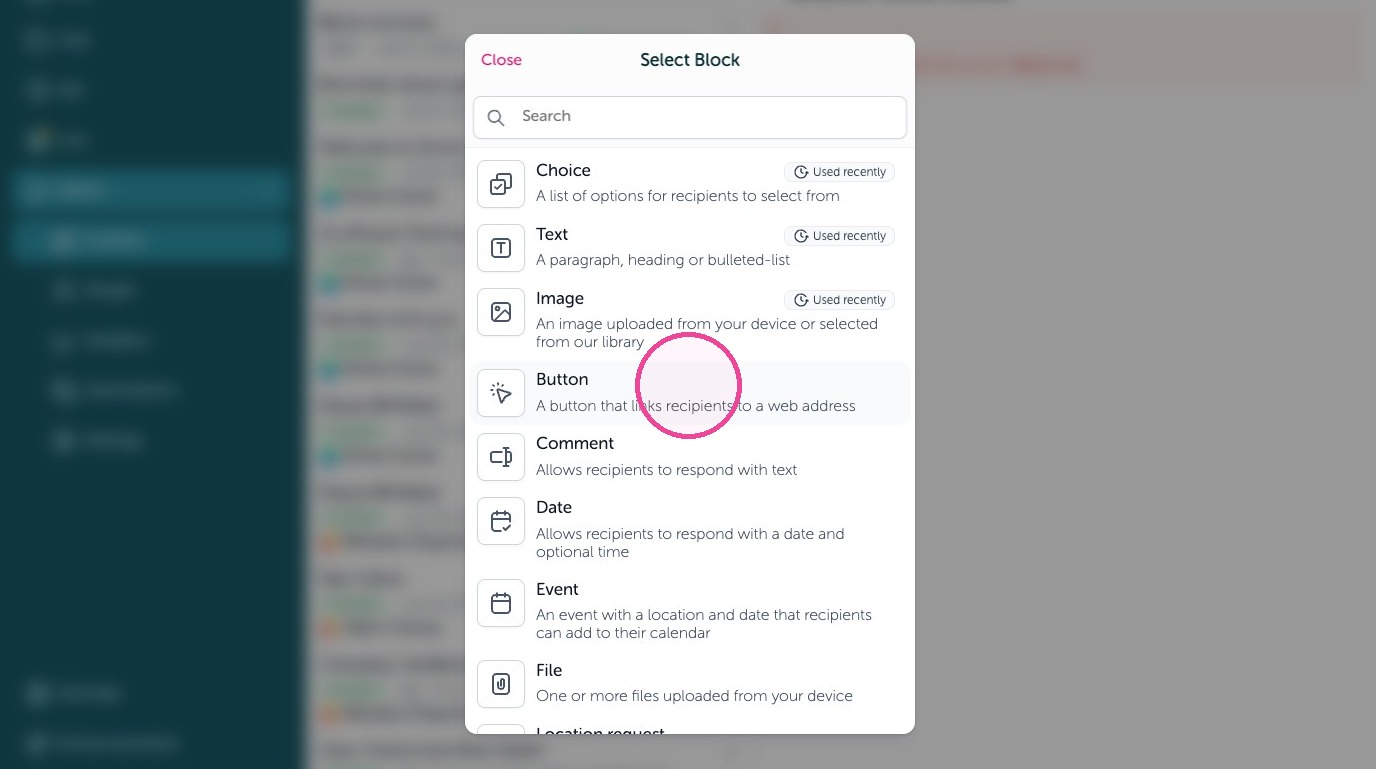
11. Send links to places using a Button block. A button that links recipients to a web address.
12. Give your button a label and put the website address in the link box.
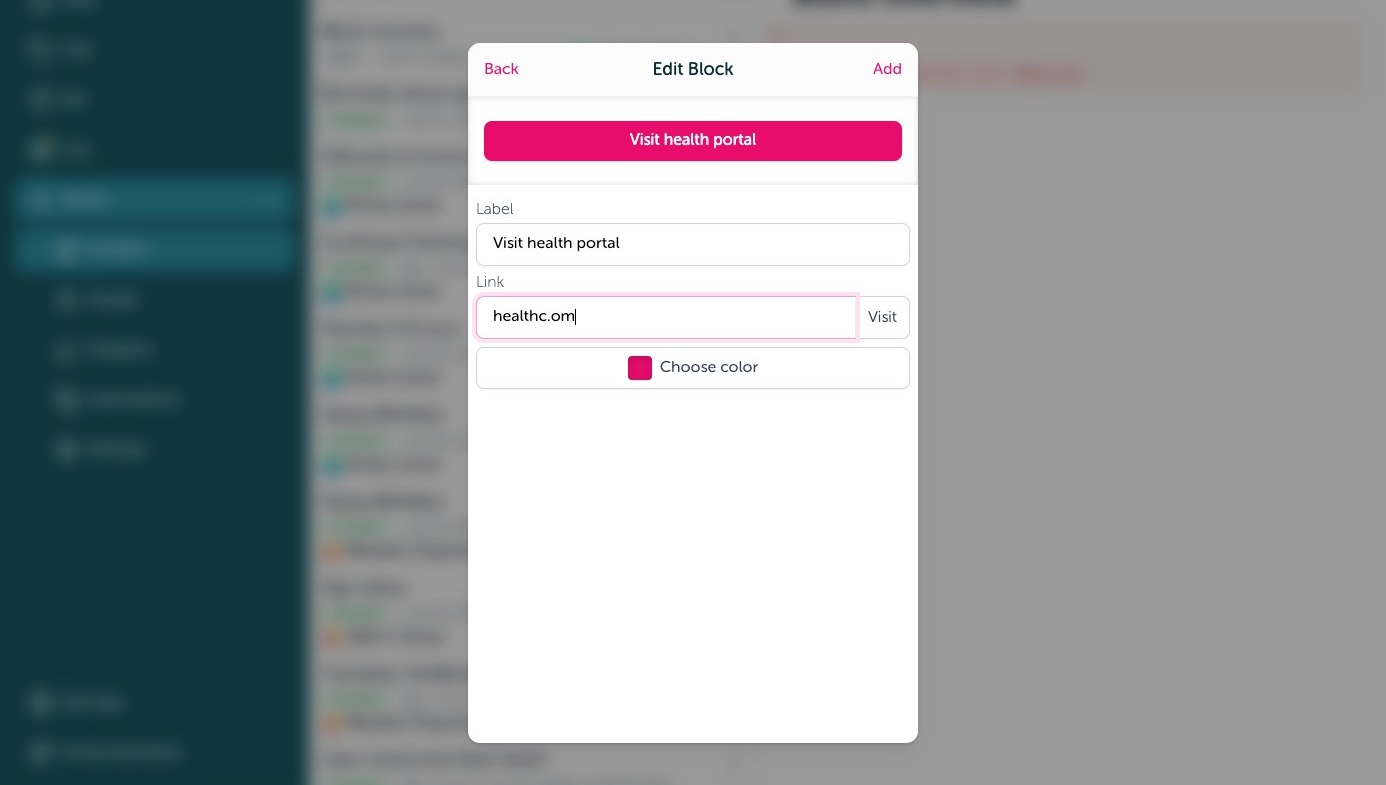
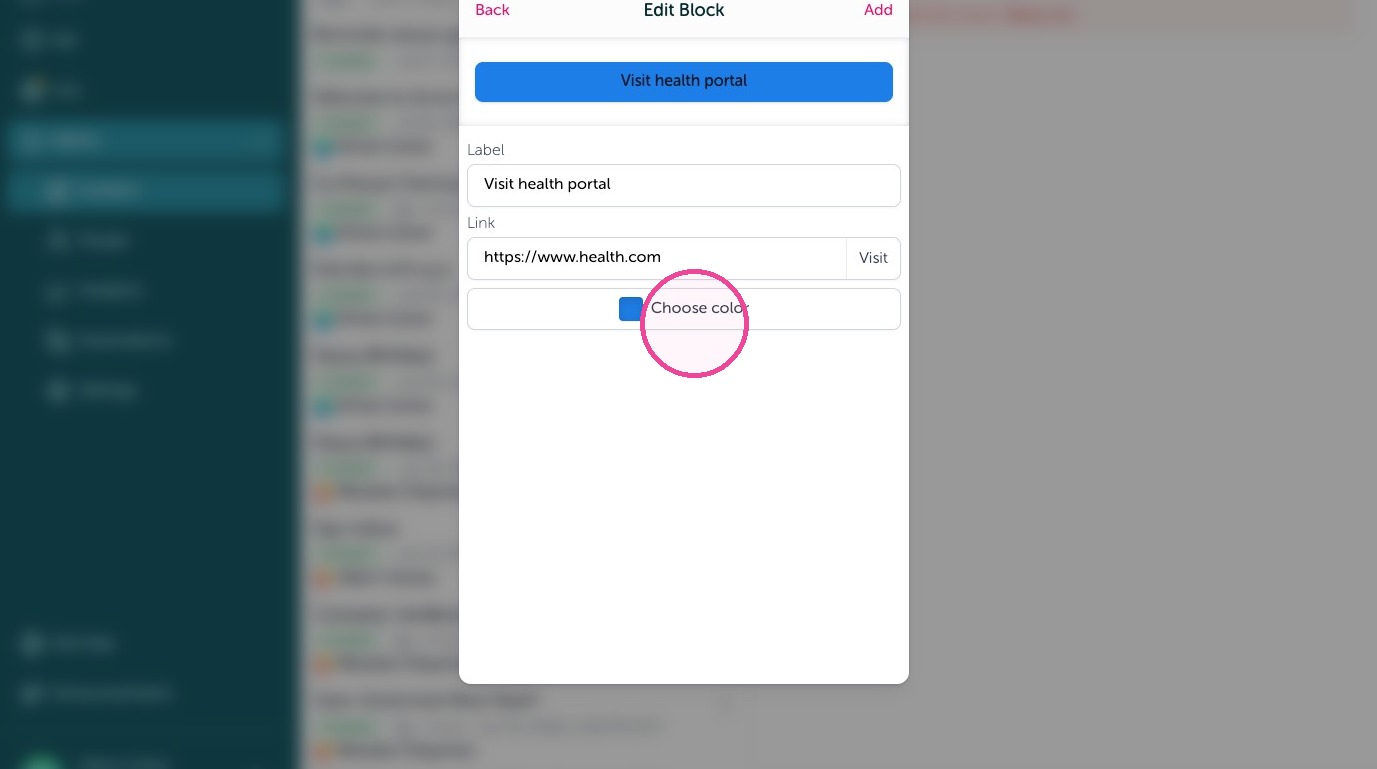
13. You can edit the button color by clicking "Choose color"
Comment
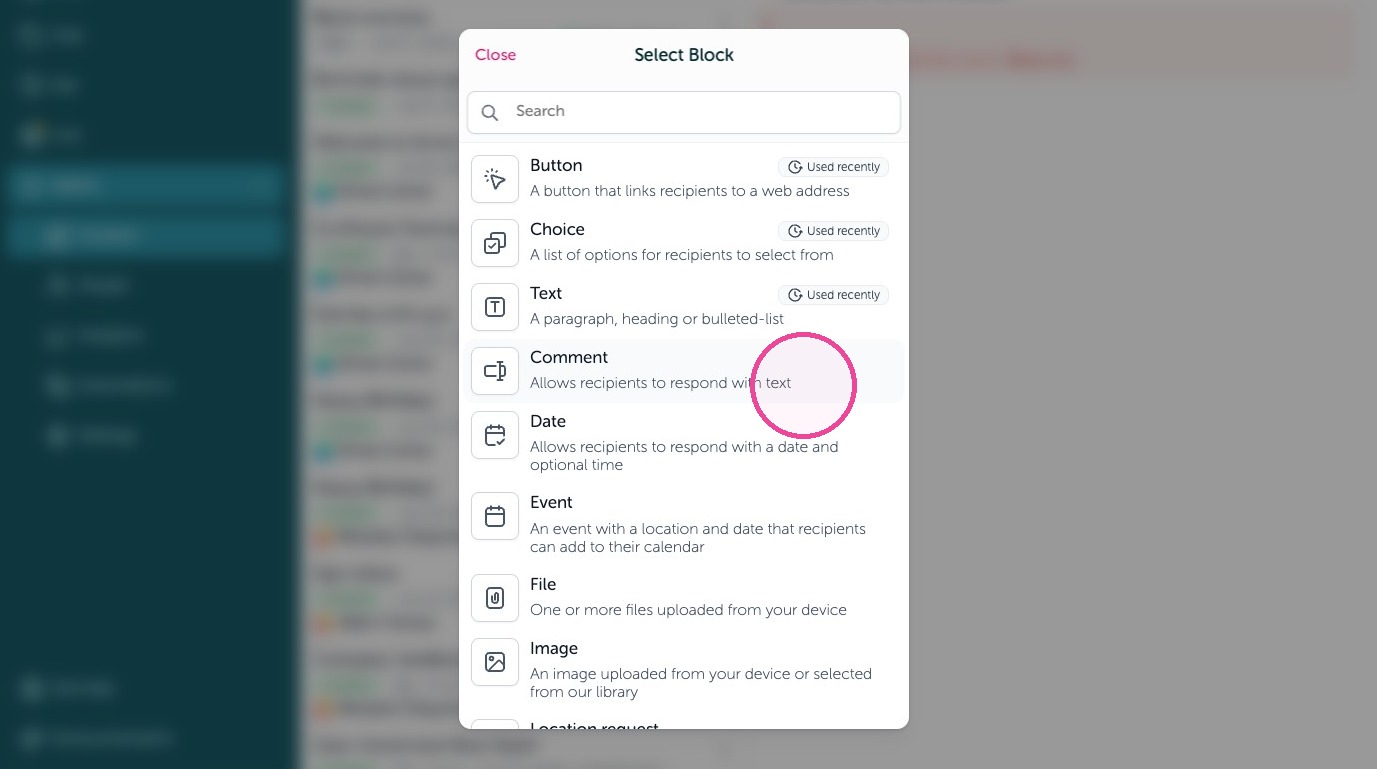
14. Collect text back from employees with a Comment block. Allows recipients to respond with text.
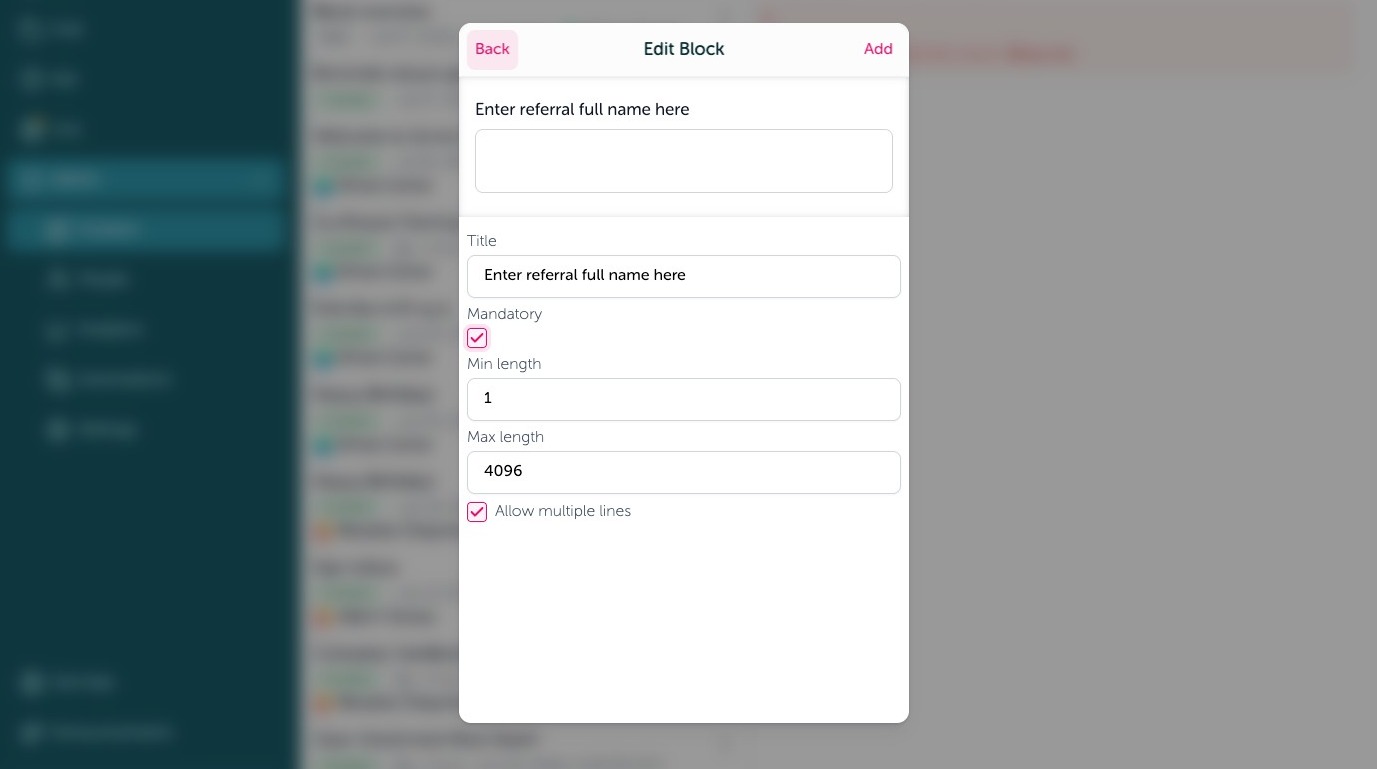
15. Add a title, make a field mandatory, allow more than one line of text and require a minimum or maximum length of a submission.
Date
16. Collect a date back from employees using a Date block. Allows recipients to respond with a date and optional time.
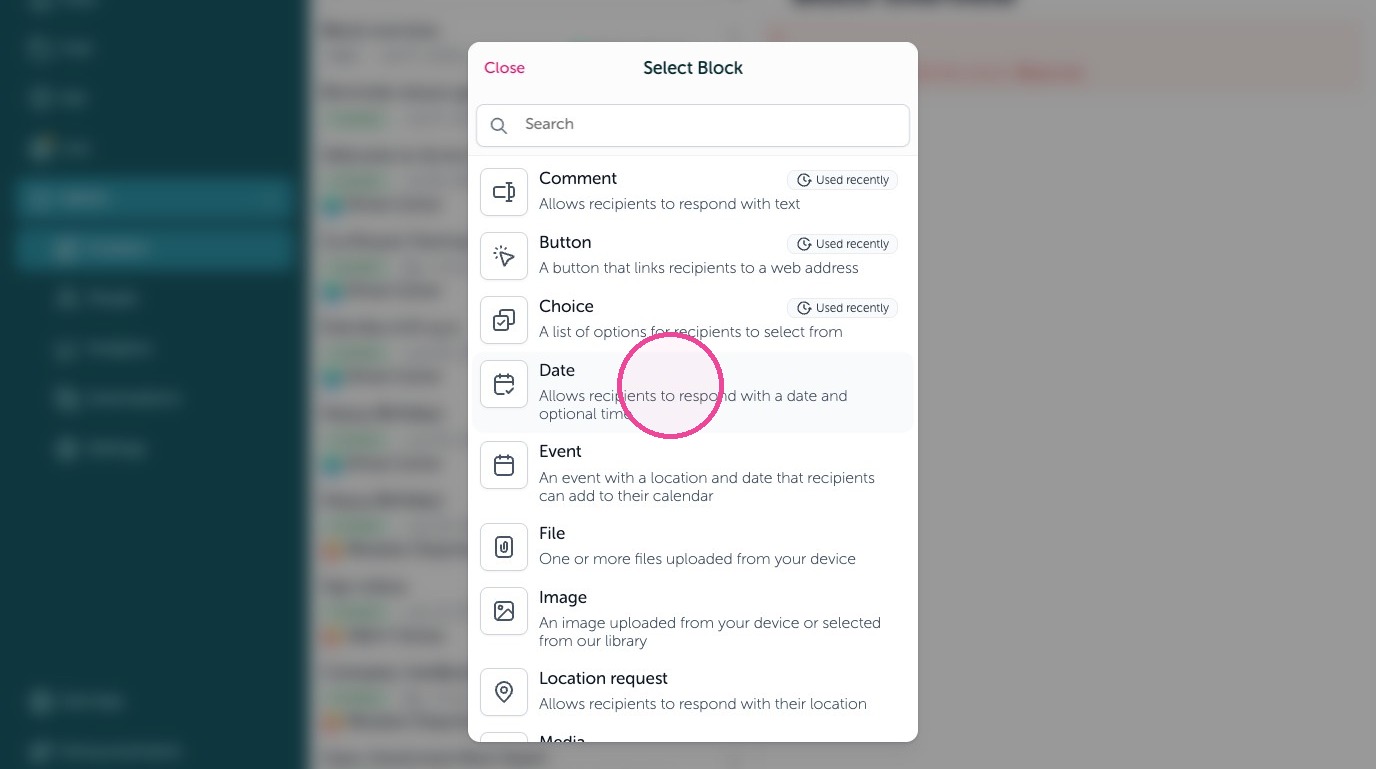
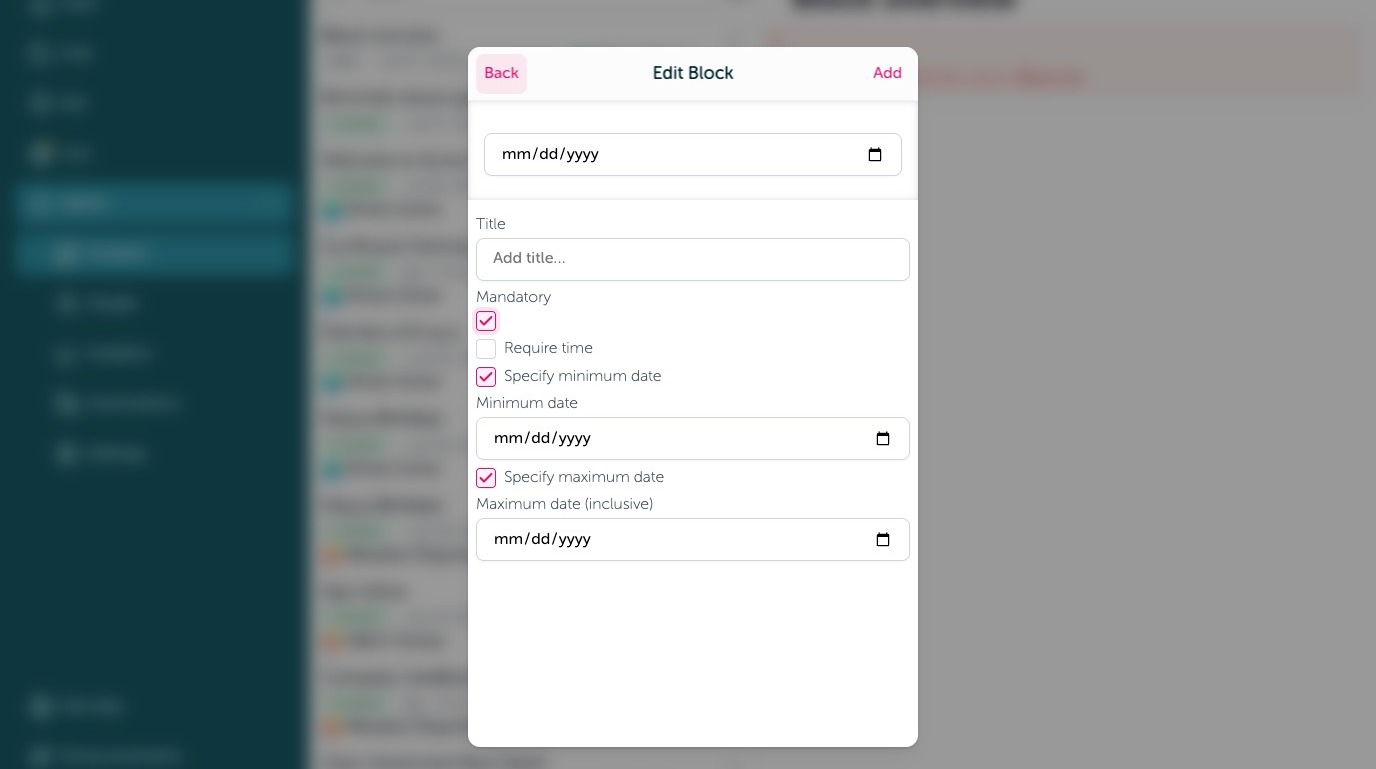
17. Give the date block a title, require a selection by checking off "Mandatory", require a time, and even offer a date range the submission must be within.
Event
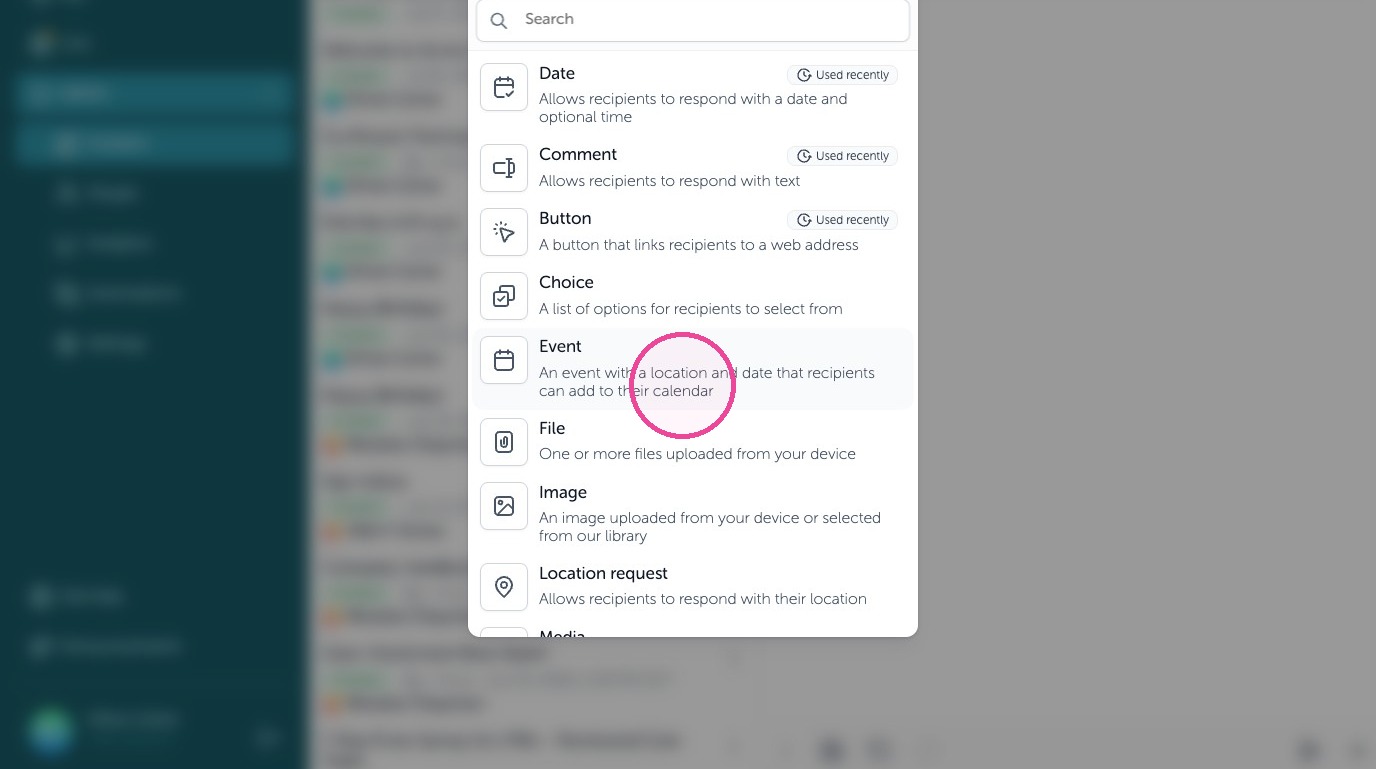
18. An event block allows you to share a calendar event to employees. An event with a location and date that recipients can add to their calendar.
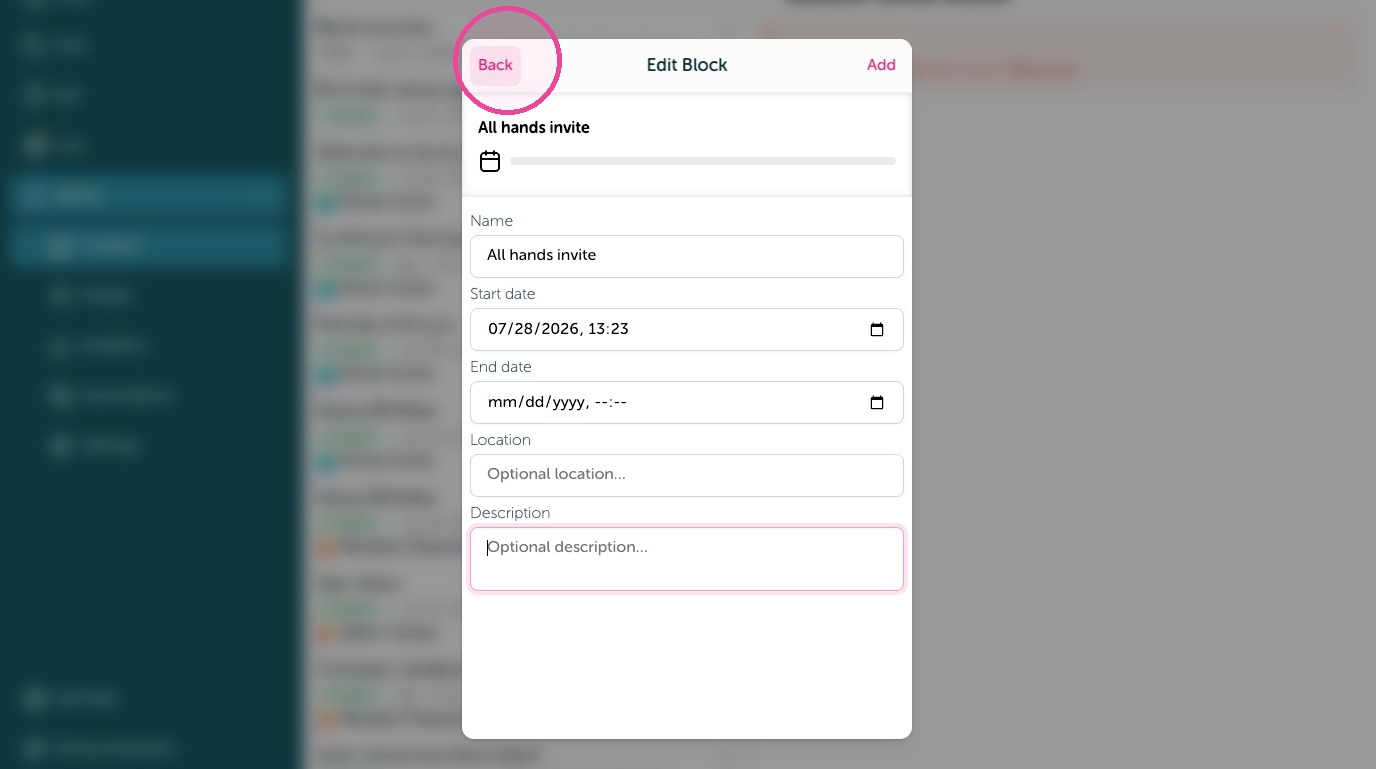
19. Fill out the event block to add the right info to the calendar invite such as the Name of the event, the start date and time, the end date and time, location (can be a Zoom, Teams, Google Meet link), and even add a description to be included in the calendar invite.
File
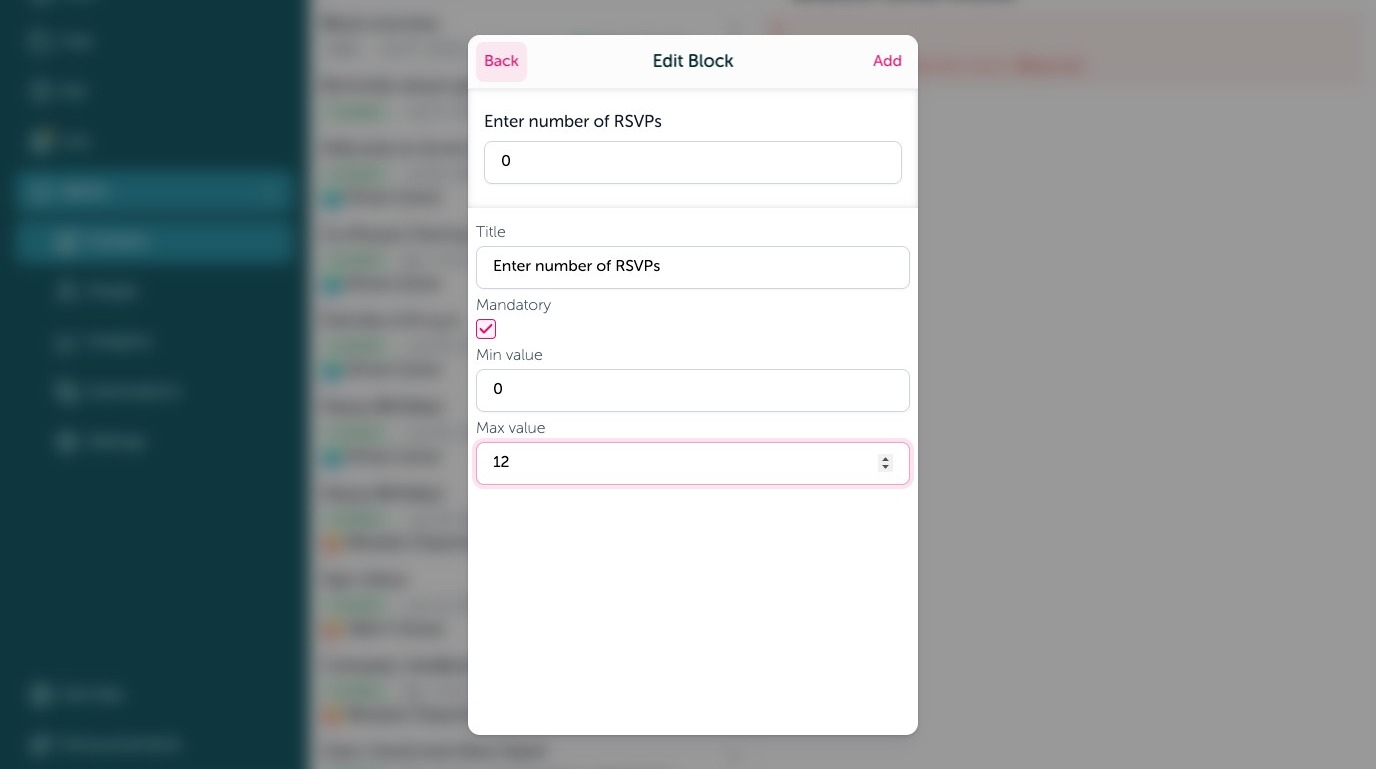
20. Send a file attachement using a File block. One or more fils uploaded from your device.
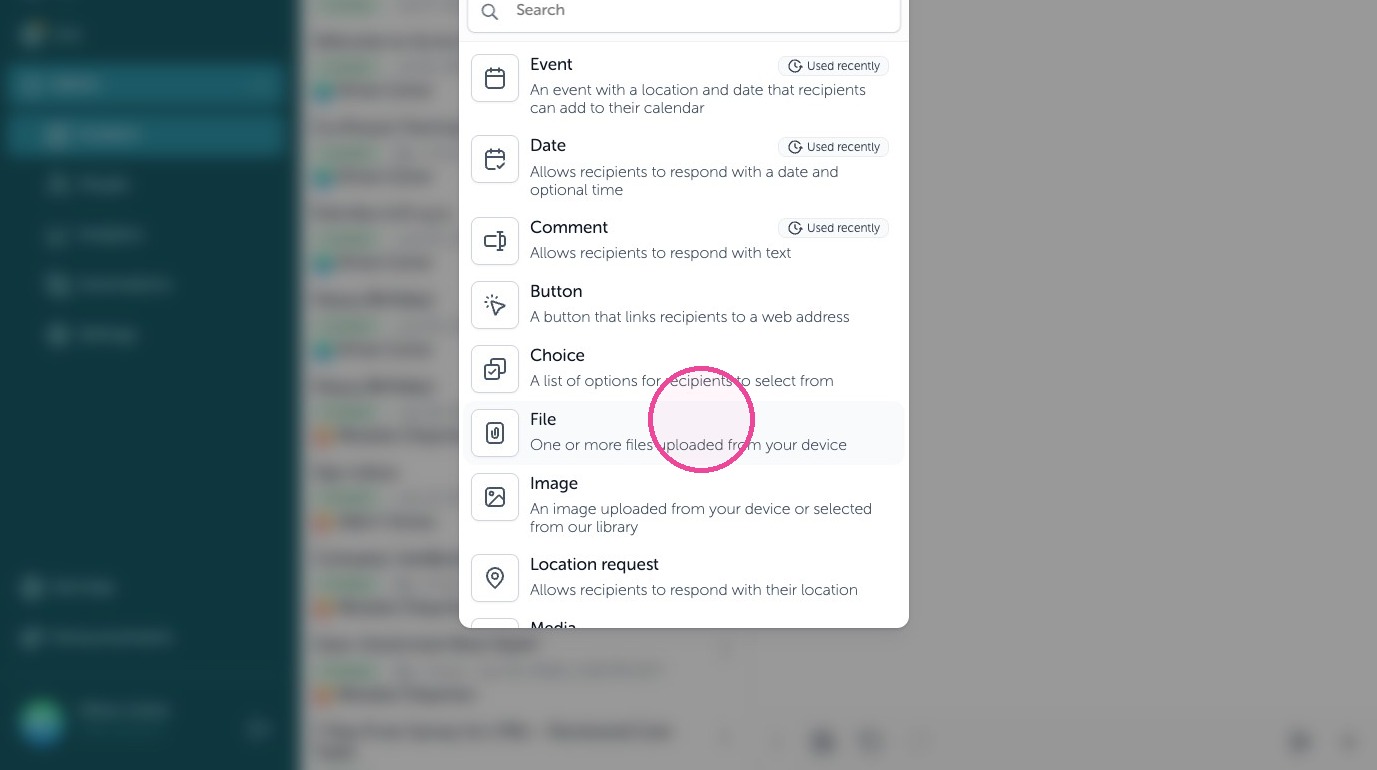
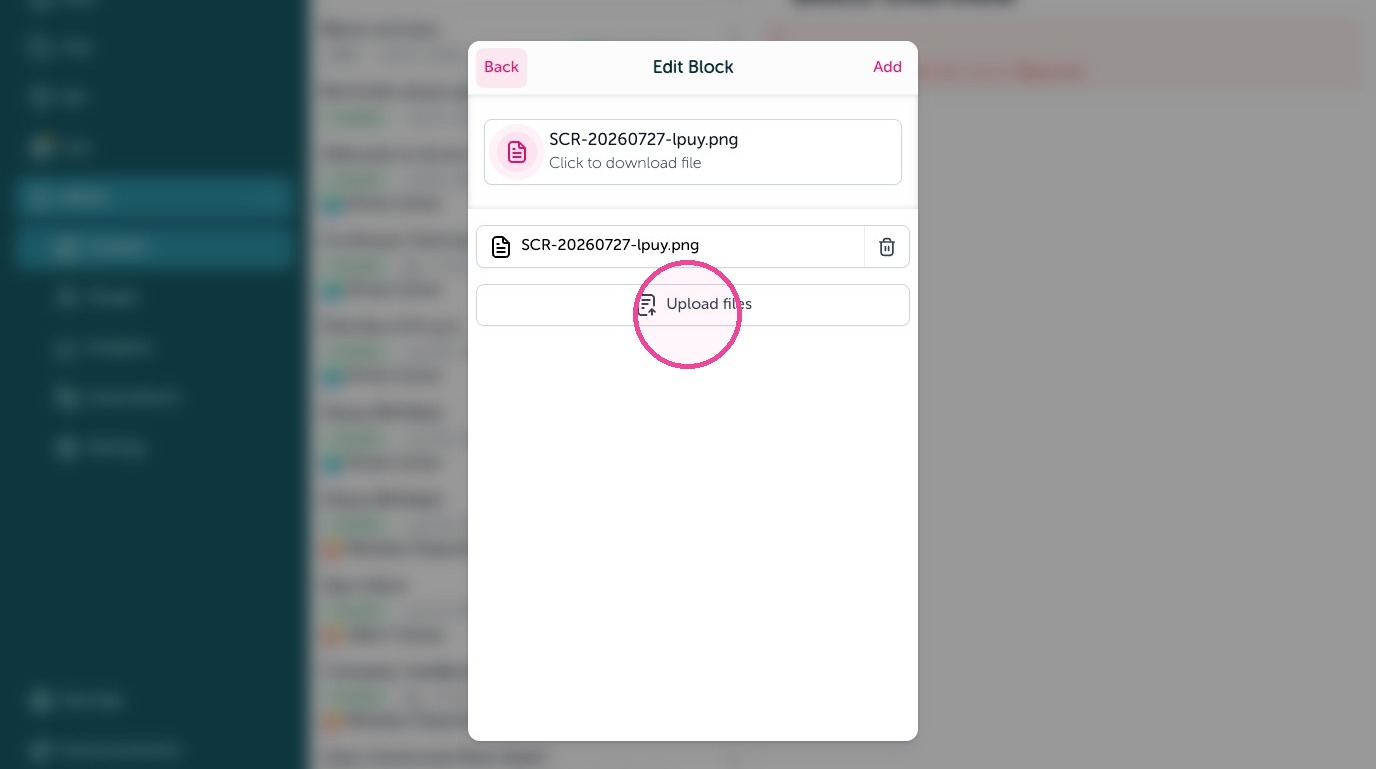
21. Click "Upload files" to add files to the file block.
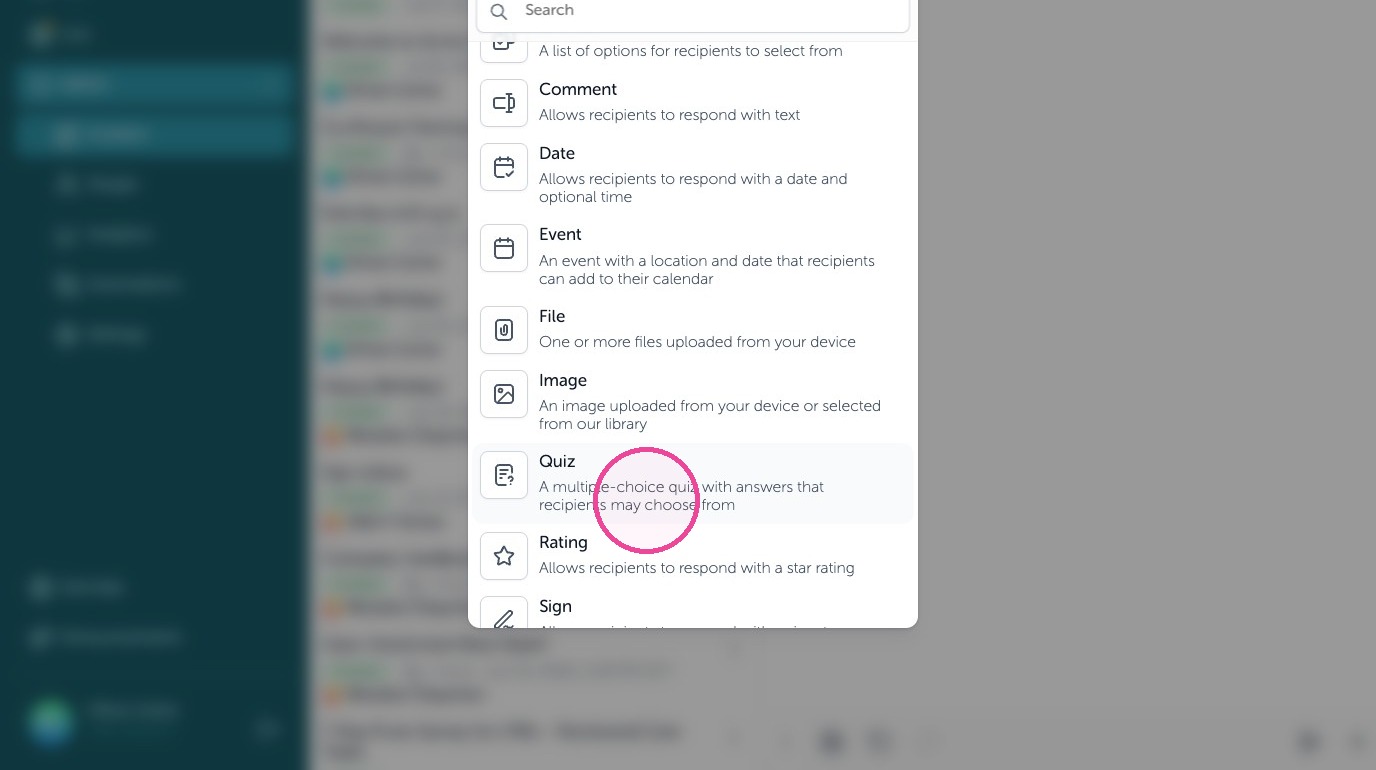
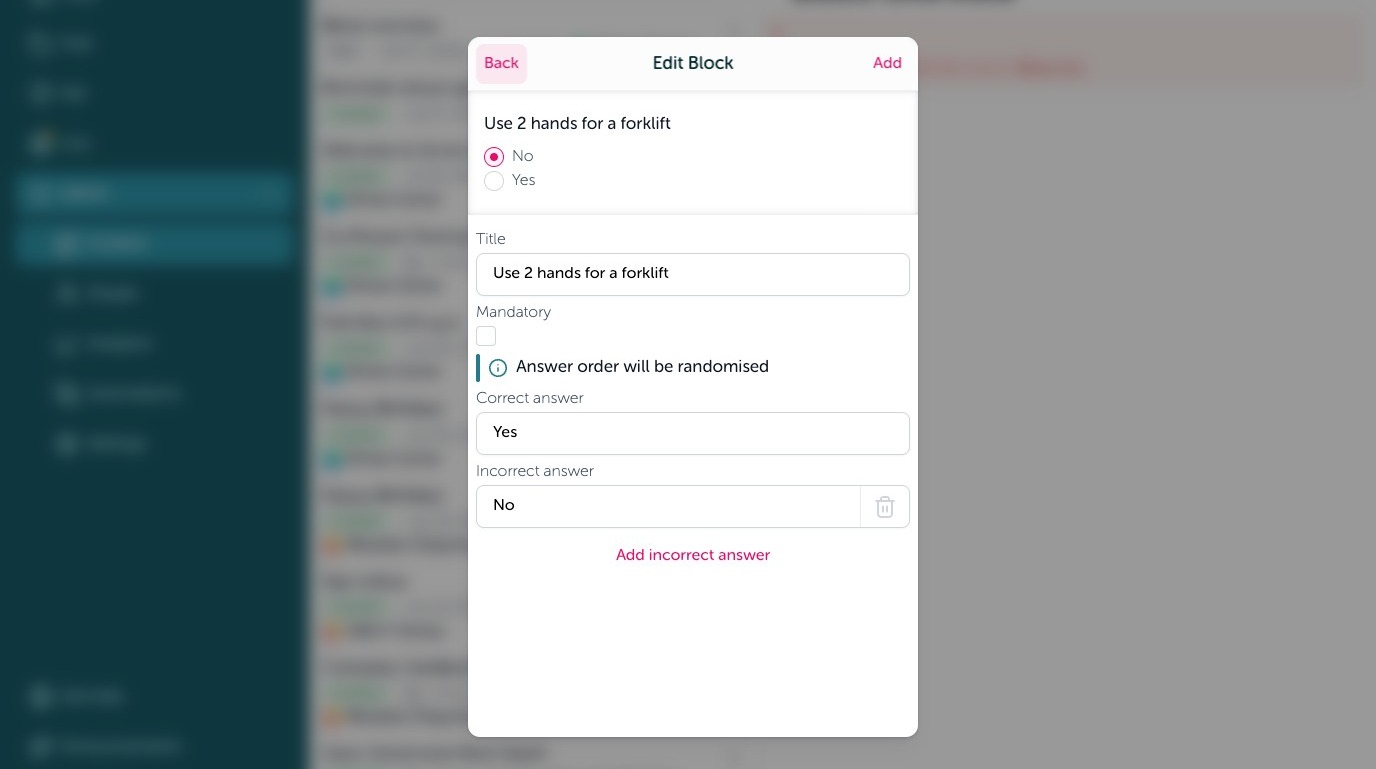
Location request
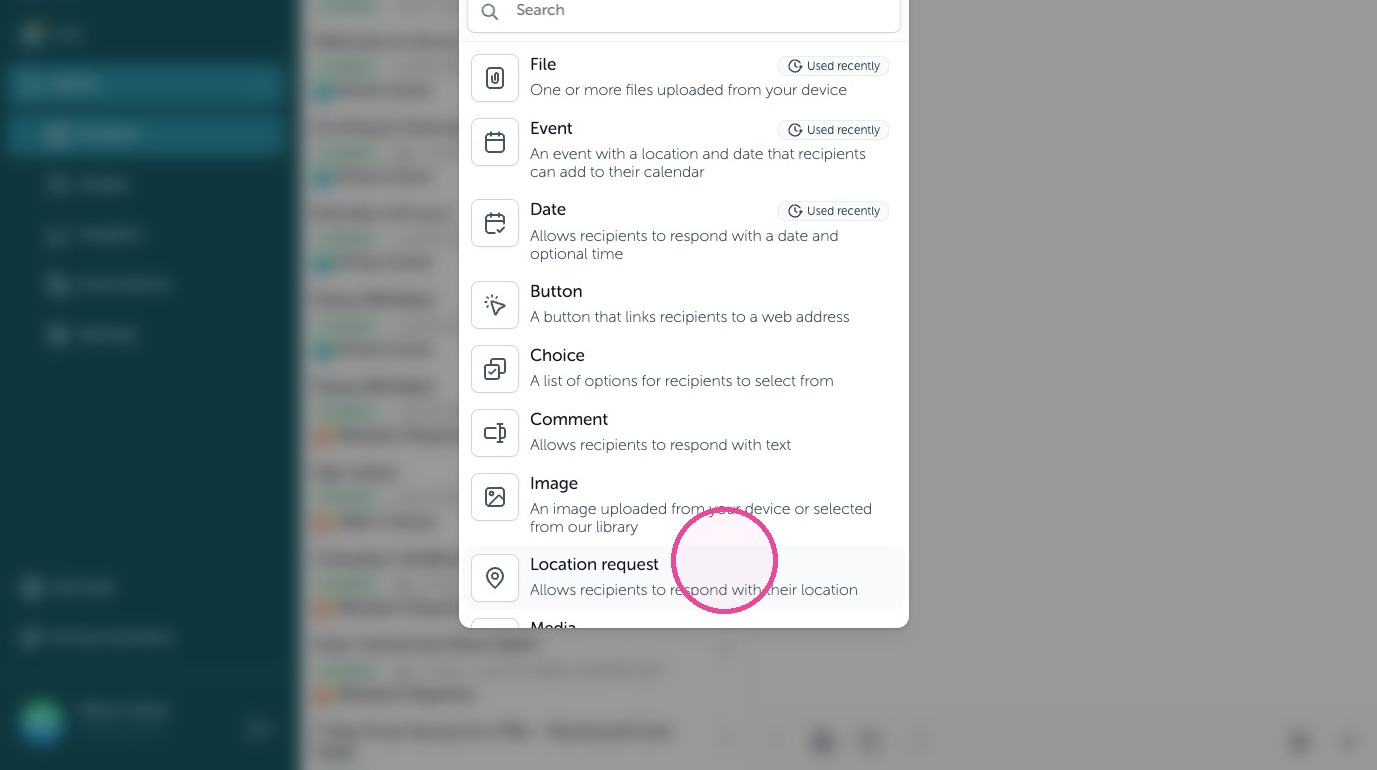
22. Have employees check in or share their location using a Location request block. Allows recipients to respond with their location.
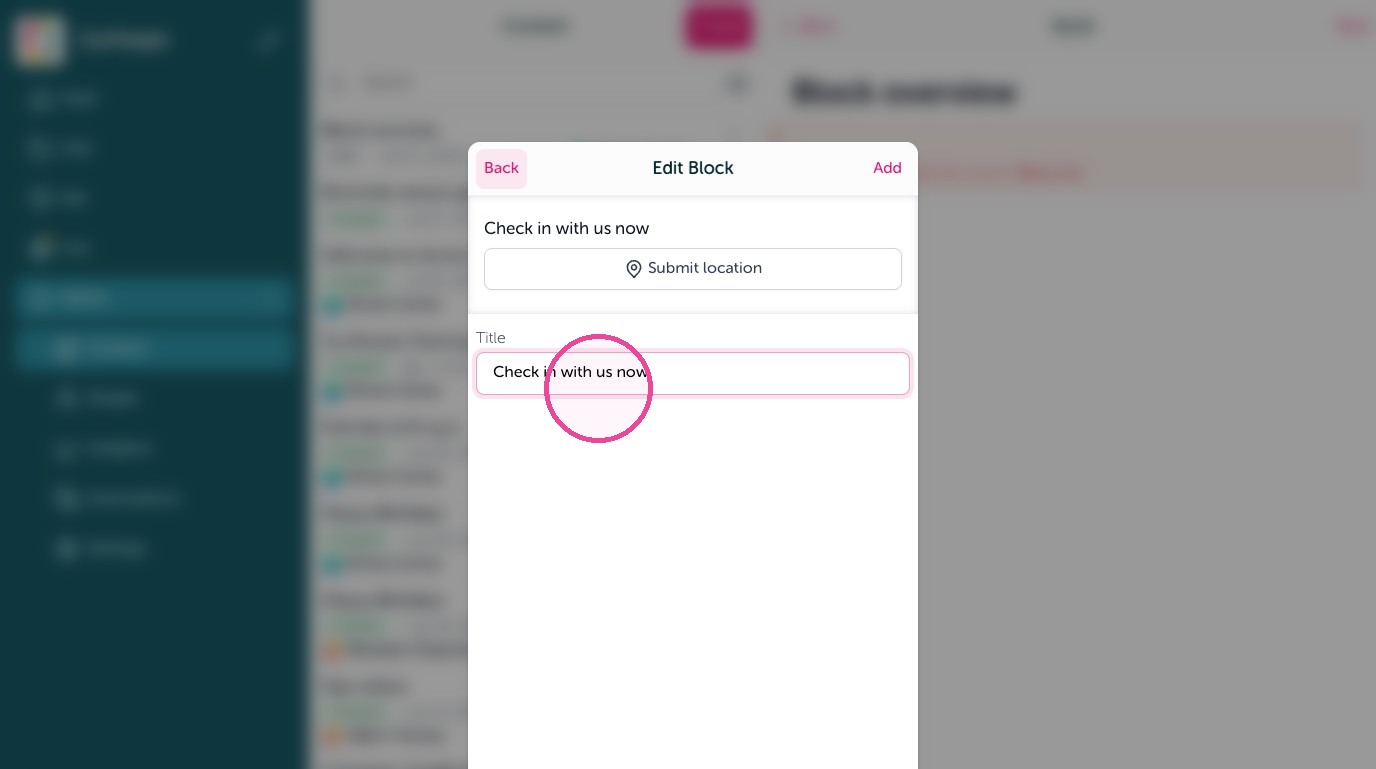
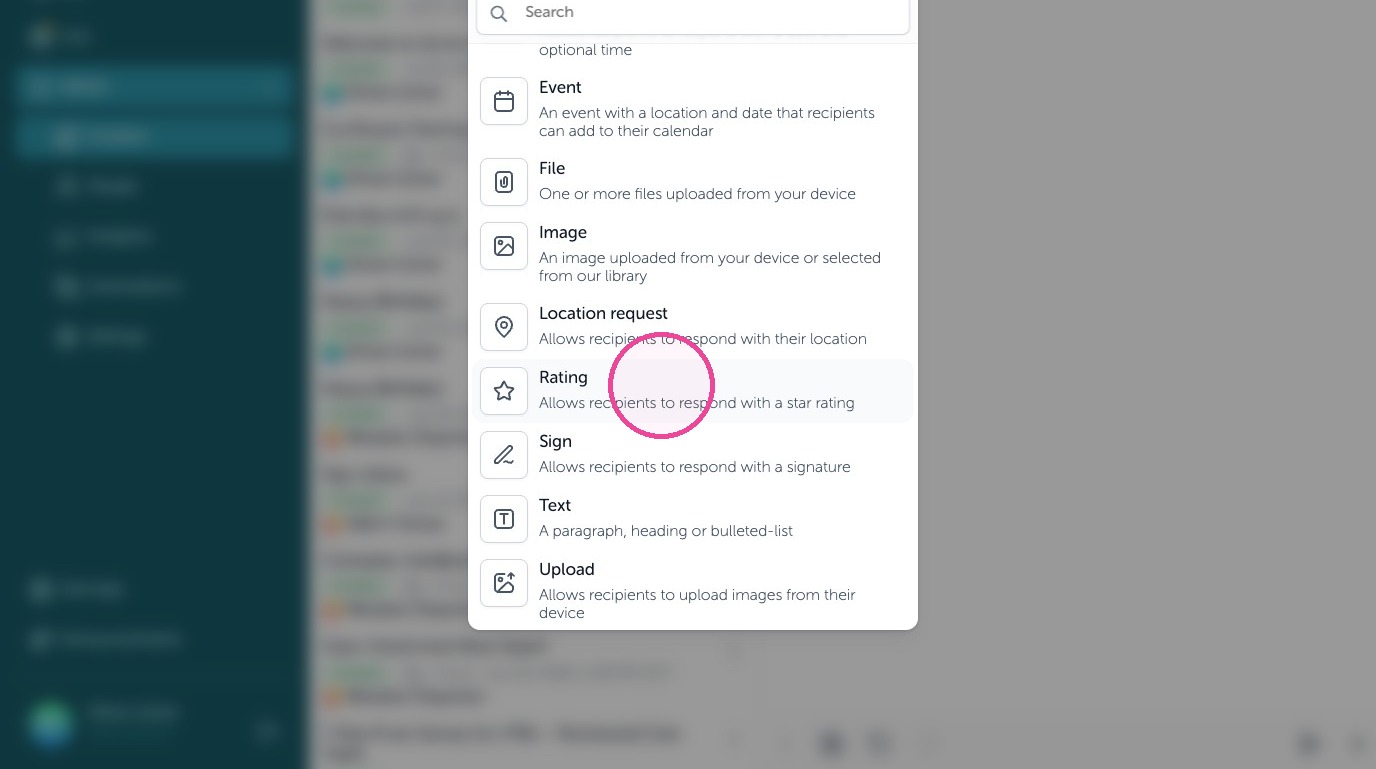
23. Add a title to the Location request block
Media
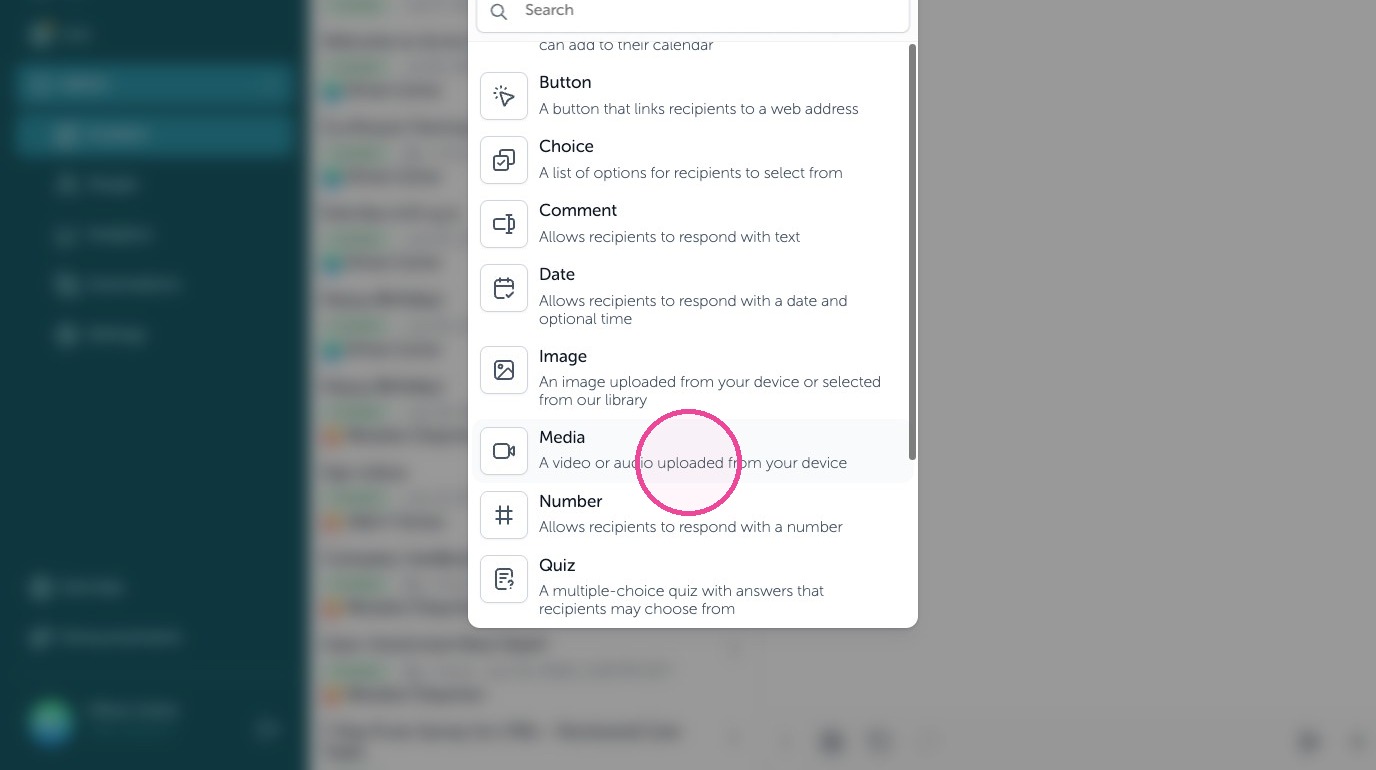
24. Share a video or audio file with employees. A video or audio uploaded from your device.
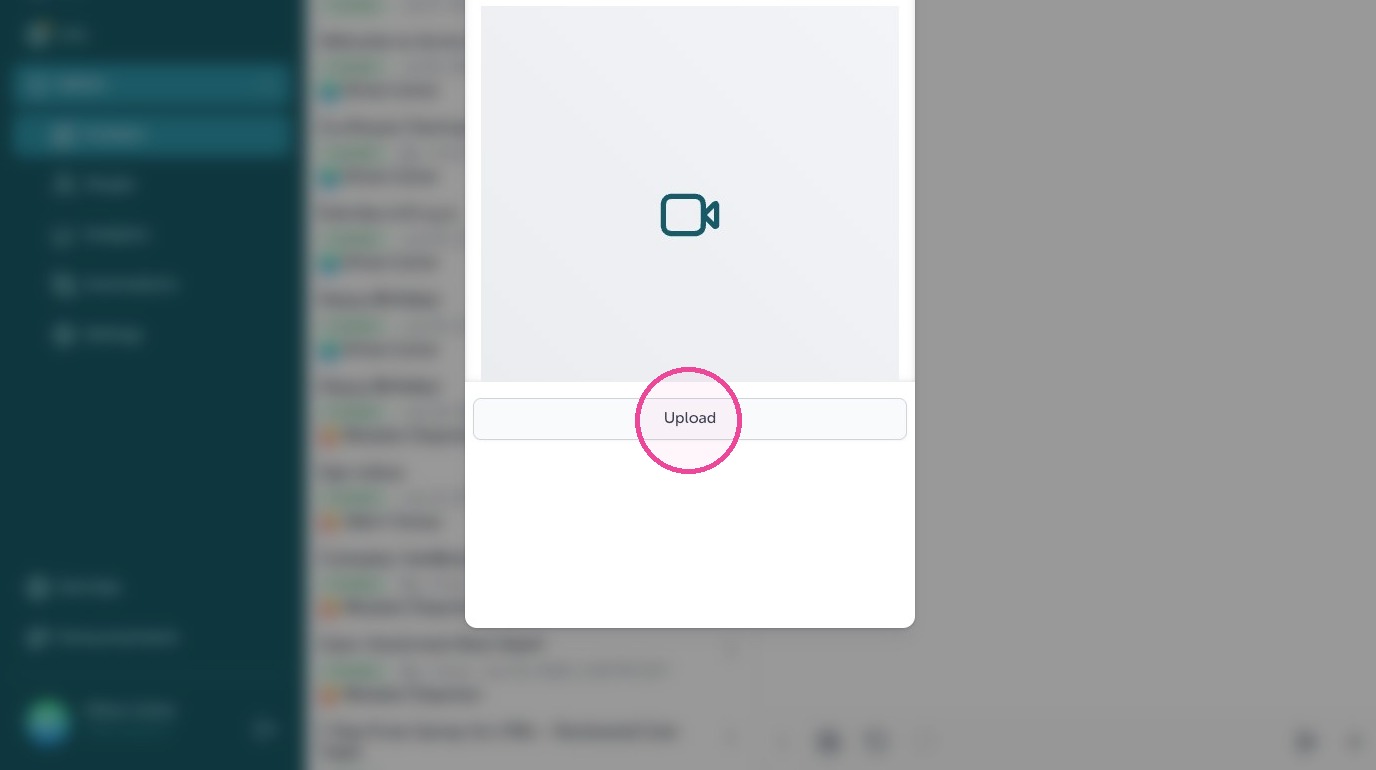
25. Click "Upload" to begin.
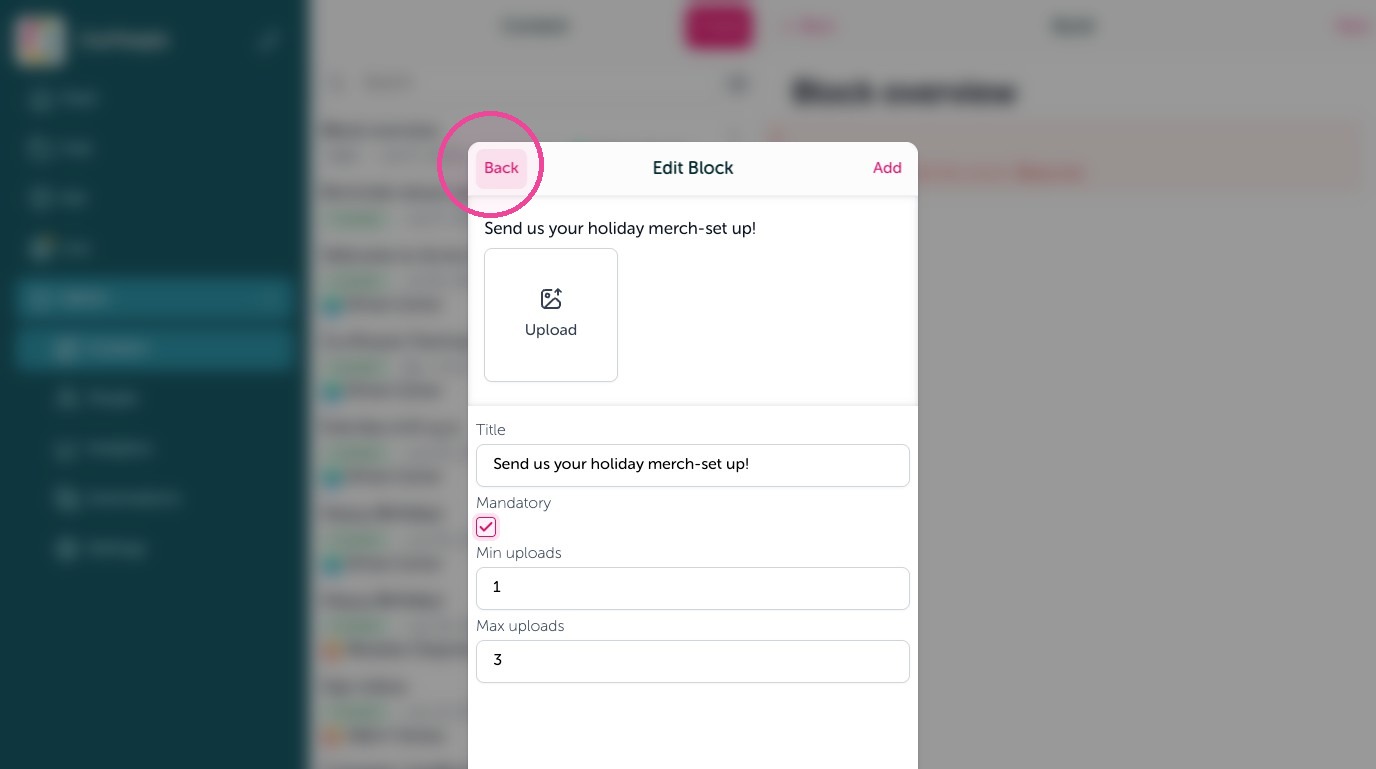
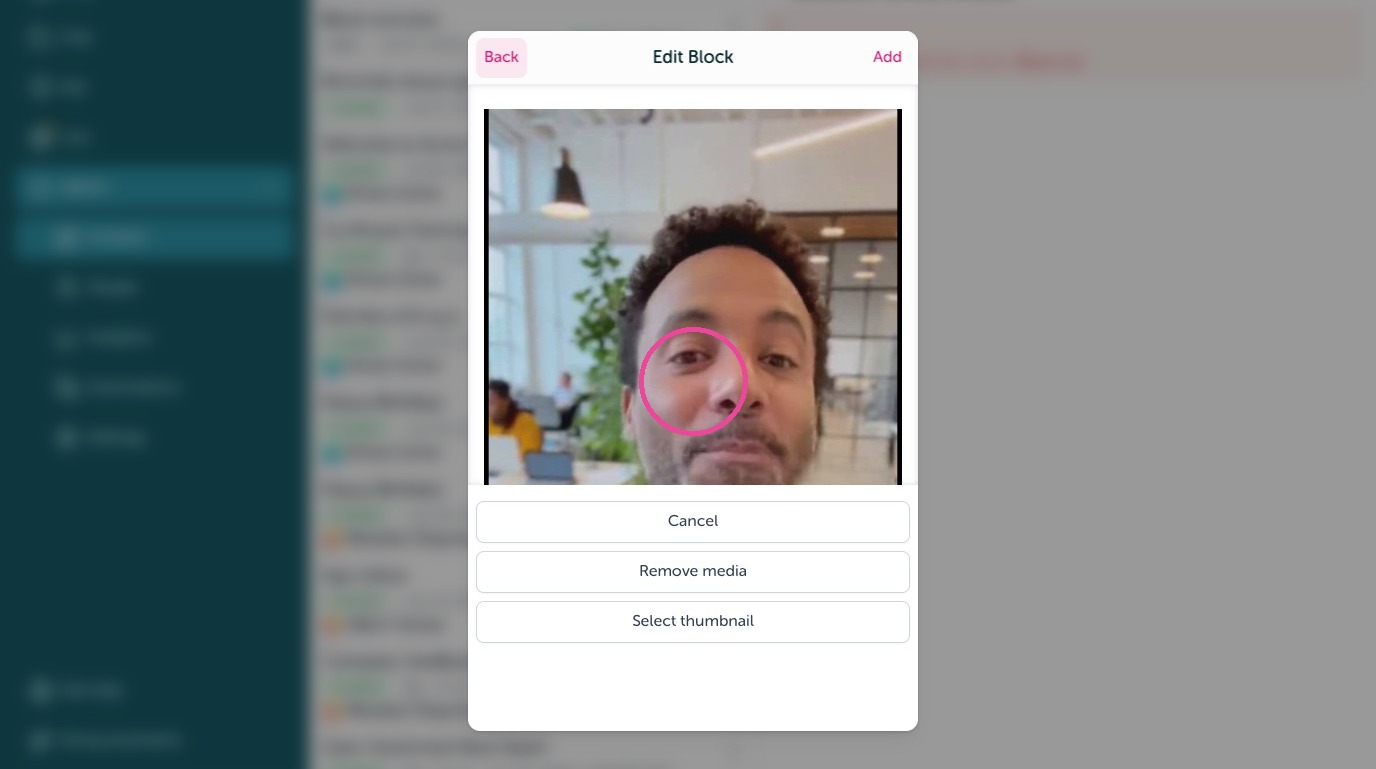
26. Select your video thumbnail or it will use the 1st one found automatically.
Number
27. Collect back a number from employees using the Number block. Allows recipients to respond with a number.
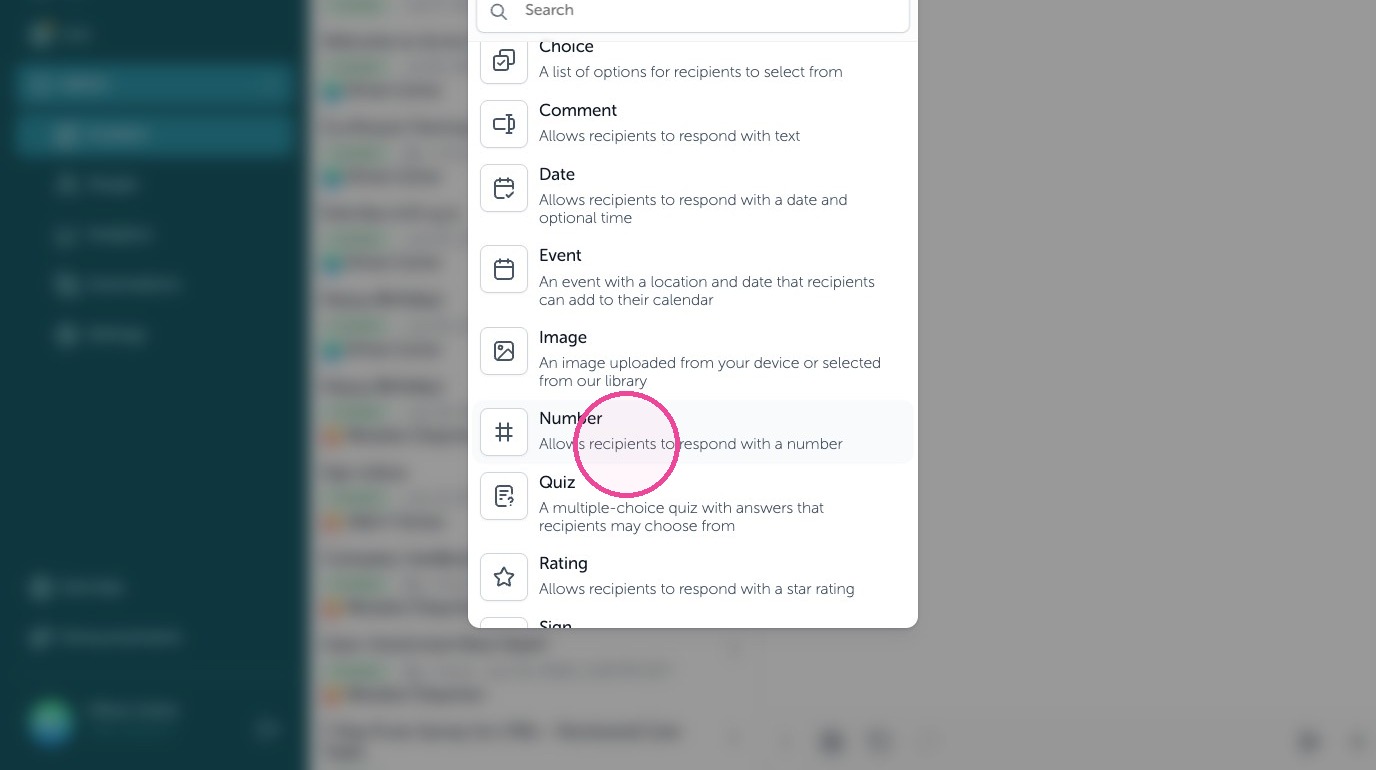
28. Give the number block a title, make it mandatory to submit, and change the minimum and maximum values.
Quiz
29. Test knowledge with a Quiz block. A multiple chouce quiz with answers that recipients may choose from.
30. Add a quick question in the title field, require it to be answered with mandatory selected, and add up to 3 incorrect answers to be shuffled with the correct answer you fill in. Employees see if they got the question right or wrong upon submission to improve knowledge growth. If wrong they are shown the right answer.
Rating
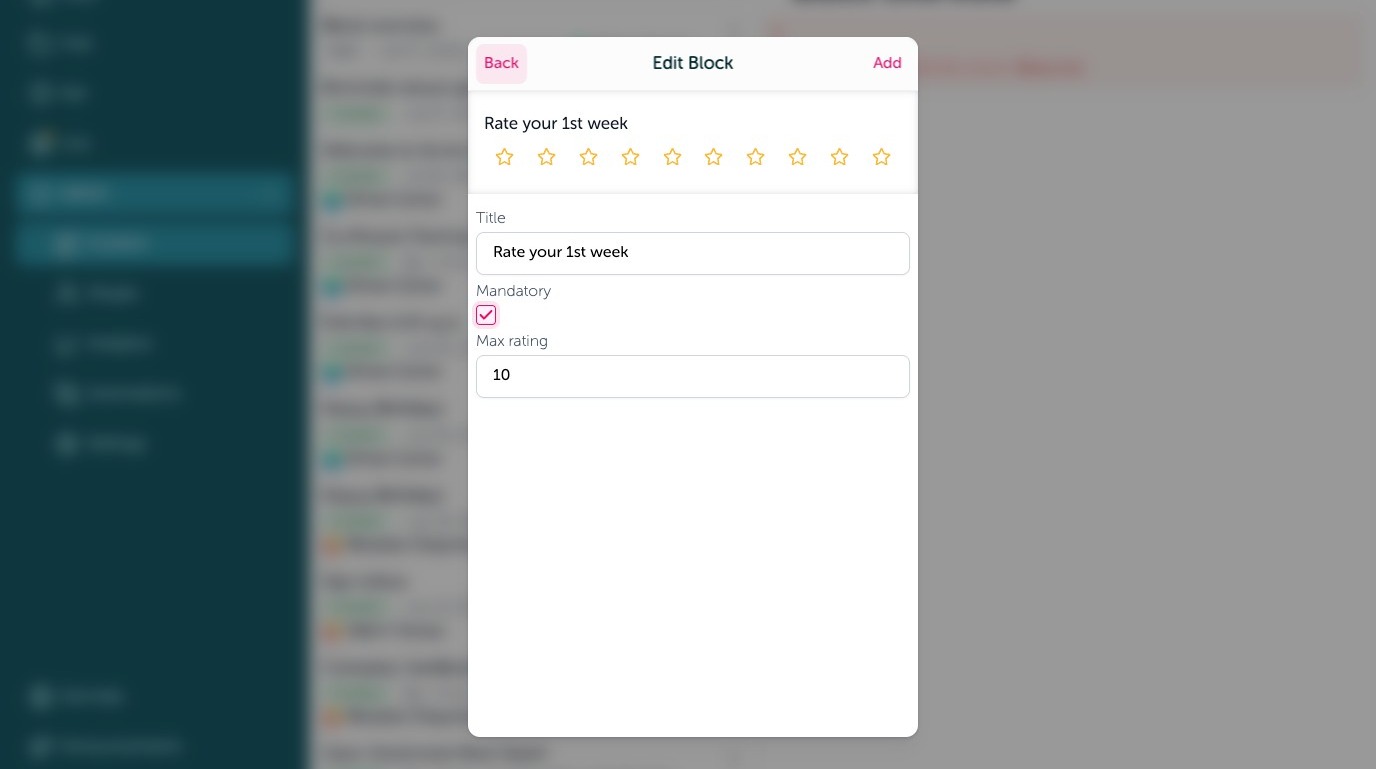
31. Collect scores, opinions, and ratings using a Rating block. Allows recipients to respond with a star rating.
32. Add a title or question, require a response using mandatory, and add up to 10 stars to be in the rating
Sign
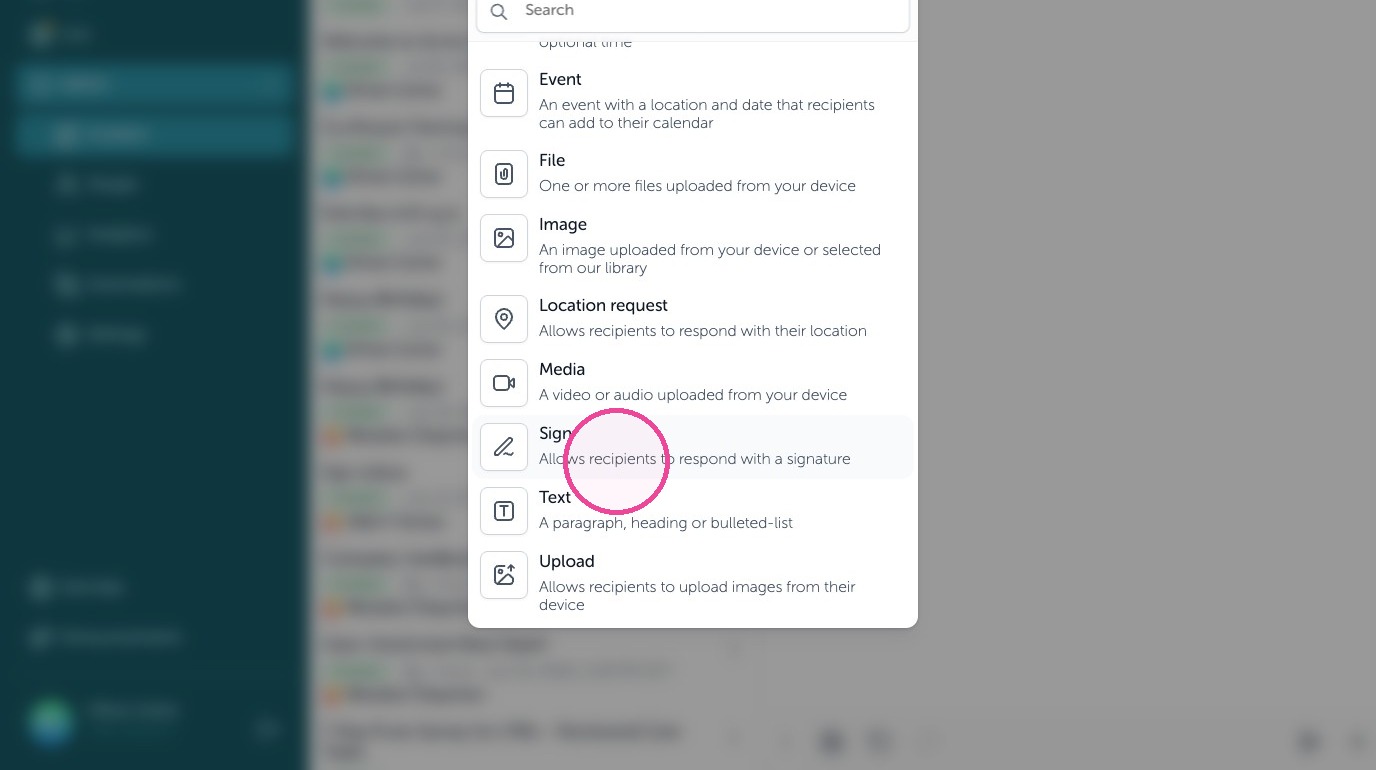
33. Capture electronic (e-signatures) using the Sign block. Allows recipients to respond with a signature.
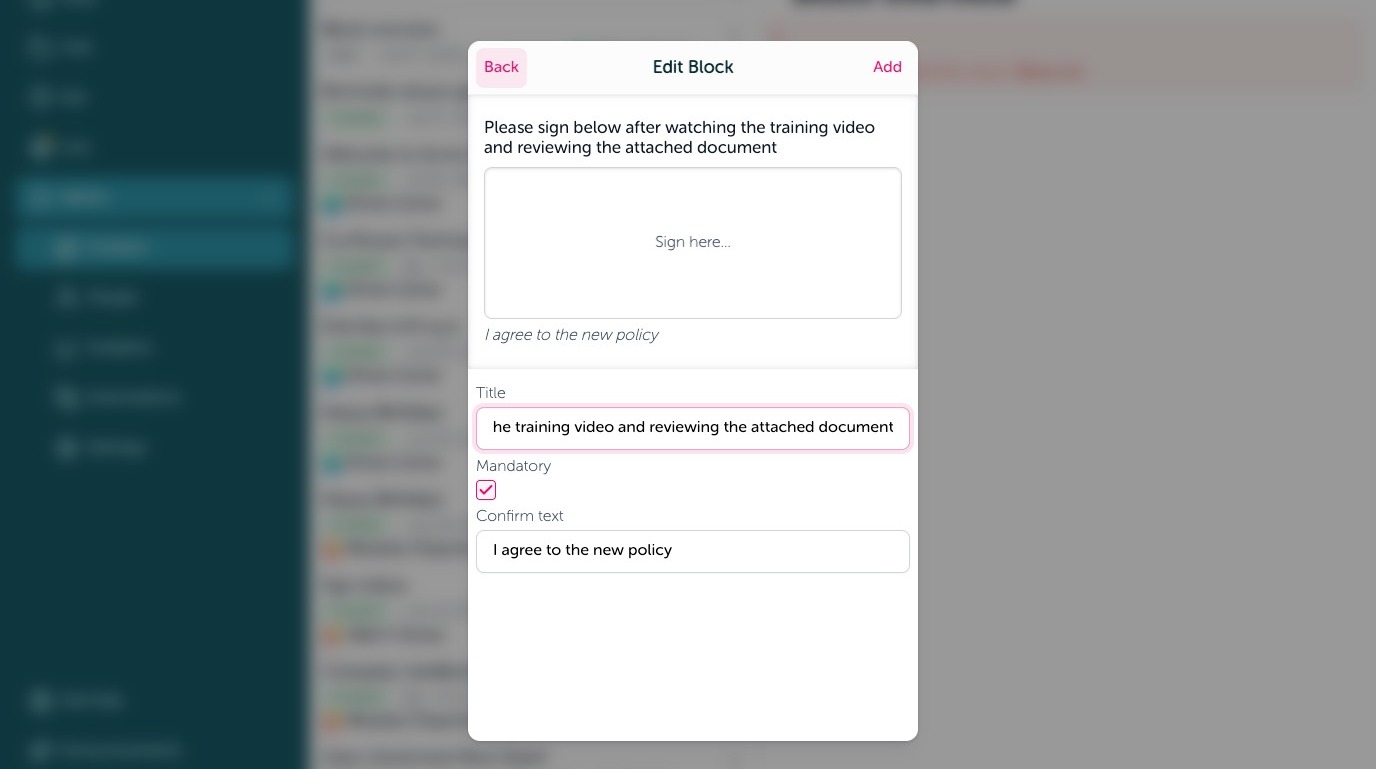
34. Add a title above the signature space, require a signature checking off mandatory, and confirmation legal text below the text box on what they are agreeing to by signing.
Upload
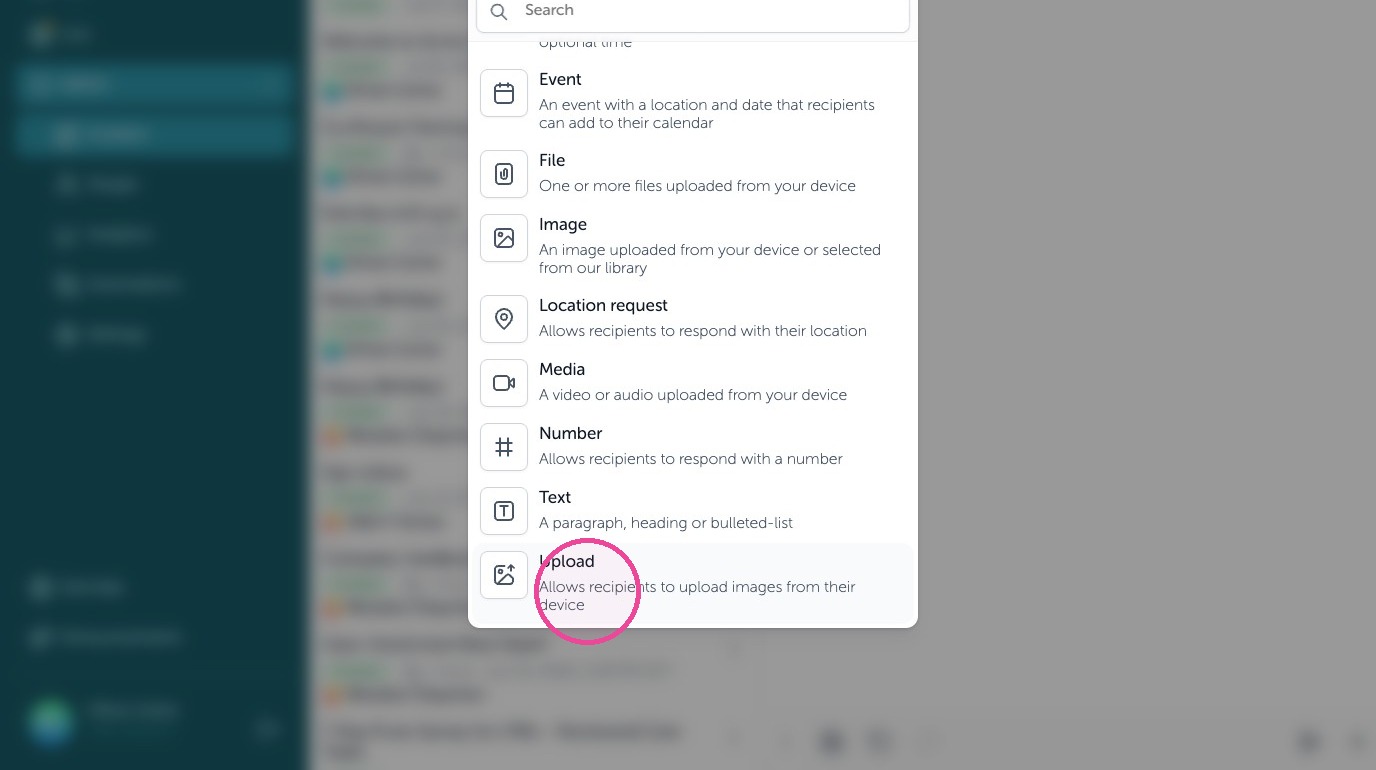
35. Collect images back using an Upload block. Allow recipients to upload images from their device.
36. Give the upload block a title or question, require an image using the mandatory check, and require a minimum or maximum (up to 10) images to be sent back.