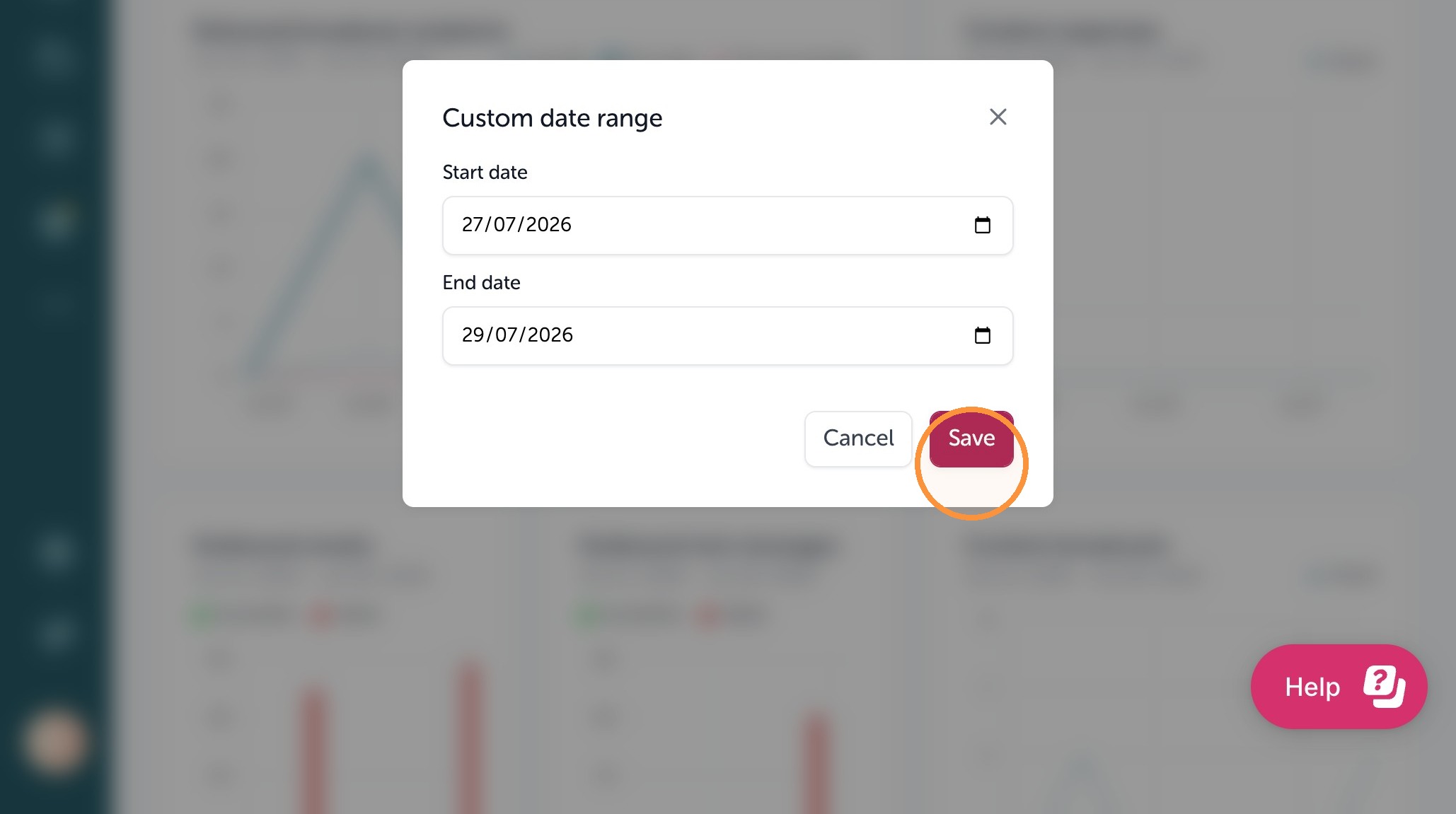
Learn how to use your analytics dashboard to focus on specific timeframes of use in OurPeople.
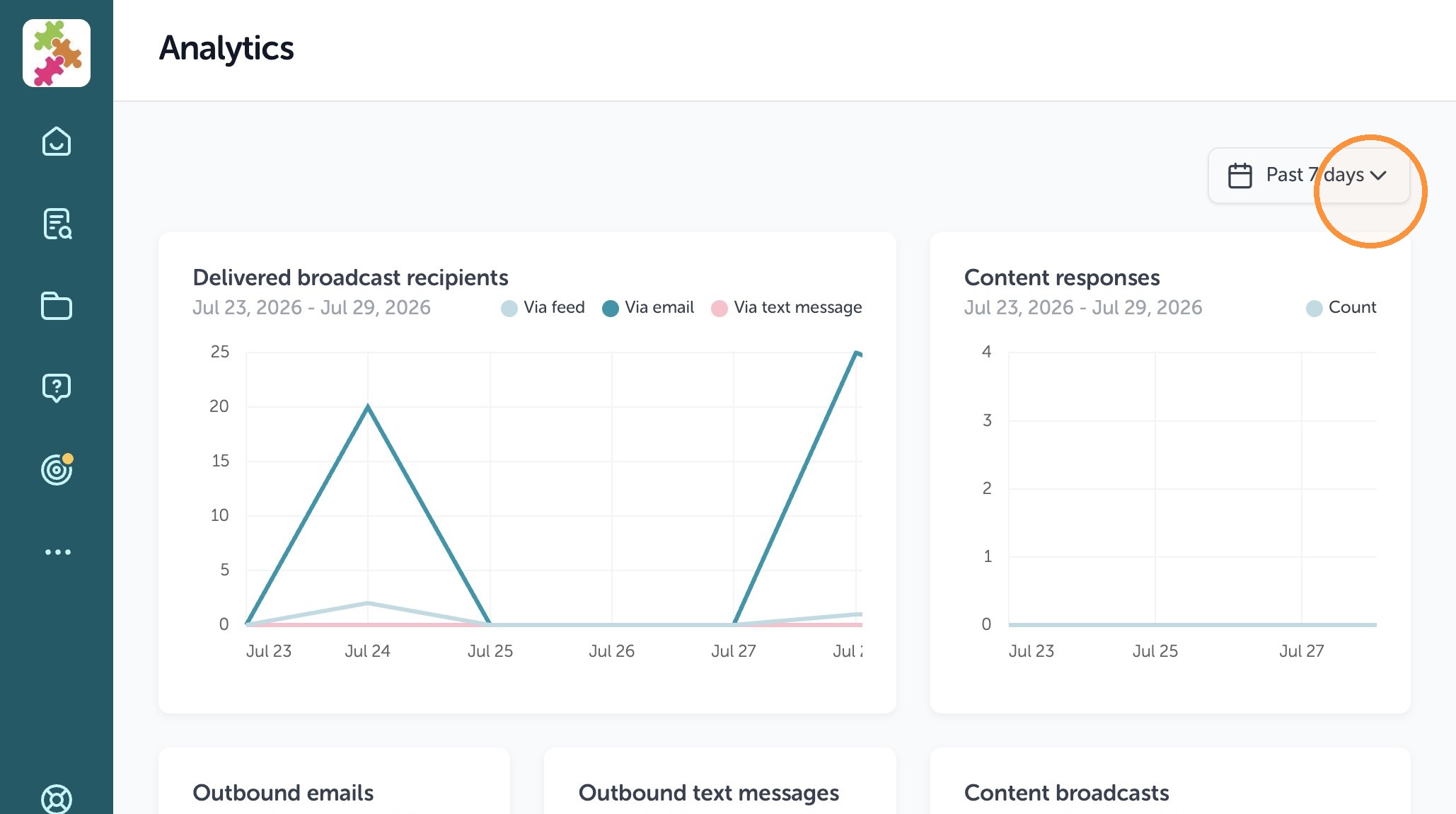
1. Navigate to the analytics tab.
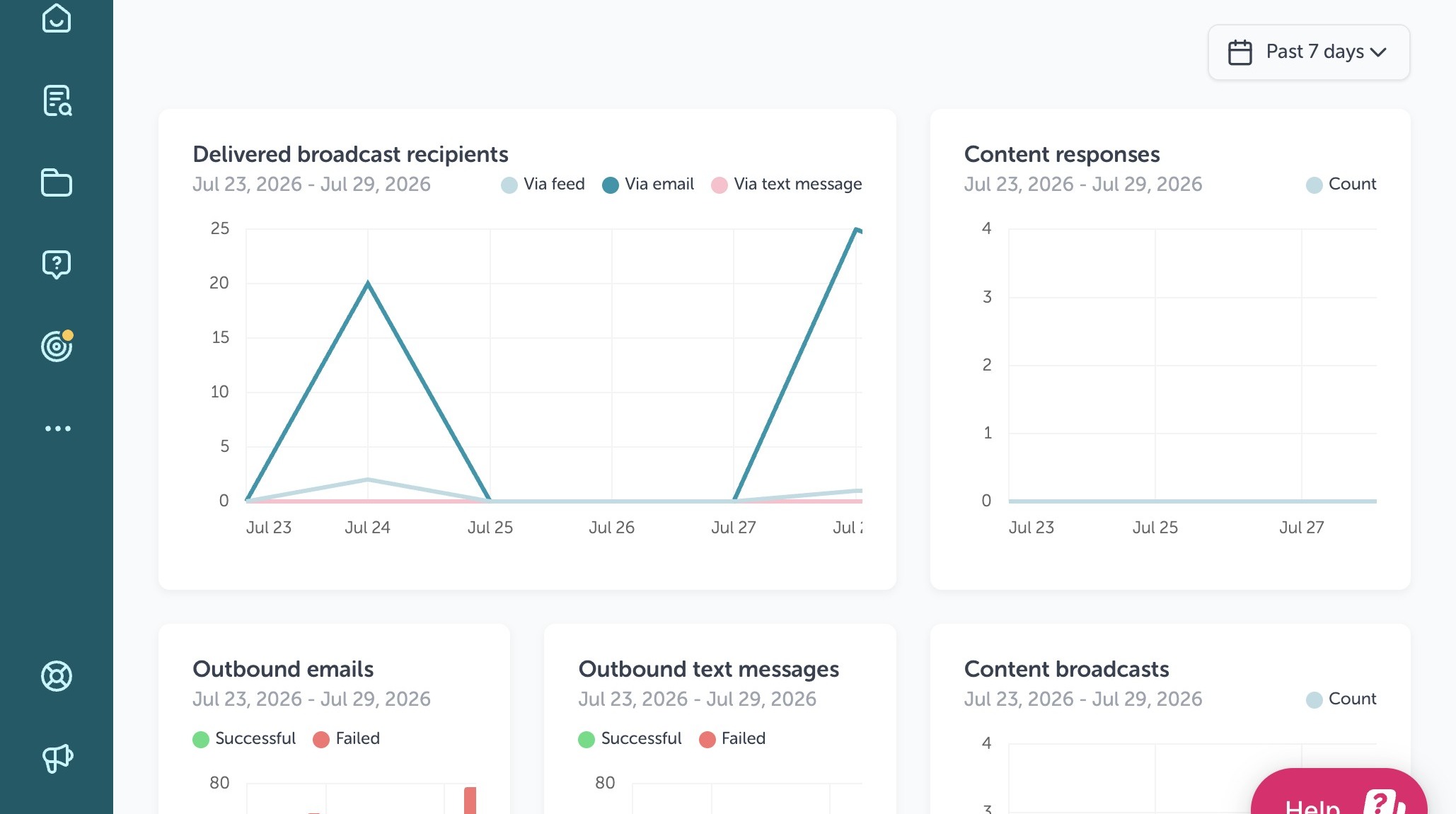
2. You will find a range of graphs displaying data on your content alongside the delivery channels.
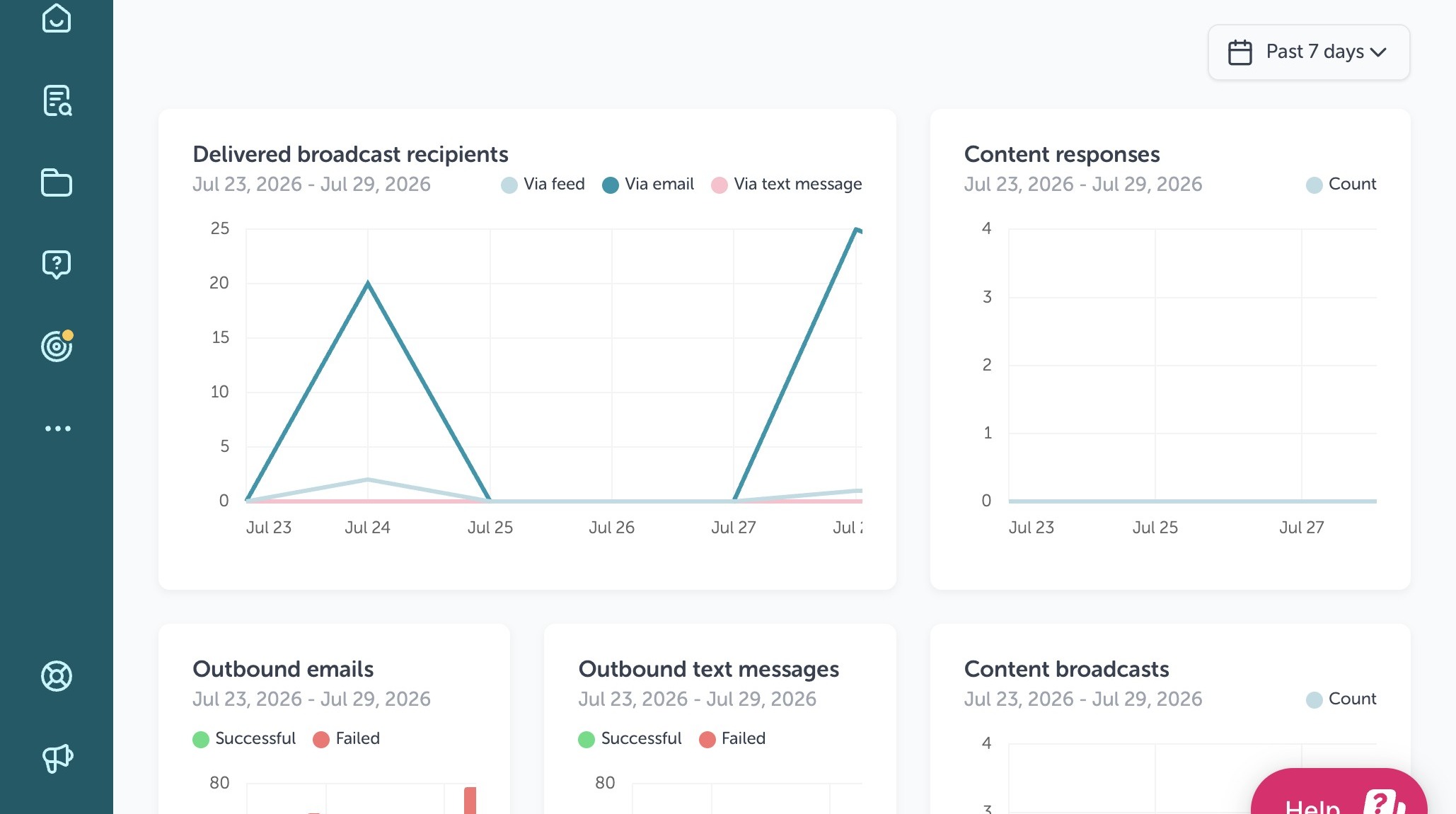
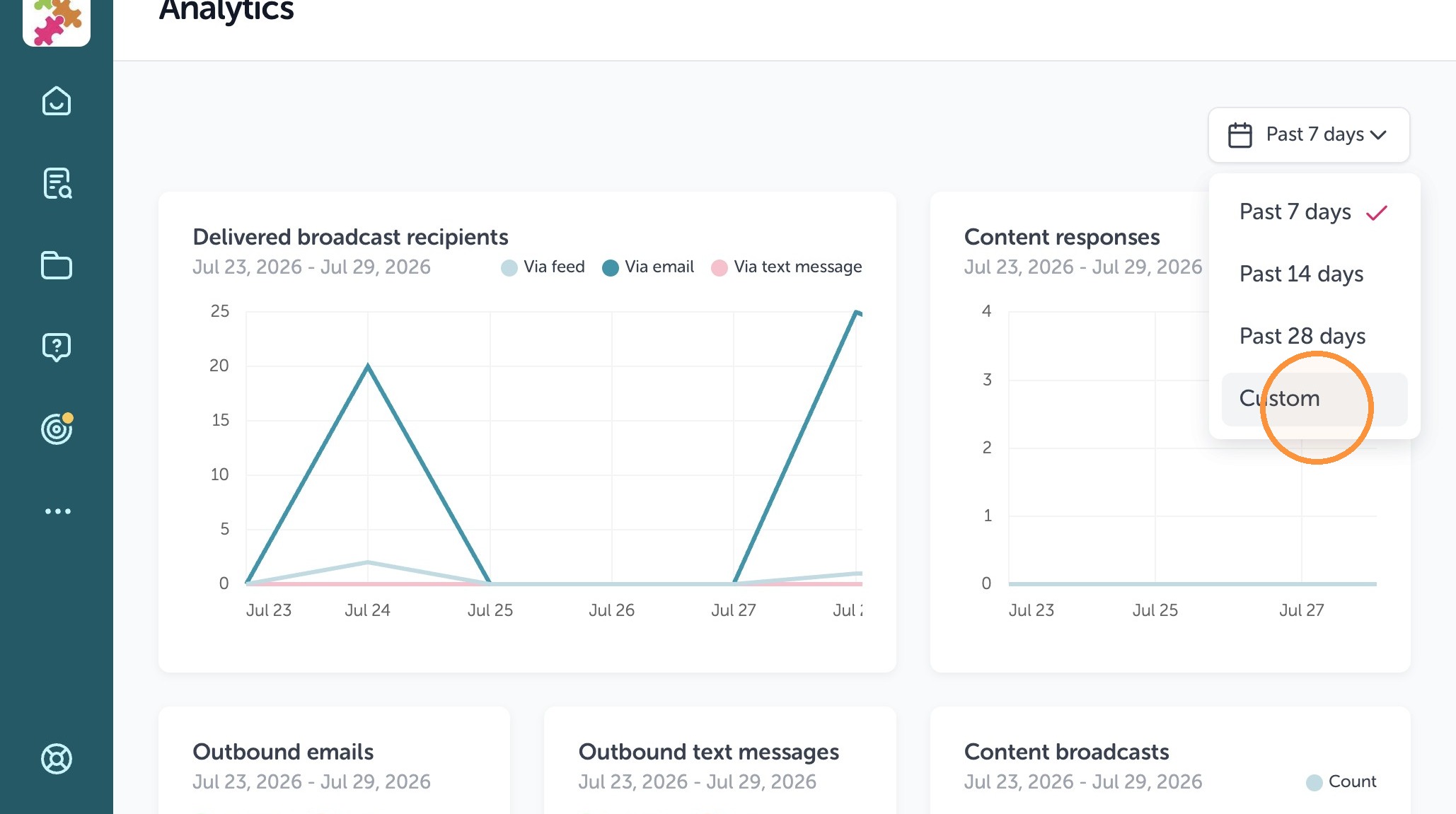
3. Click "Past 7 days" for the dropdown to select your date range.
4. Click "Custom"
5. Click "Save"