Learn how to link external services using a CSV and SFTP server and define custom tag mapping rules within the OurPeople platform. This guide provides a walkthrough for setting up automated integrations to streamline your workflow.
Add the CSV Integration in OurPeople
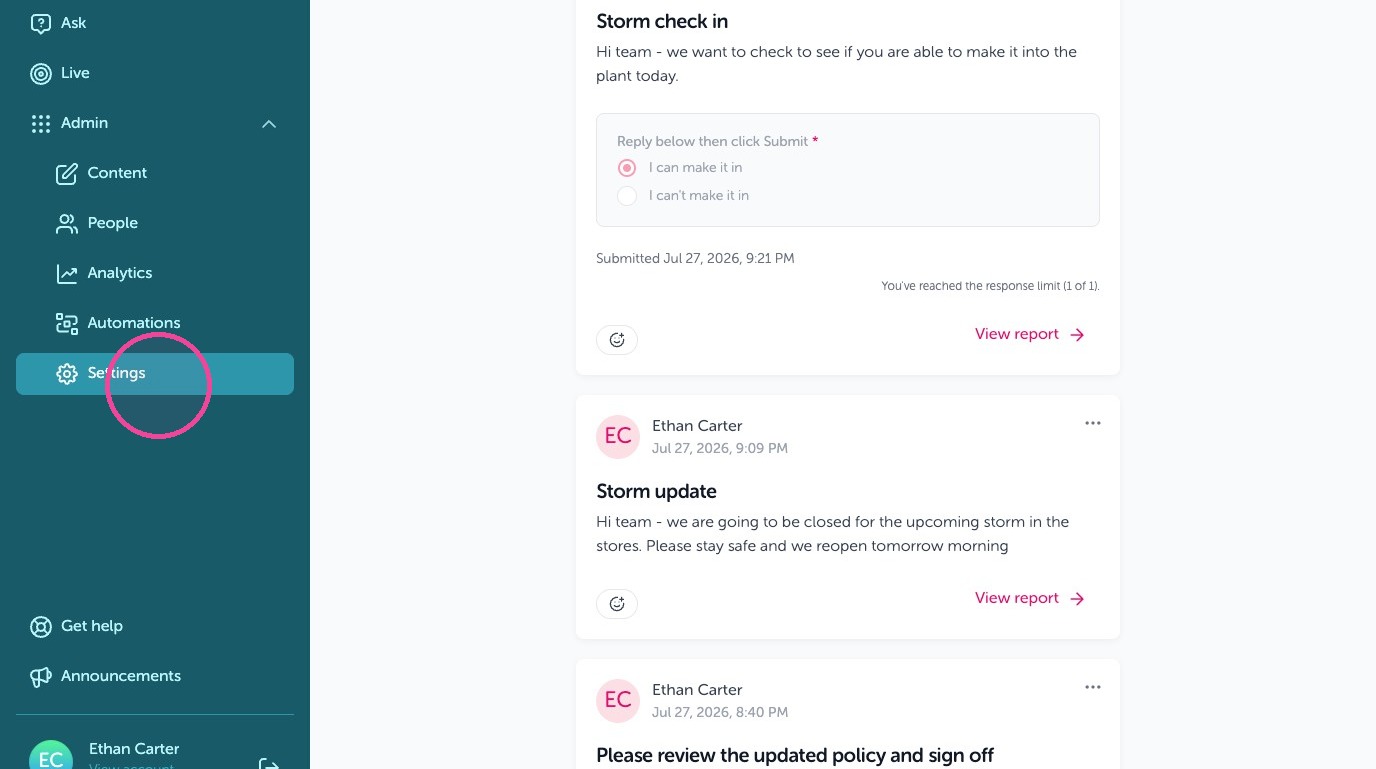
1. As a Global Admin log in then Click "Settings"
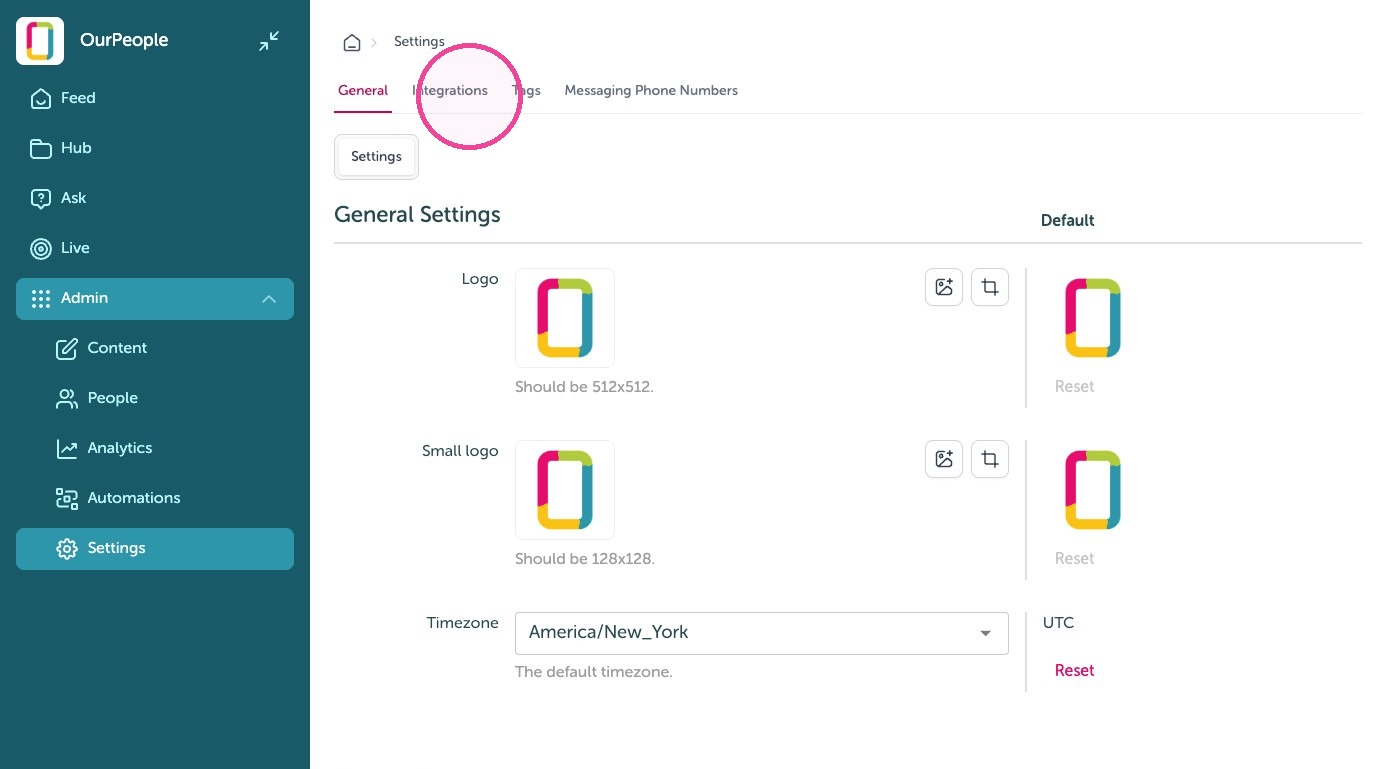
2. Click "Integrations"
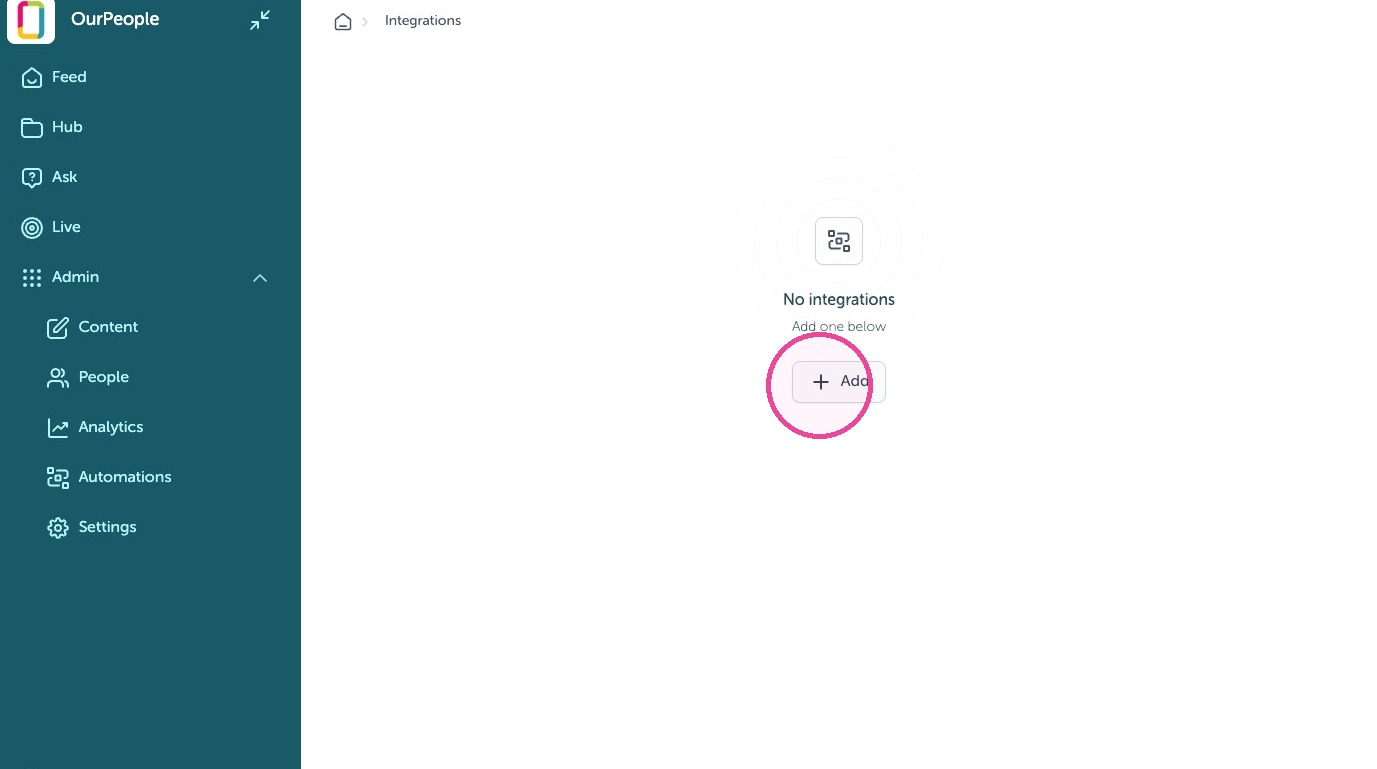
3. Click Add
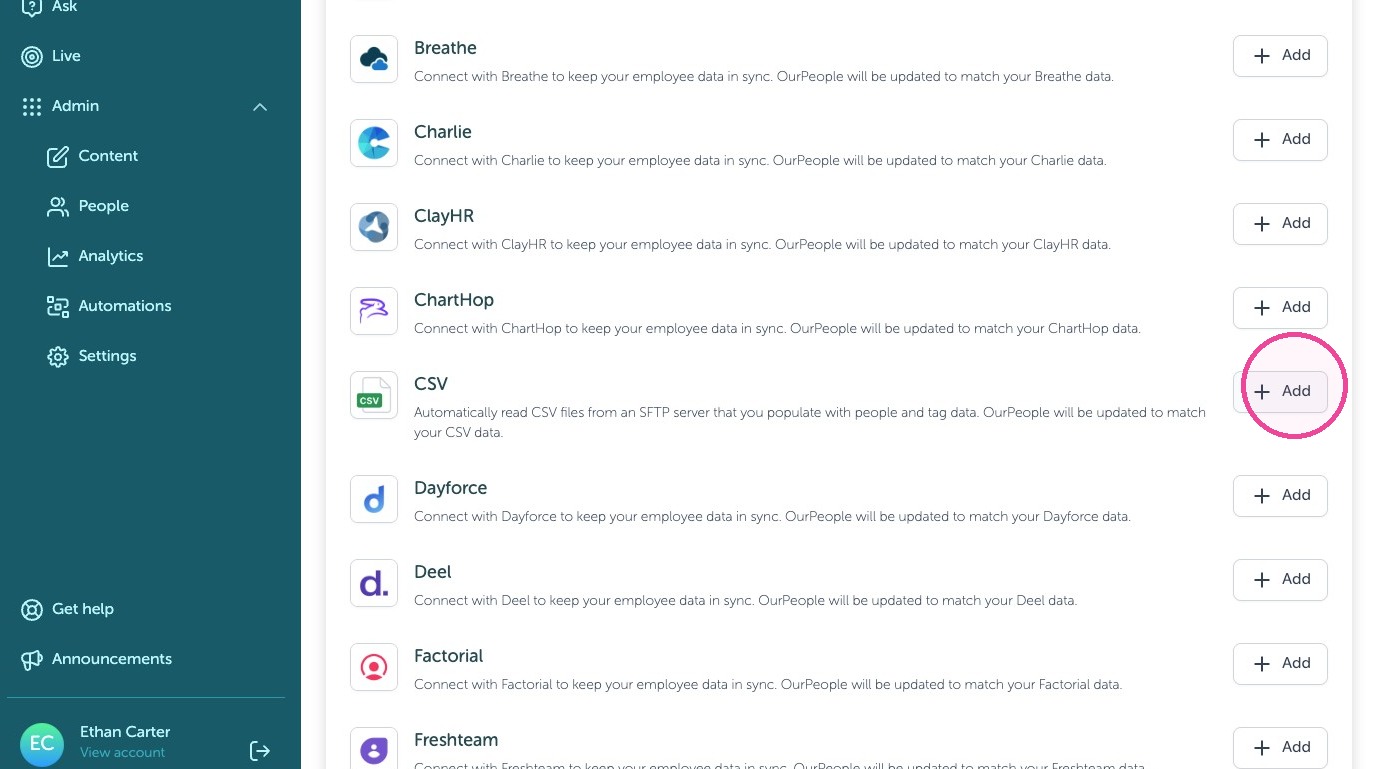
4. Click Add for CSV
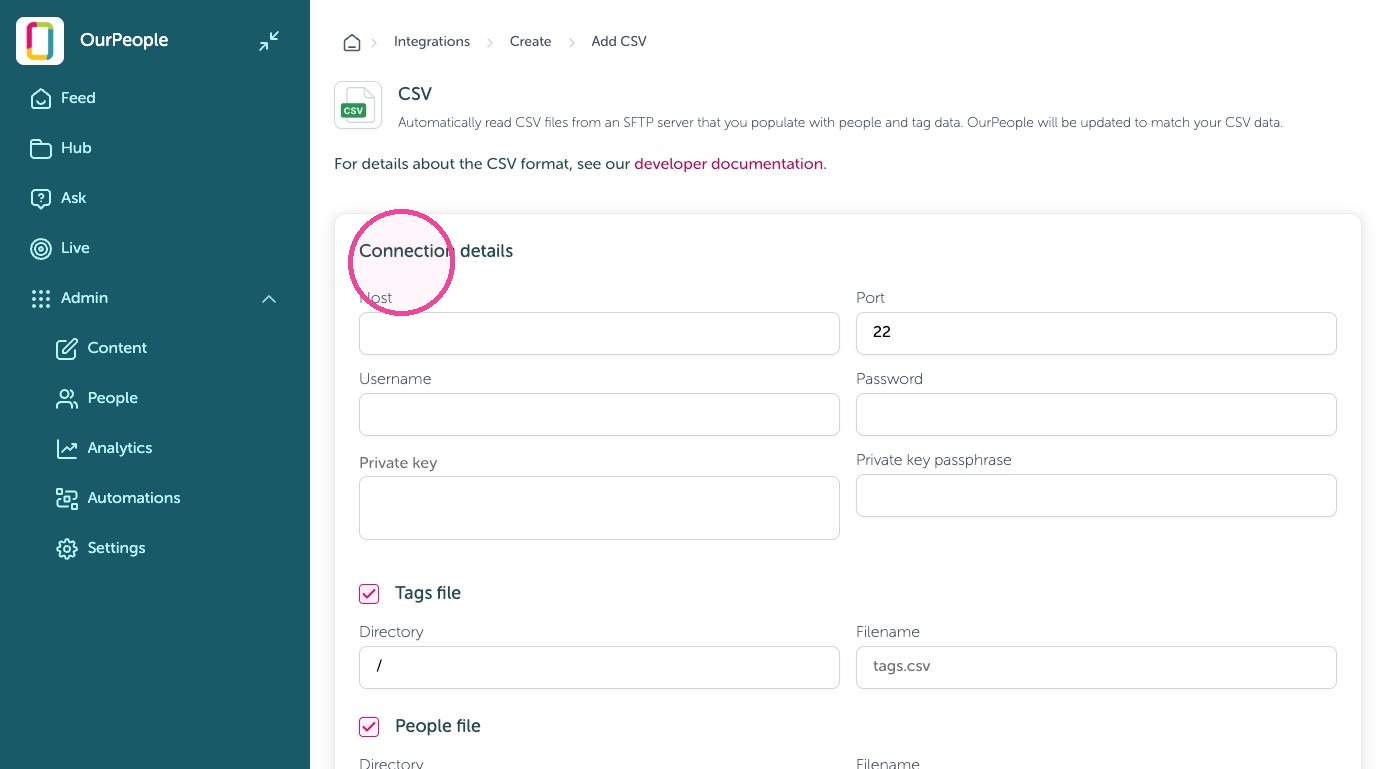
5. Enter your "Connection details"
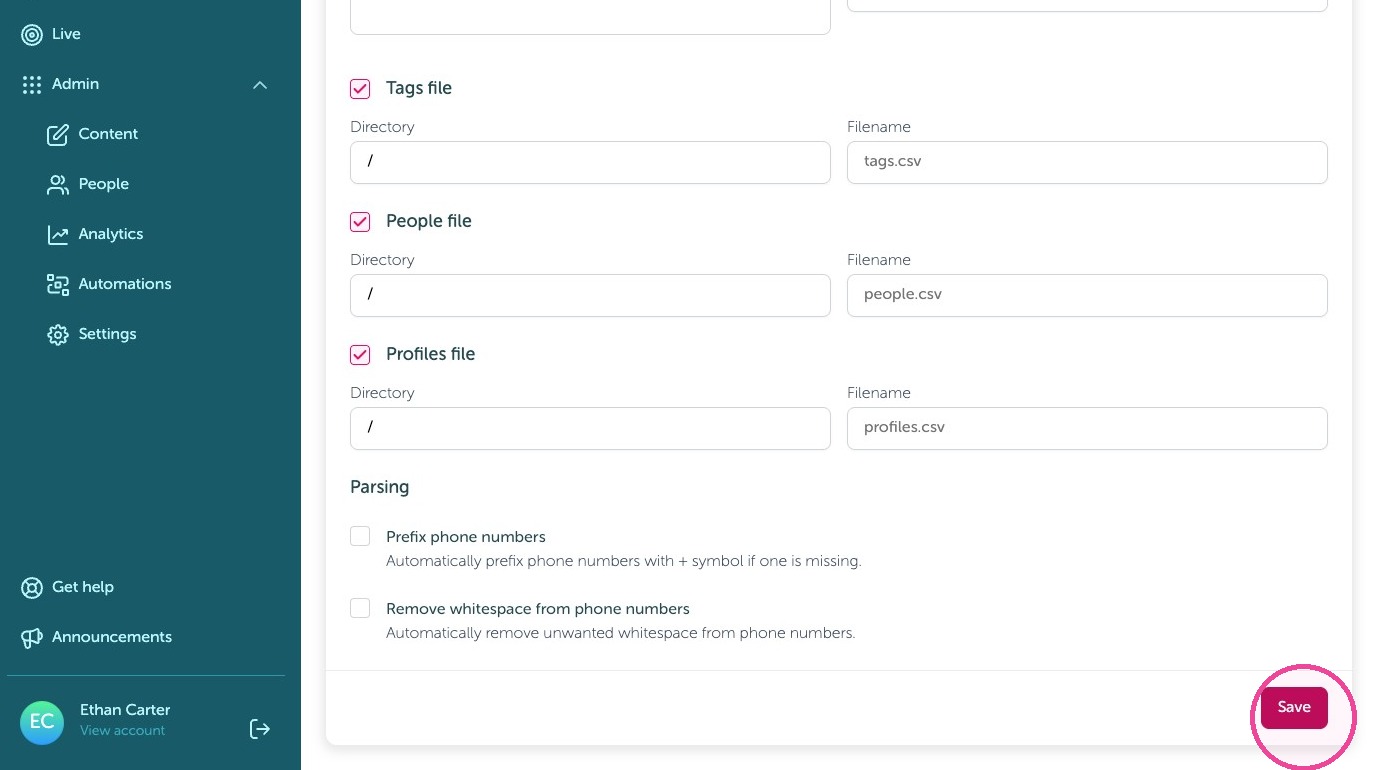
6. Click "Save"
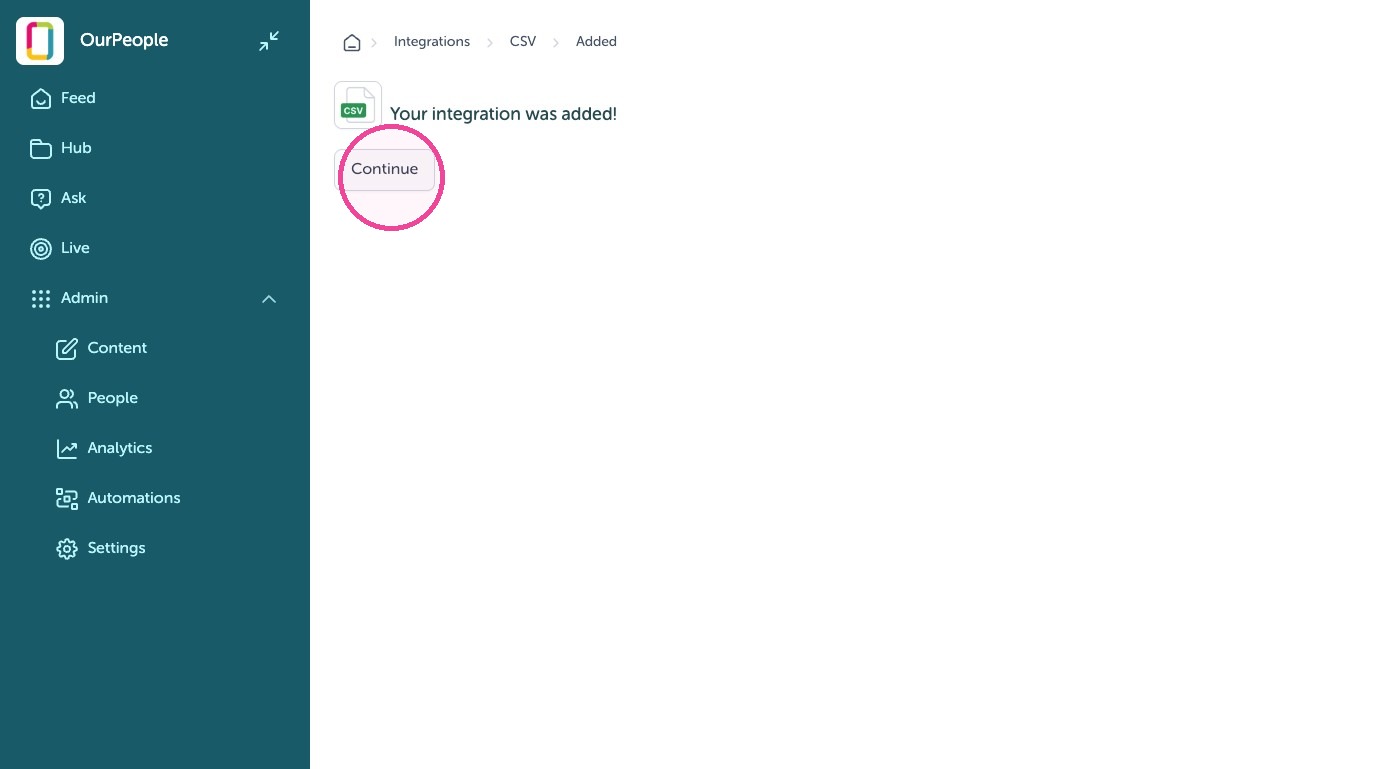
7. Click "Continue"
Setting up CSV fields to OurPeople tags
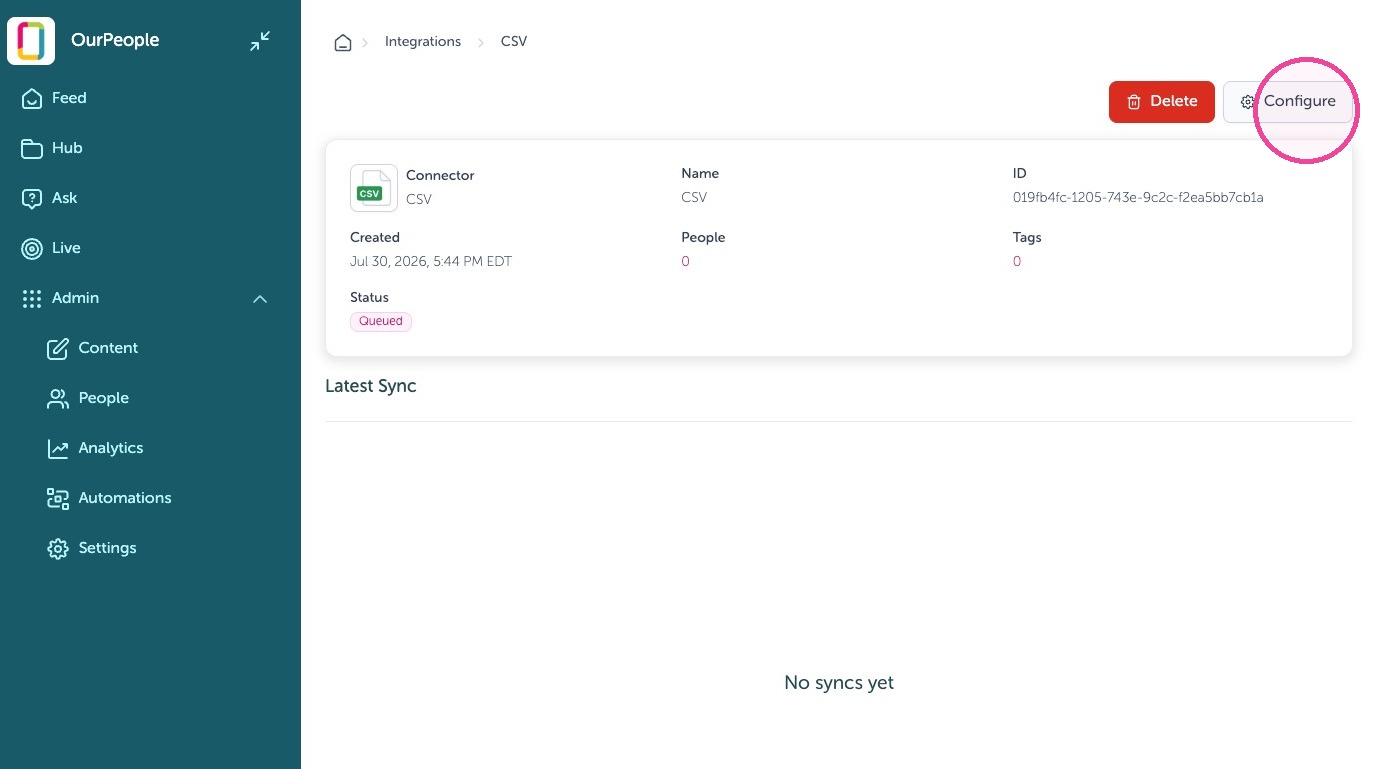
8. Click Configure
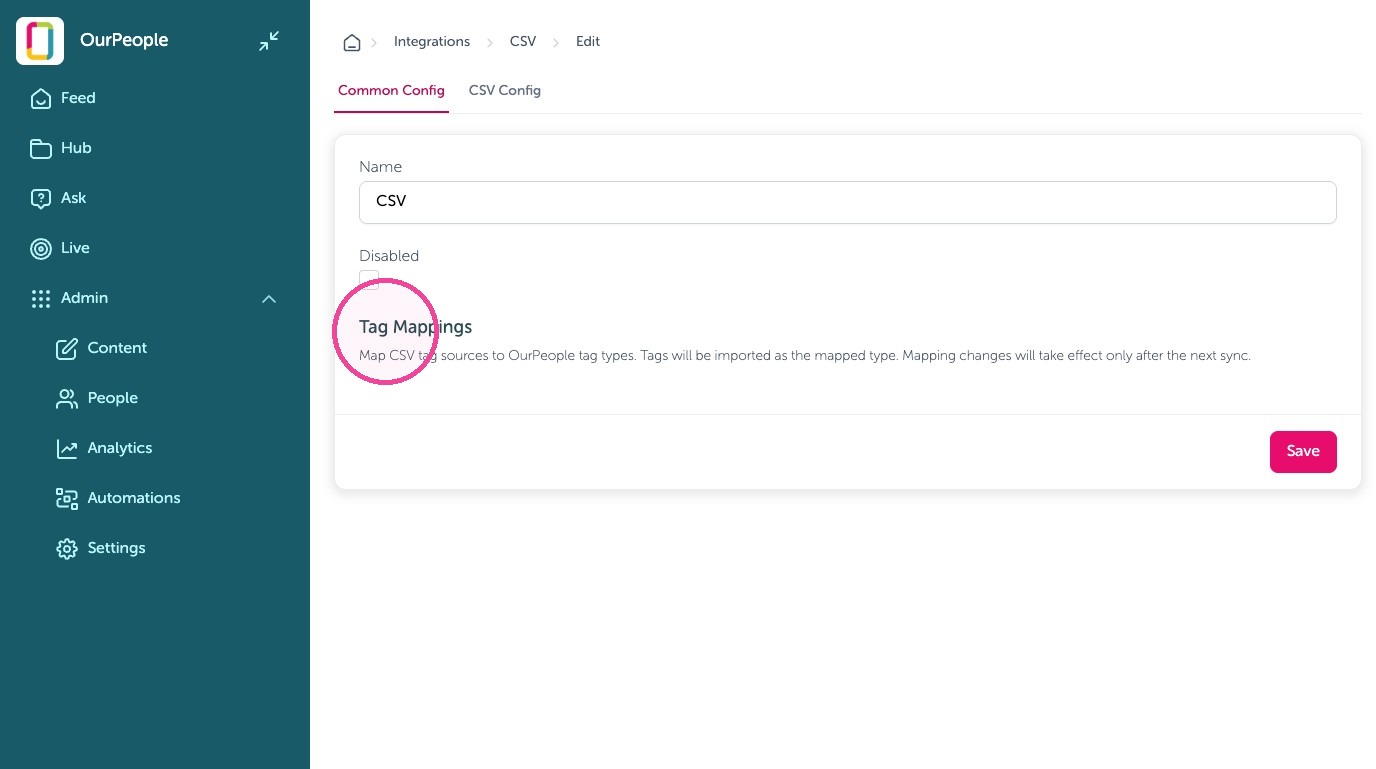
9. Click "Tag Mappings" drop downs and set to the Team, Job Title, etc.
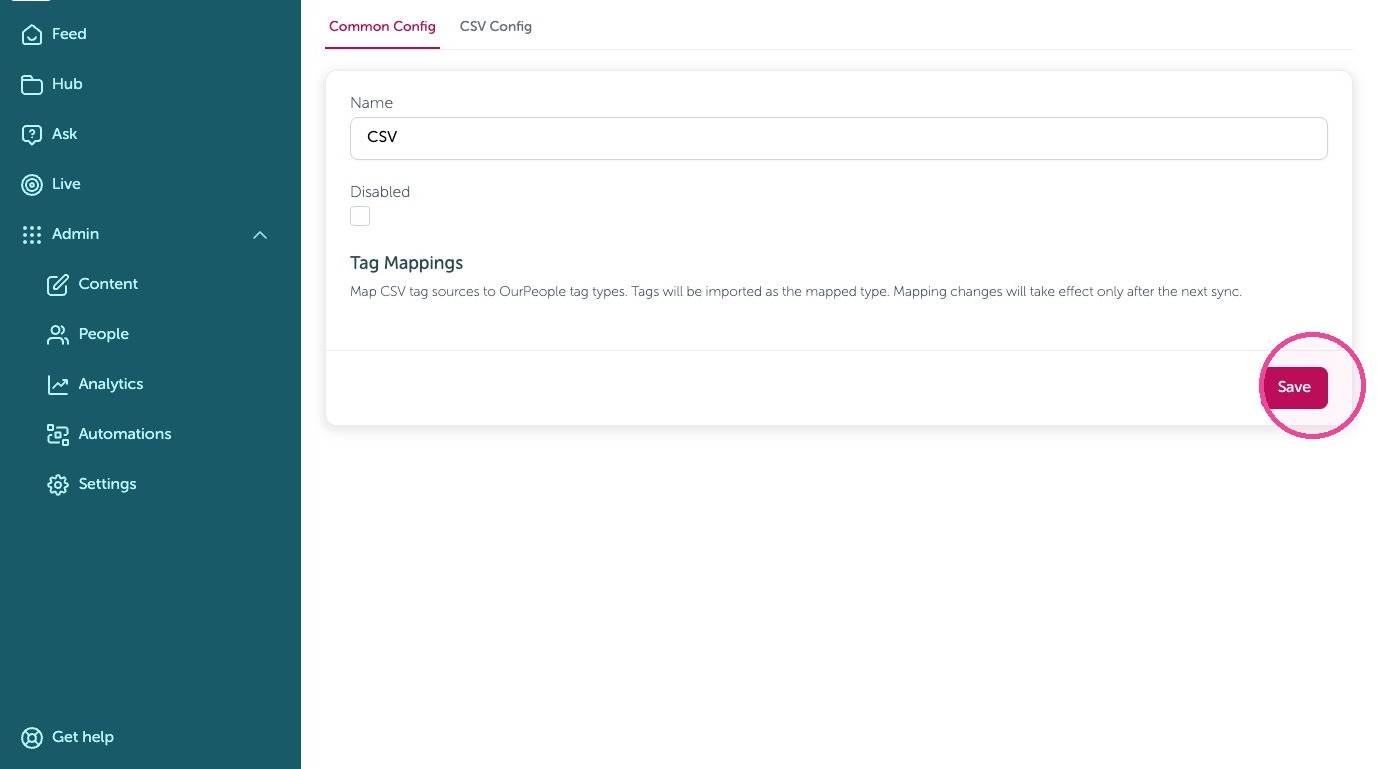
10. Click "Save"
Create Decision Rules
Tip: By default all employees and mapped fields sync, however you can add rules to only allow specific people with specific tags, or specific tags by following this section. If you don't need to limit people, you are done with your CSV Connection!
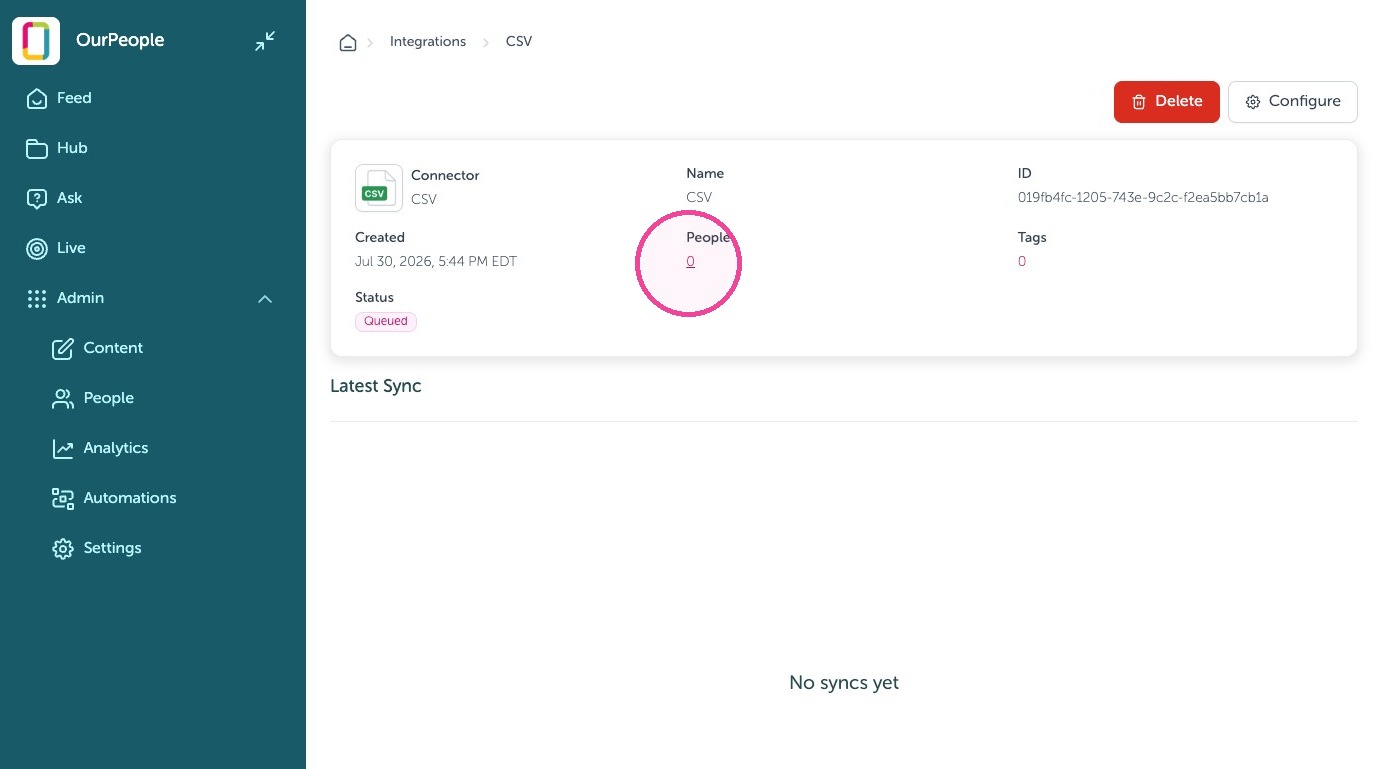
11. Click the number shown
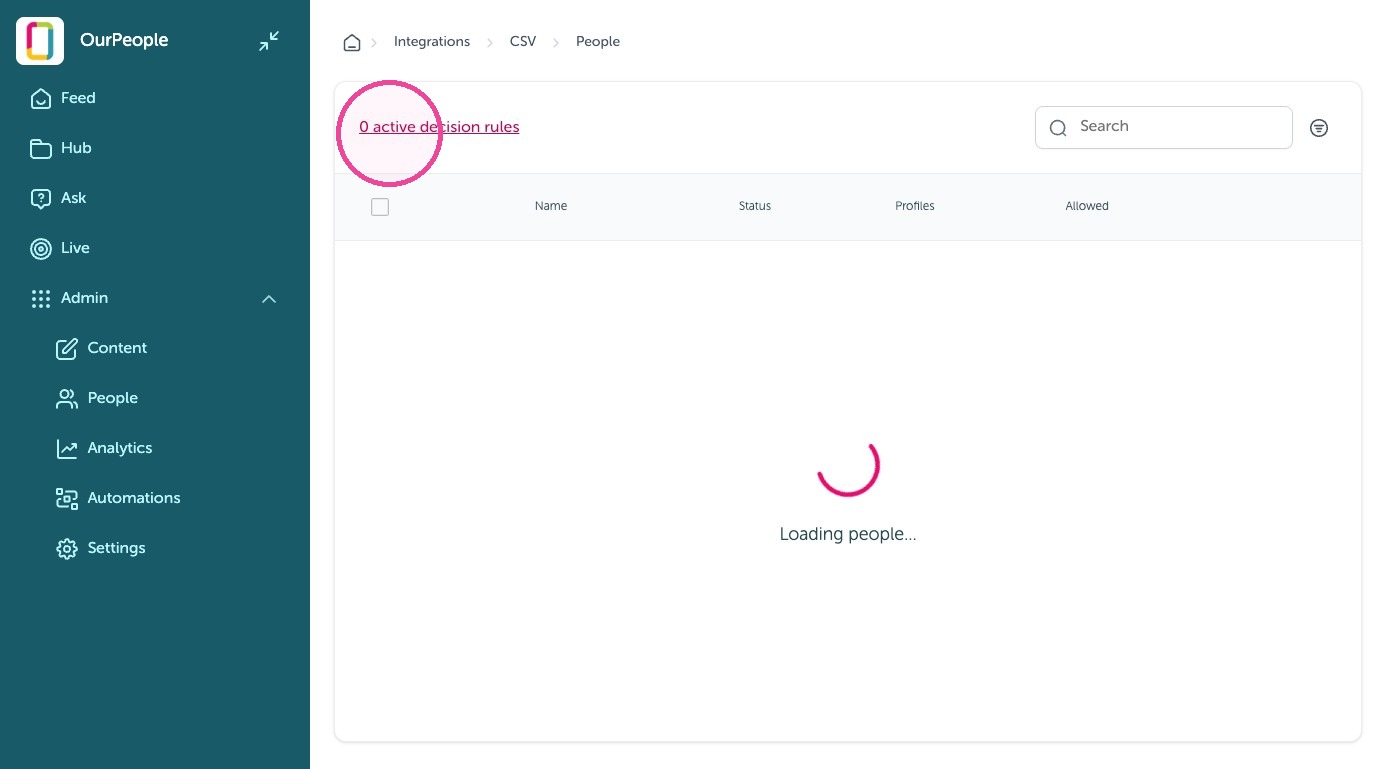
12. Click "1 active decision rules"
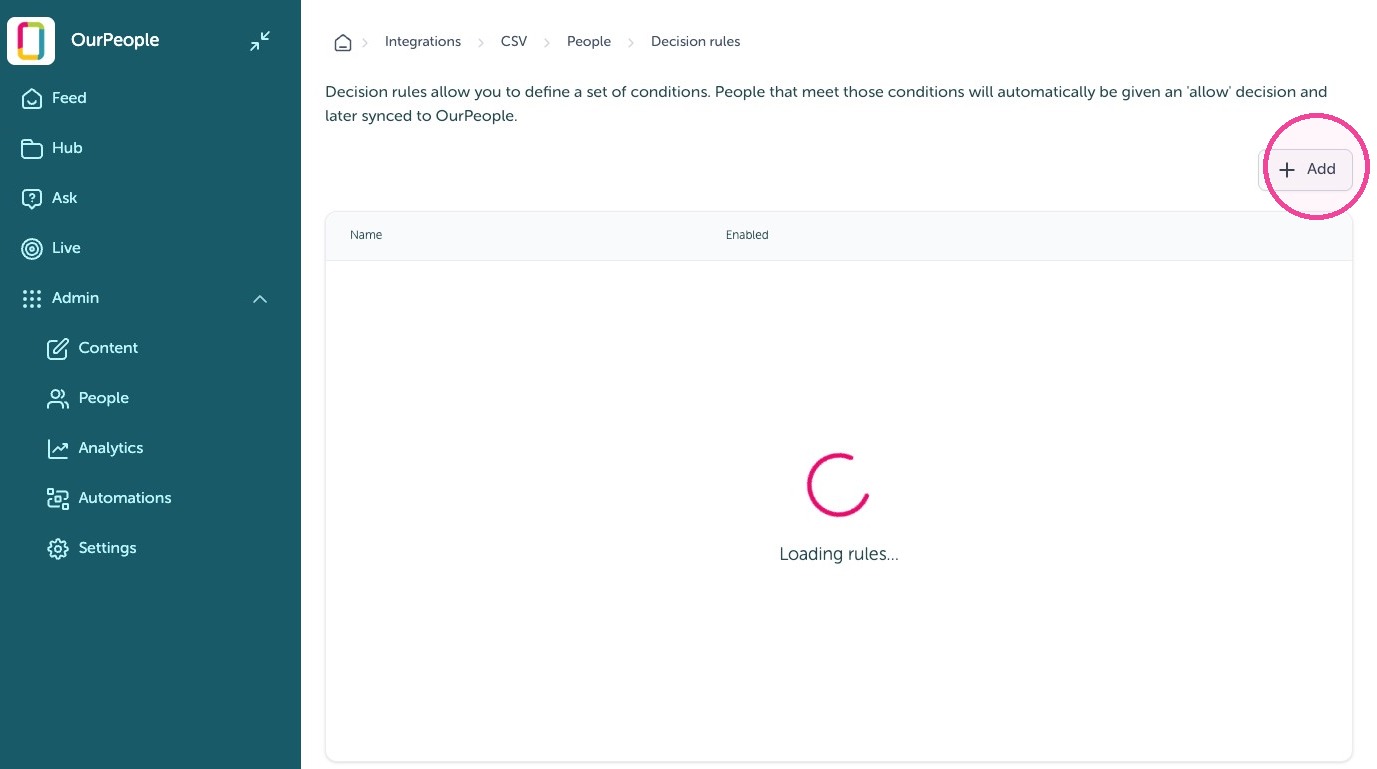
13. Click "Add"
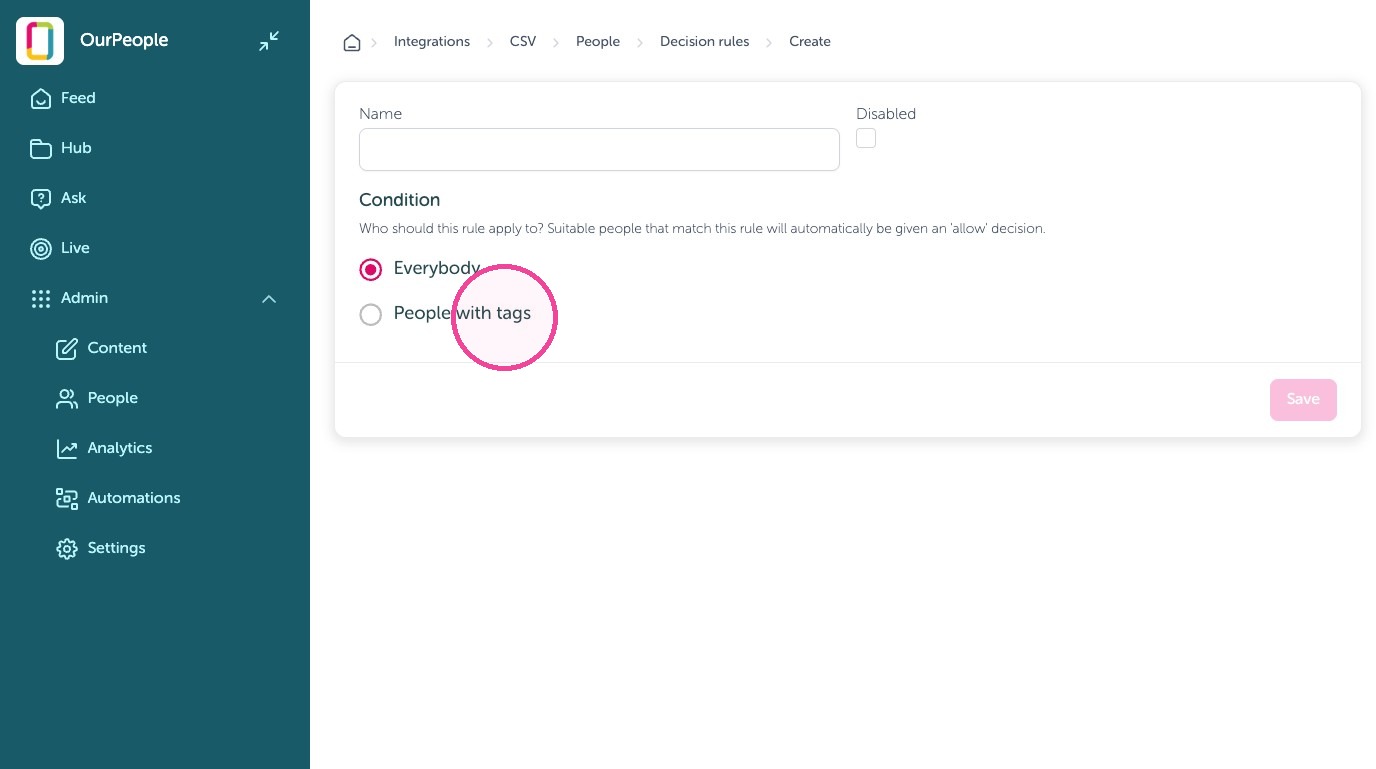
14. Click "People with tags"
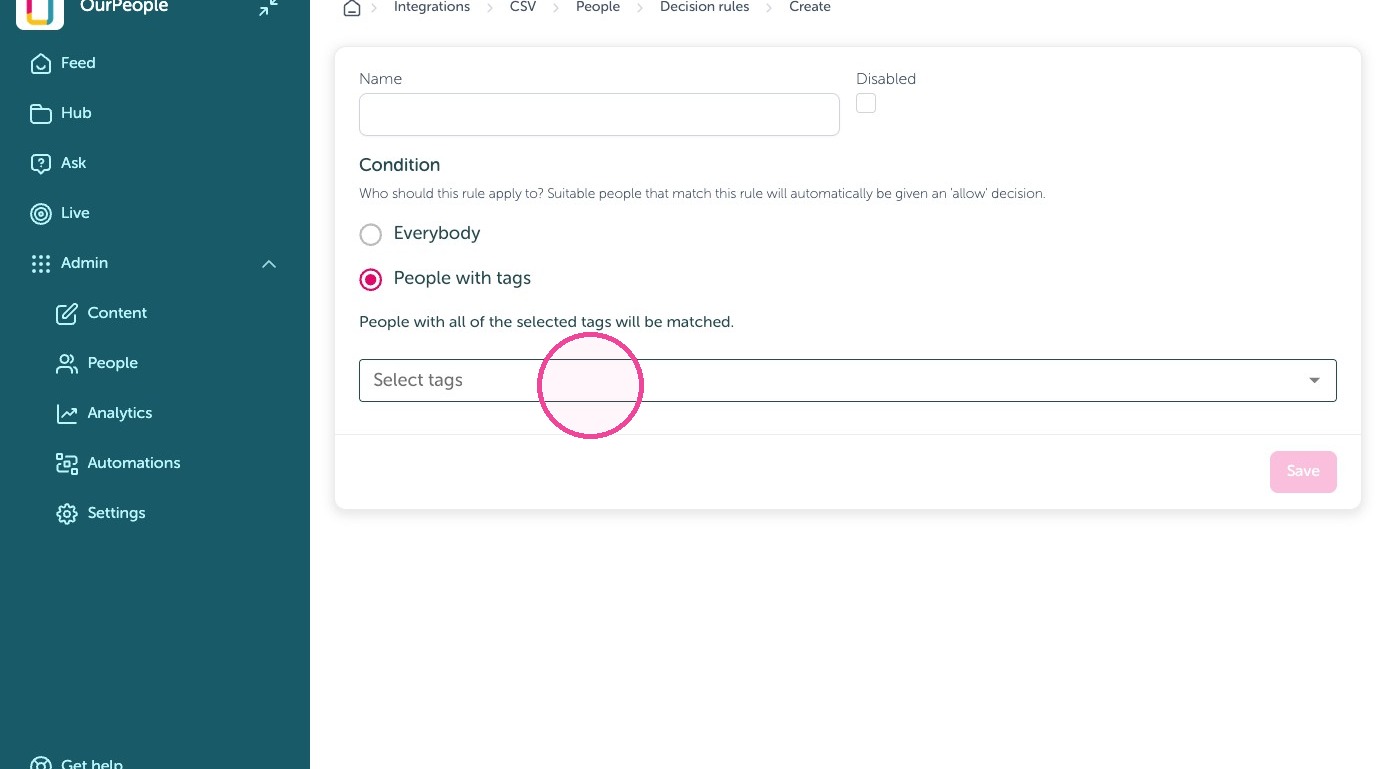
15. Click here to filter to people with specific tags to auto-add and sync
16. Click "Save"
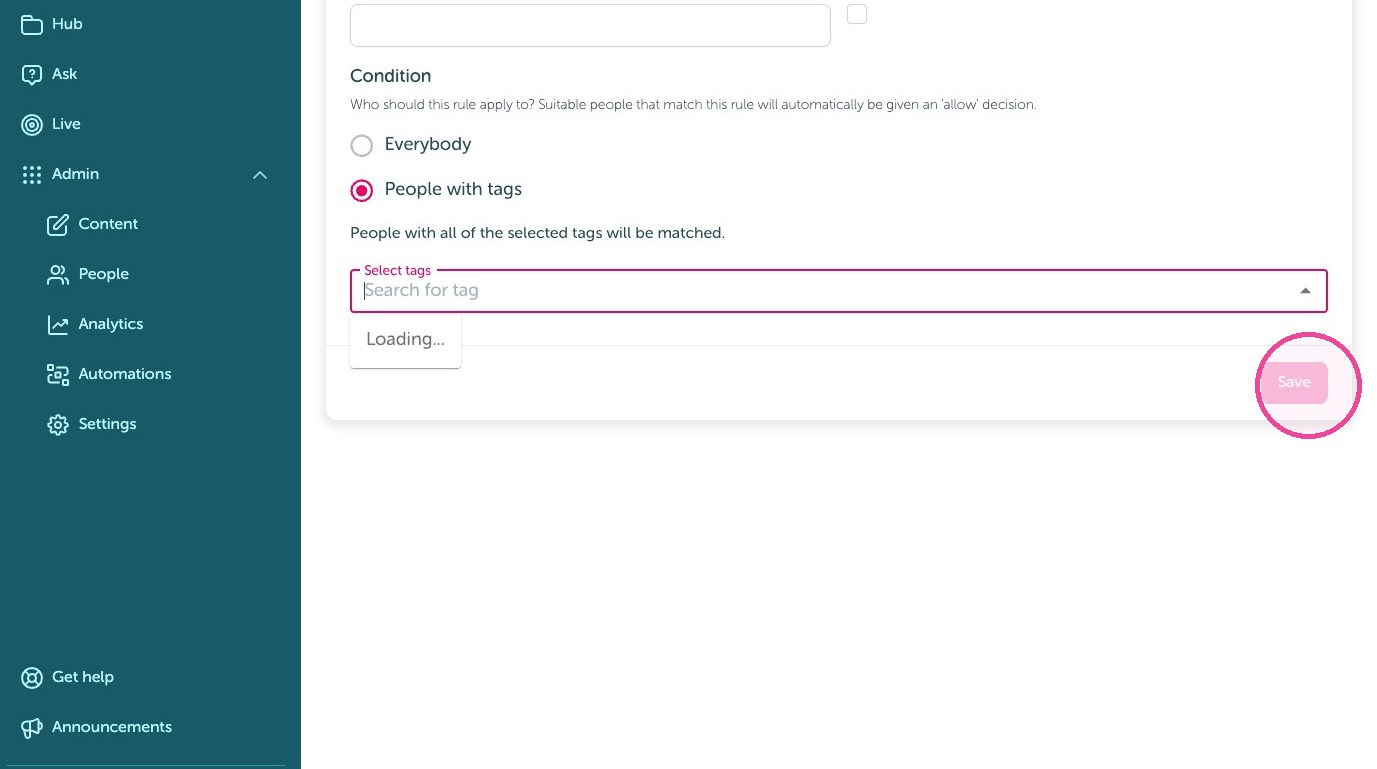
Tip: Repeat for tags if needed otherwise you are done!