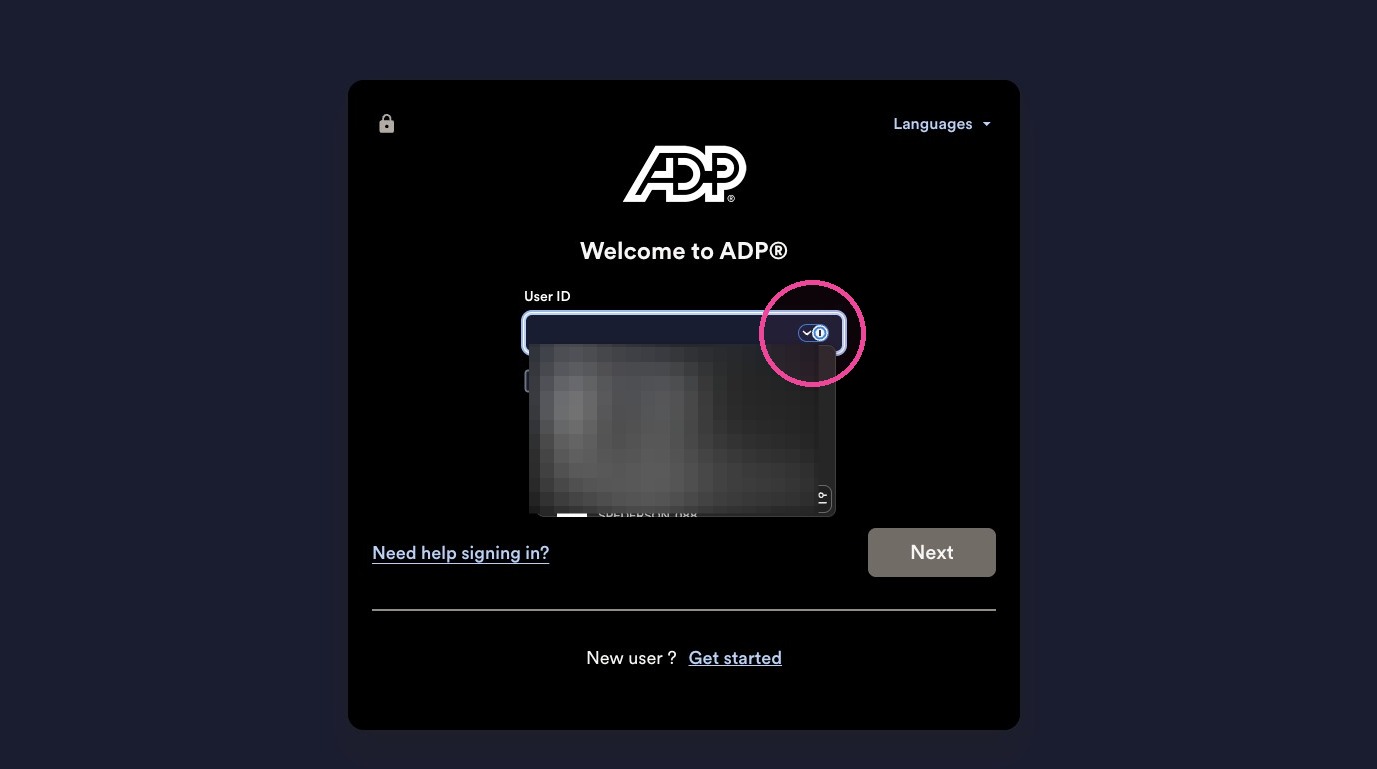
Learn how to quickly log into your OurPeople account by using your email or phone number or ADP login. You can also see how to log into multiple accounts, set or reset a password, or log in with a one-time-code instead.
1. Navigate to https://www.ourpeople.com/
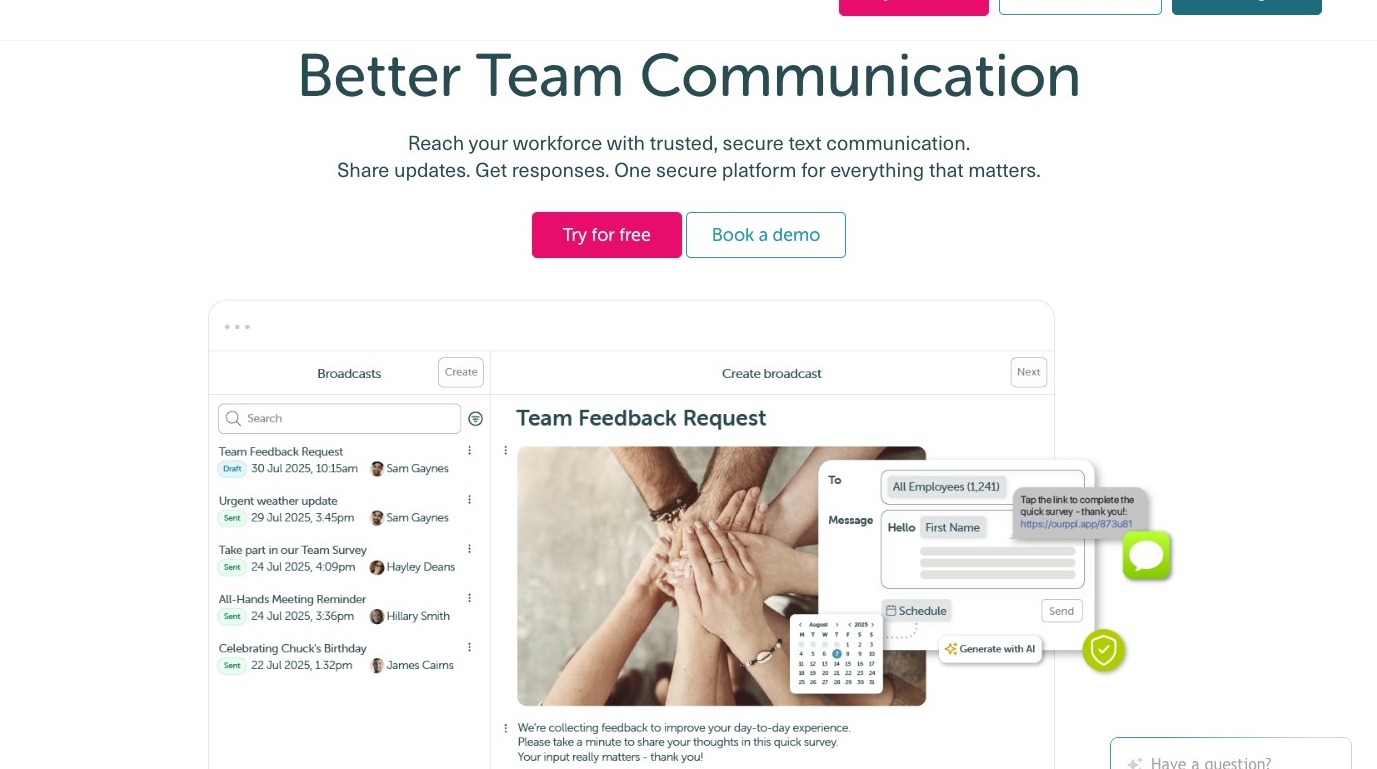
2. Click "Login".
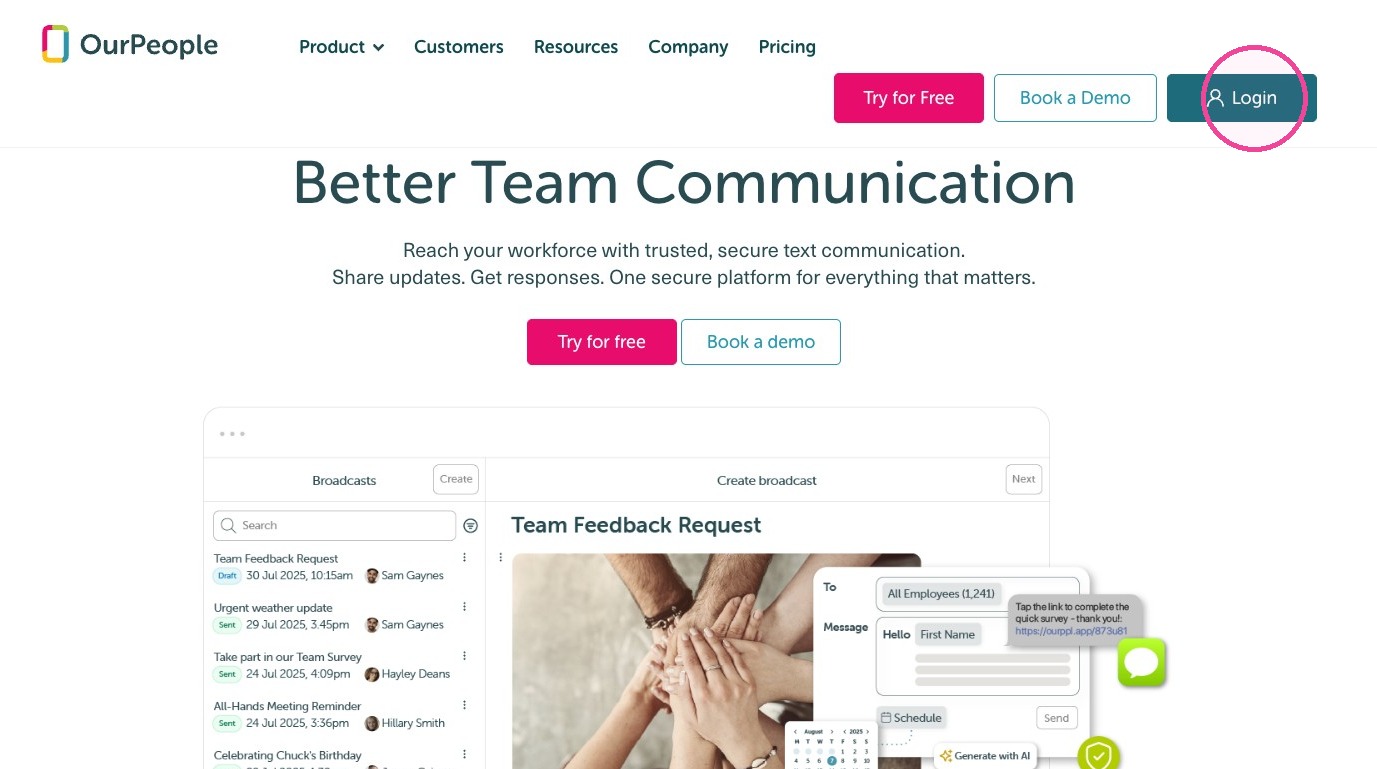
3. Enter your email or phone number.
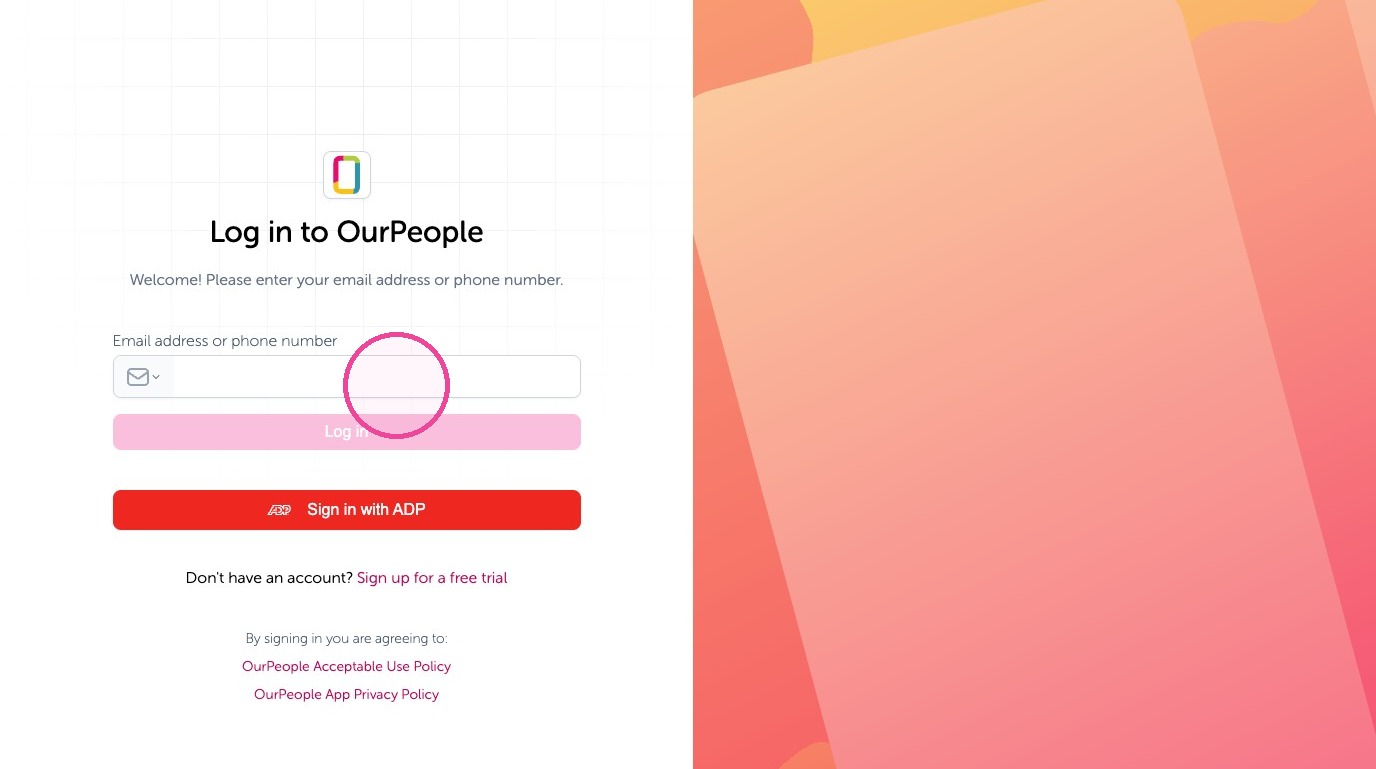
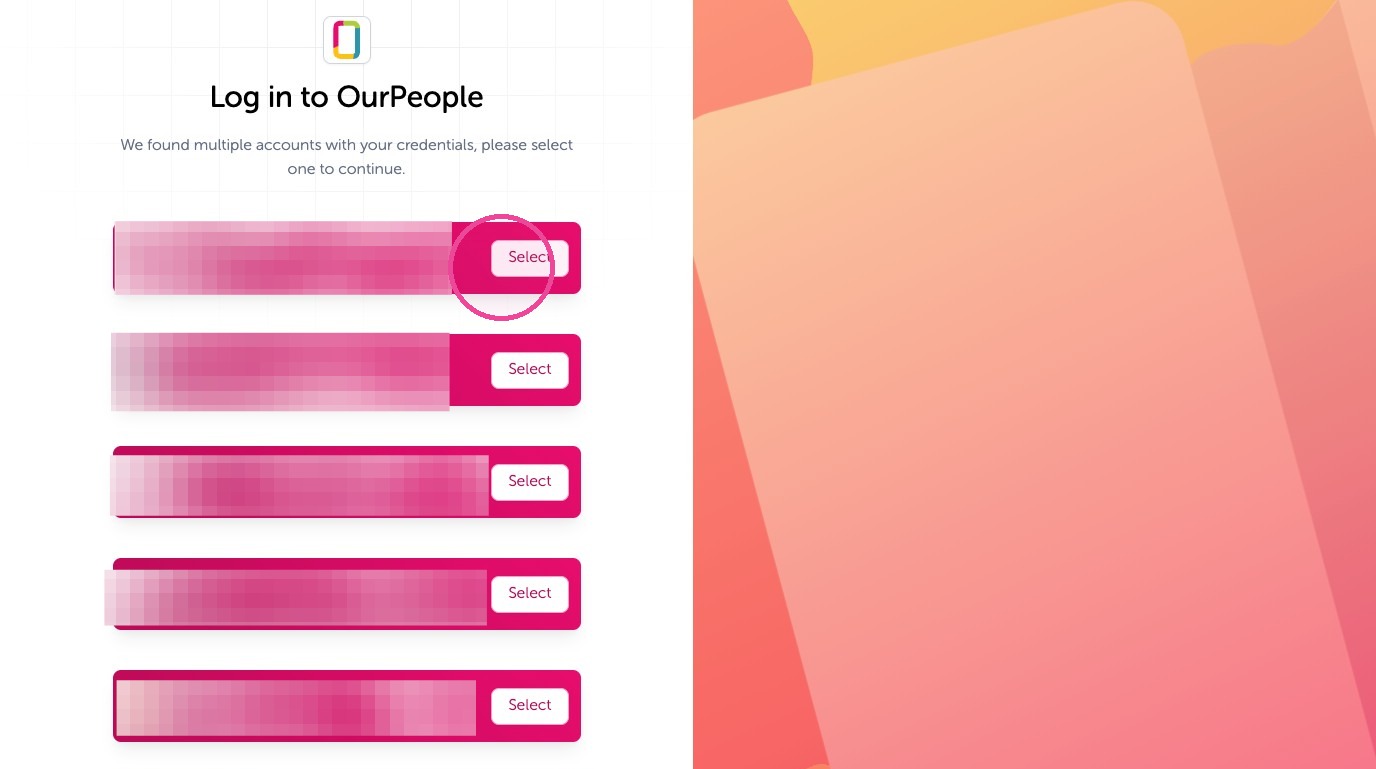
4. If you have multiple accounts with OurPeople, you can select the account you want here.
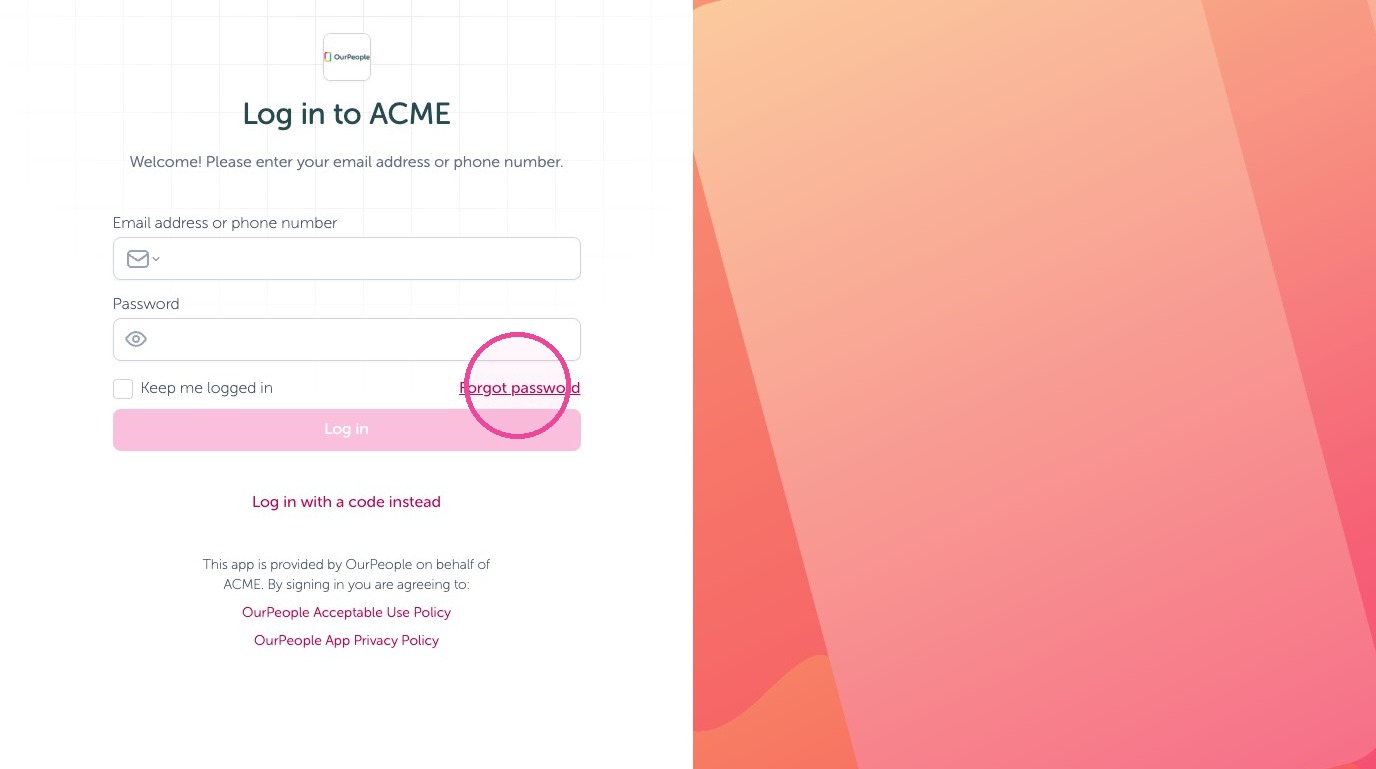
5. Enter the set password. If you have not set one or forgot it select "Forgot password"
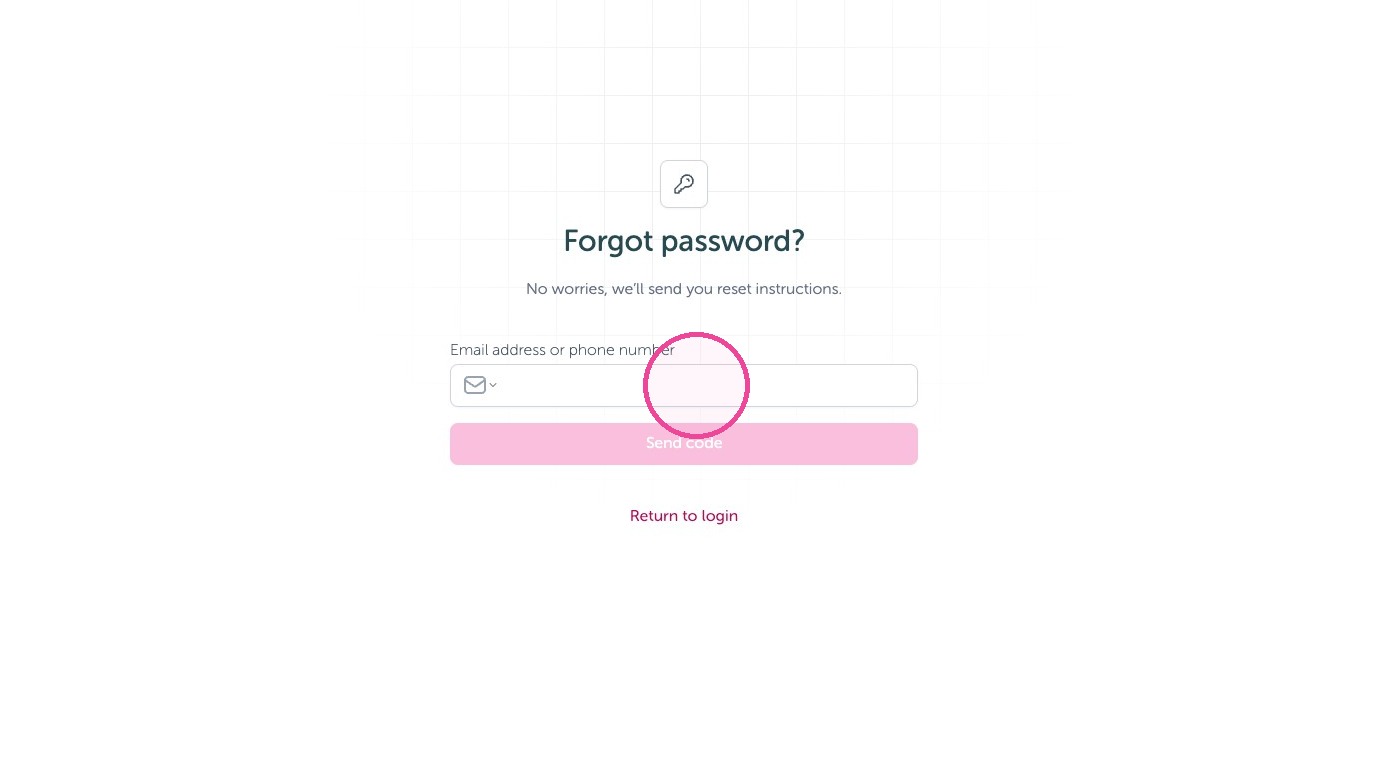
6. Enter the email or phone number you used to receive a verification code then set a new password.
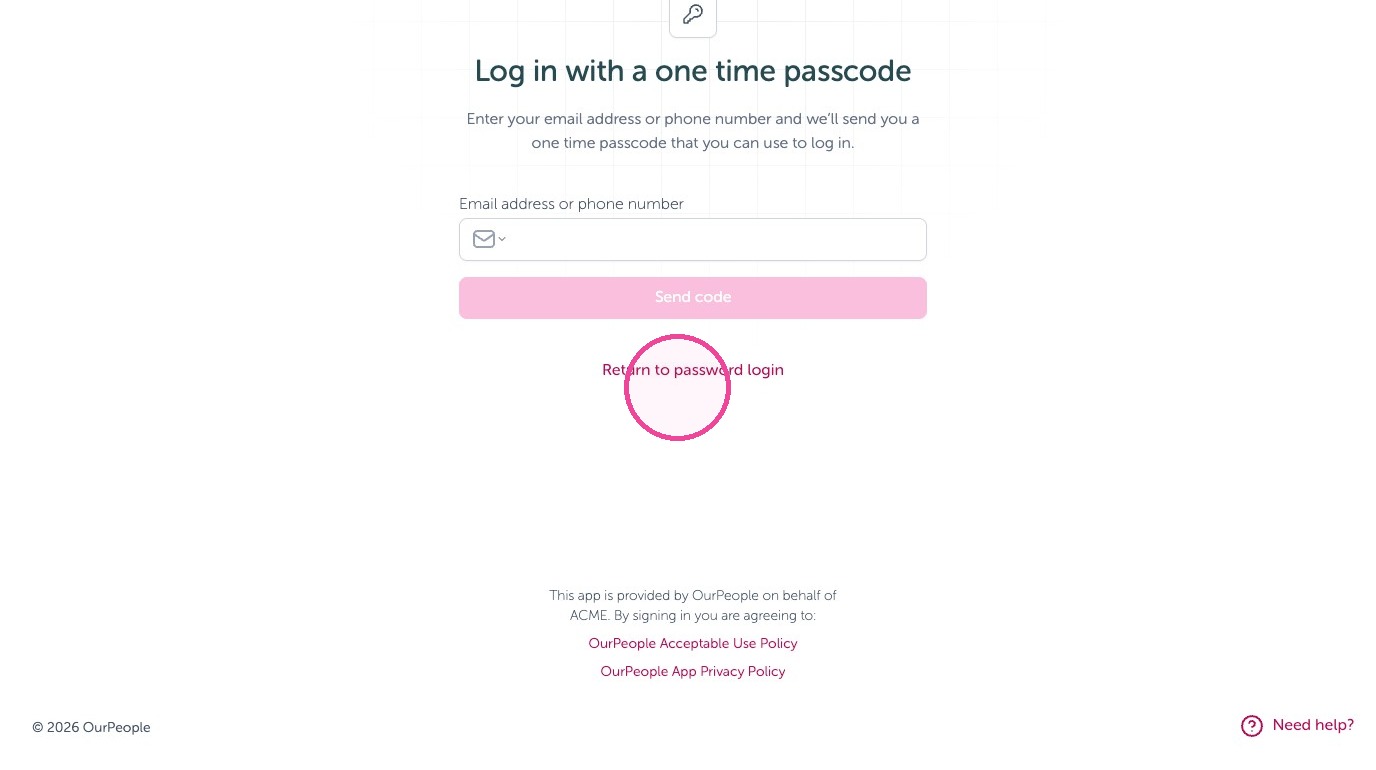
7. Alternatively, you can log in with a one-time-code instead.
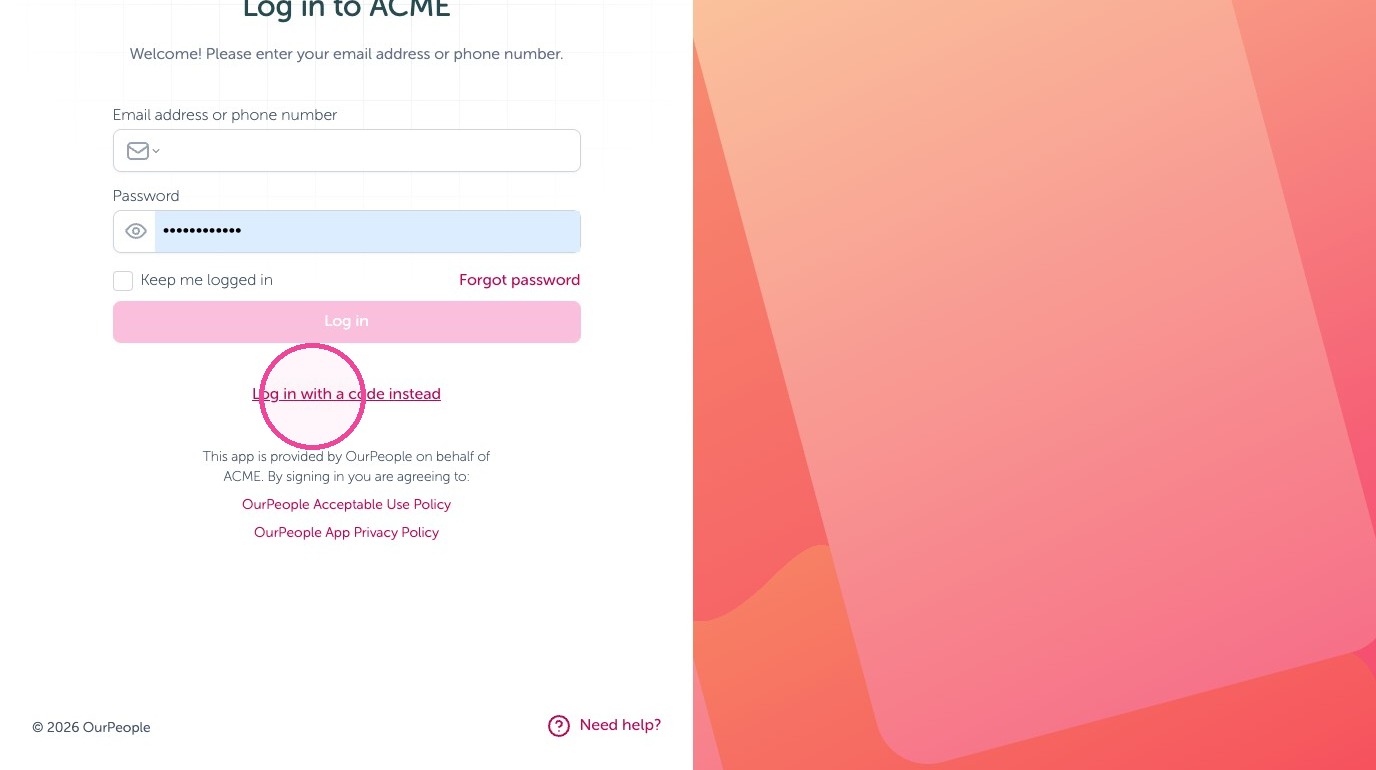
8. Enter your email address or phone number and we’ll send you a one time passcode that you can use to log in.
Tip: That's it - you are now logged into OurPeople!
Alternative login: Using the ADP SSO:
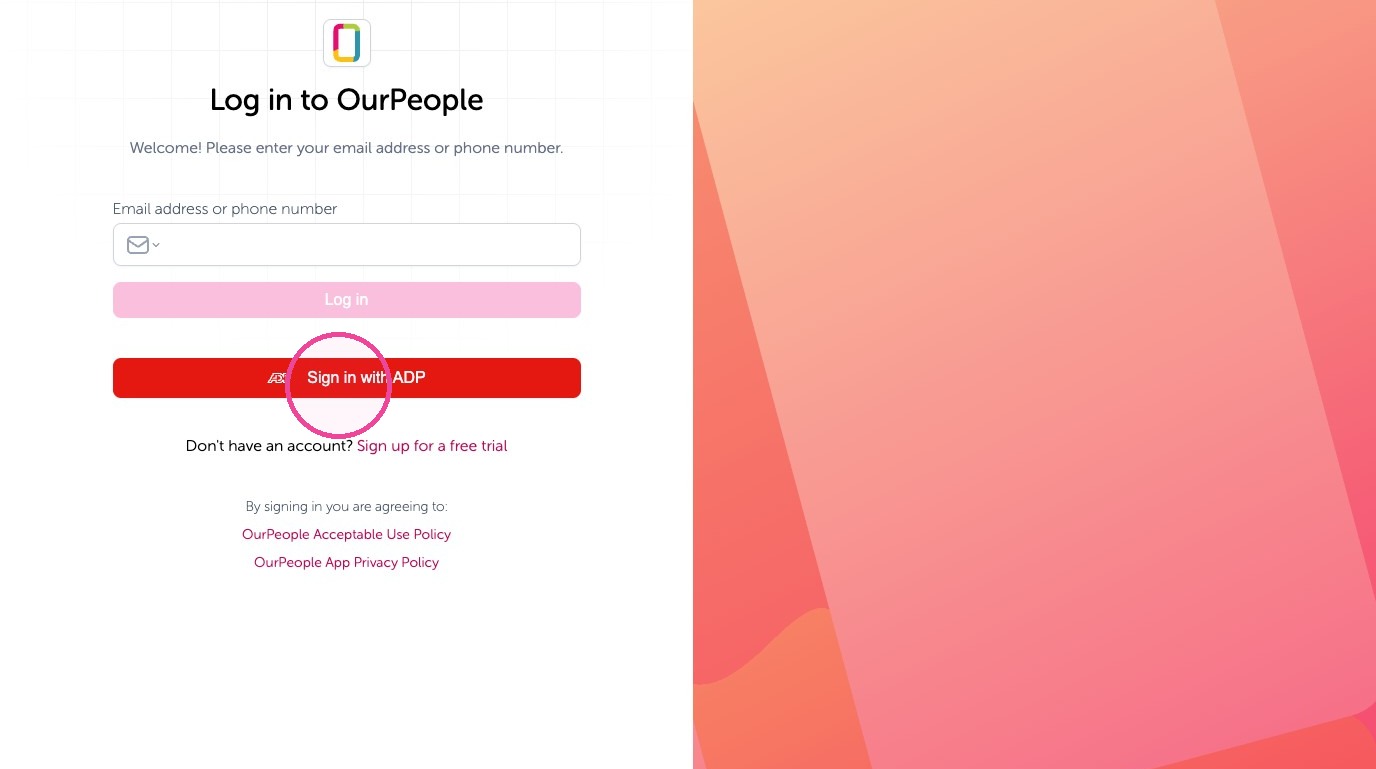
Tip: ADP customers can use the ADP Single-sign-on with your ADP credentials.
9. Click the "Sign in with ADP" button.
10. Select the ADP version you use.
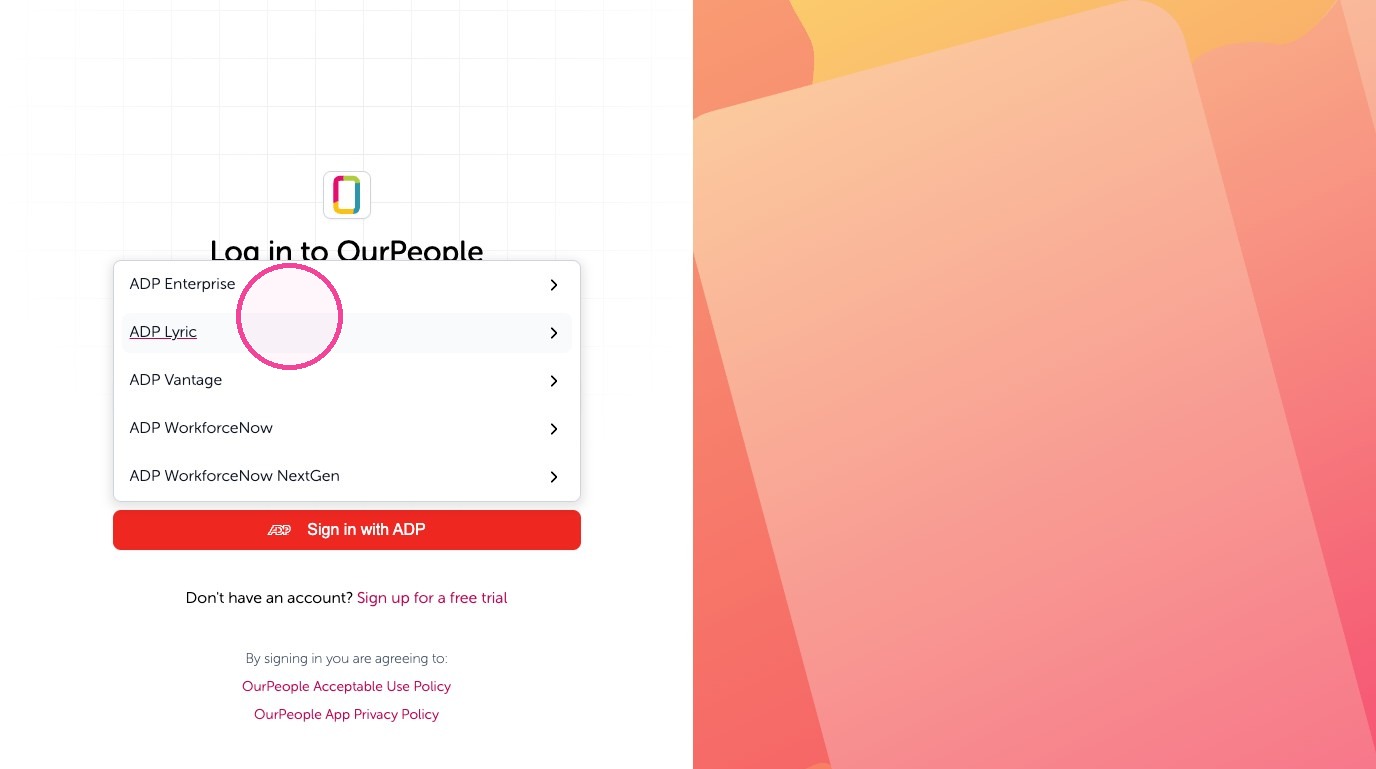
11. If you are not already logged into ADP follow their login steps. After you'll return to your Feed logged in.