Learn how to manage team permissions and update contact details for specific users within your organization. This guide provides a straightforward walkthrough for modifying profile information and adjusting access levels to ensure team data remains accurate.
Edit User Access
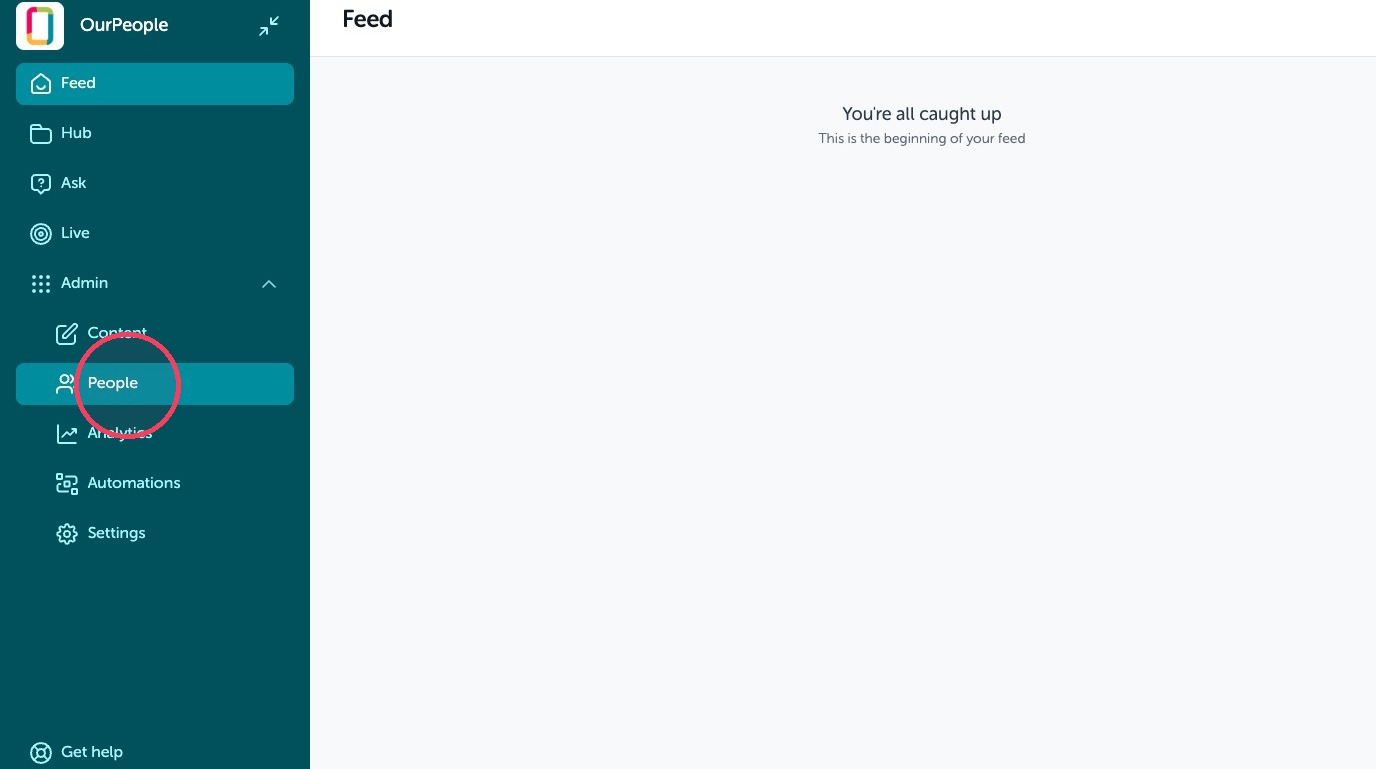
1. Click "People"
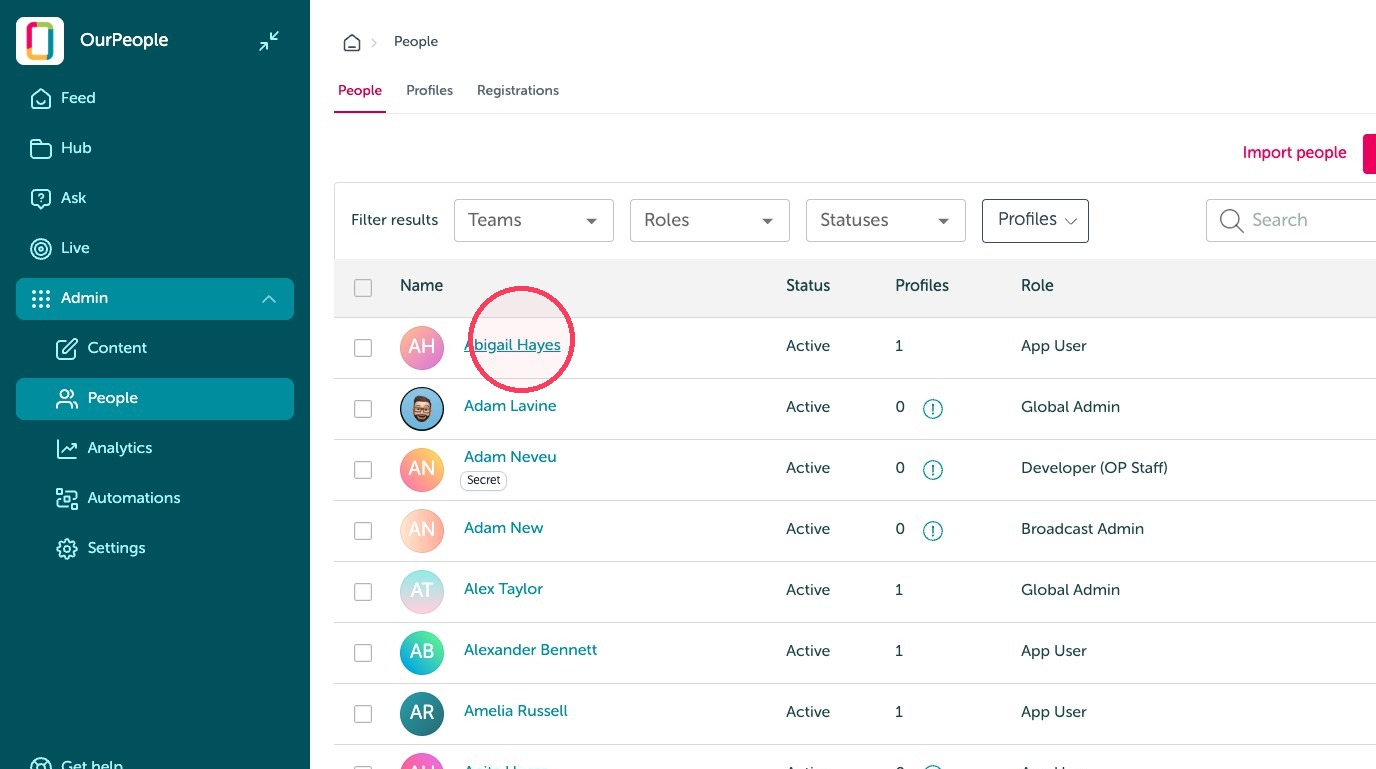
2. Click the user's name.
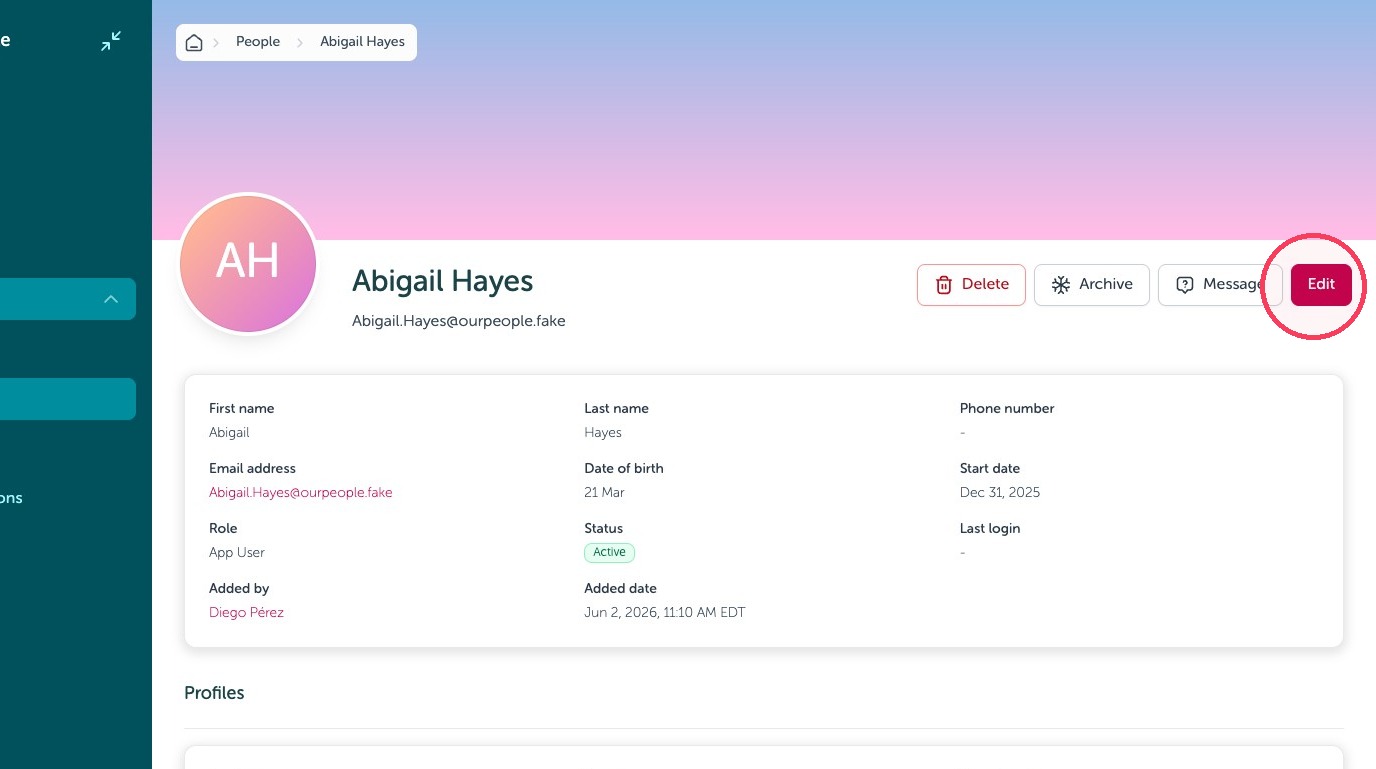
3. Click "Edit"
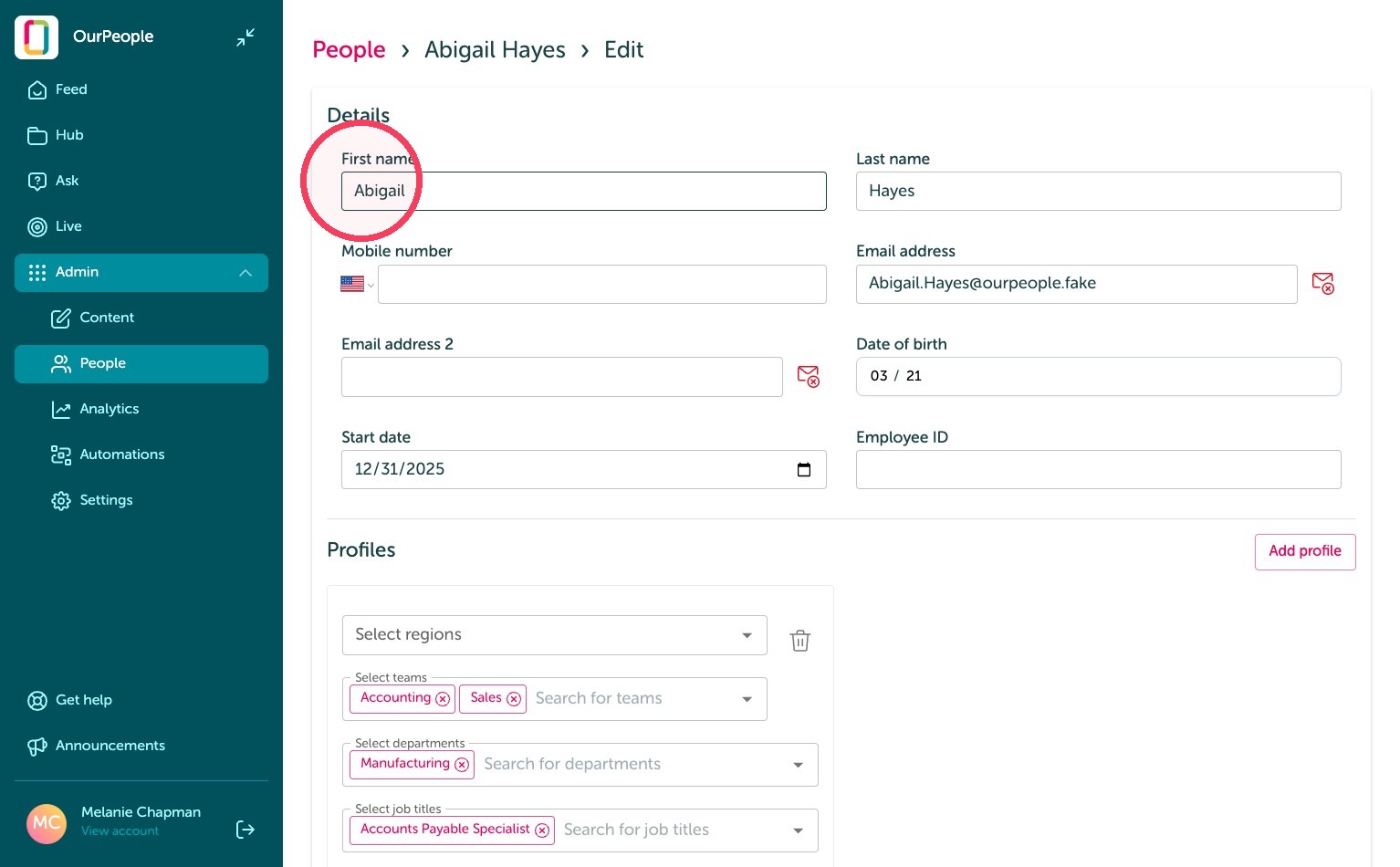
4. You can edit the contact details and tags on a user's profile. (If using an integration, update these details from the HRIS)
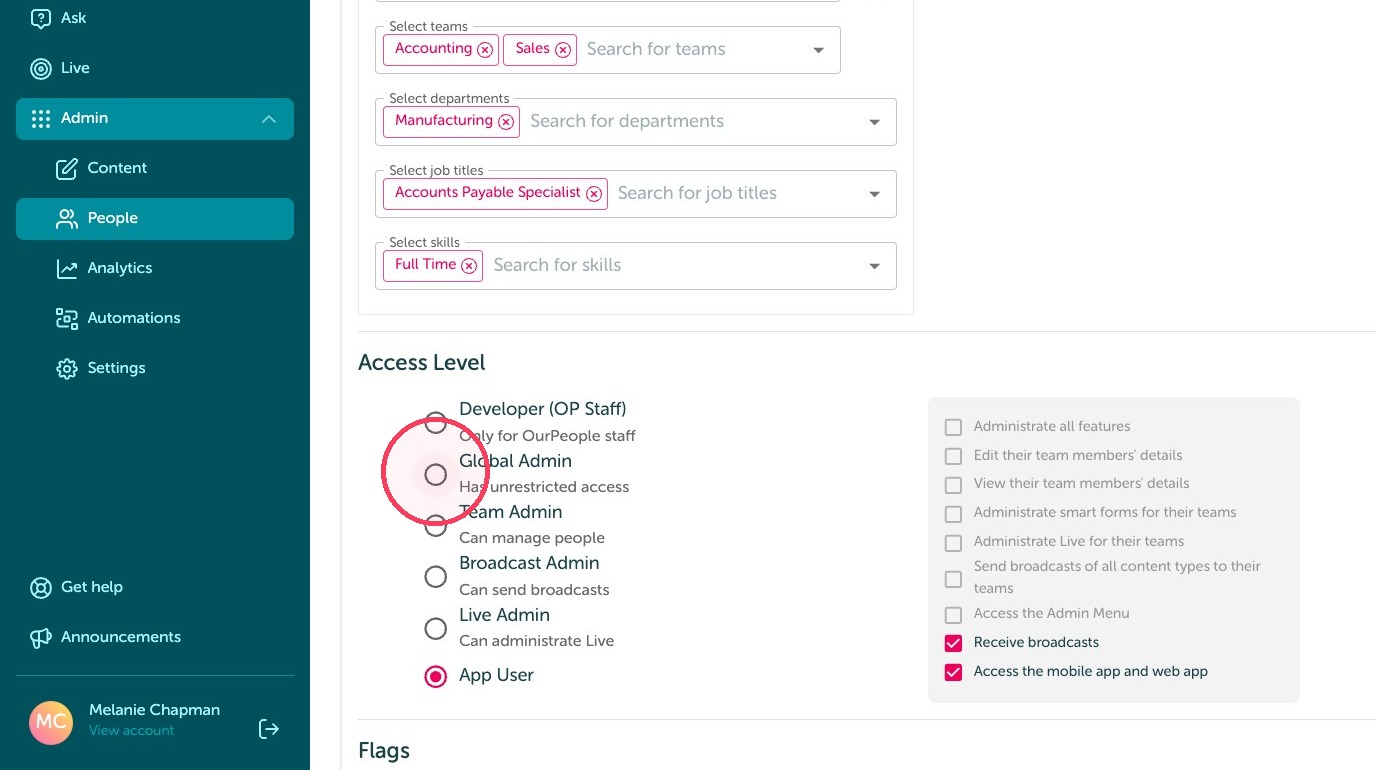
5. Click here to edit a user's access level. This allows you to set up other users as different admin levels to send and receive messages from employees. Be sure if selecting Team, Broadcast, or Live Admin you select what teams they are the admin of to allow them access to that group of employees, otherwise they will see 0 if you forget to select teams they should manage.
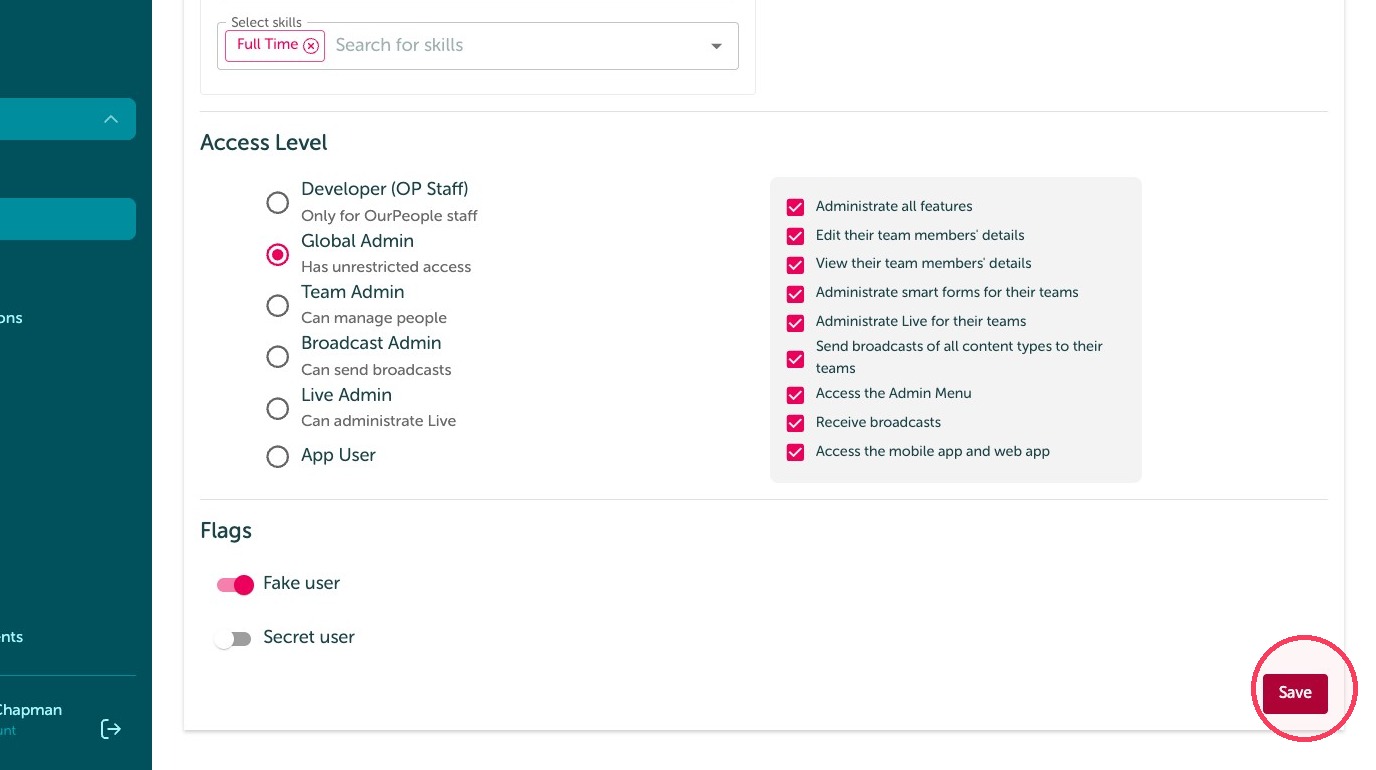
6. Click "Save"
User Status
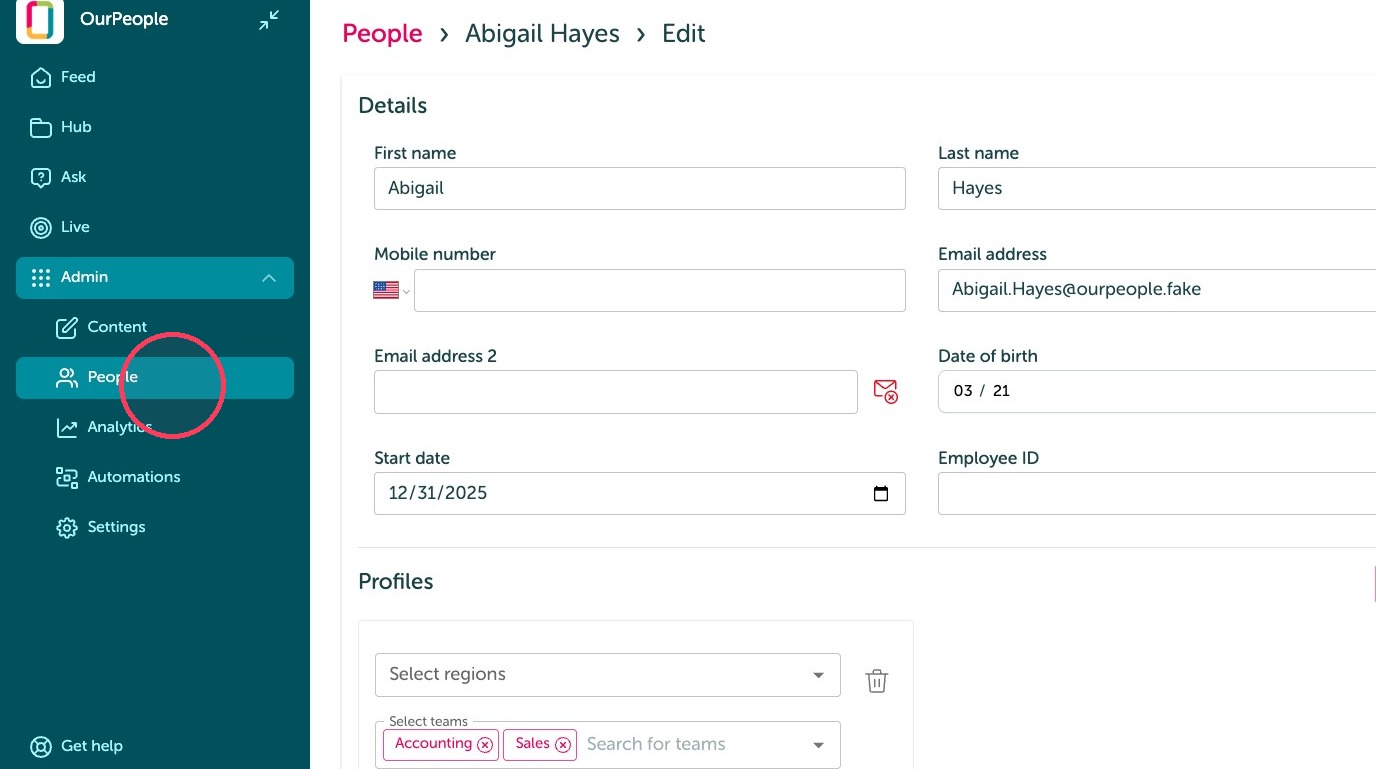
7. Click "People"
8. Open the three-dot menu for the user. You will have the option to edit the profile, send them a message directly, archive the account, or delete it.
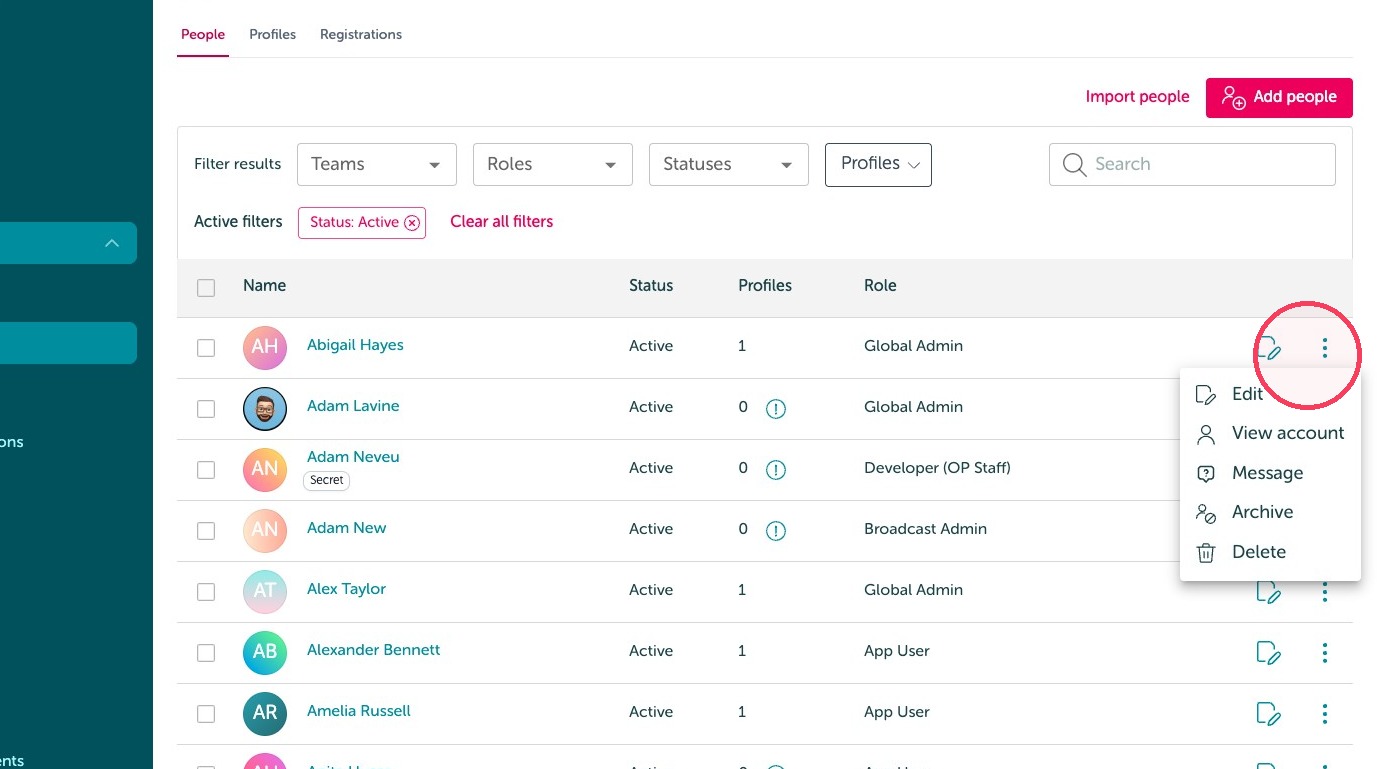
9. Click 'Statuses' to view either active or archived profiles.
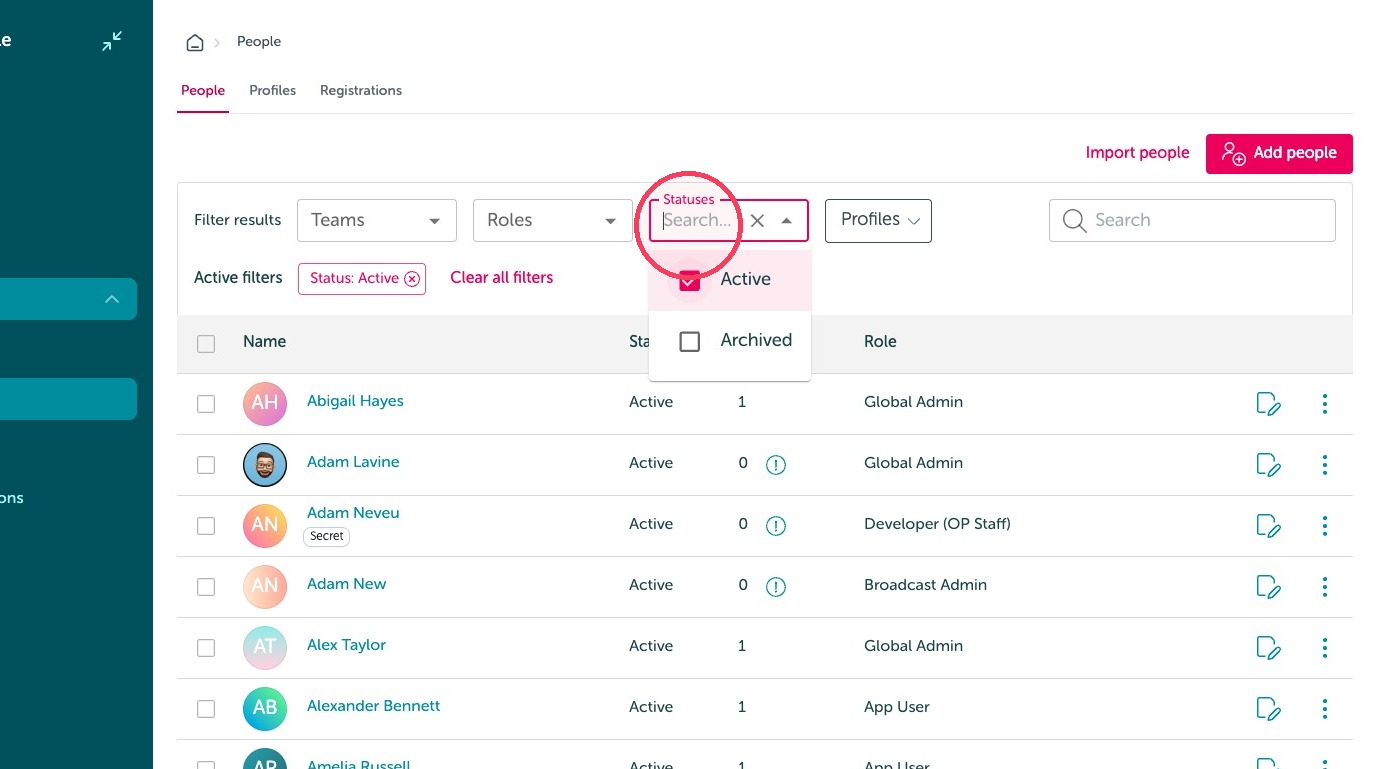
Tip: Archived profiles are available for admins to view, but the user does not have access to log in to the account.