
Content Selection
1. Admin level user's now have the ability to edit published content. Please note these edits will only be reflected in the content on the Feed / Hub. To send a new notification to user's you will want to Duplicate the content and re-send.
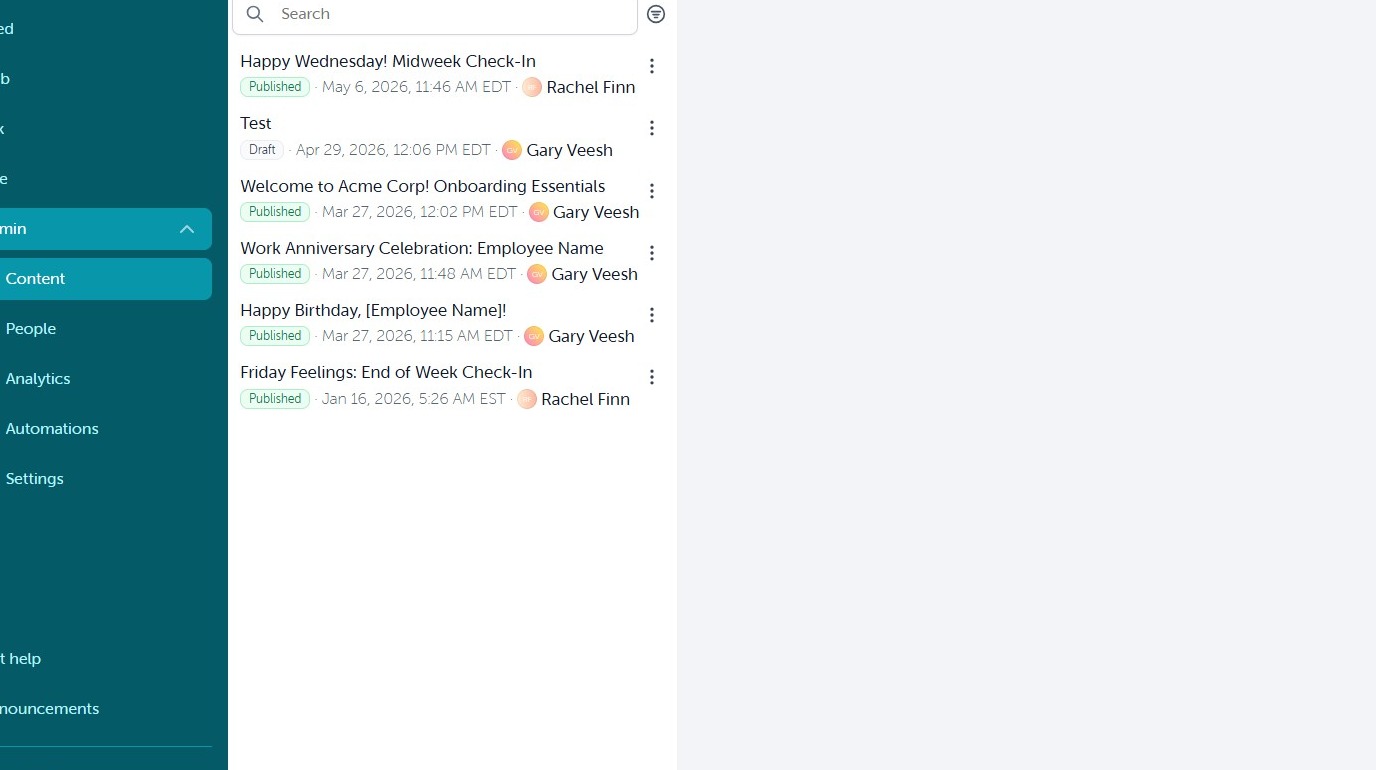
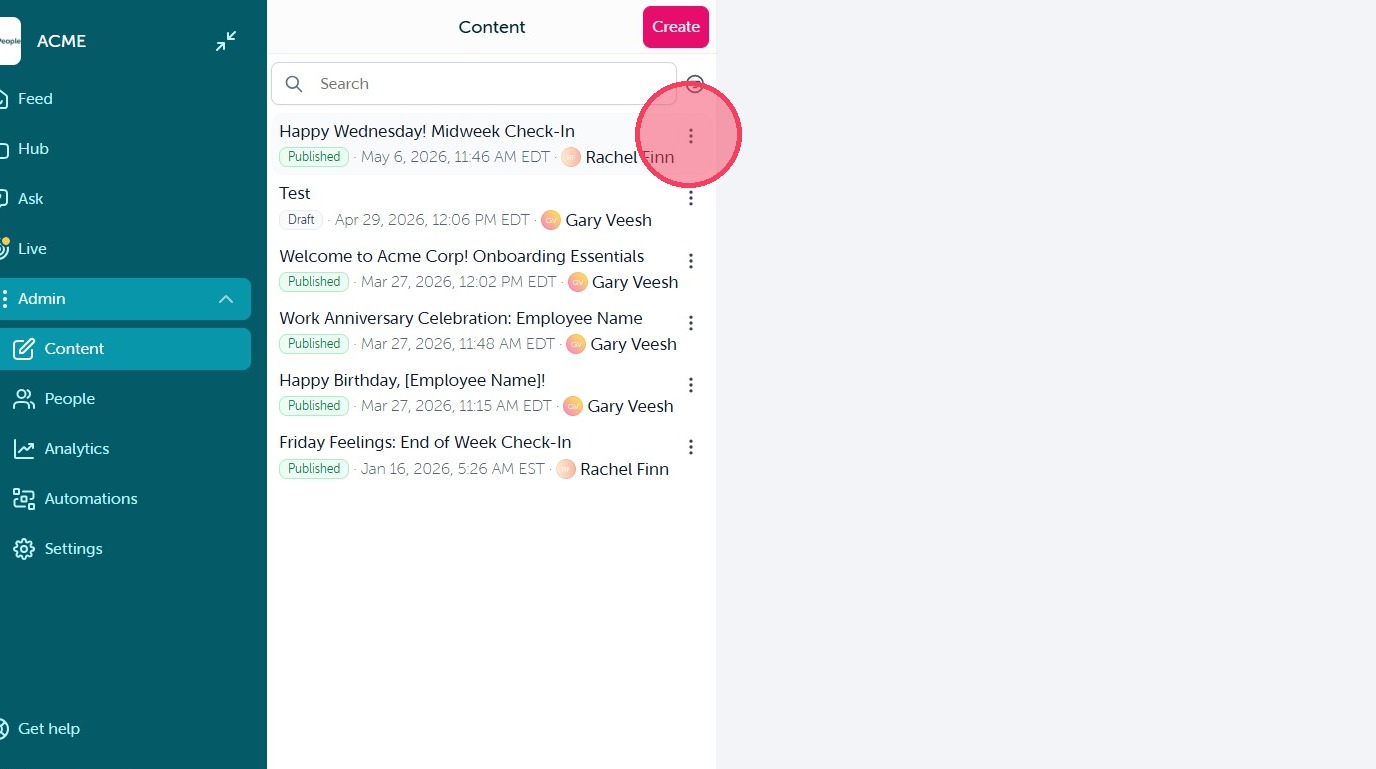
2. Select the ellipsis icon next to the content item you wish to edit.
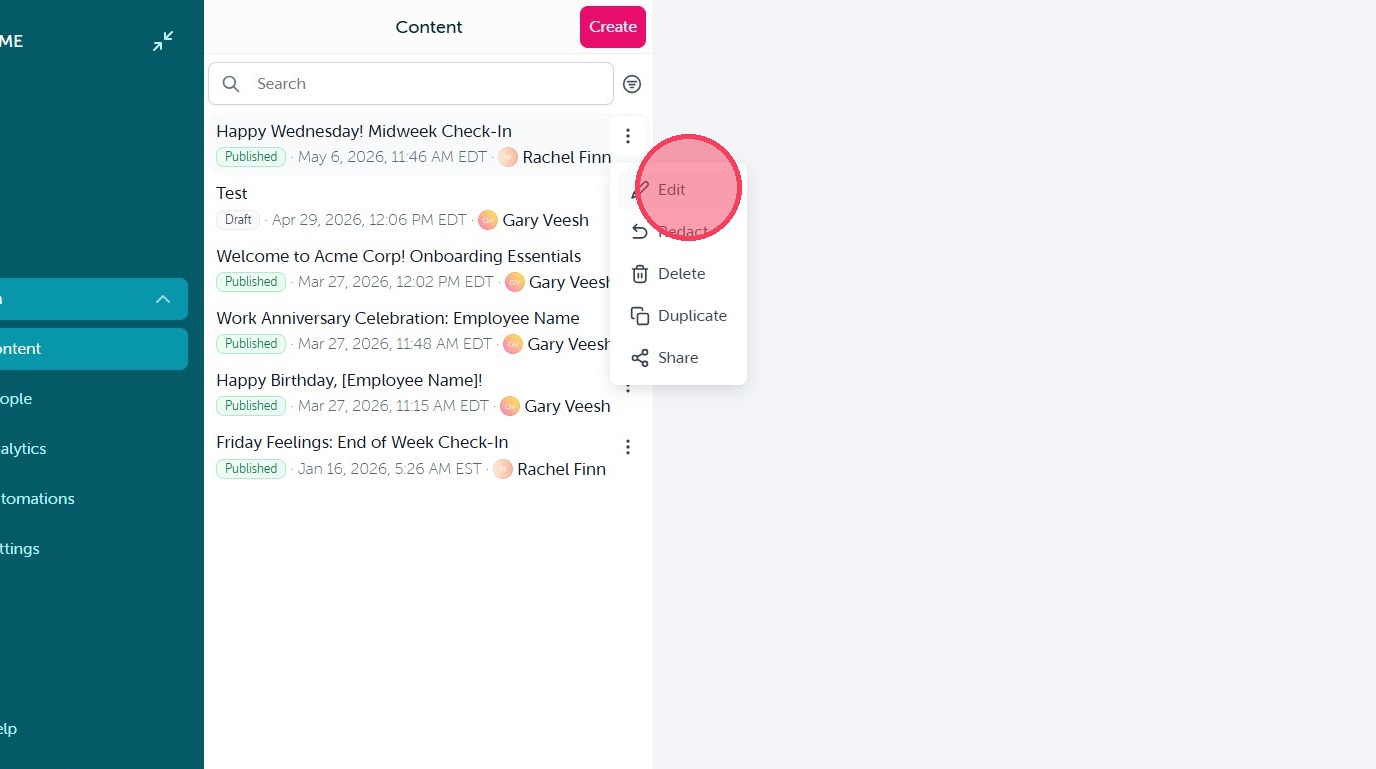
3. Click "Edit"
Block Customization

4. Open the block settings and click "Confirm" after making your changes. You can edit existing blocks, remove them, or add additional blocks to the content.
Review and Save
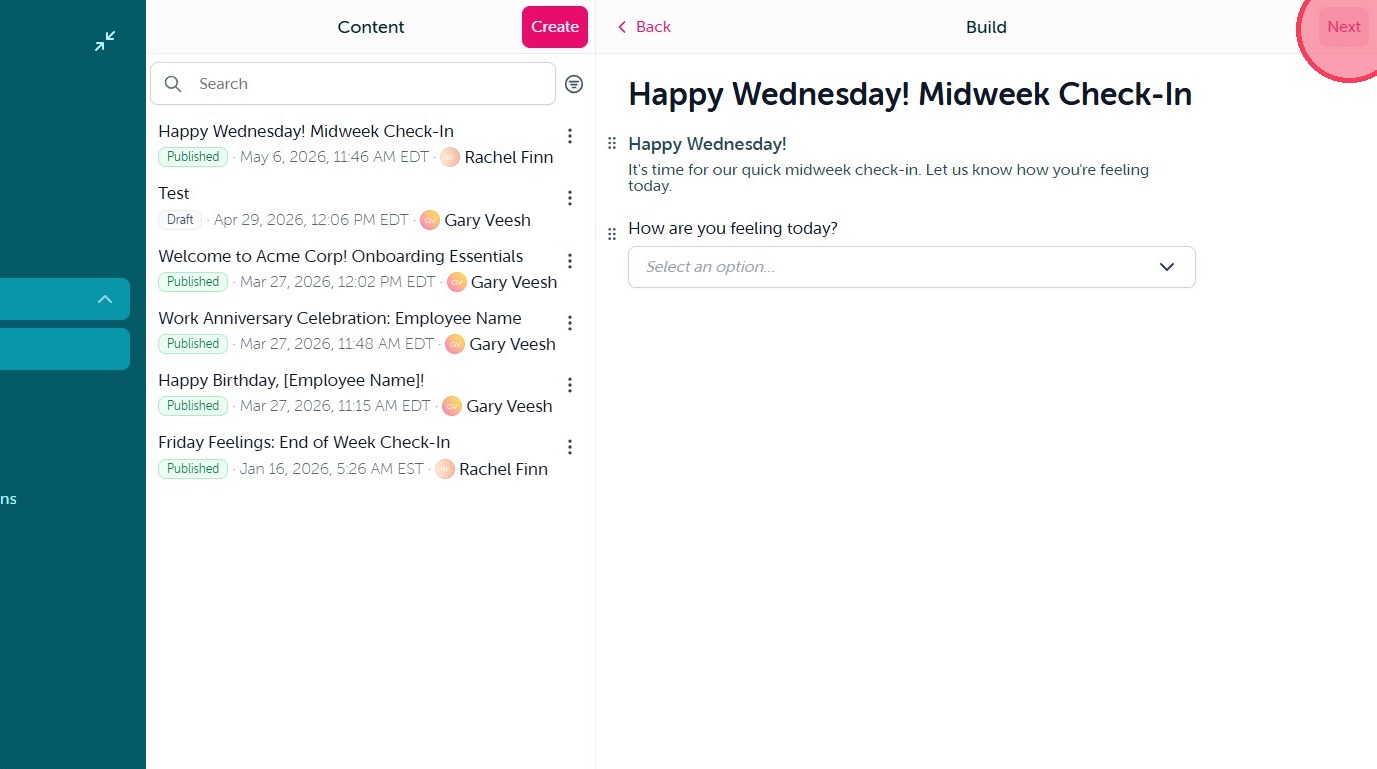
5. When you have made the desired adjustments click "Next" to proceed to the configuration screen.
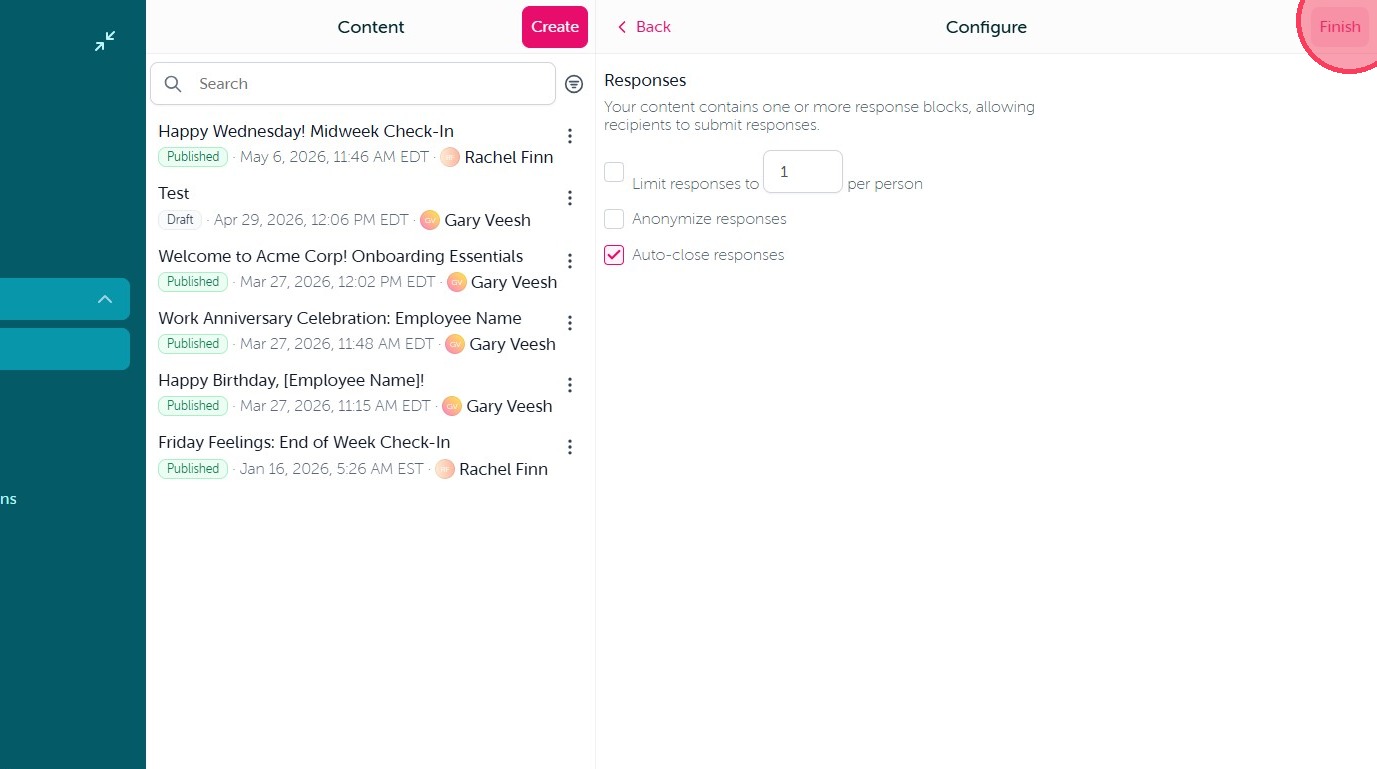
6. Then simply click "Finish" to save your changes and your updates will be reflected in the content on the Feed / Hub.
Comments
0 comments
Article is closed for comments.