
Learn how to easily update the language preferences for your account on the platform. This guide provides a quick walk-through to ensure your interface is displayed in your preferred language.
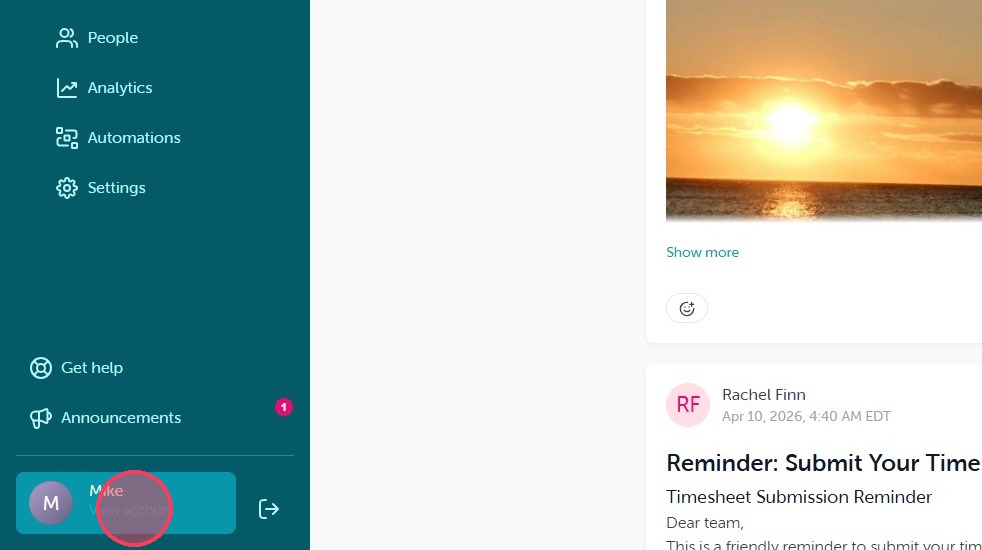
1. Select "View account" in the bottom left corner when logged into OurPeople.
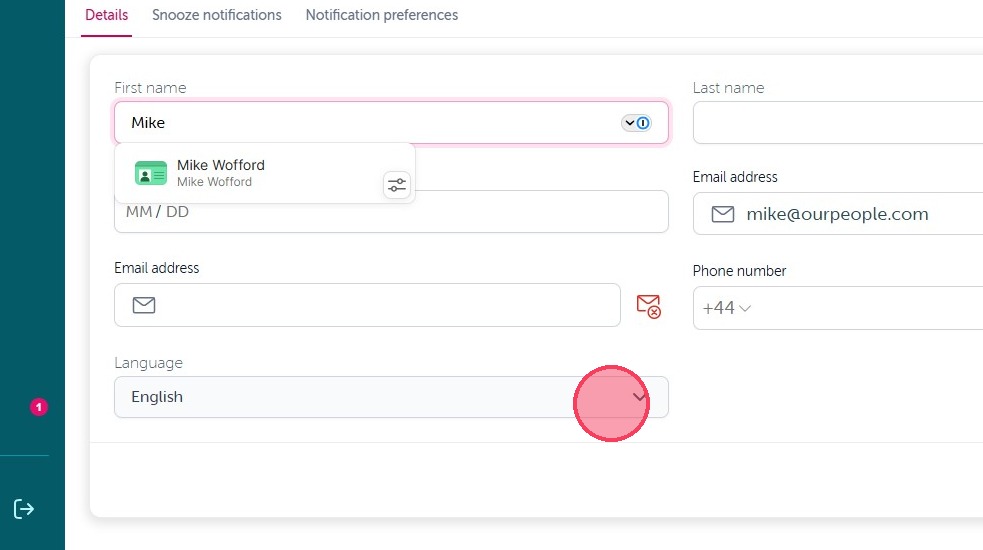
2. From there you will see the Language option on the Details tab. Click on the dropdown under language.
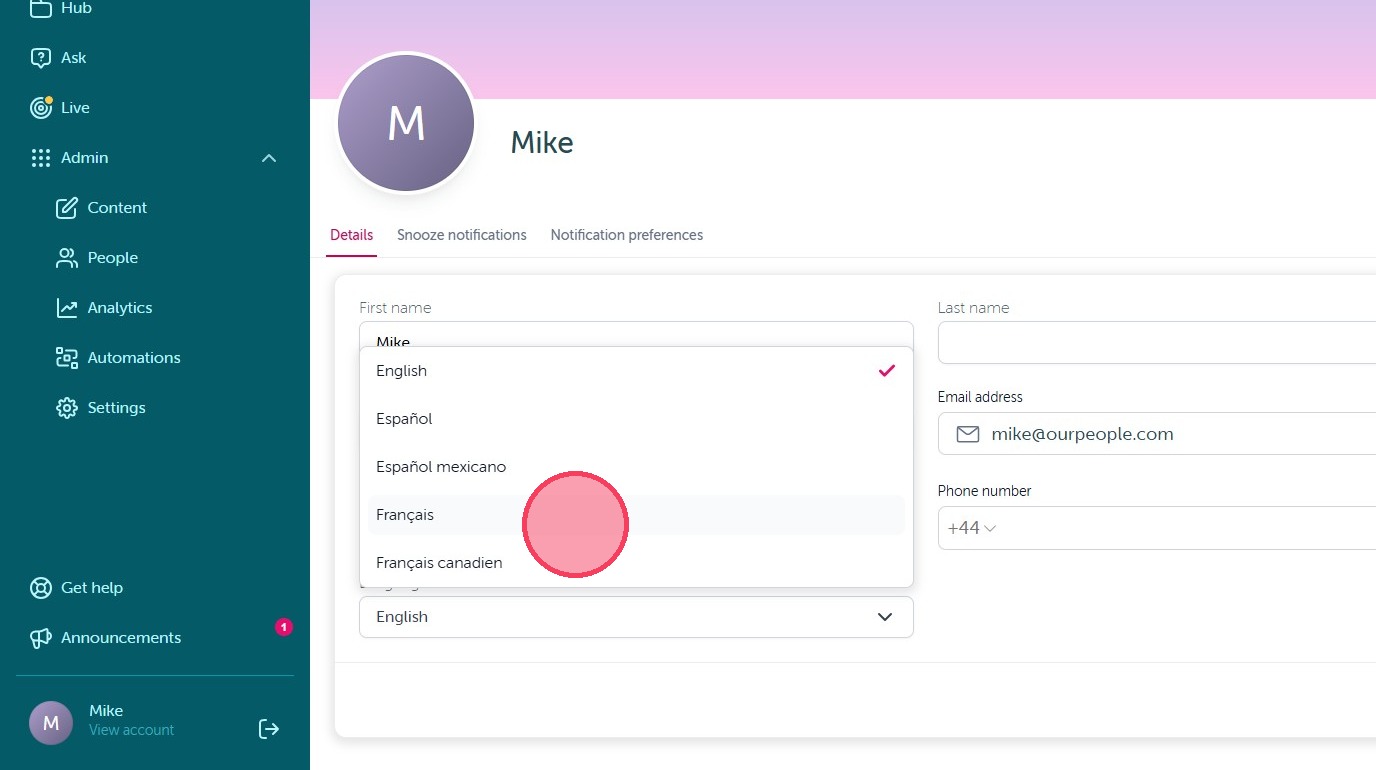
3. From there simply select your desired language from the available options. This will automatically translate all content and notifications sent via OurPeople moving forward.
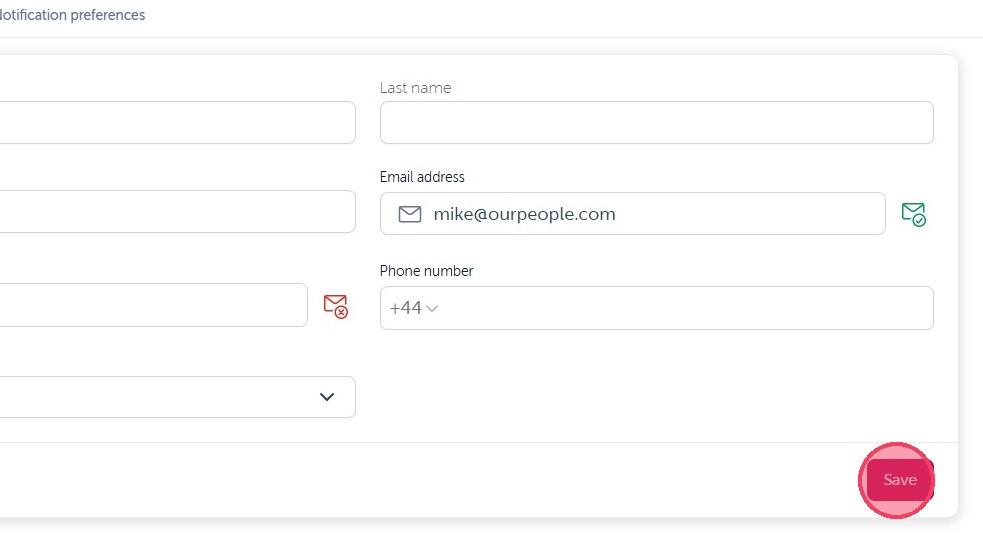
4. Once you have selected your desired language, simply hit "Save" in the bottom right corner to update your default OurPeople language.
Comments
0 comments
Article is closed for comments.