
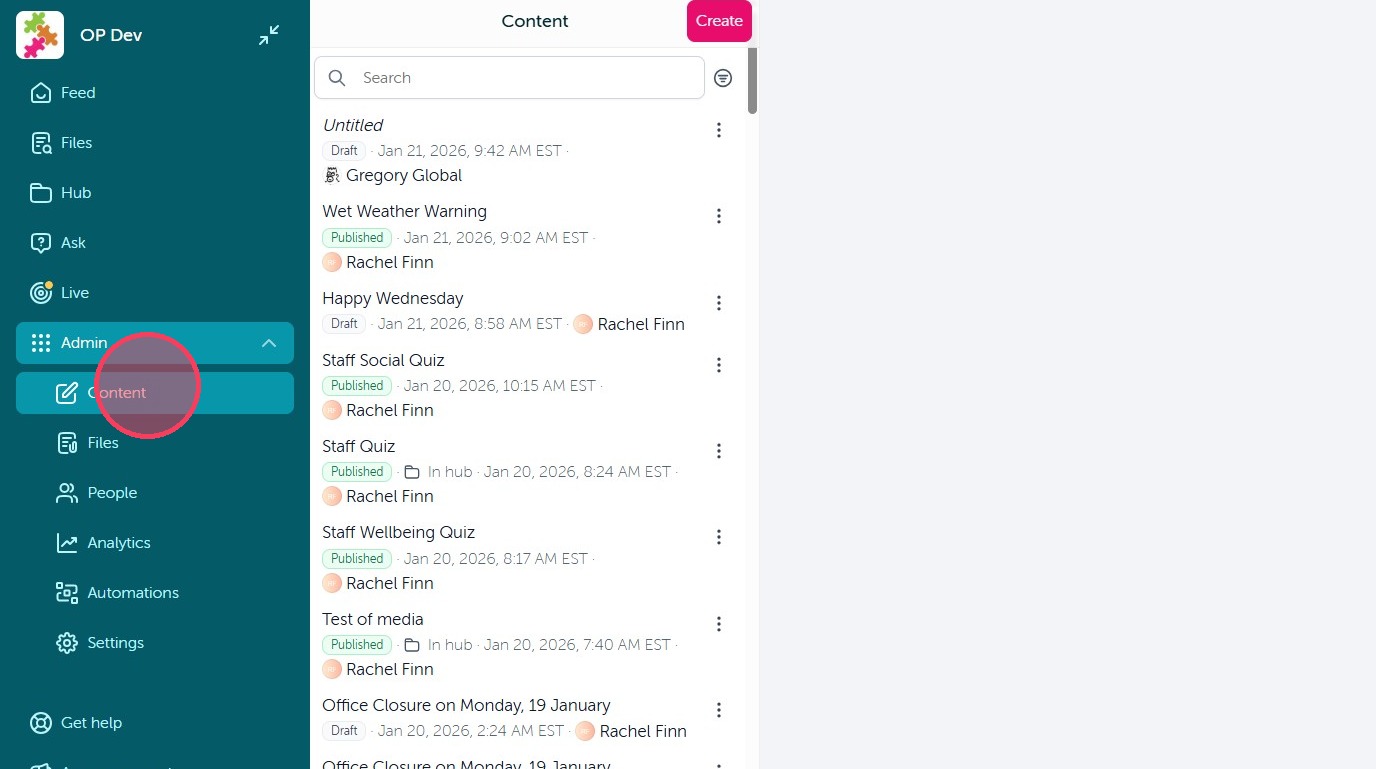
1. Content is now where you draft all communications in OurPeople.
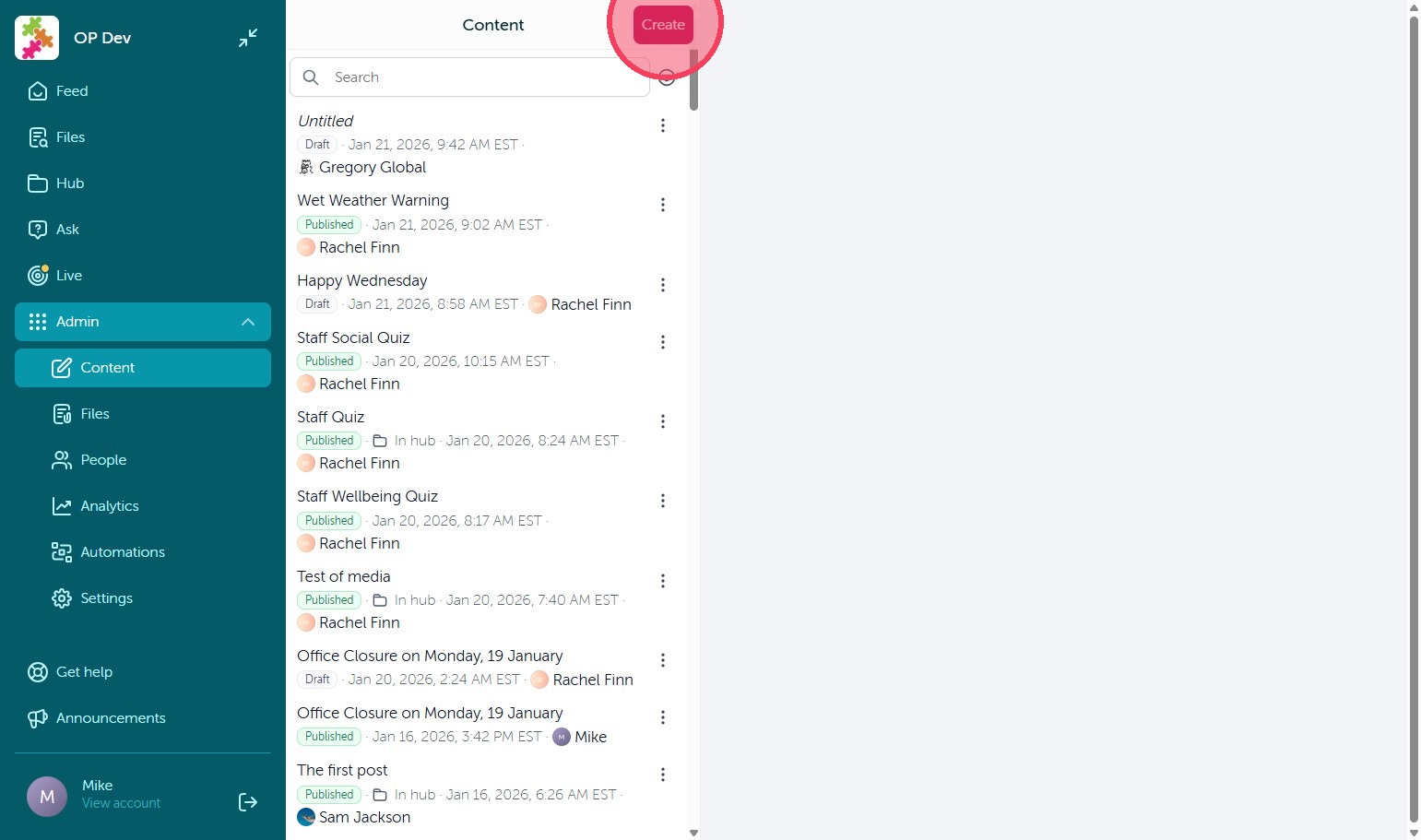
2. Select 'Create' to get started.
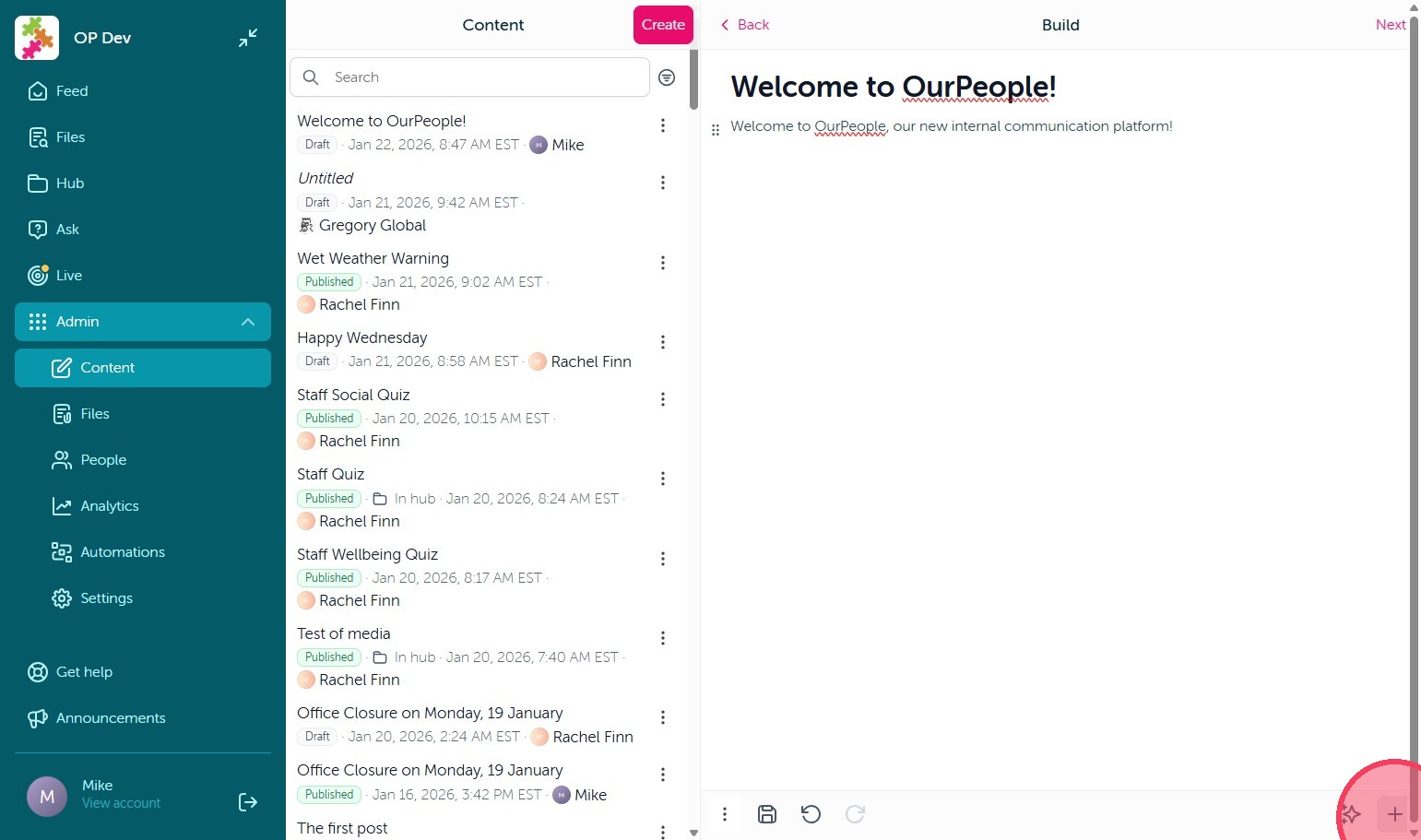
3. You can then Draft your communication, with the OurPeople Assistant (pink star icon) and block form options (+) in the bottom right.
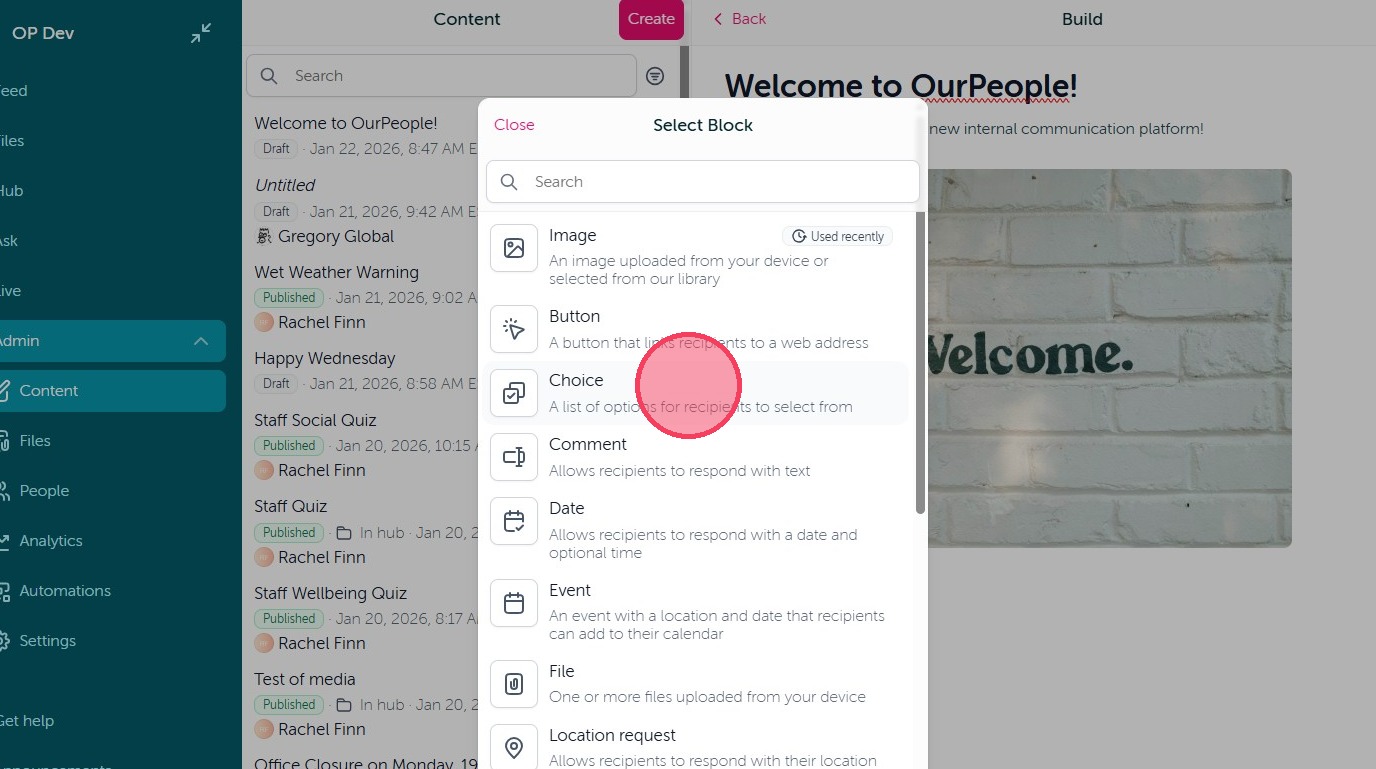
4. Click 'Image' to select an image to add to your post.
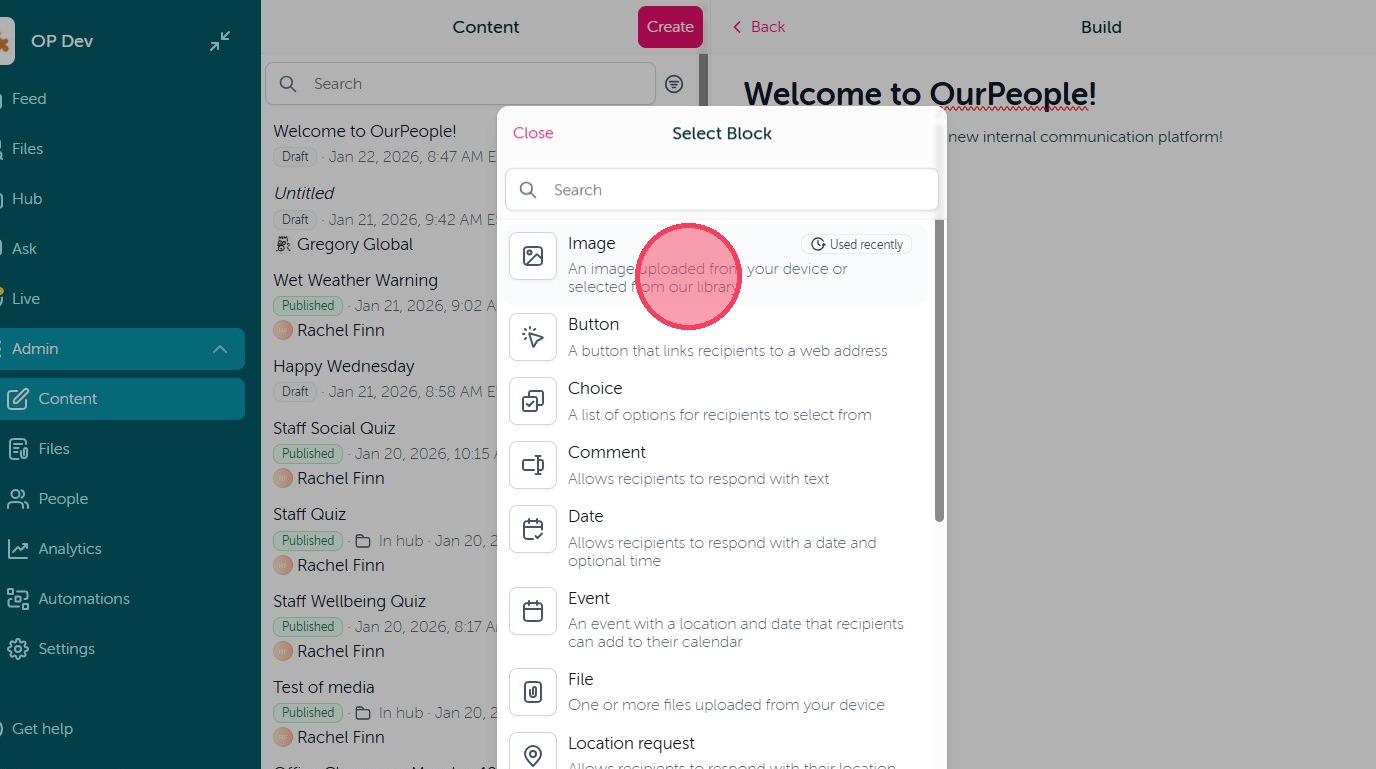
5. Click 'Choice' to create selectable feedback options for your user's to select from.
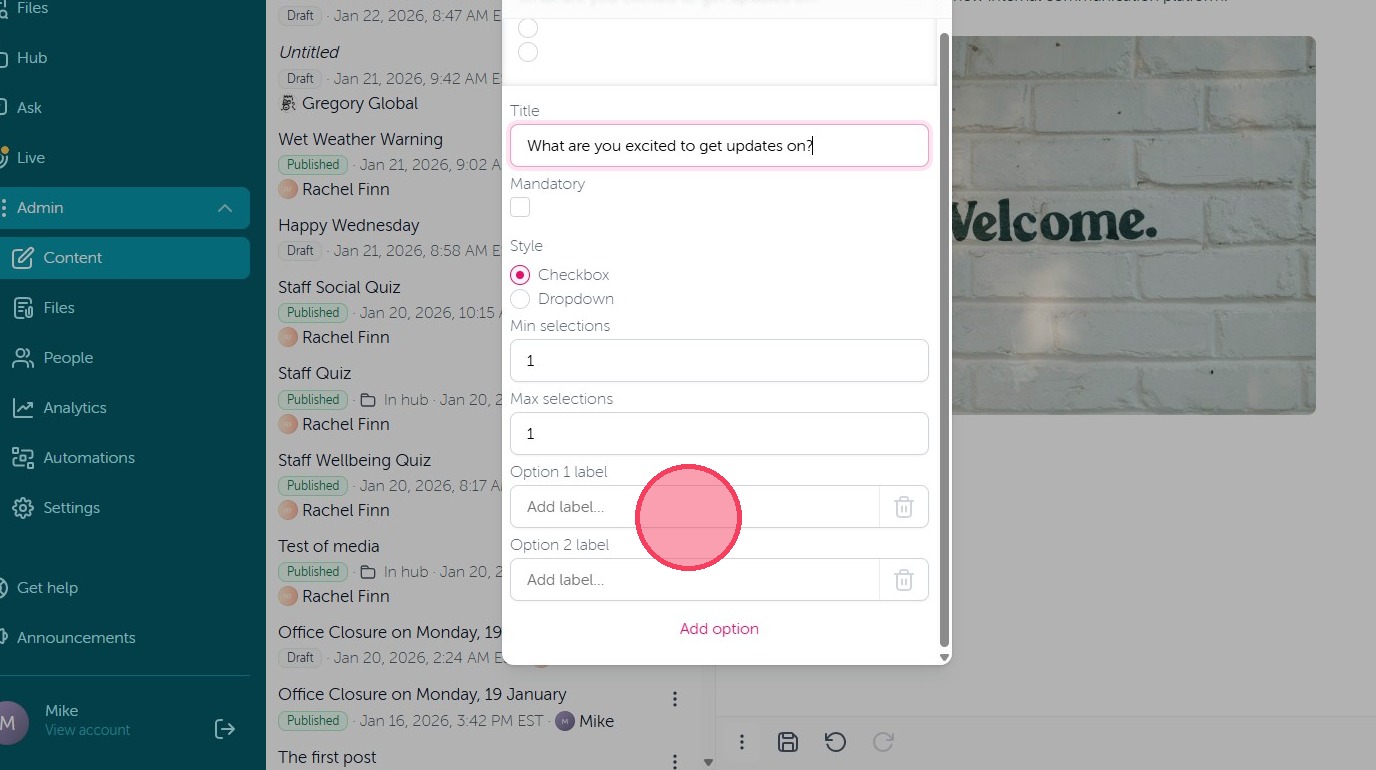
6. Enter your question in the 'Title' field and add your answer options to the 'Option' fields.
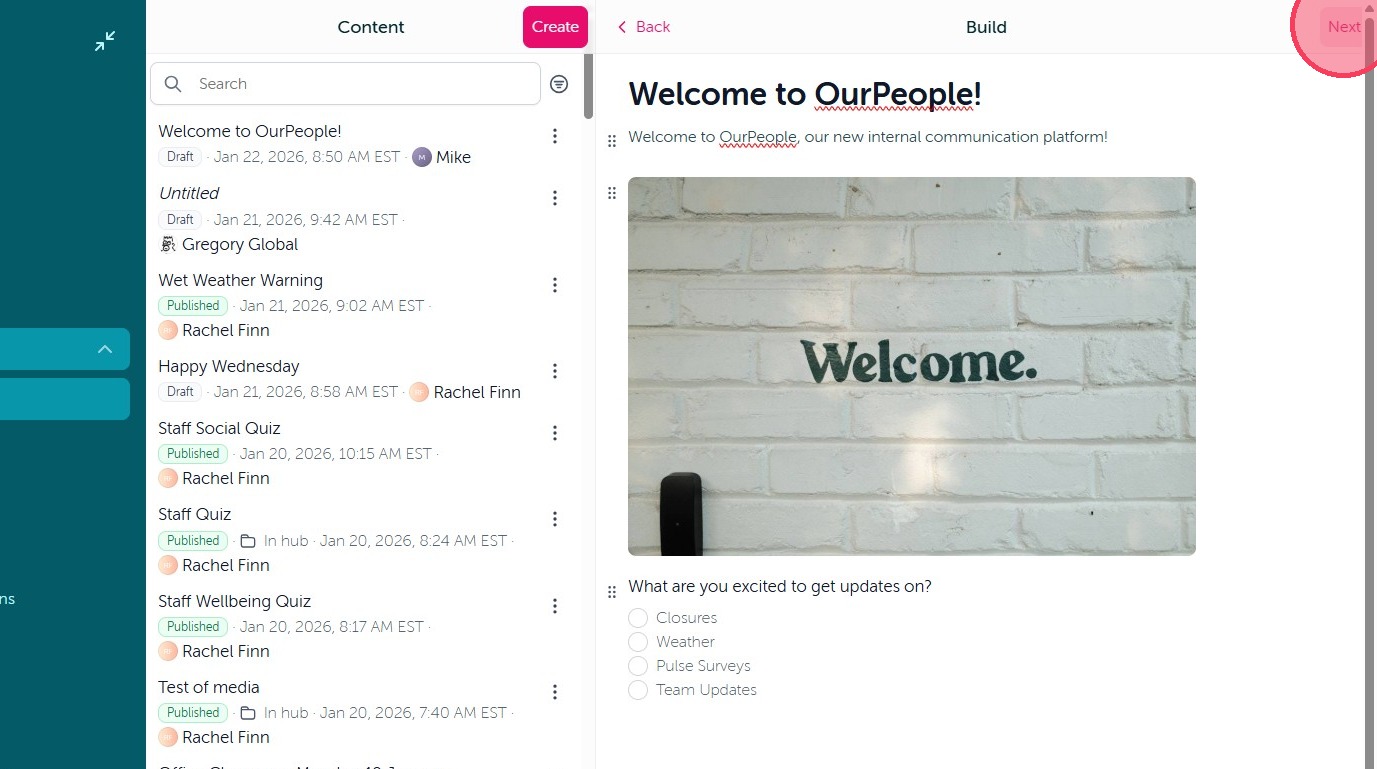
7. Once you have completed the setup of your post, select 'Next'.
8. From there you can select your Audience.
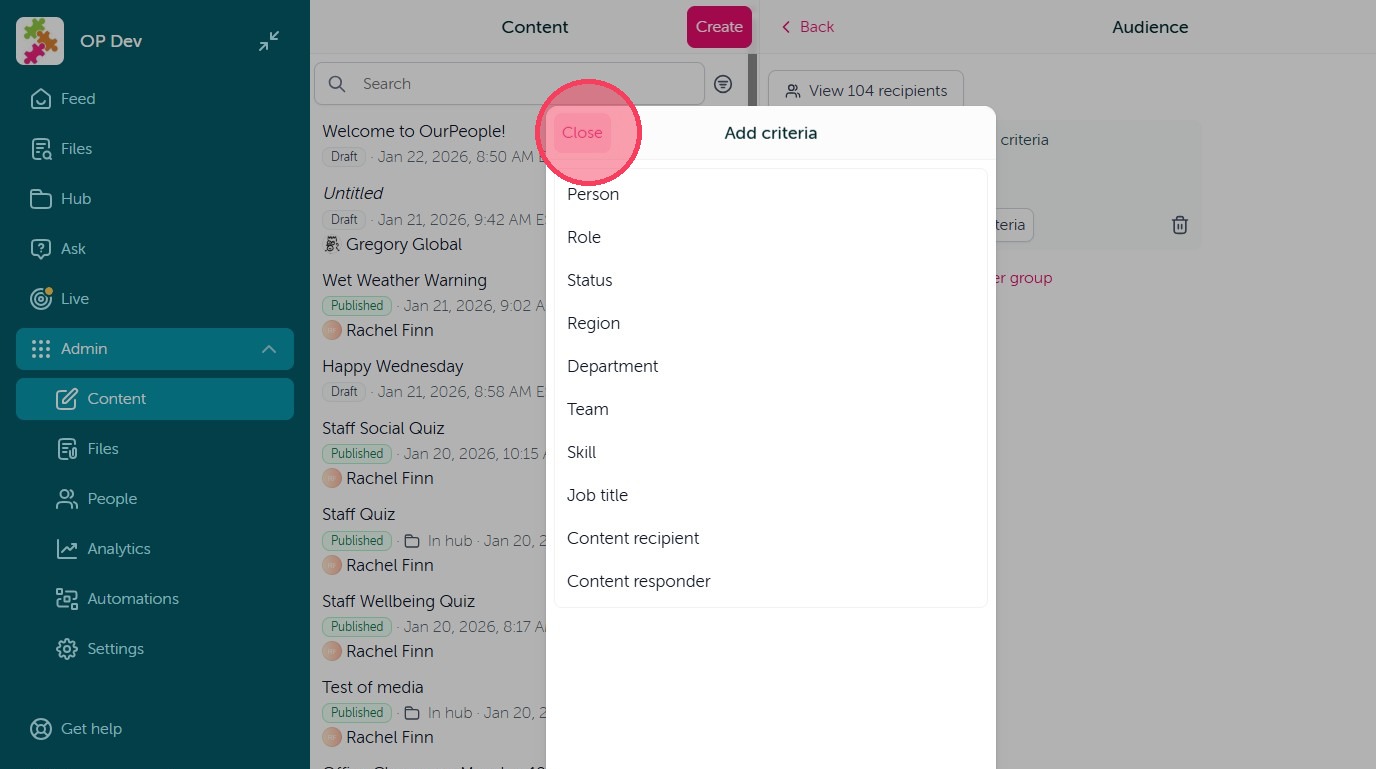
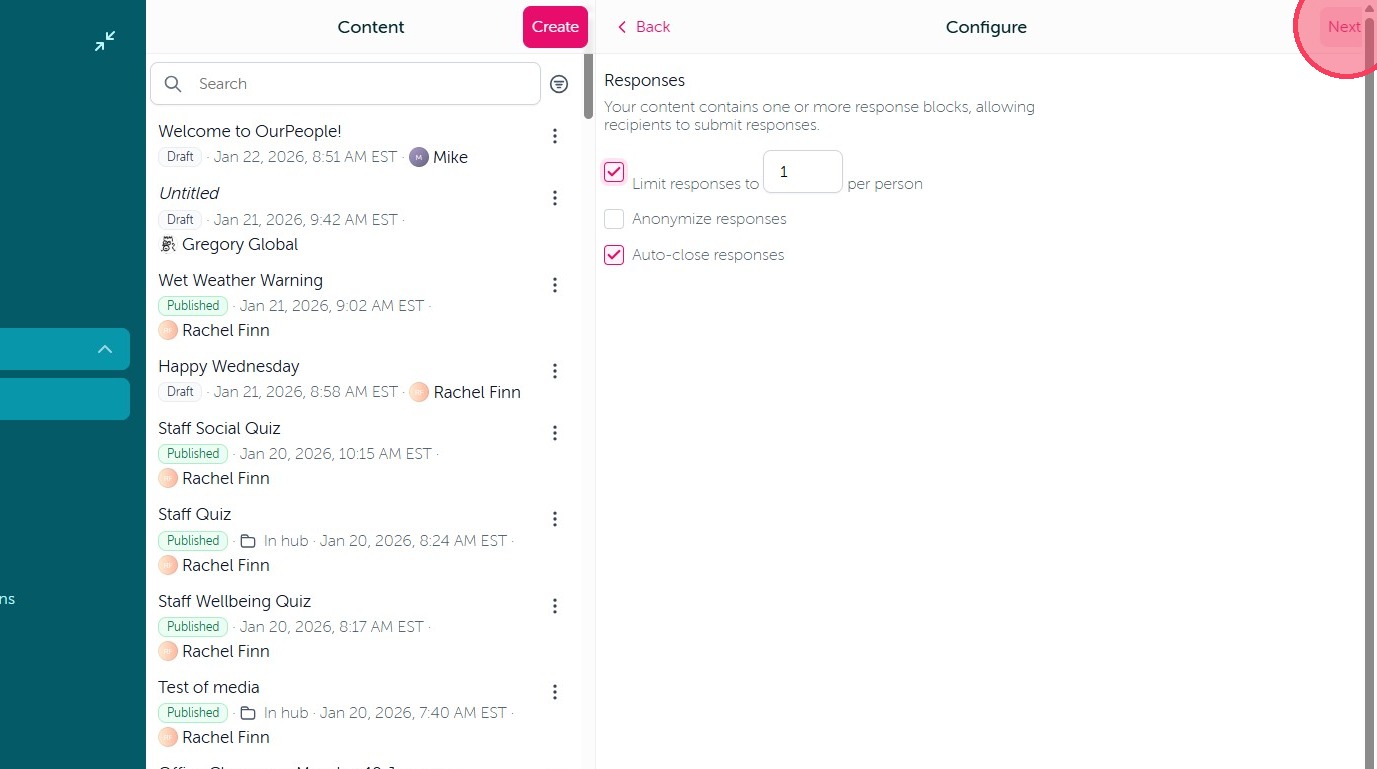
9. Next, if you are using a feedback block you can dictate how your user's can respond.
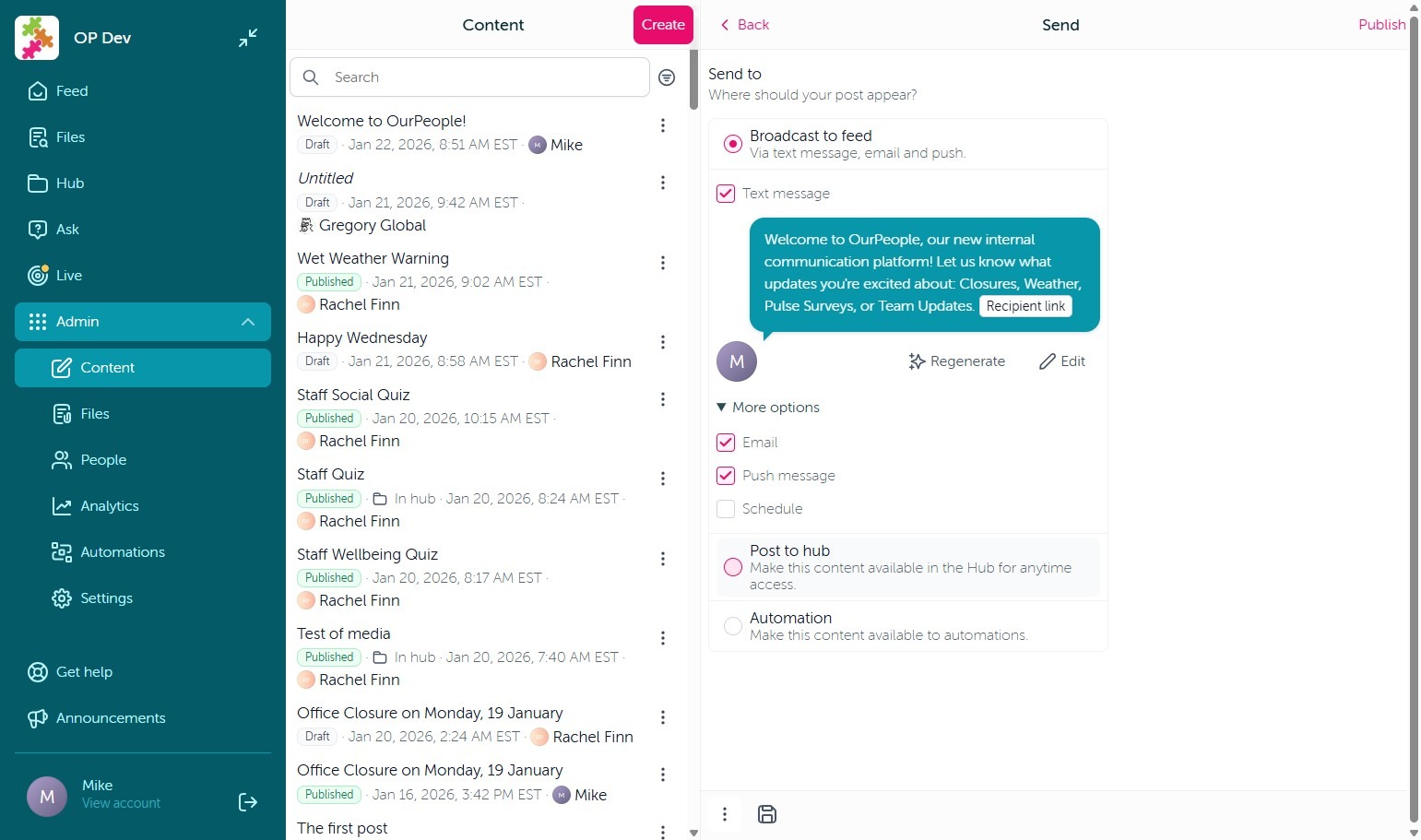
10. Finally, you can select how you would like to 'Publish' this content. You have three options: Broadcast to Feed, which will send your user's notifications to view this post. Post to Hub, which will post it to the Hub screen for your user's to access at their leisure without sending notifications. Or publish to Automations, which allows you to select this content when setting up an Automation.
Comments
0 comments
Article is closed for comments.