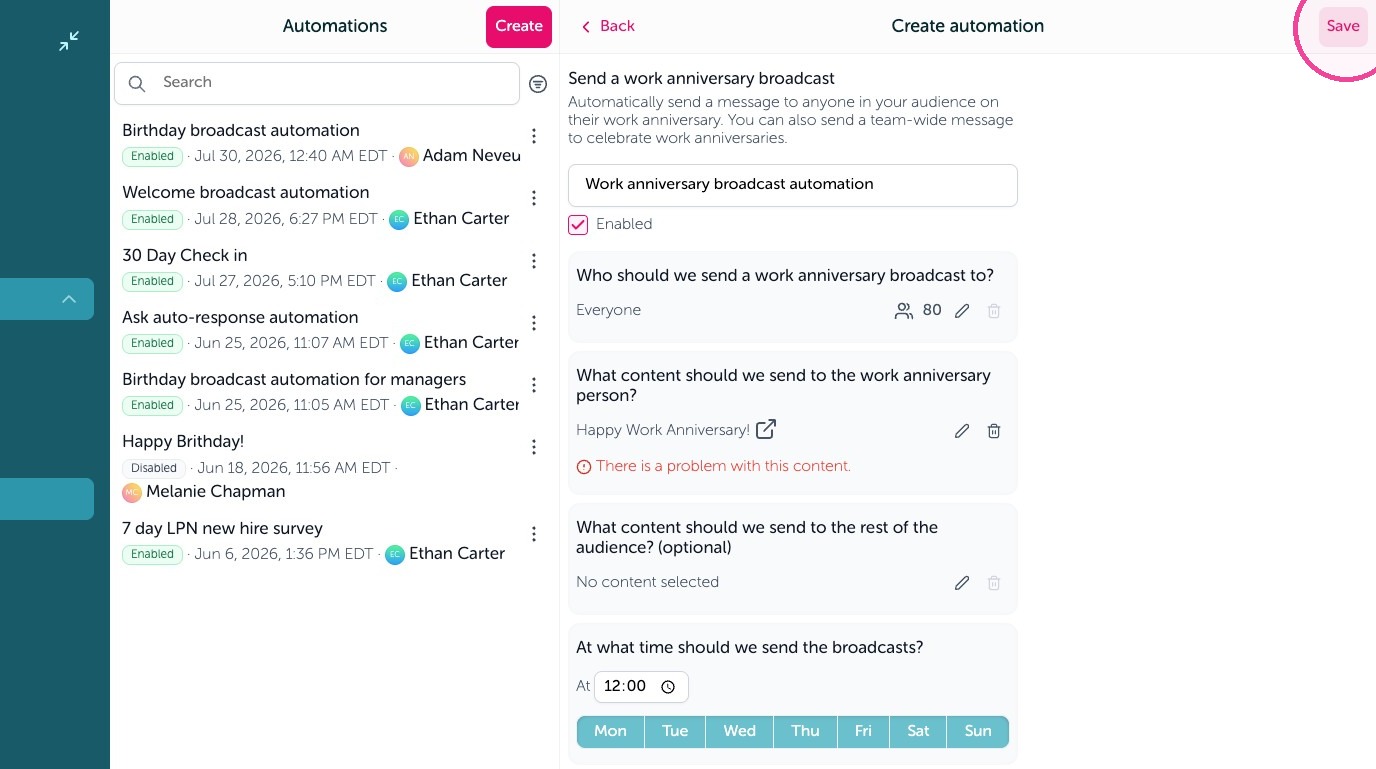
Learn how to set up automated work anniversary notifications to recognize your team members effortlessly. This guide walks you through building your content and configuring the automated trigger to ensure no milestone goes unnoticed.
Create Anniversary Content
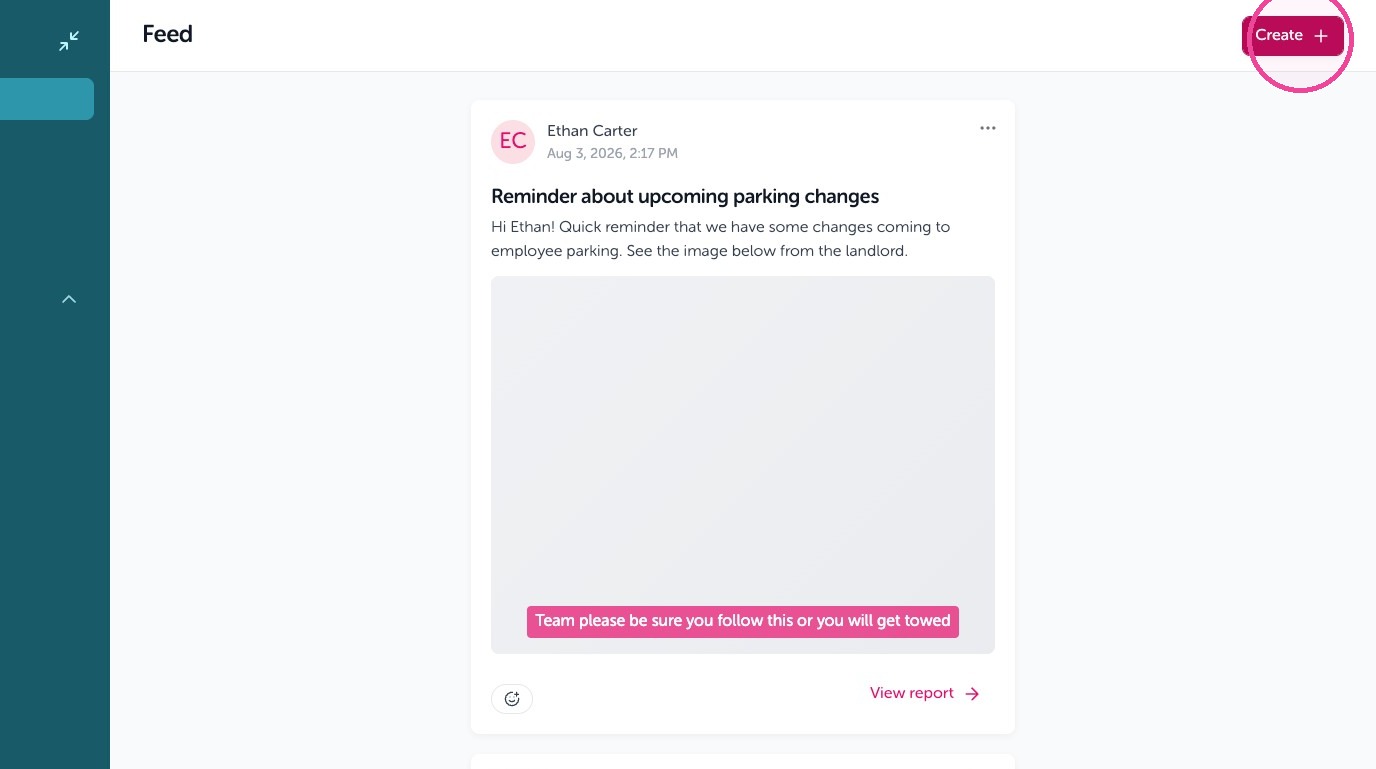
1. Click "Create"
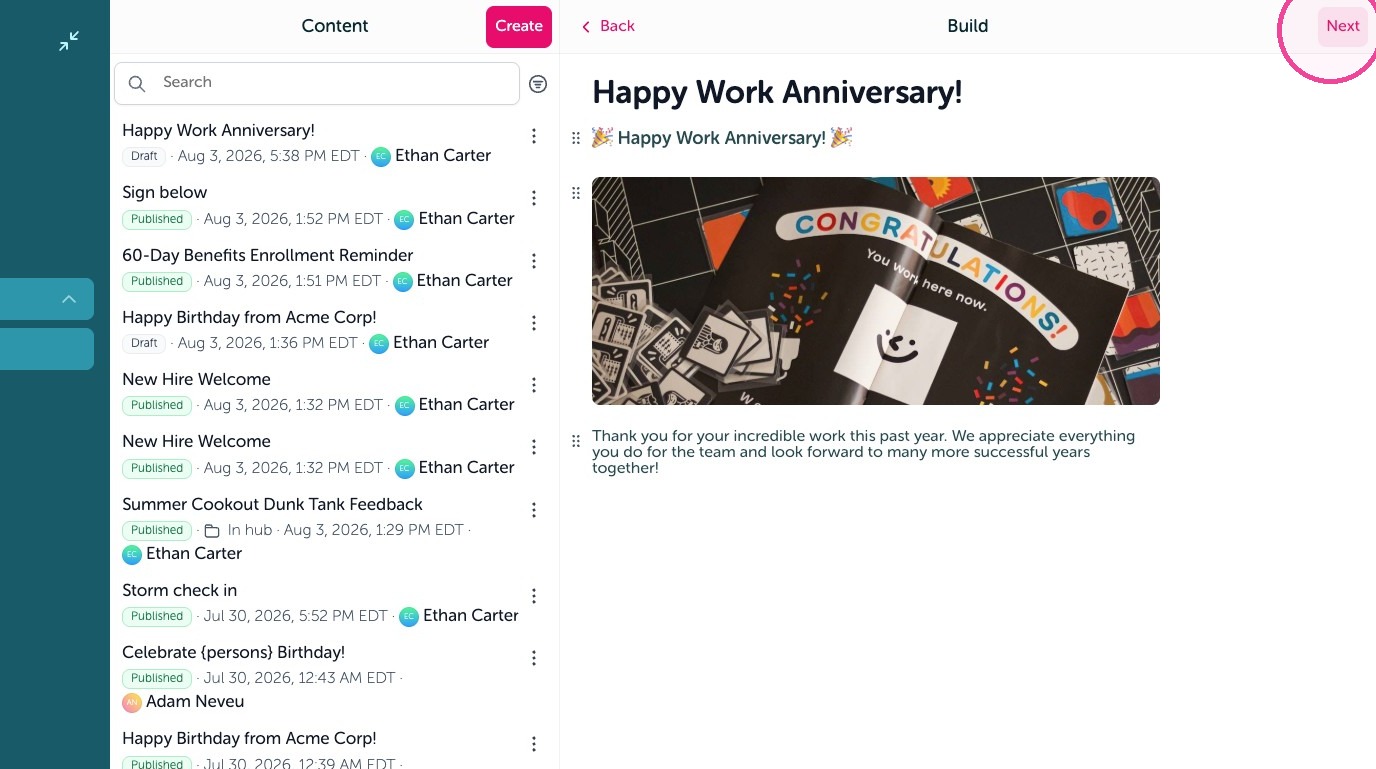
2. Create your content then click "Next"
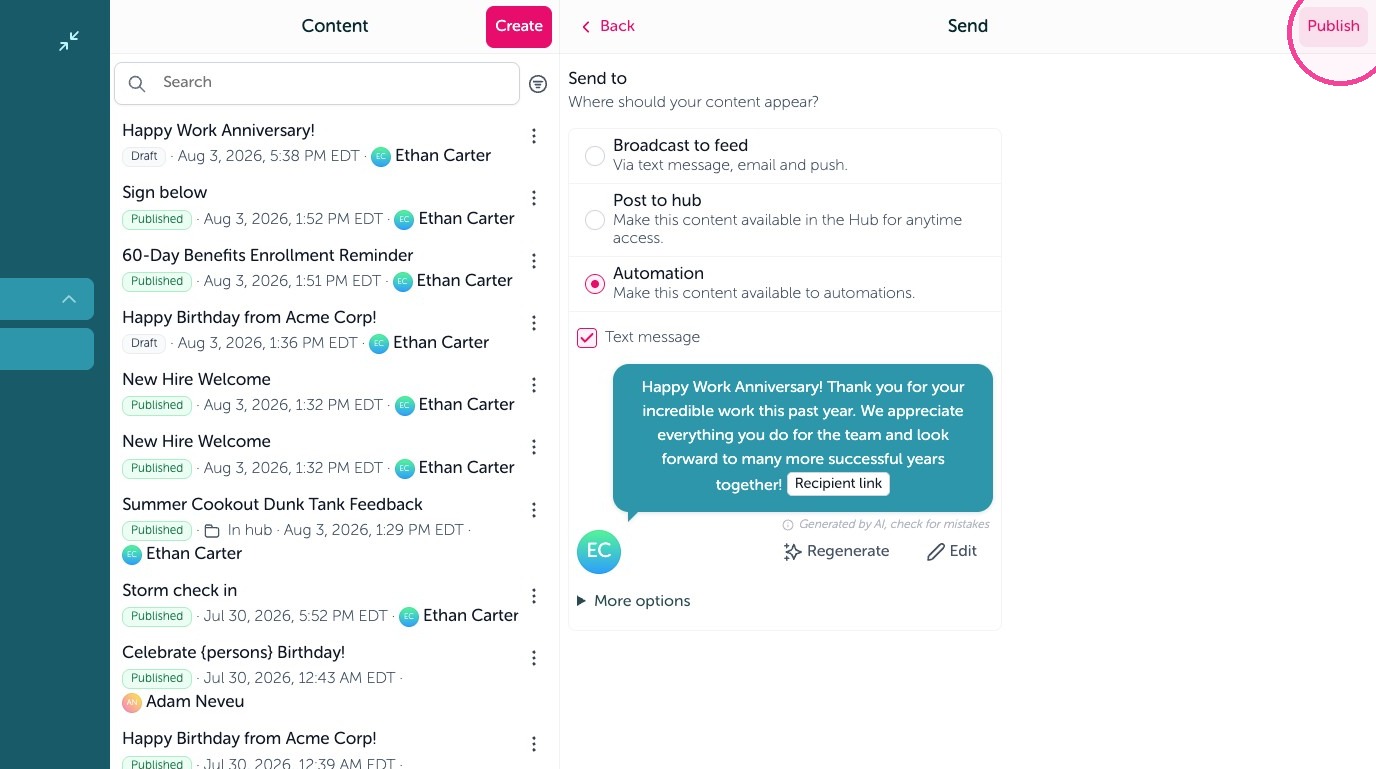
3. Click "Make this content available to automations."
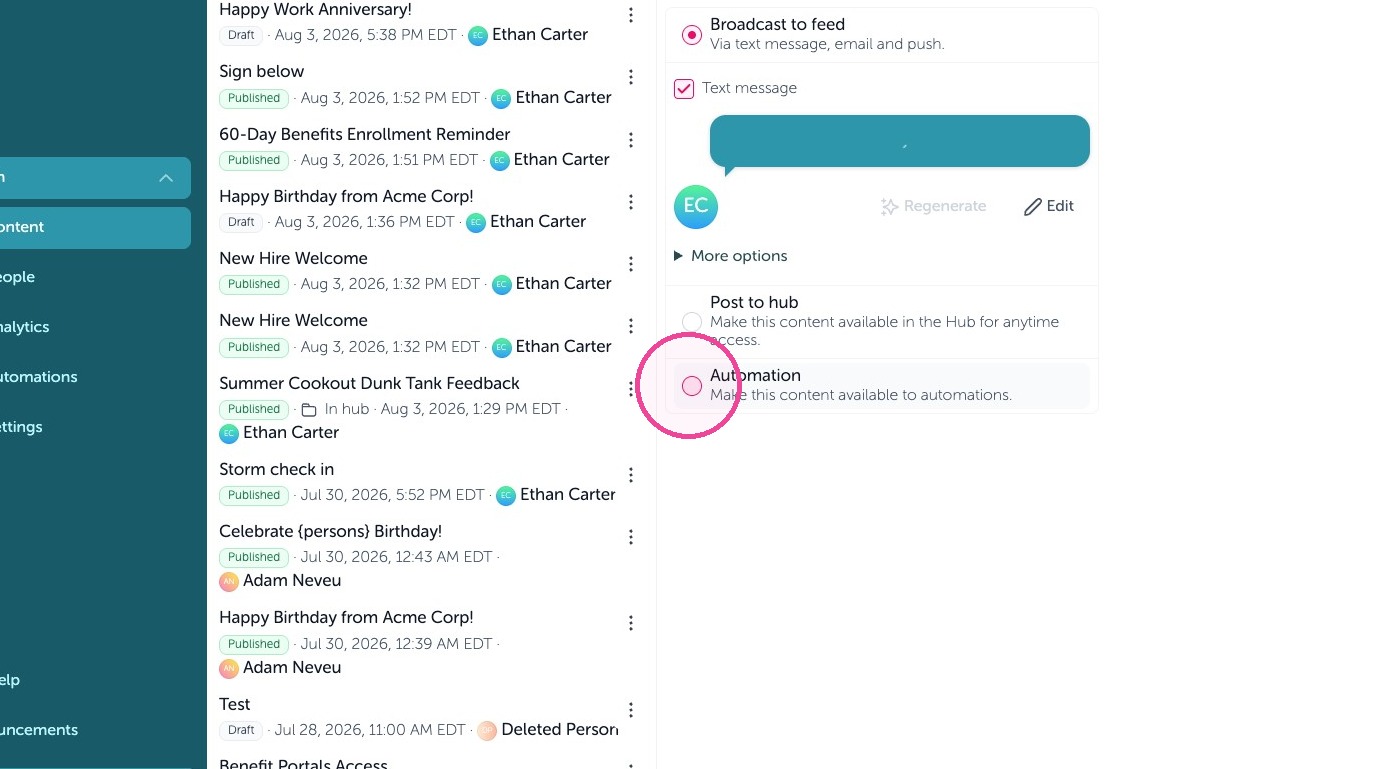
4. Click "Publish"
Create Automation
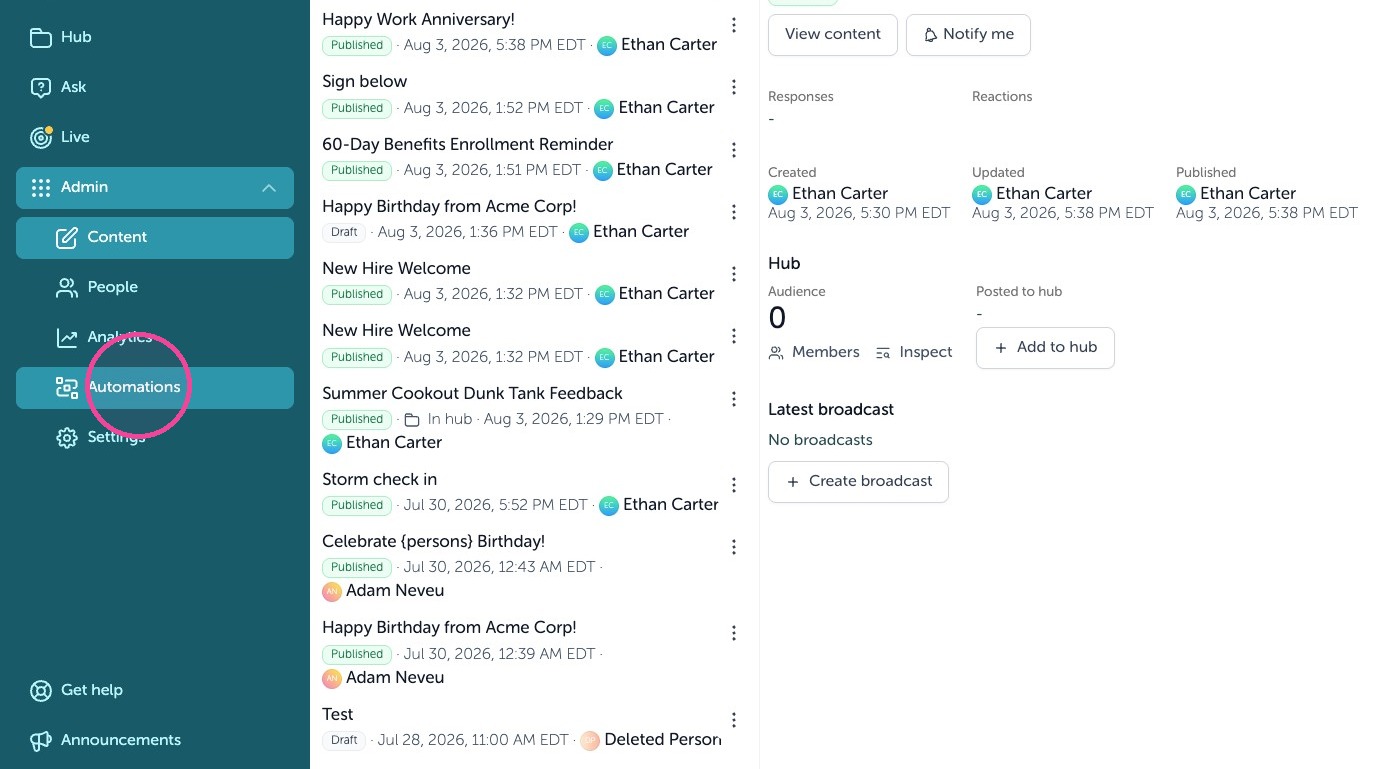
5. Click "Automations"
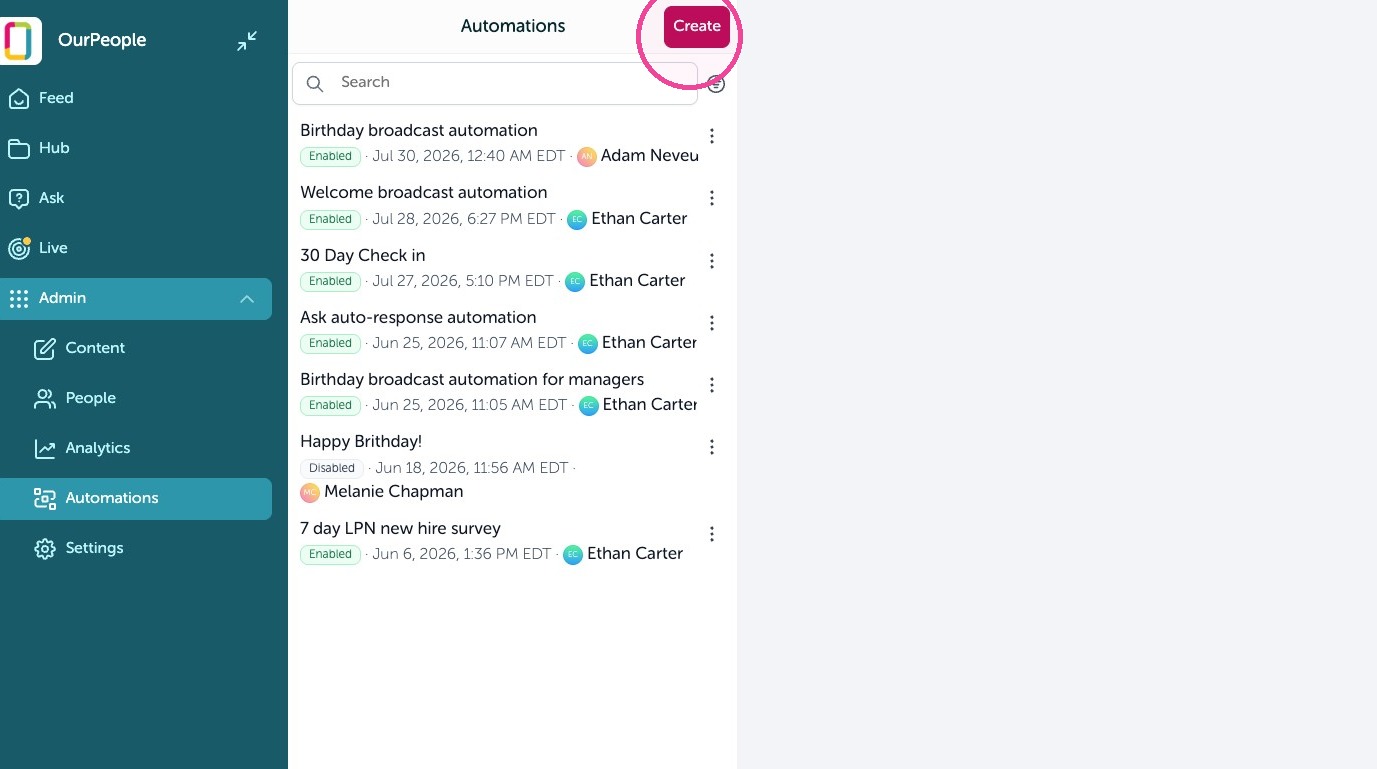
6. Click "Create"
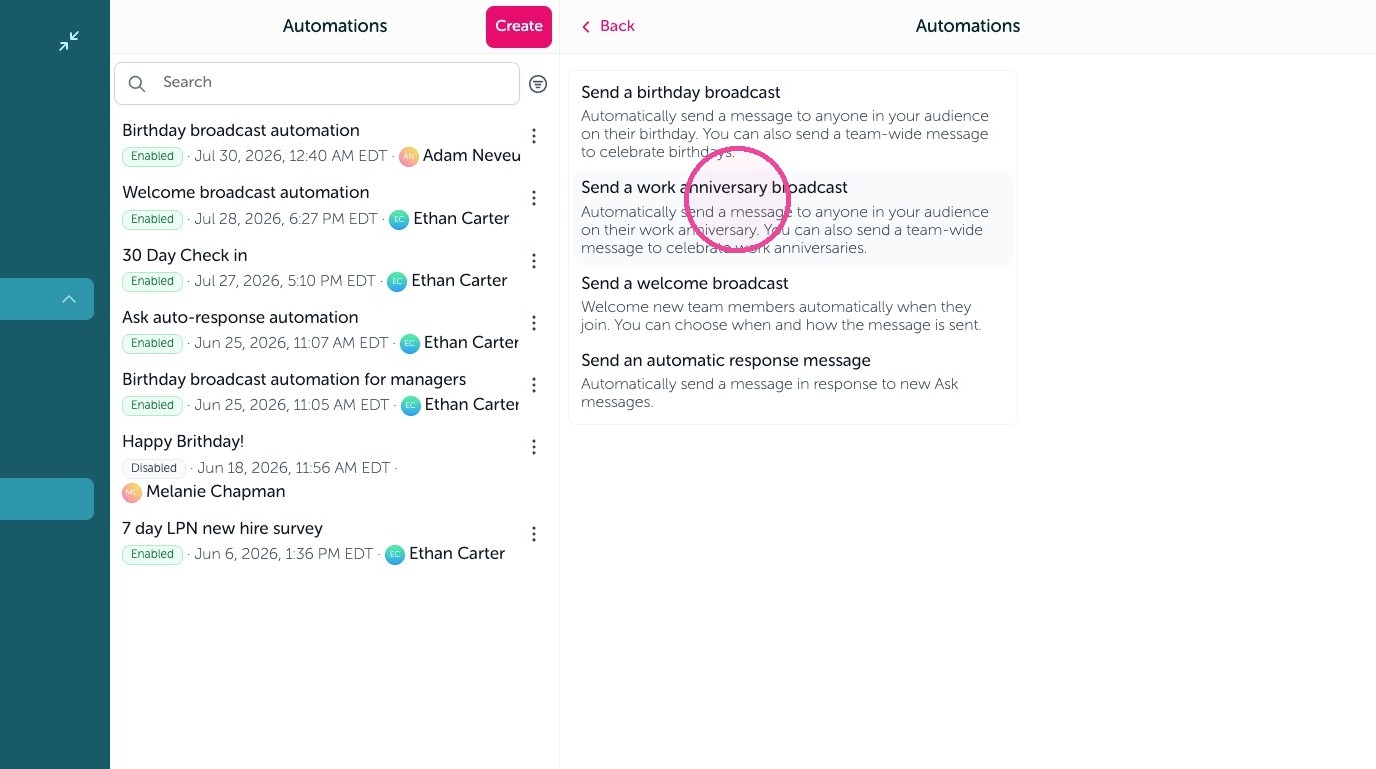
7. Click" Send a work anniversary broadcast"
8. Add the content you created and set any other settings here.
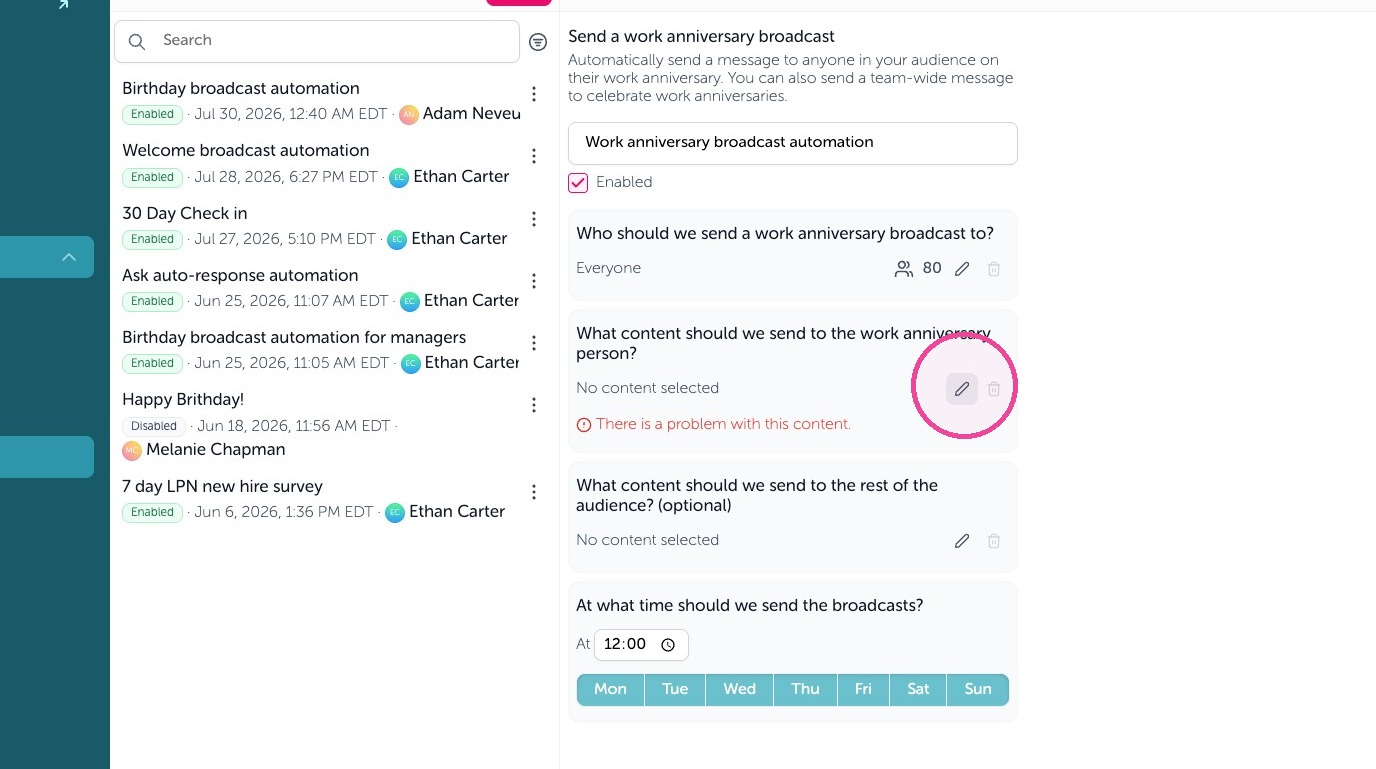
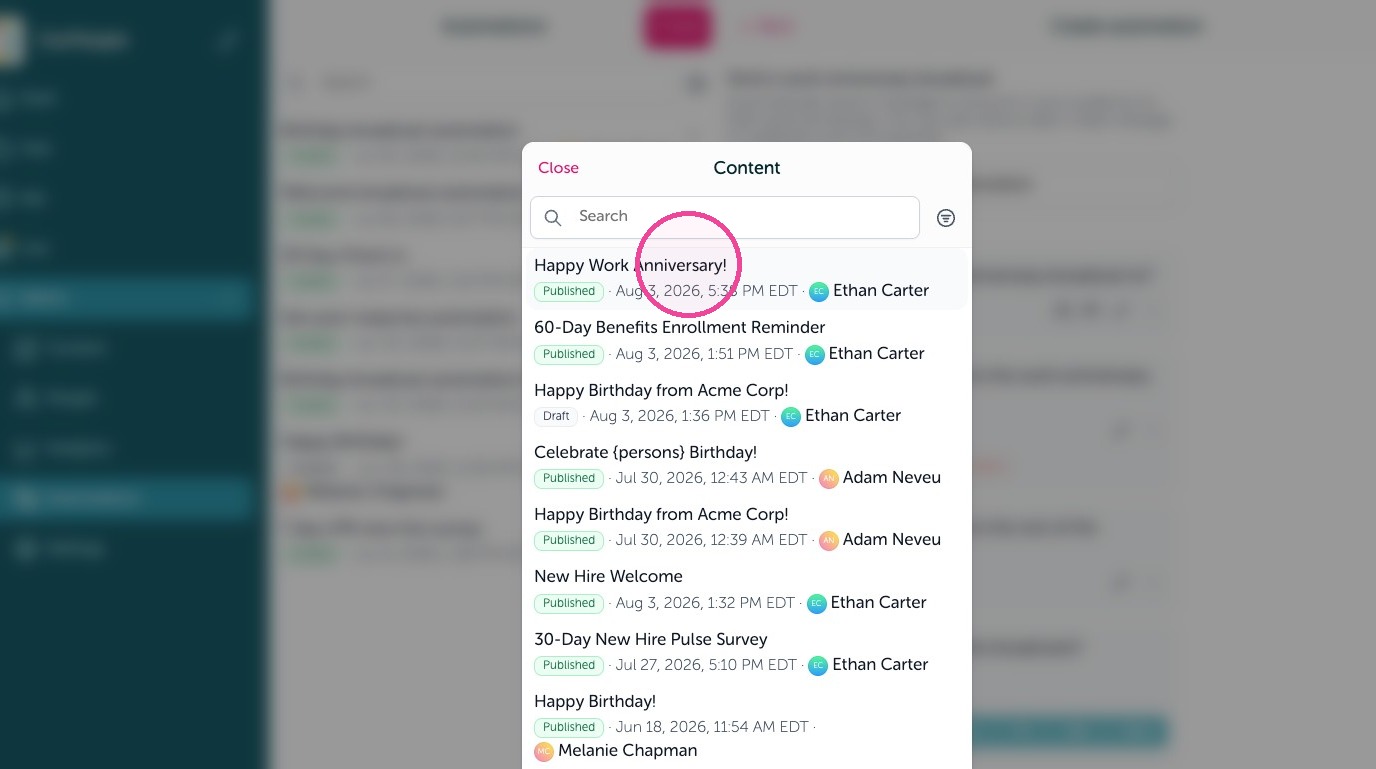
9. Click "Happy Work Anniversary!"
10. Click "Enabled"
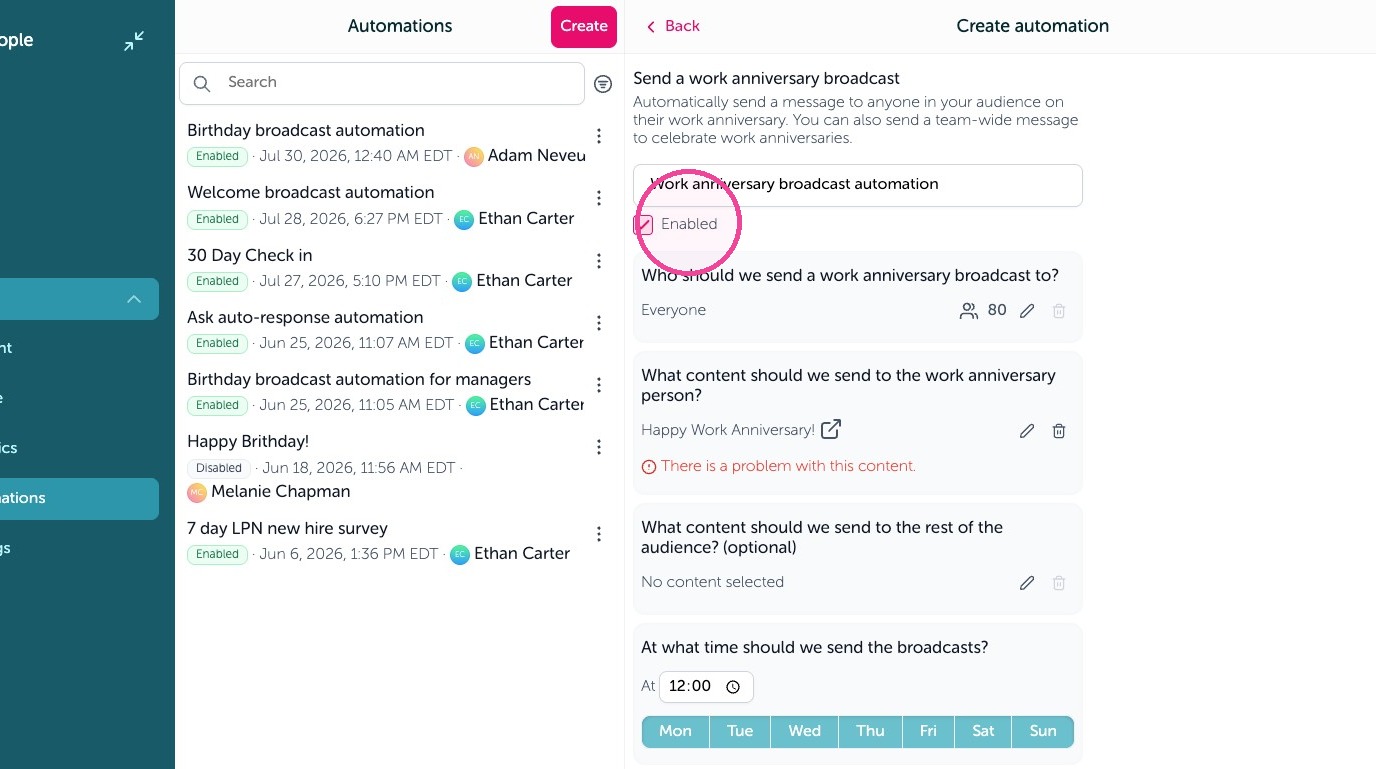
11. Click "Save"