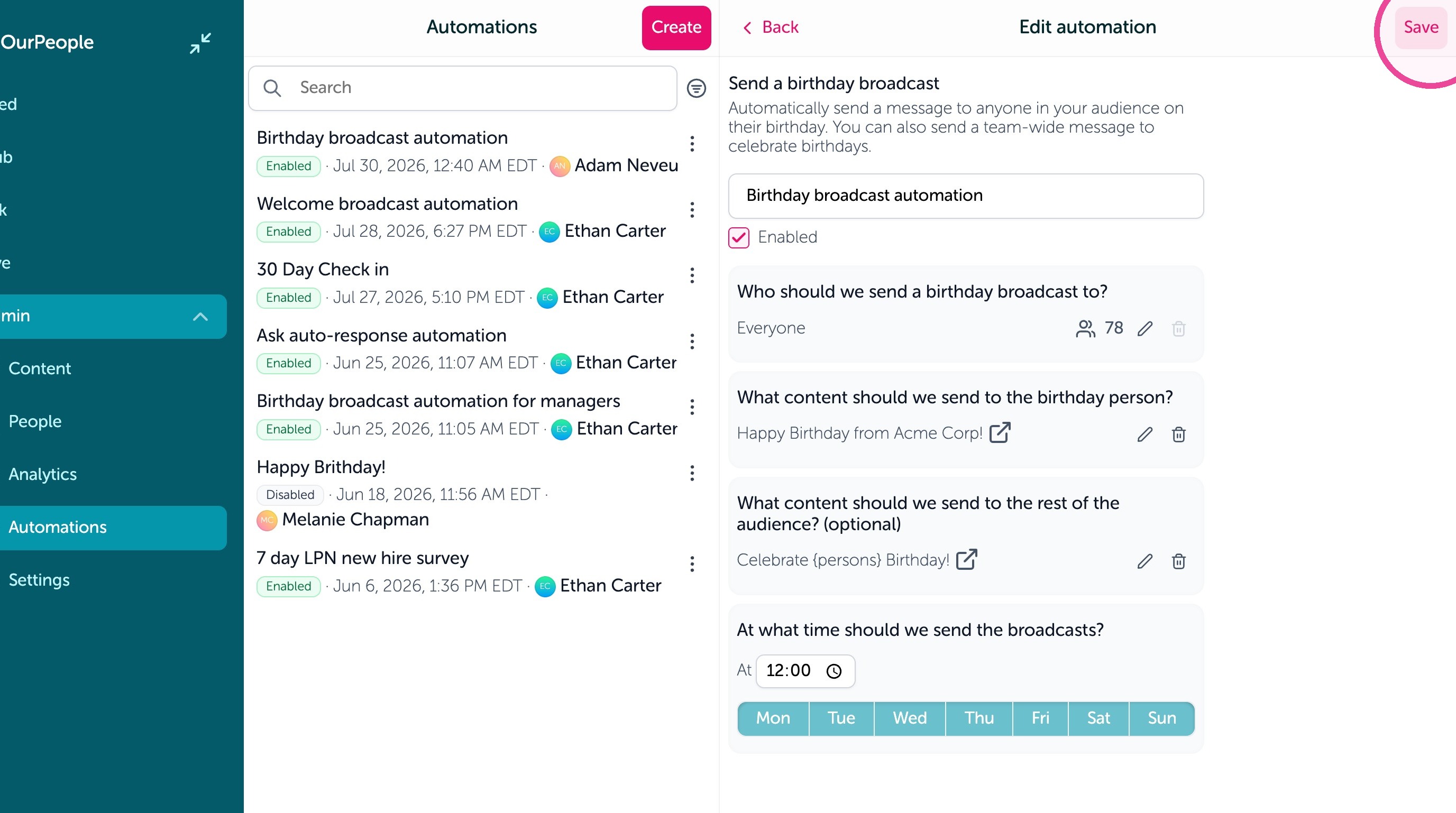
Learn how to design personalized birthday messages and set up automated broadcasts to keep your team engaged. This guide walks you through creating custom templates and configuring recurring birthday workflows to ensure no celebration is missed.
Create Birthday Content
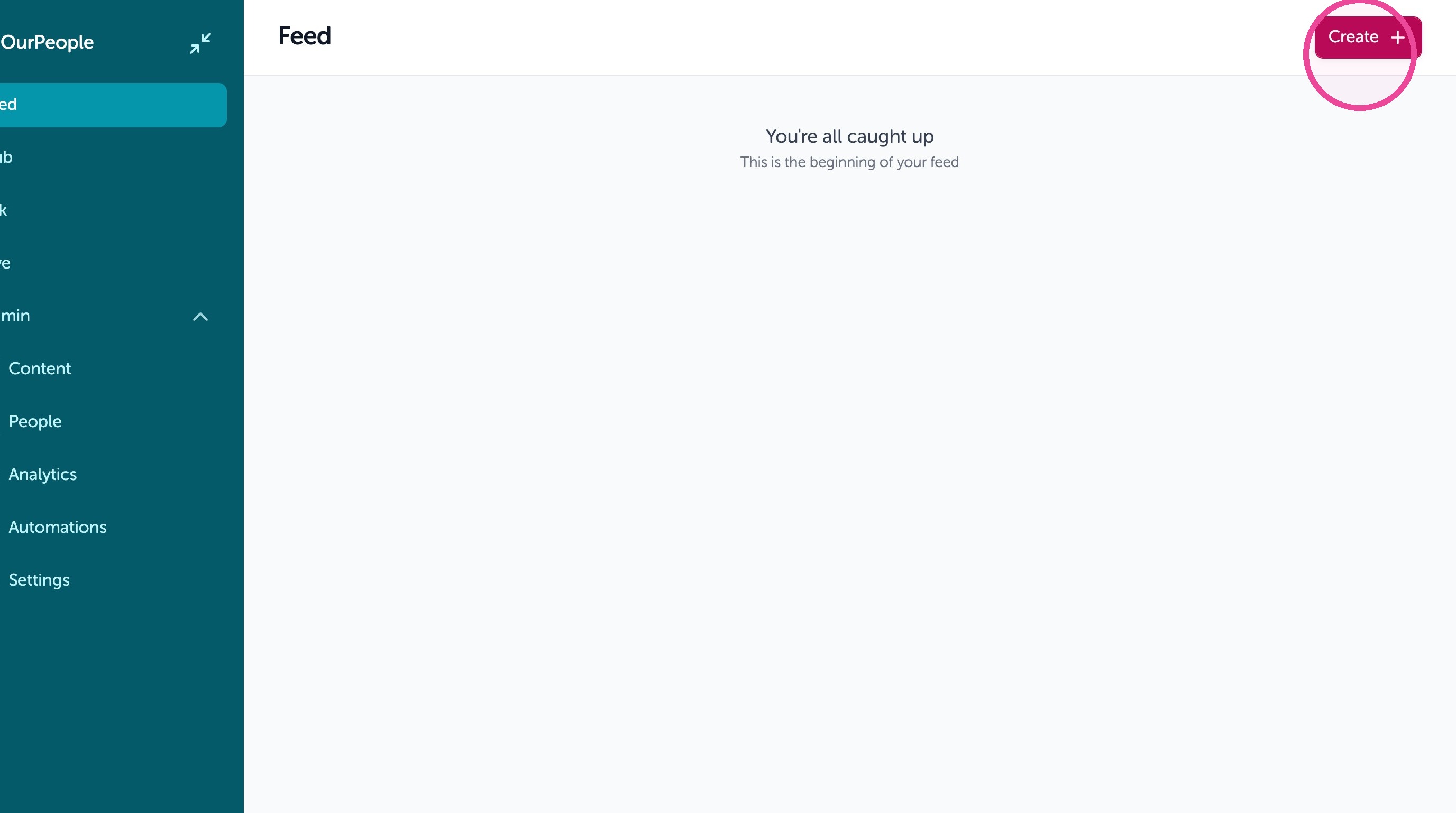
1. Click "Create"
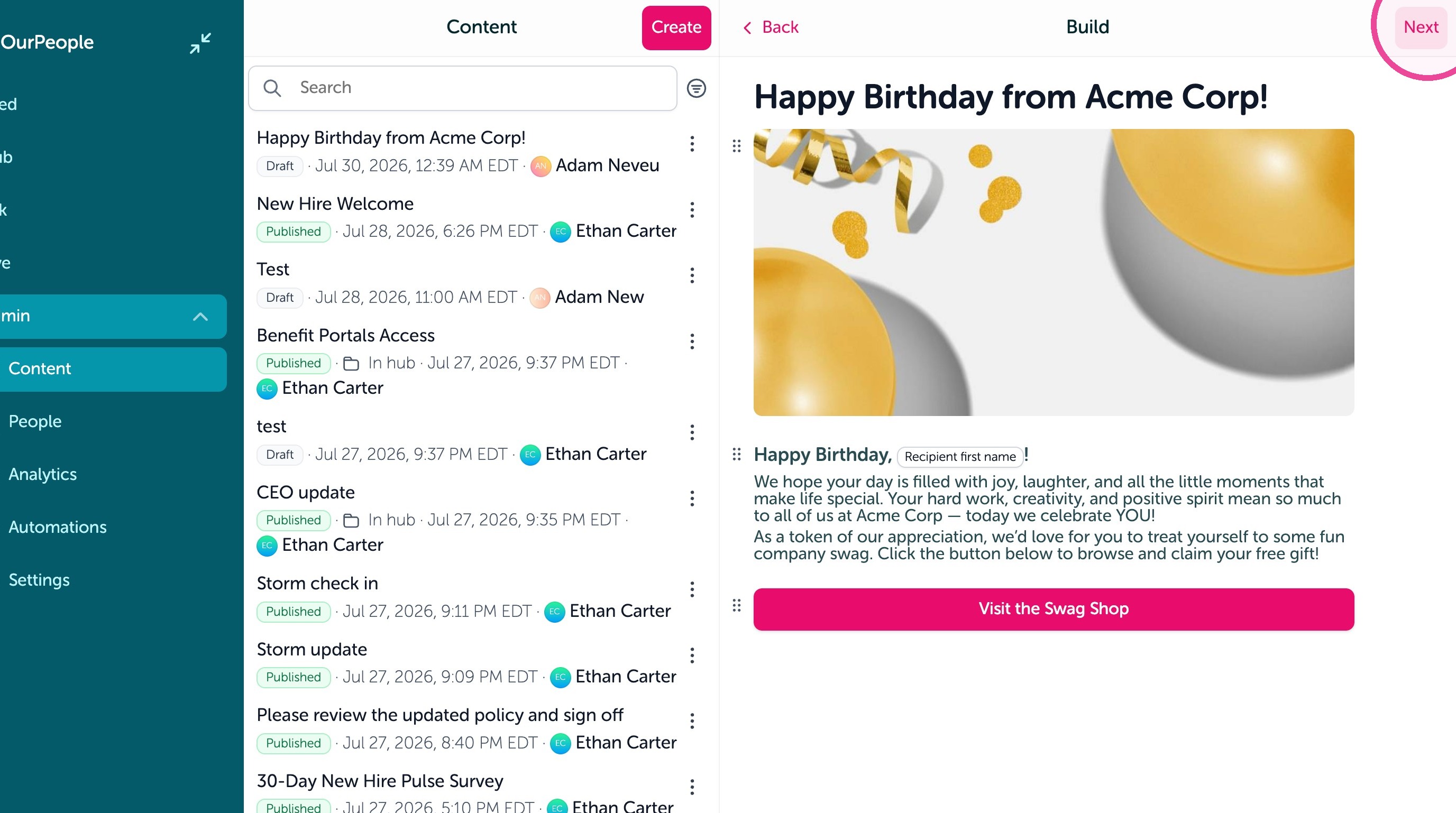
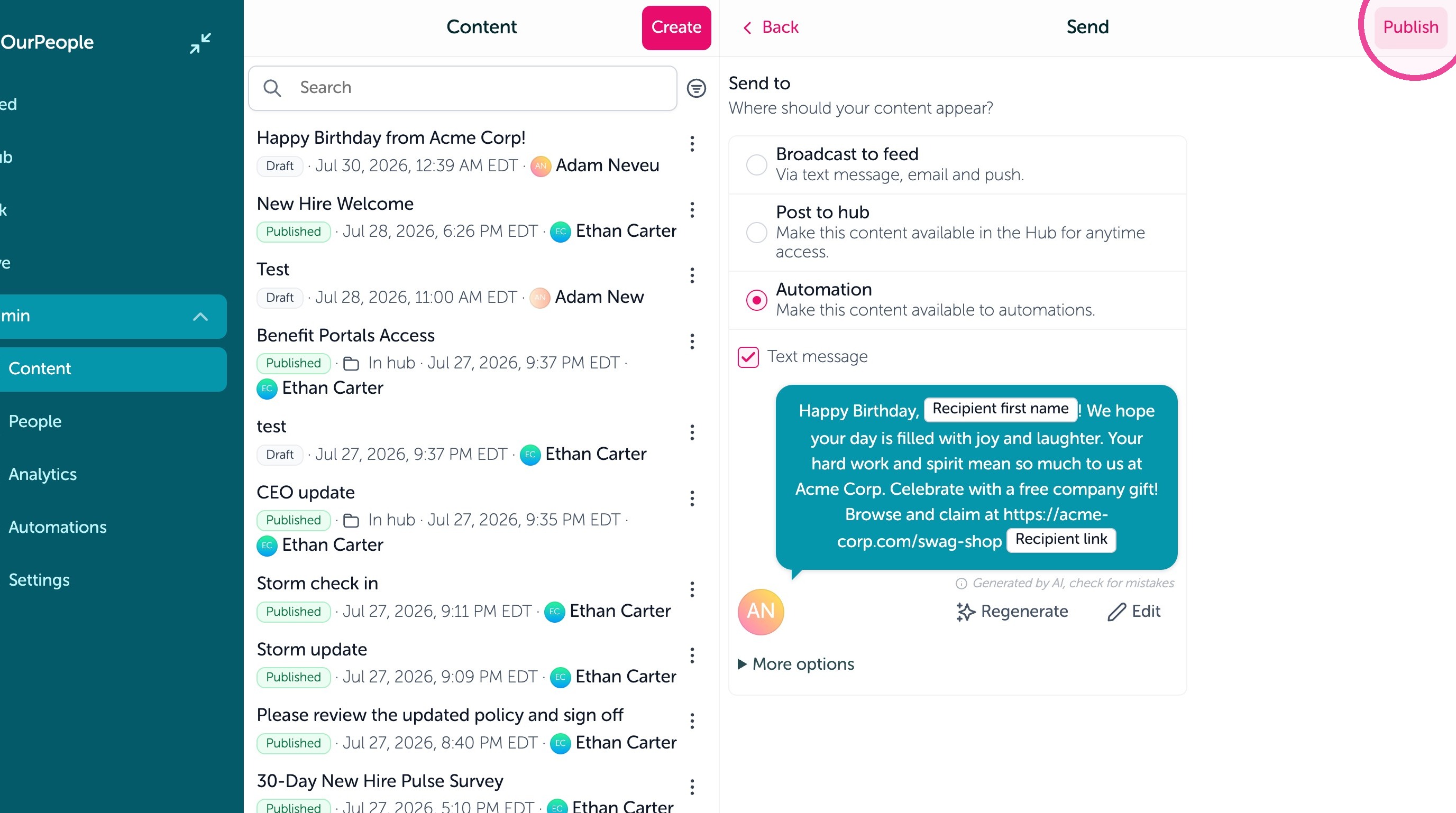
2. Create your content then click "Next"
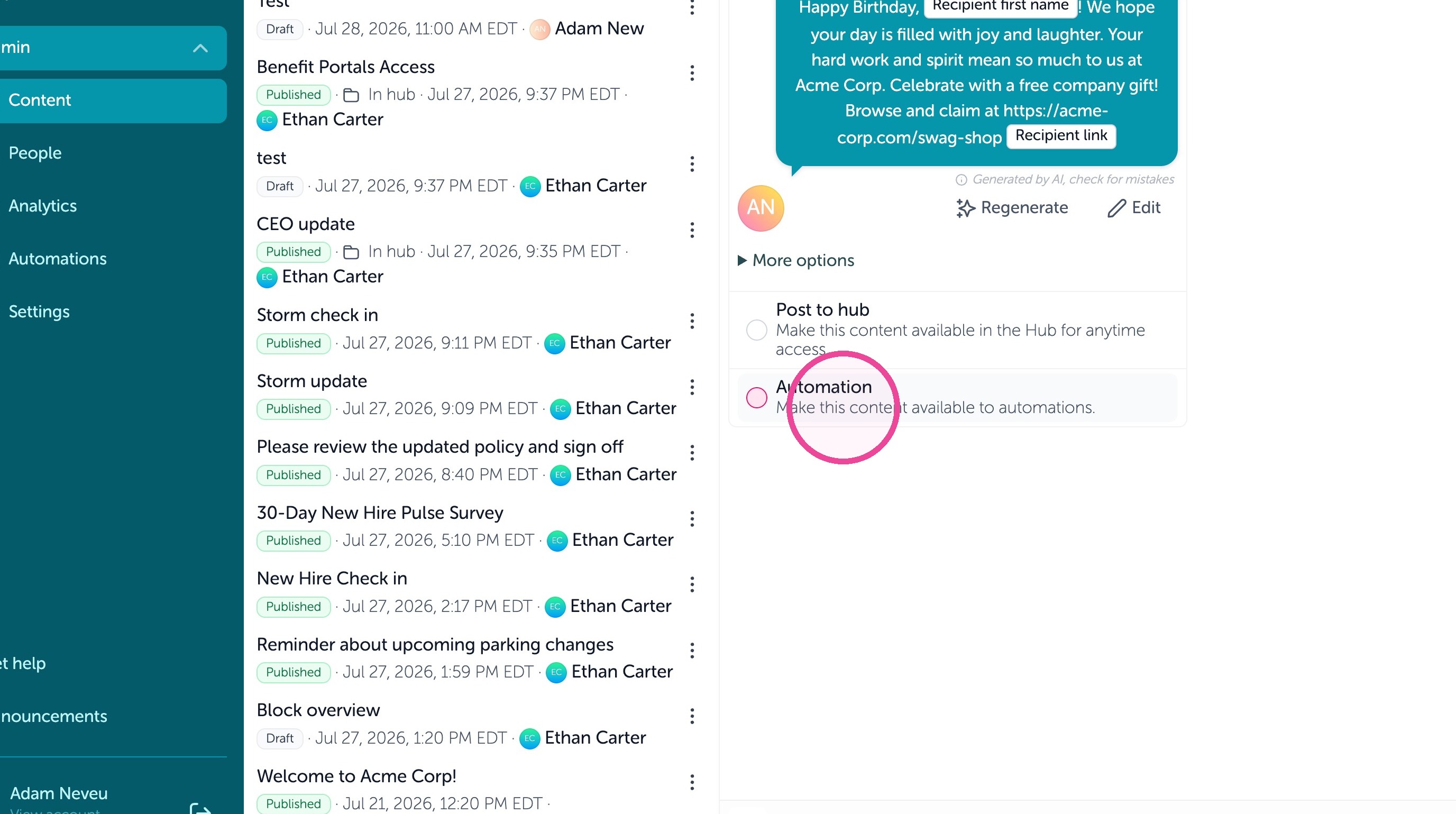
3. Click "Make this content available to automations."
4. Click "Publish"
Create Automation
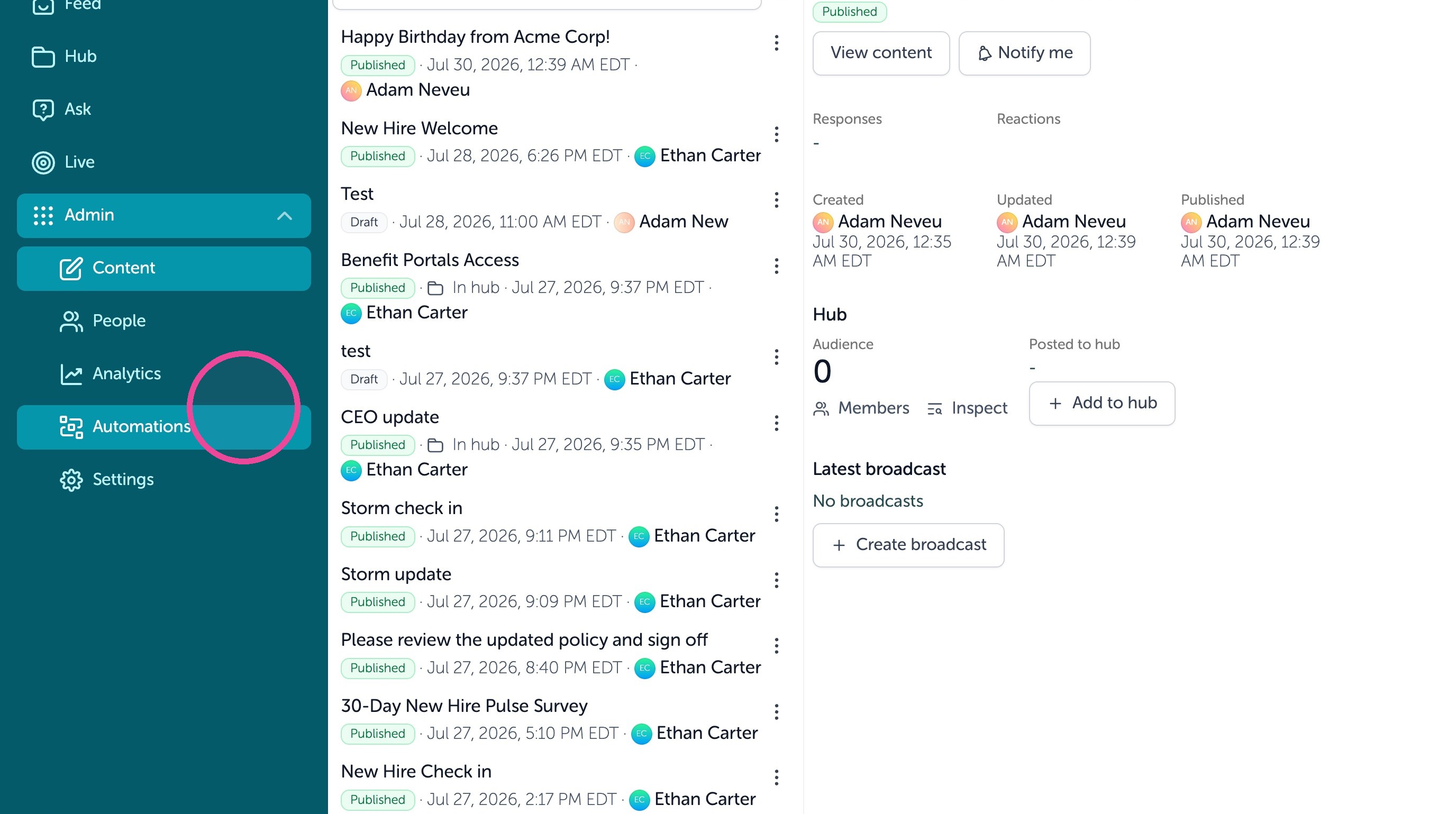
5. Click "Automations"
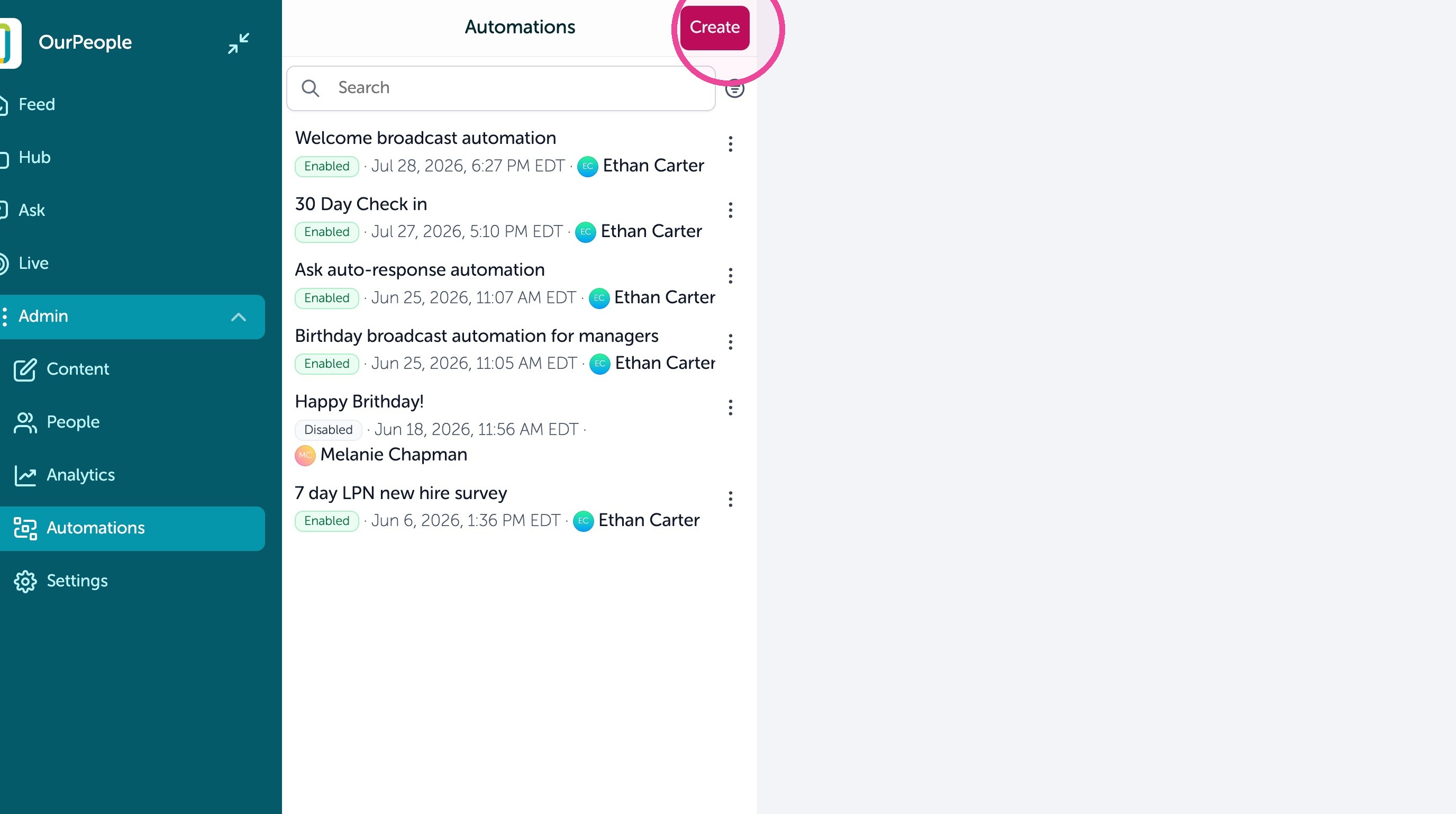
6. Click "Create"
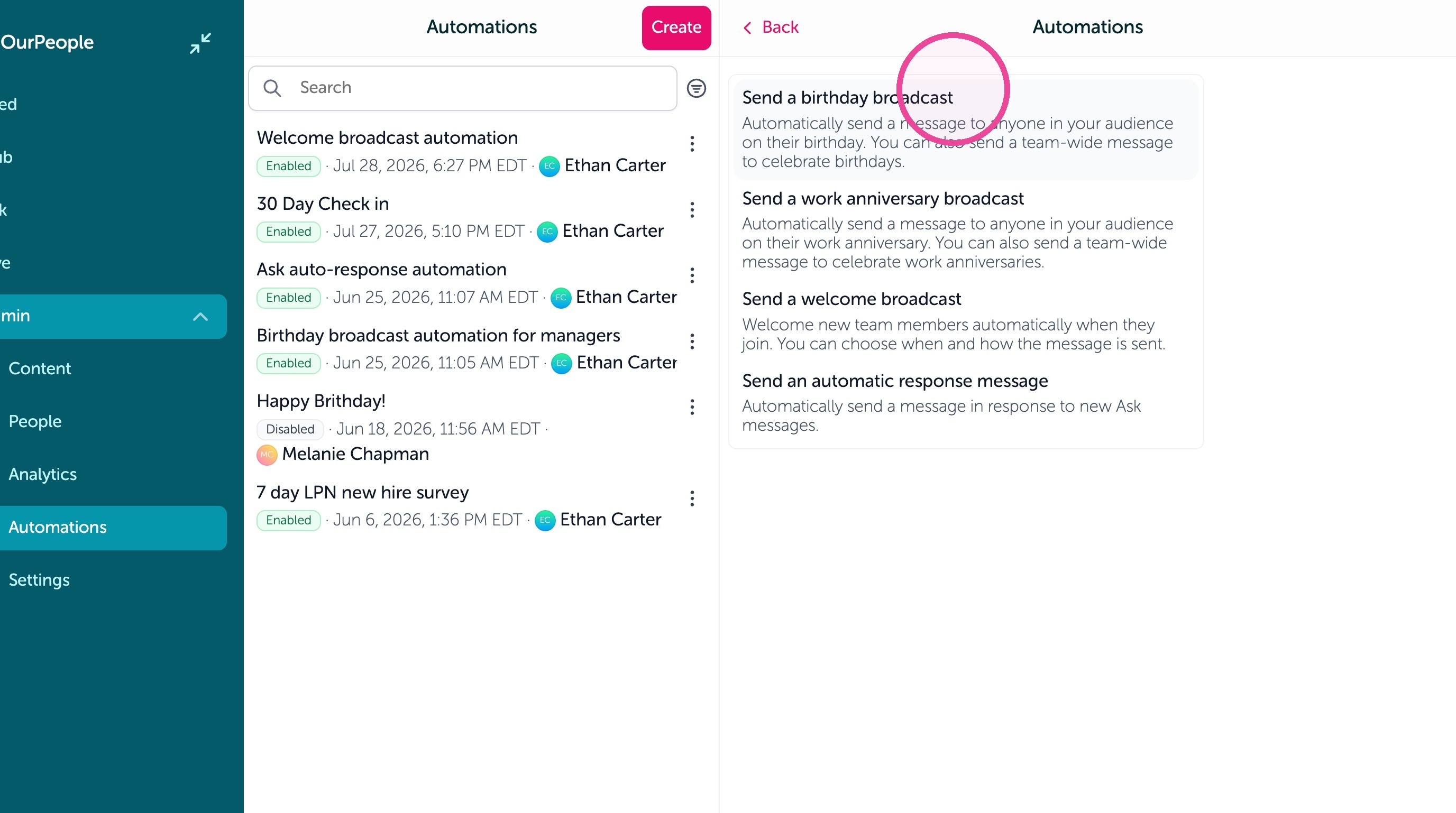
7. Click "Send a birthday broadcast"
8. Add the content you created and set any other settings here.
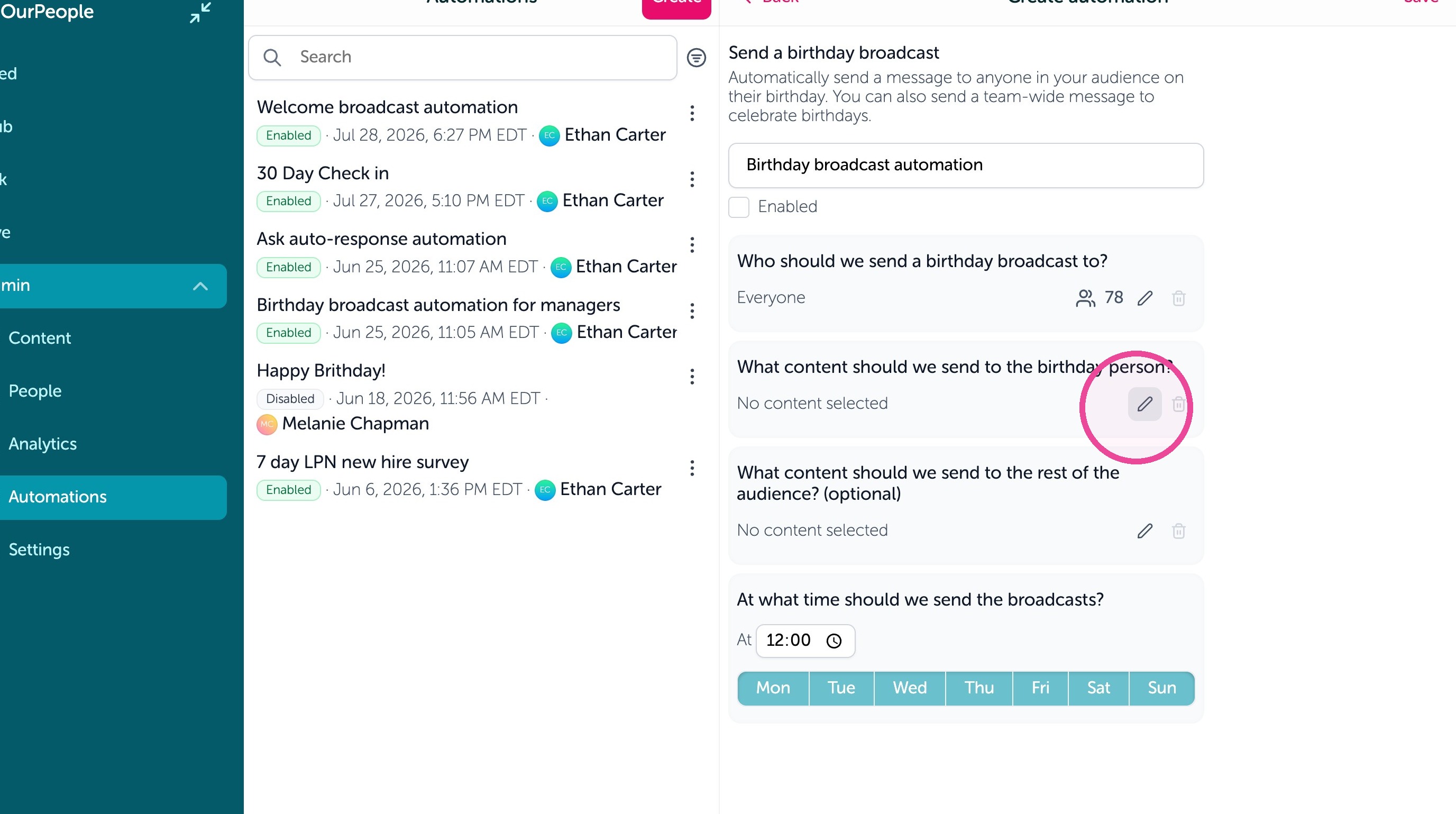
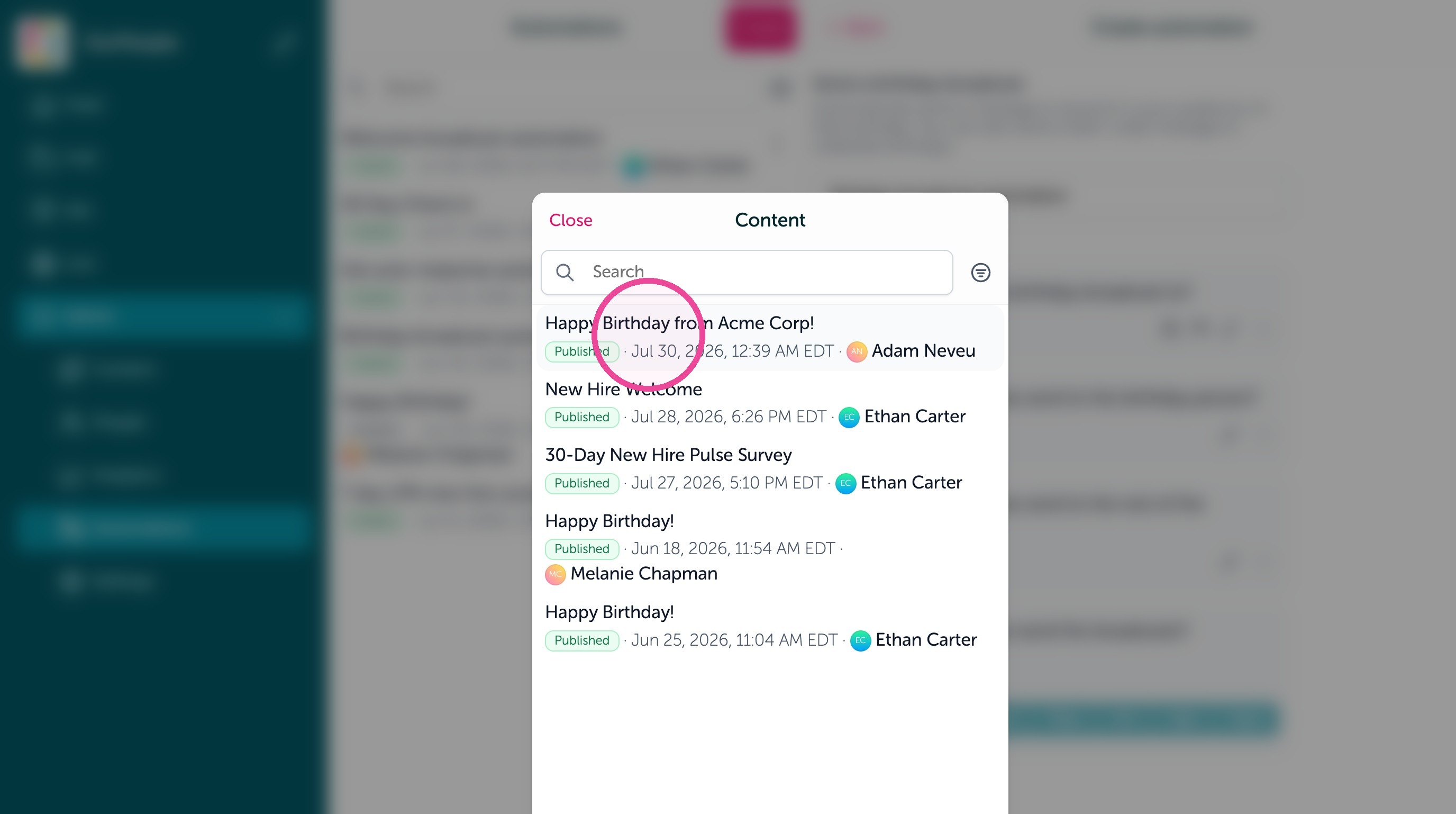
9. Click "Happy Birthday from Acme Corp!"
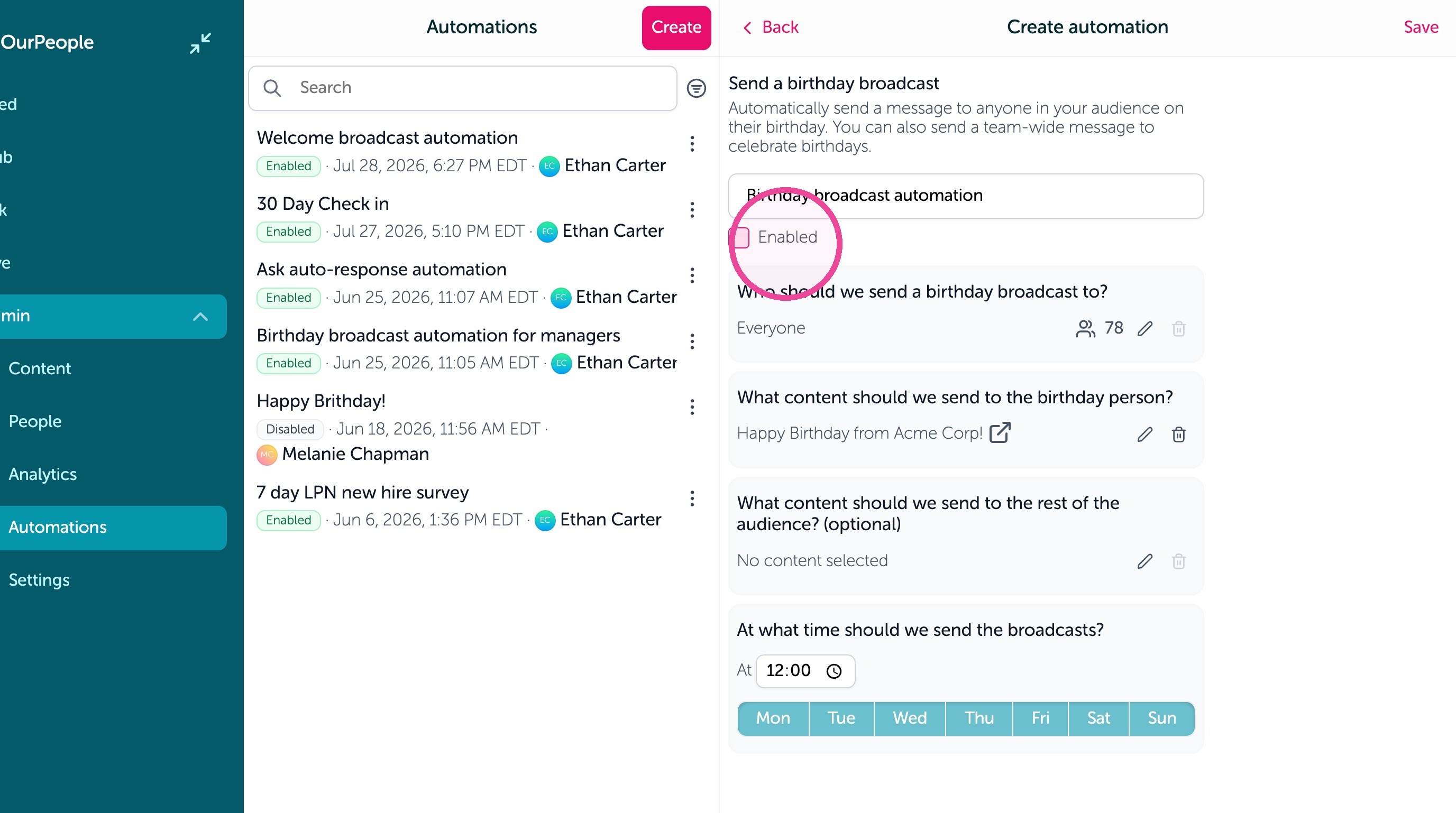
10. Click "Enabled"
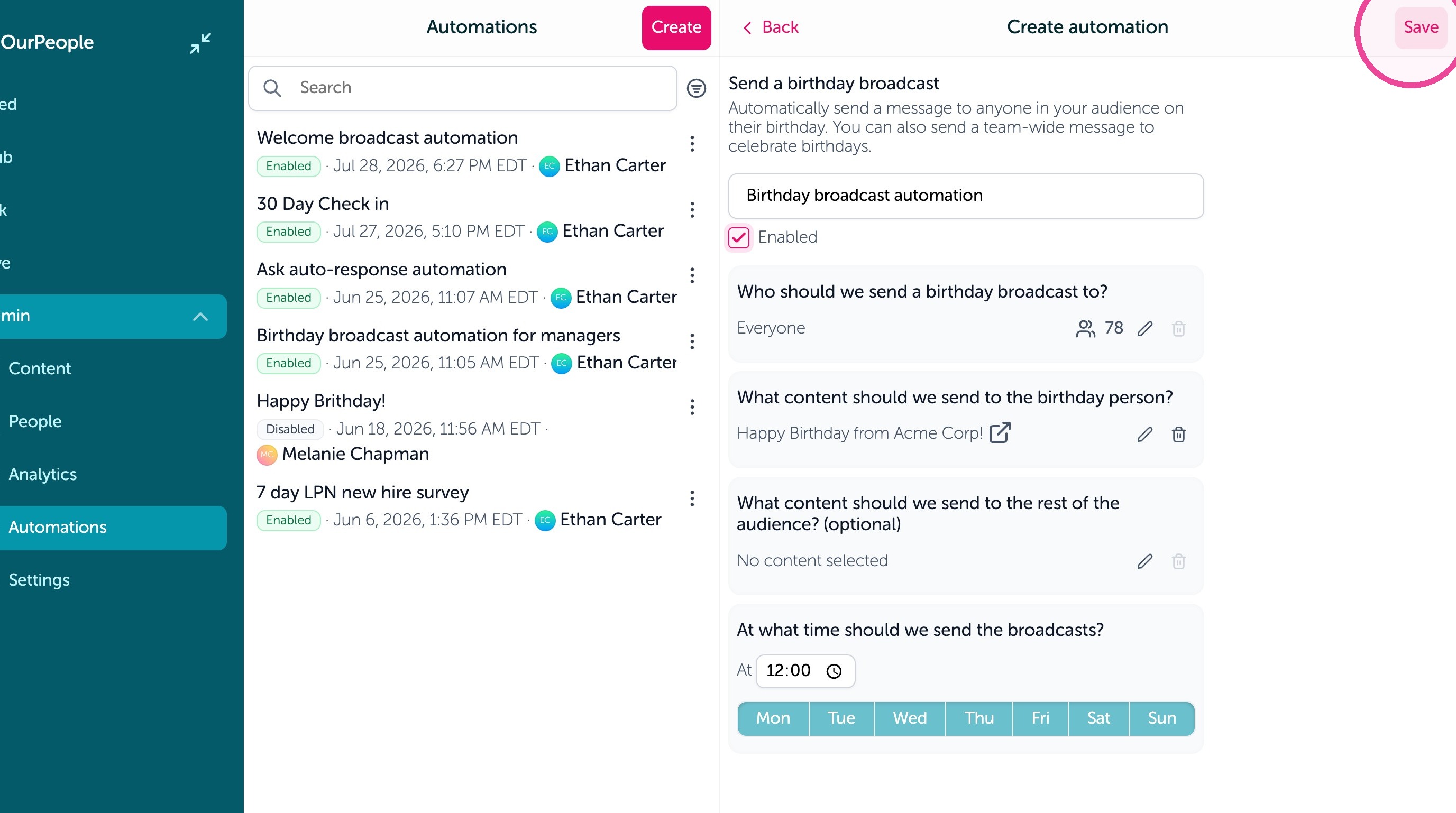
11. Click "Save"
Send Automation to their team (peers)
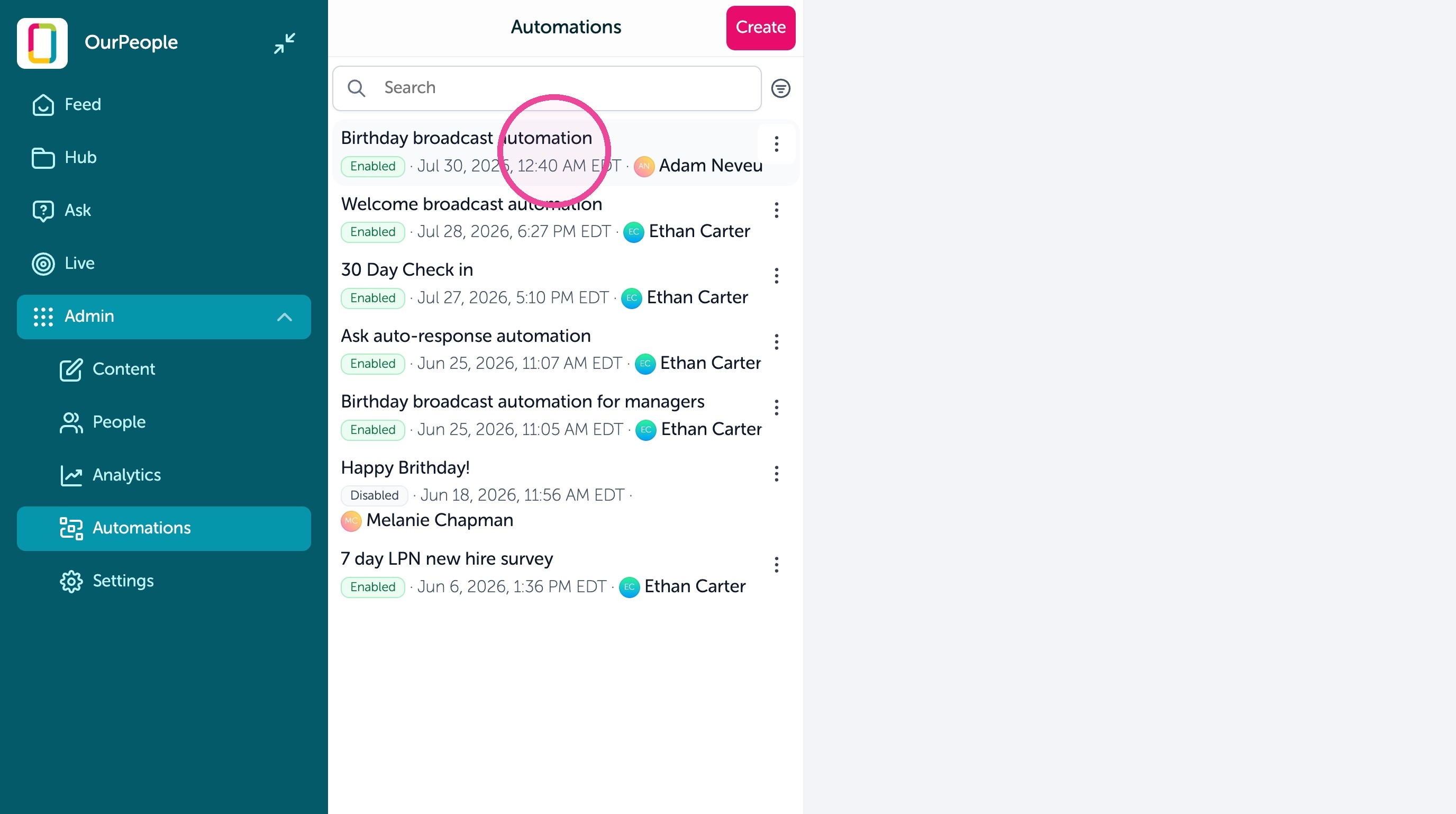
12. Click "Birthday broadcast automation" we just set up
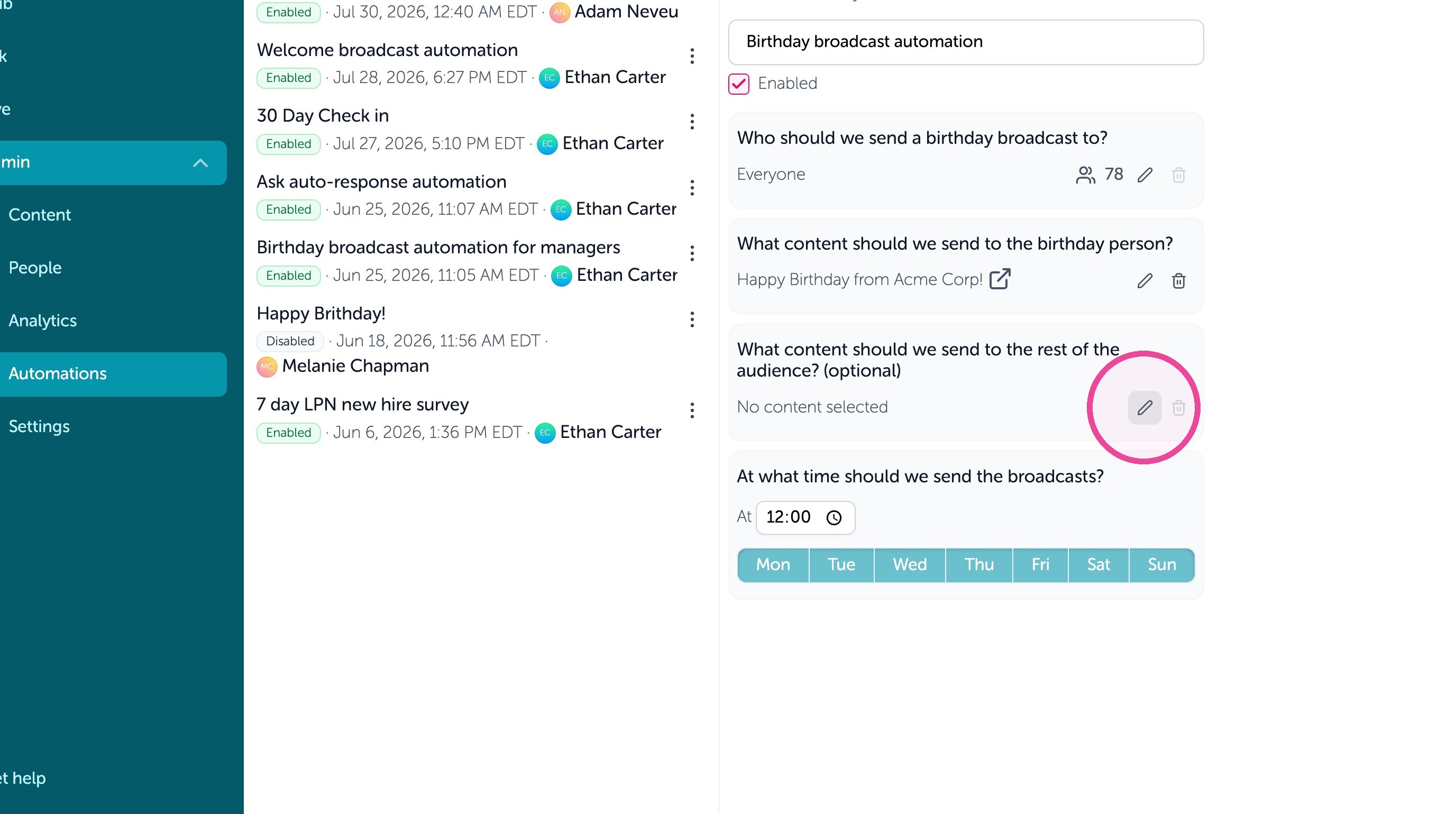
13. Click the edit icon for the birthday broadcast automation under "What content should we send to the rest of the audience?
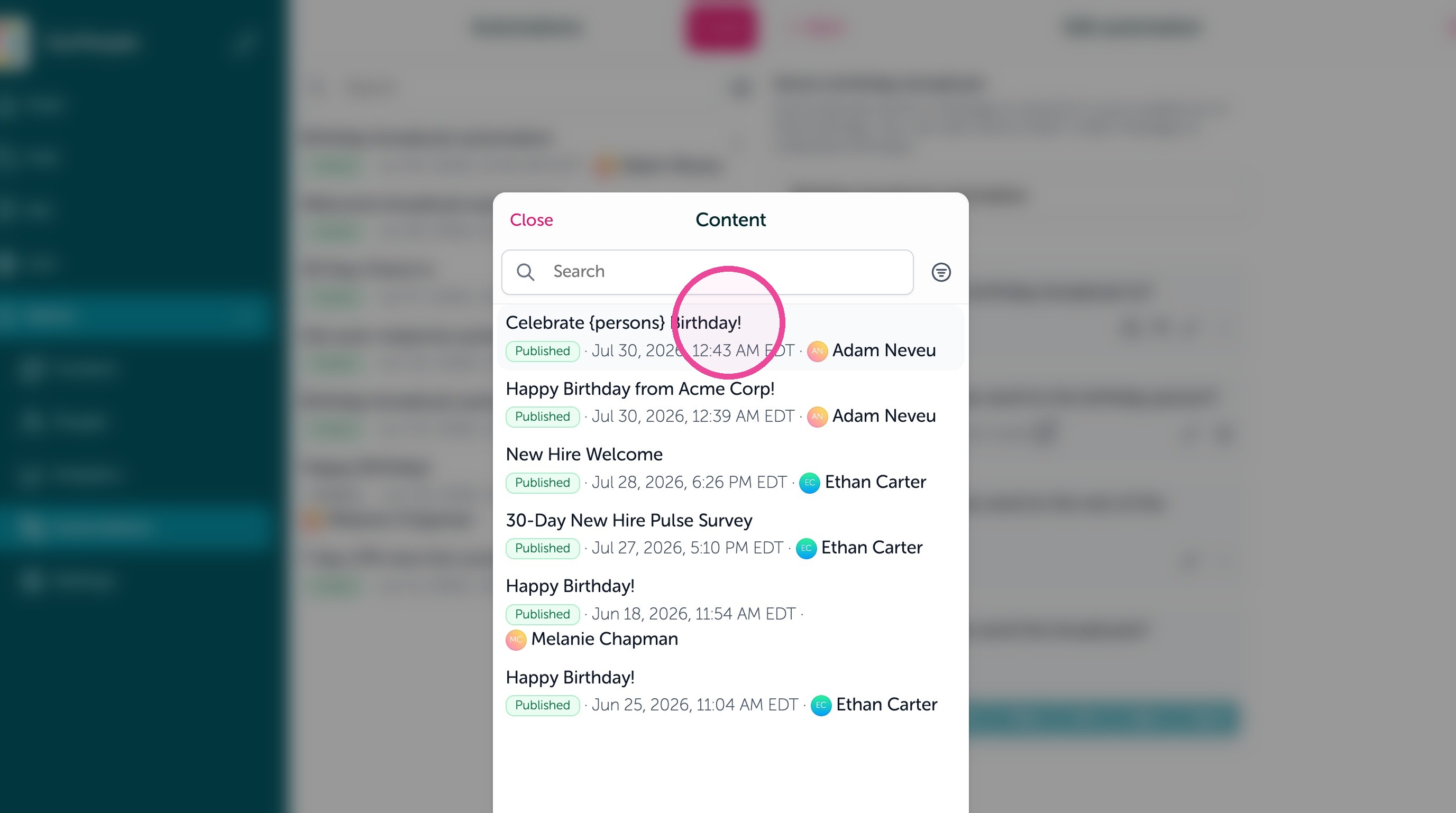
14. Create a 2nd template for this format, we made one as an example here
15. Click "Save"