
Learn how to automate employee anniversary celebrations within the OurPeople platform. This guide provides a quick walkthrough to help you set up and publish personalized broadcasts for your team members.
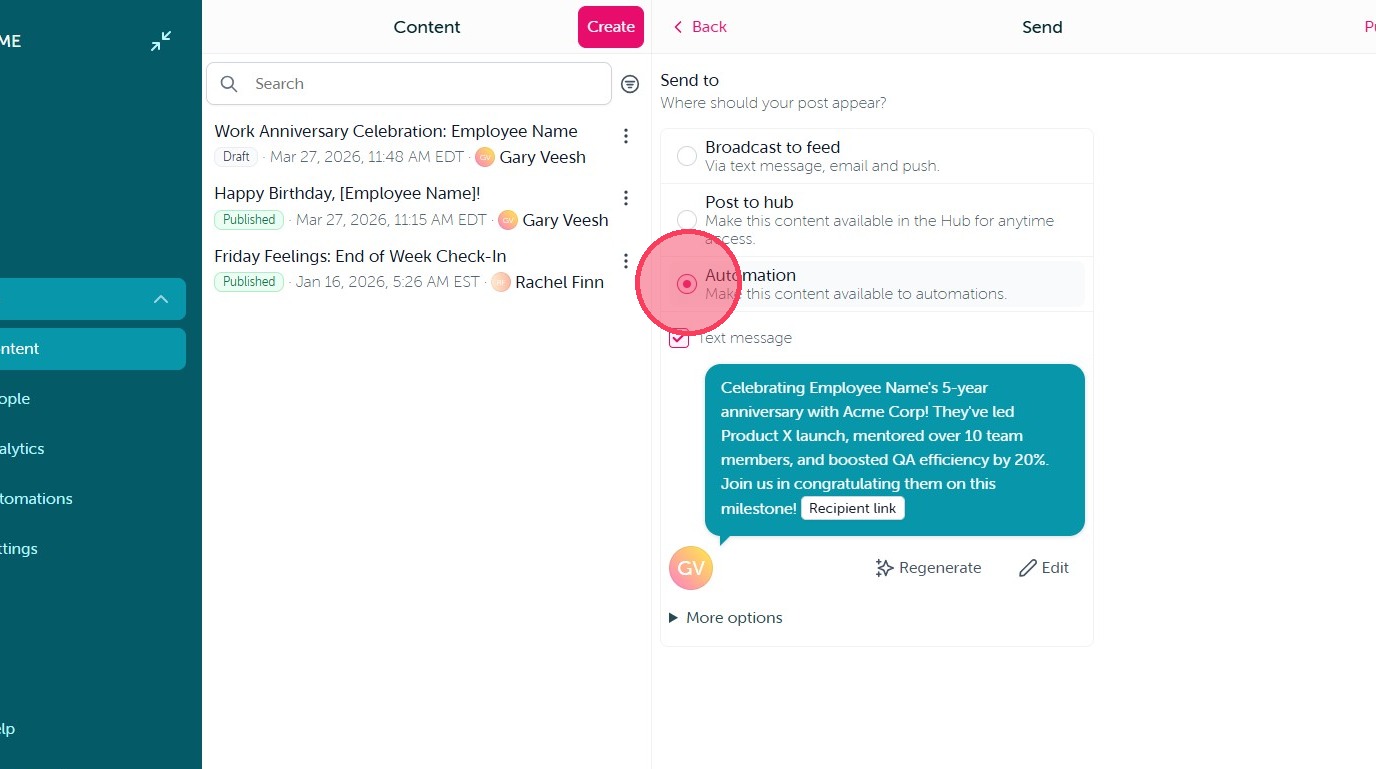
1. As with all Automations, the first step is always going to be creating your Content and publishing it to Automations on the final step of Content creation. Simply Select Automation and making any necessary adjustments to your Text message notification.
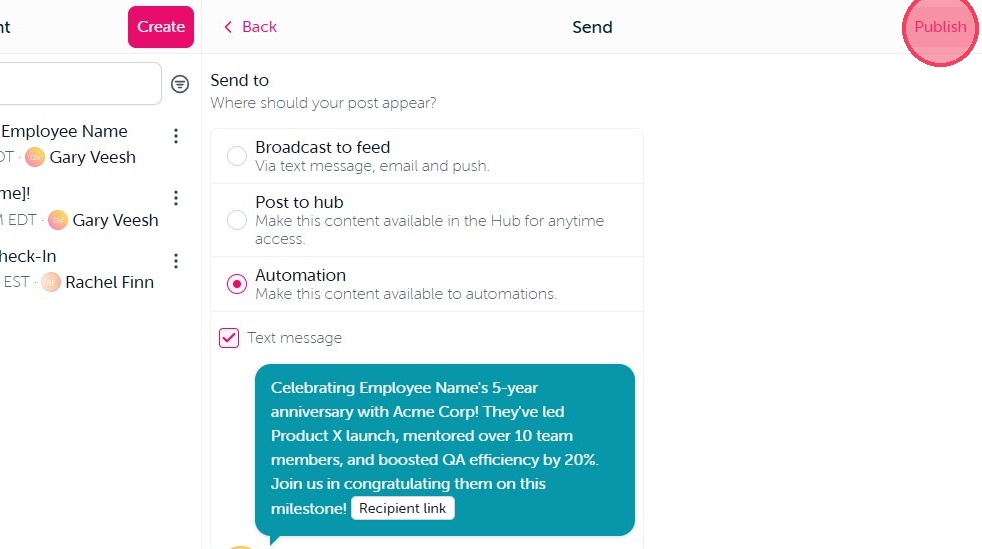
2. When you are finished click "Publish" in the top right corner.
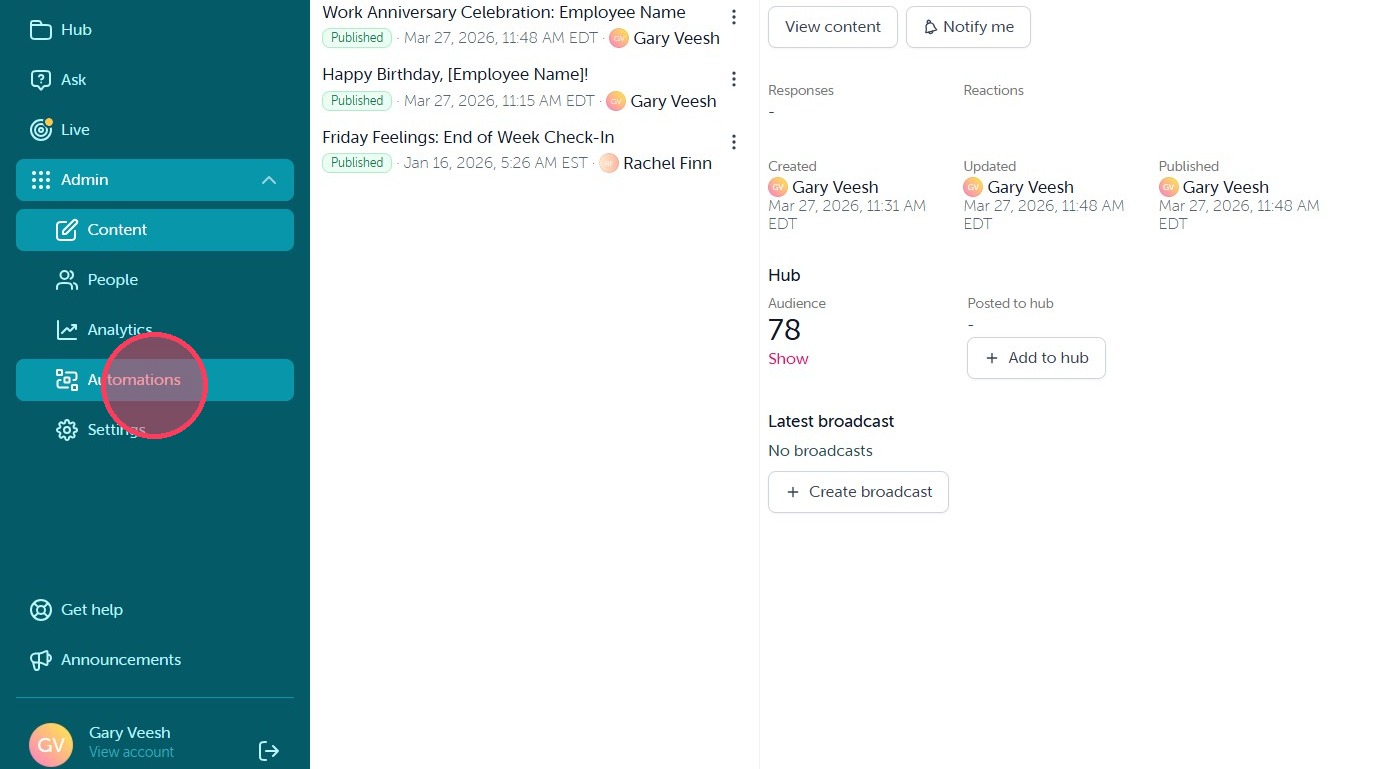
3. Once the content is published, select "Automations" in your Admin dashboard to build out your automation.
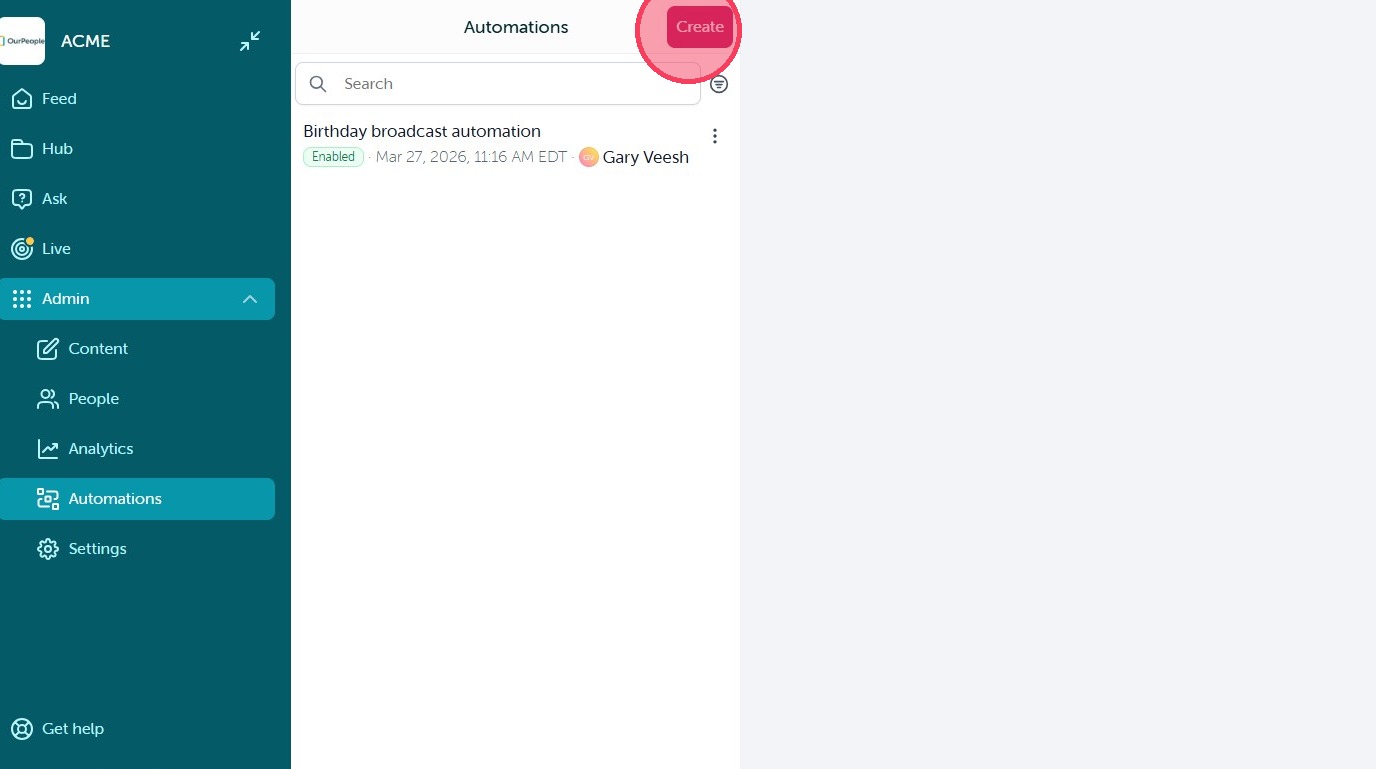
4. Click "Create" on the next screen to get started.
5. Then select the Work Anniversary automation option.
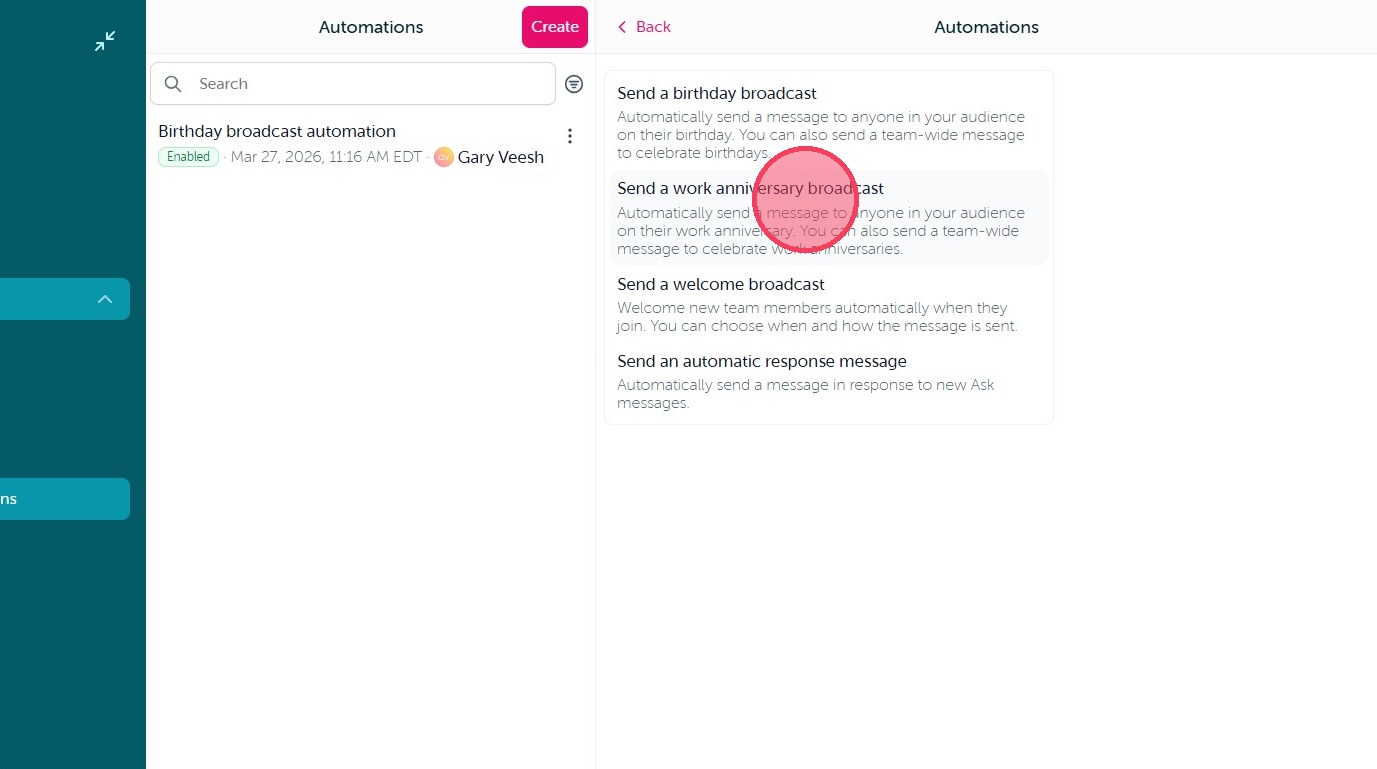
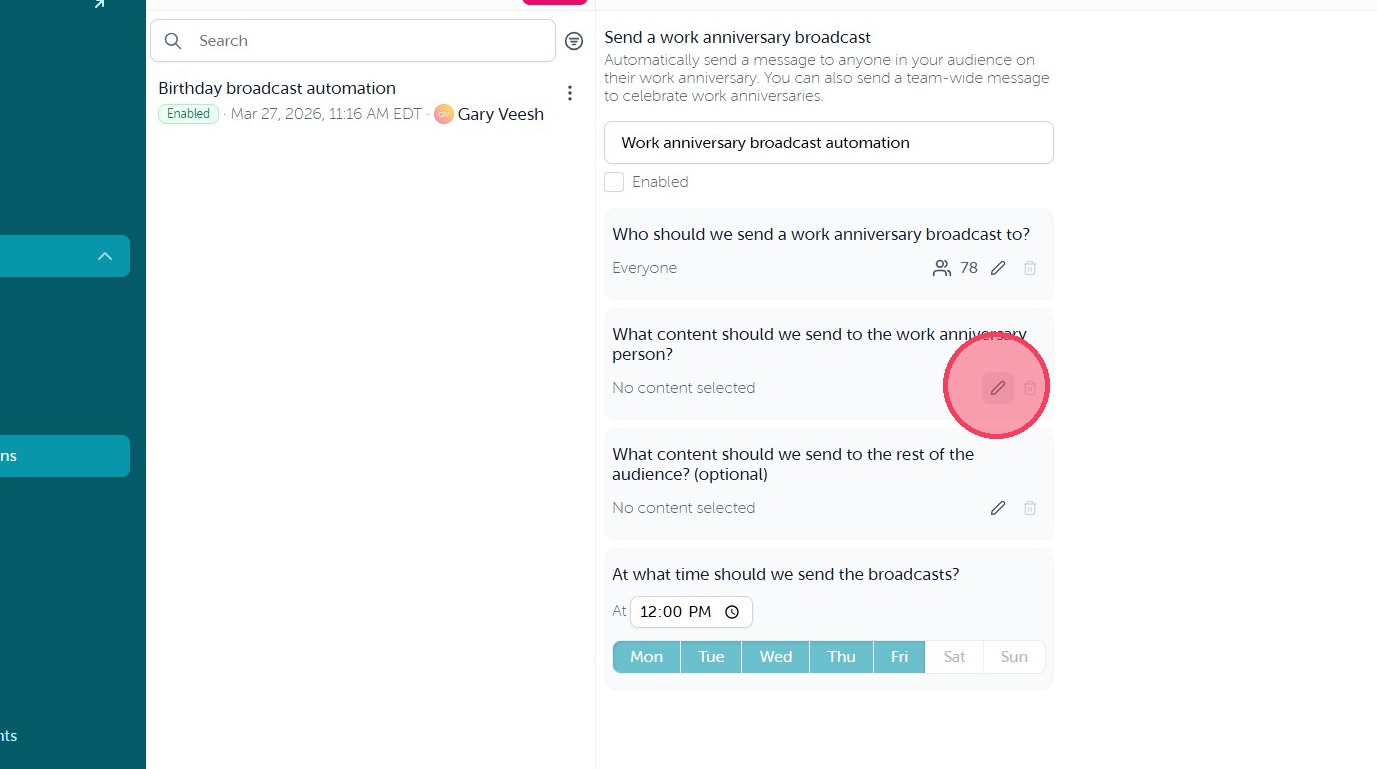
6. On this screen you can make the following updates:
- Update the Automation title at the top of the page
- Edit the audience based on work start date data imported from your integration
- Select the content that will be sent through the Automation
- (Optional) Create alternate content to send to users when it is not their work anniversary
- Set the days and times the Automation will run
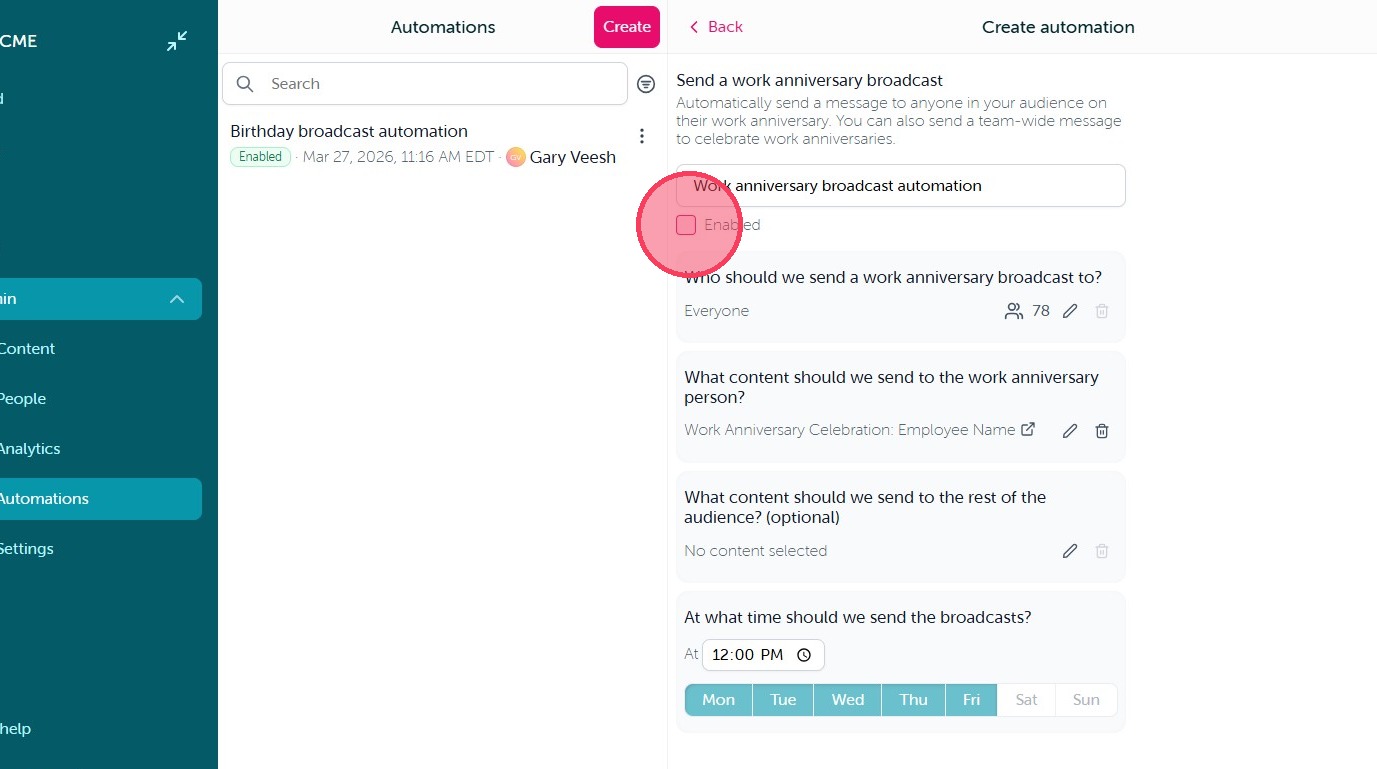
7. Once you are happy with the automation settings, select the Enabled checkbox to turn the automation on.
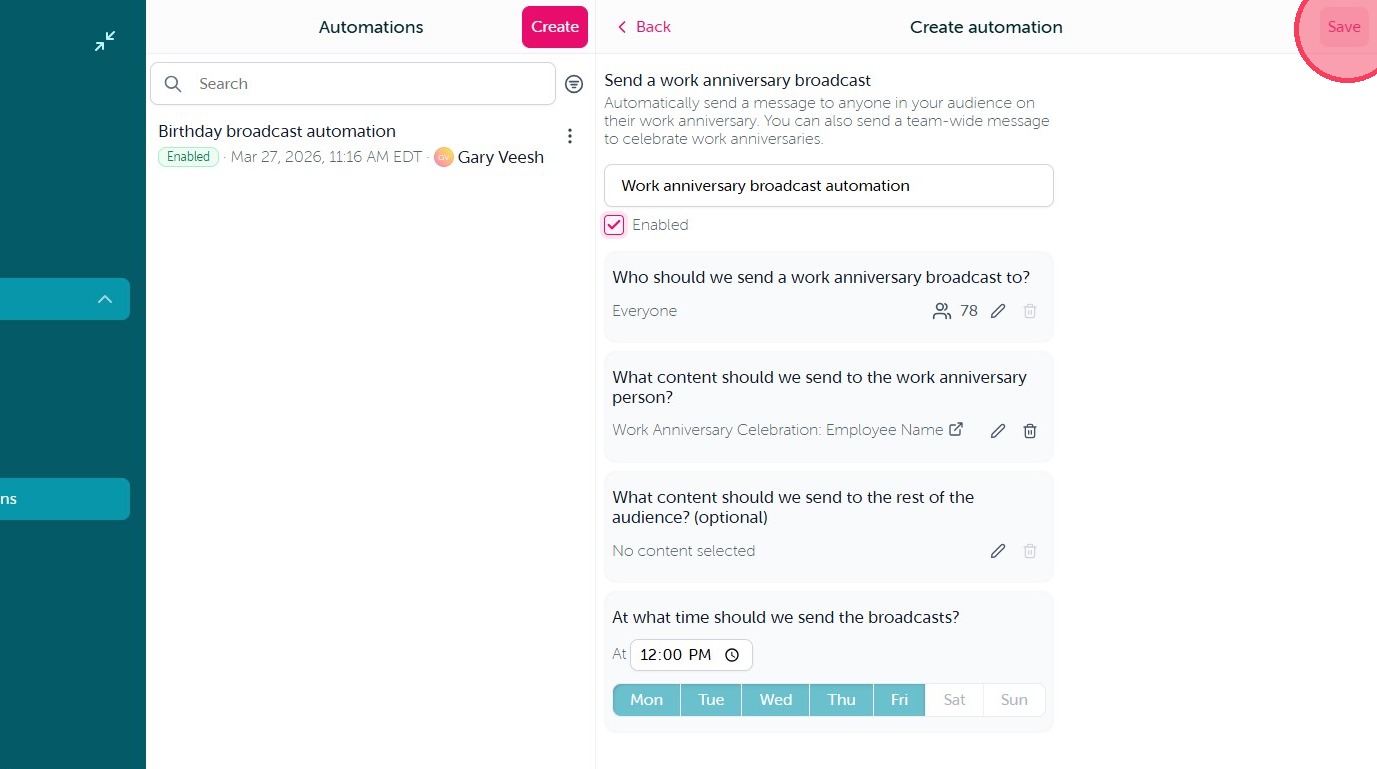
8. Finaly click "Save" in the top right corner.
Comments
0 comments
Article is closed for comments.