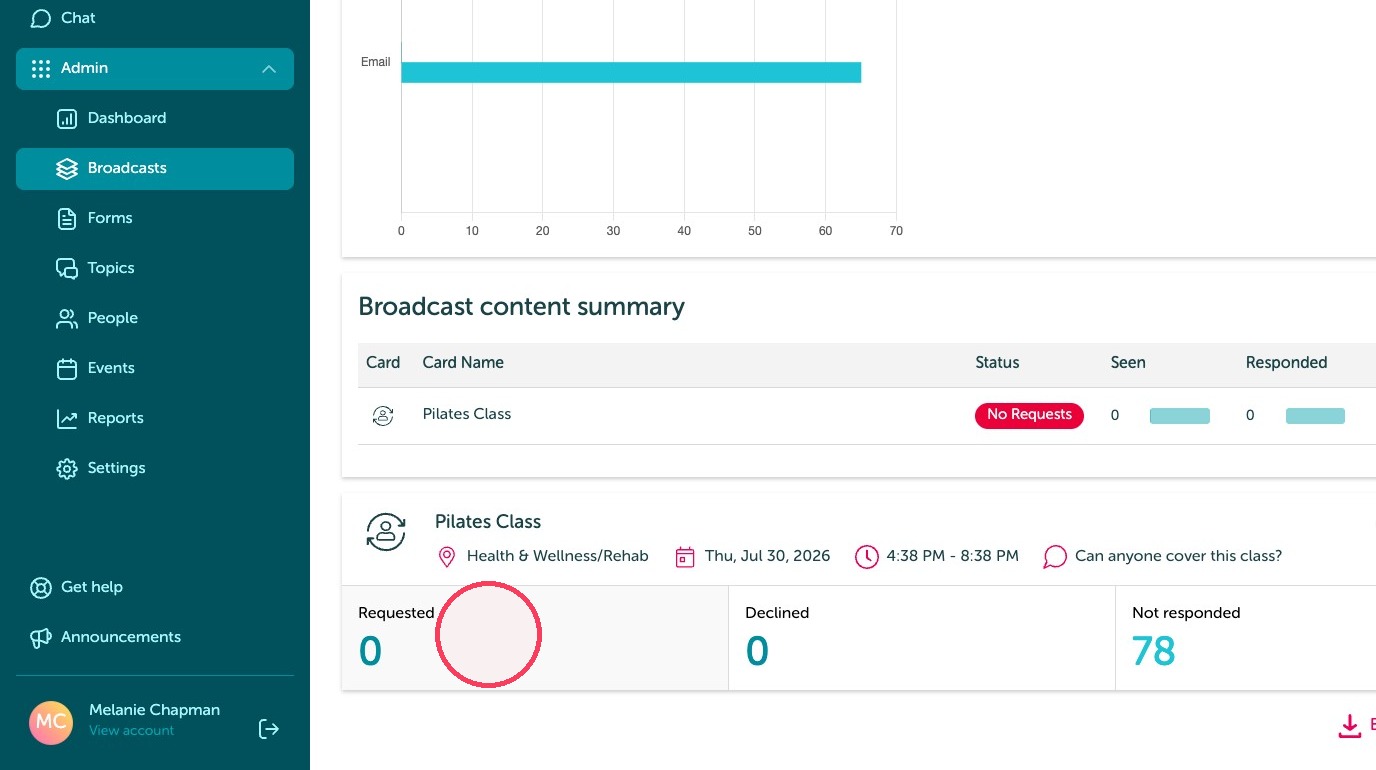
Learn how to efficiently manage staff scheduling by creating and broadcasting shift cover requests for your team. This guide streamlines the process of notifying employees about open slots to ensure all your classes are properly staffed.
Create a cover request
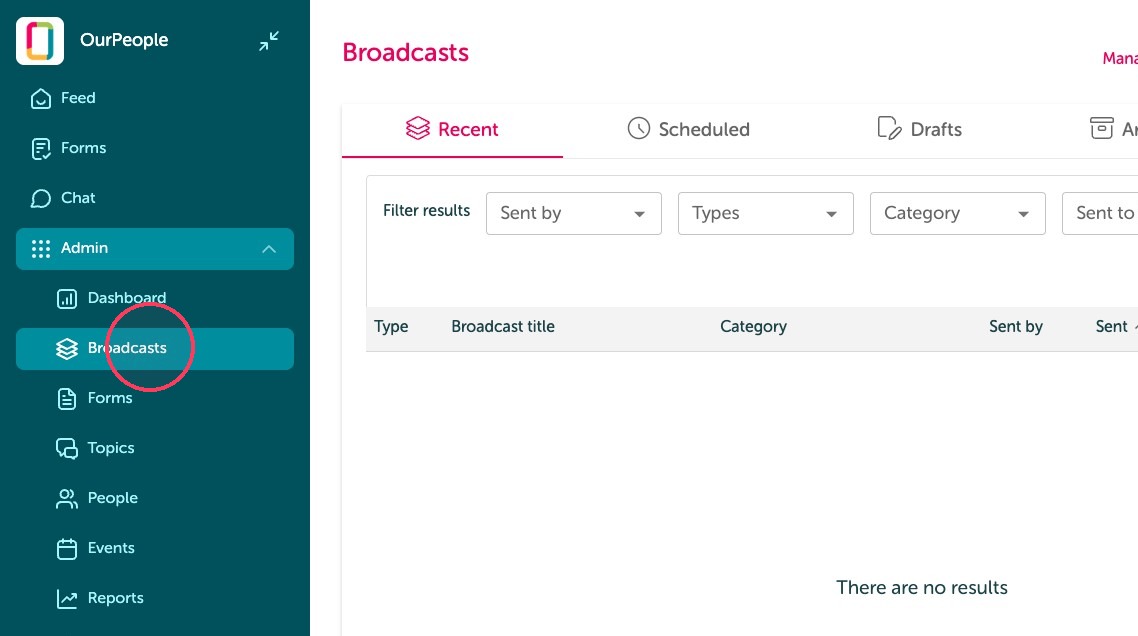
1. Click "Broadcasts"
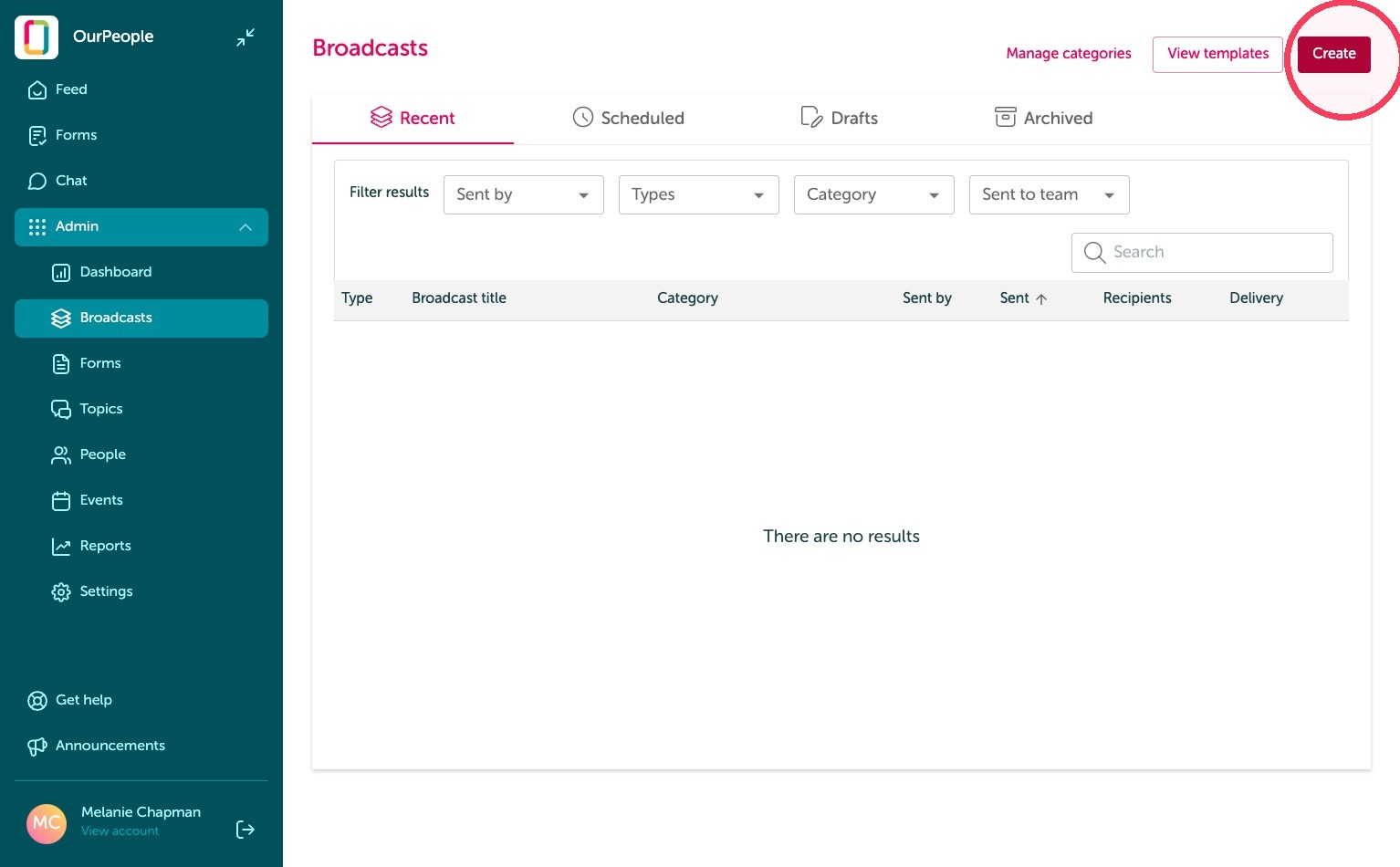
2. Click "Create"
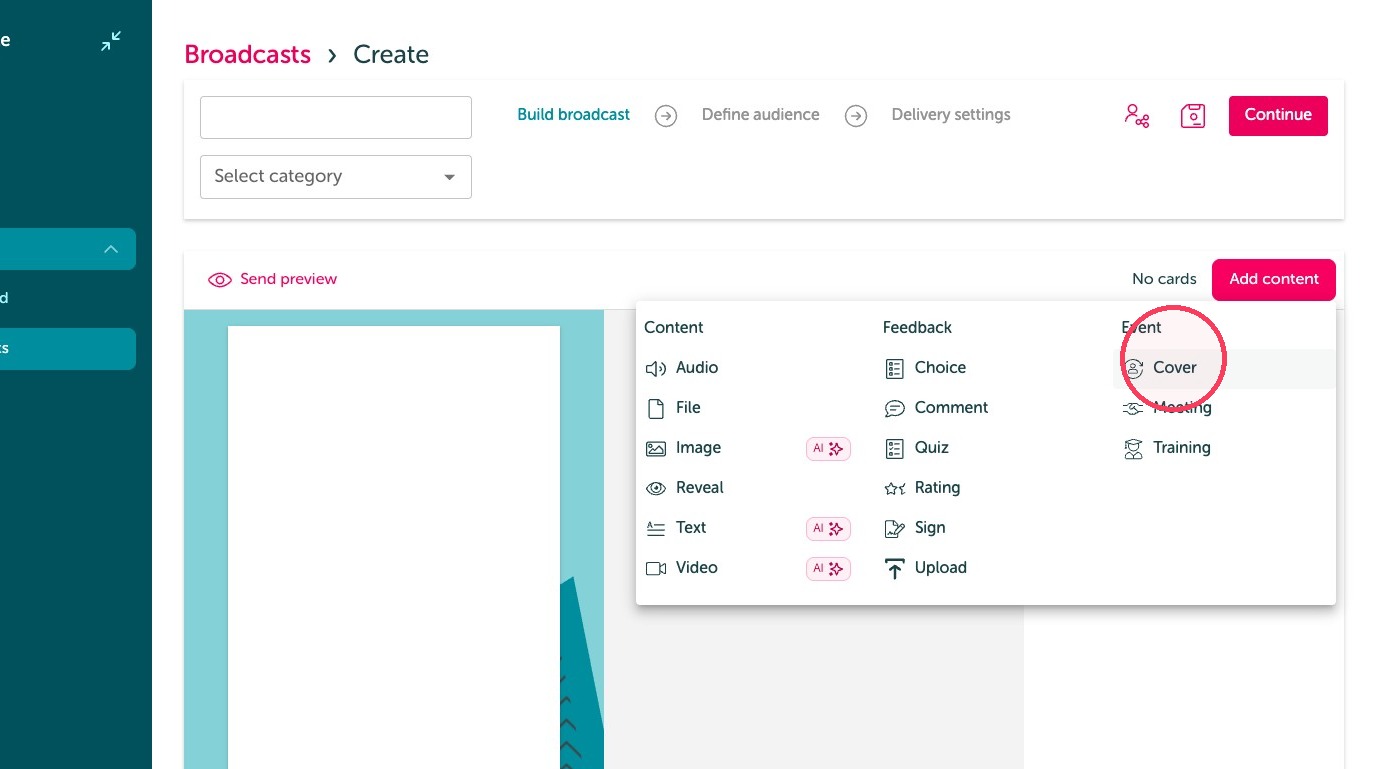
3. Click "Cover"
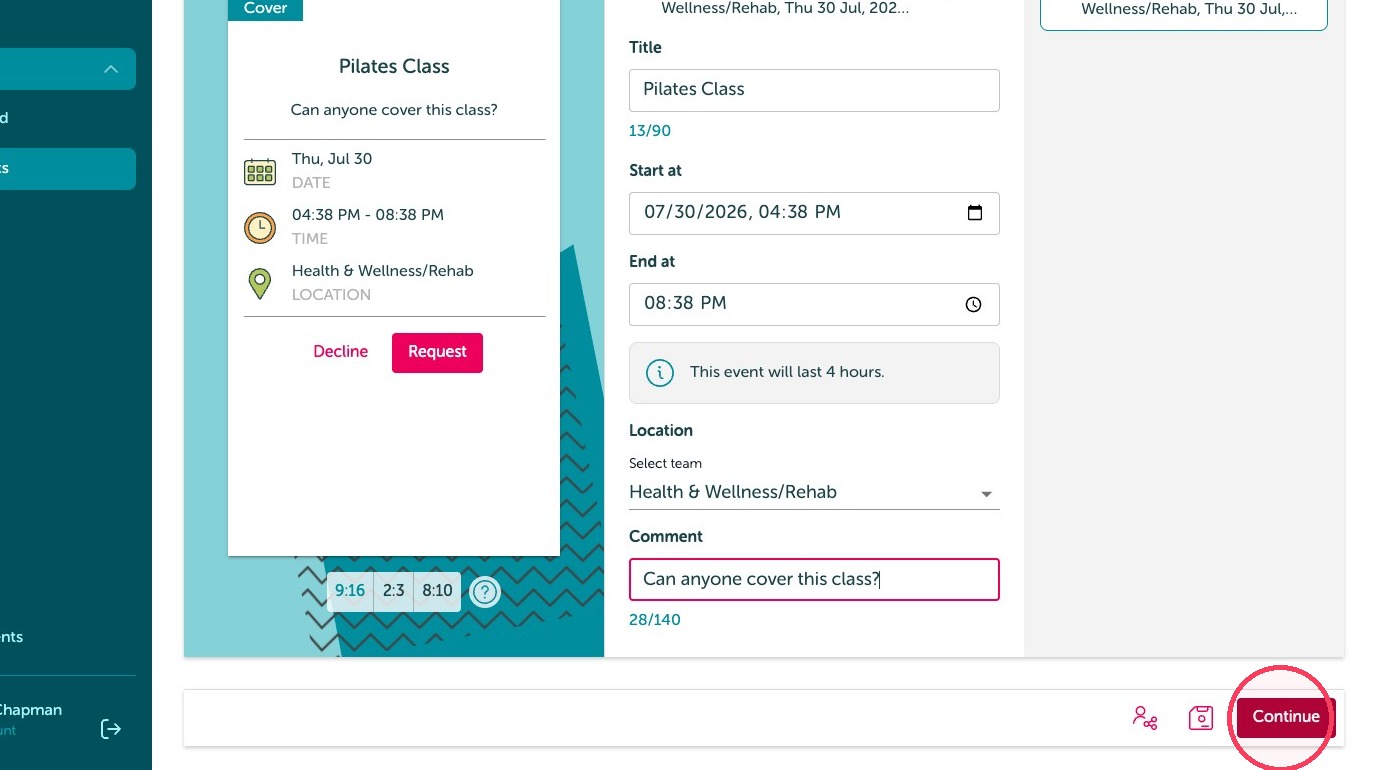
4. Title the Cover request
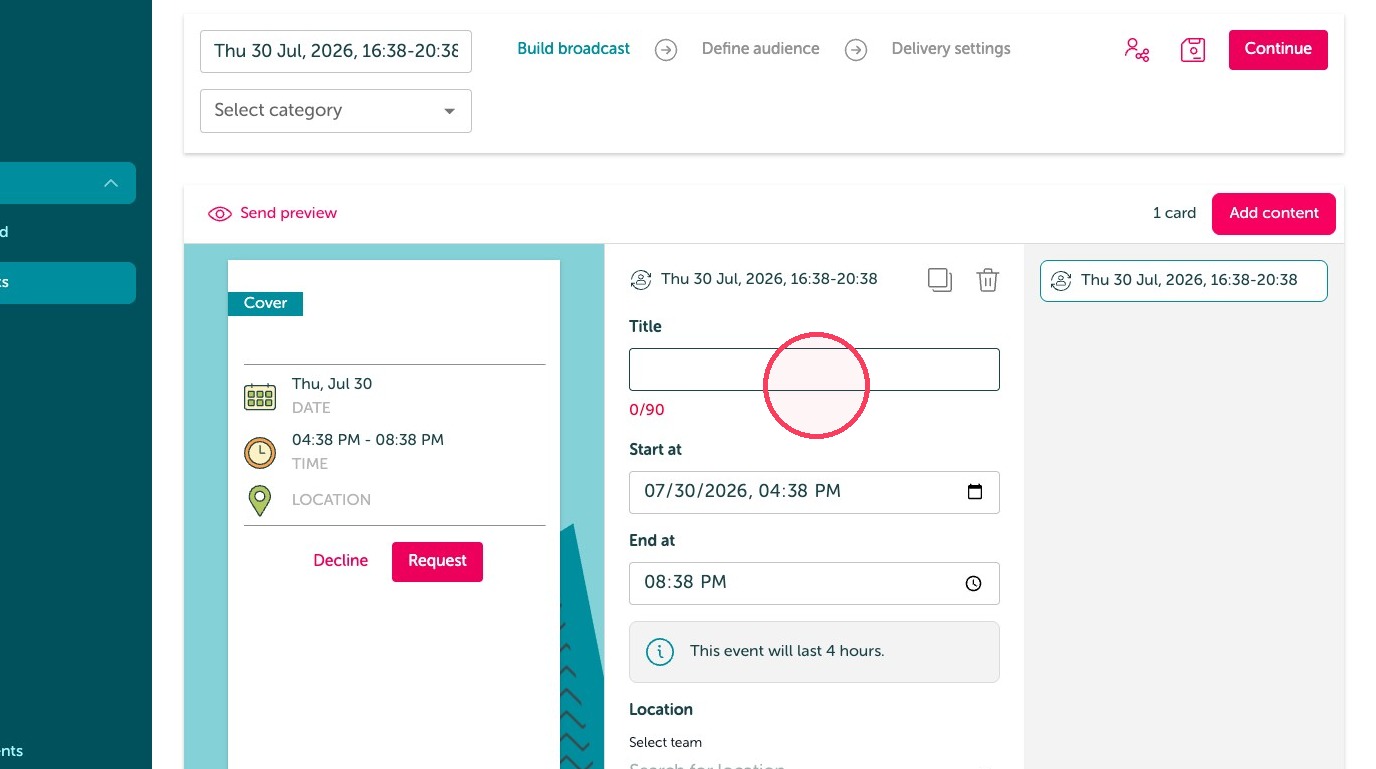
5. Adjust the Start / End date and time field
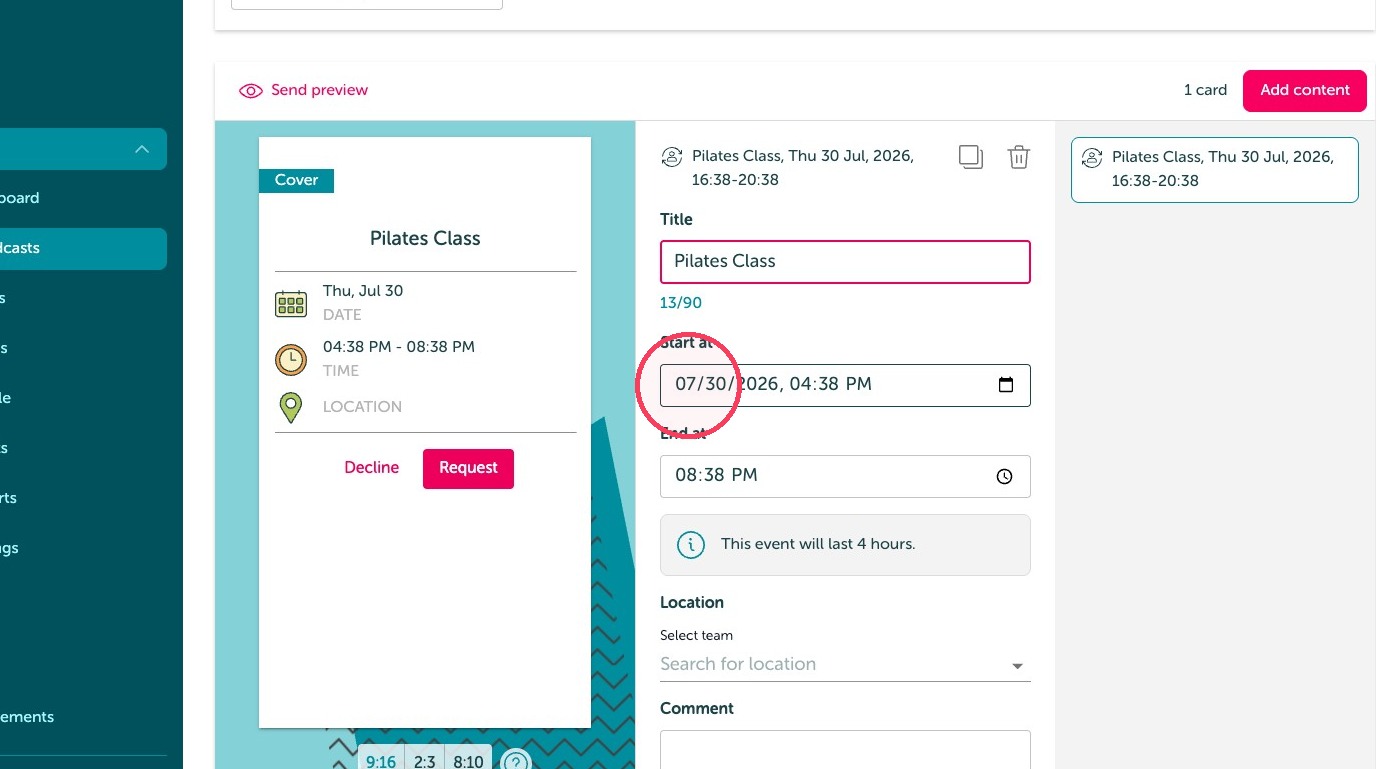
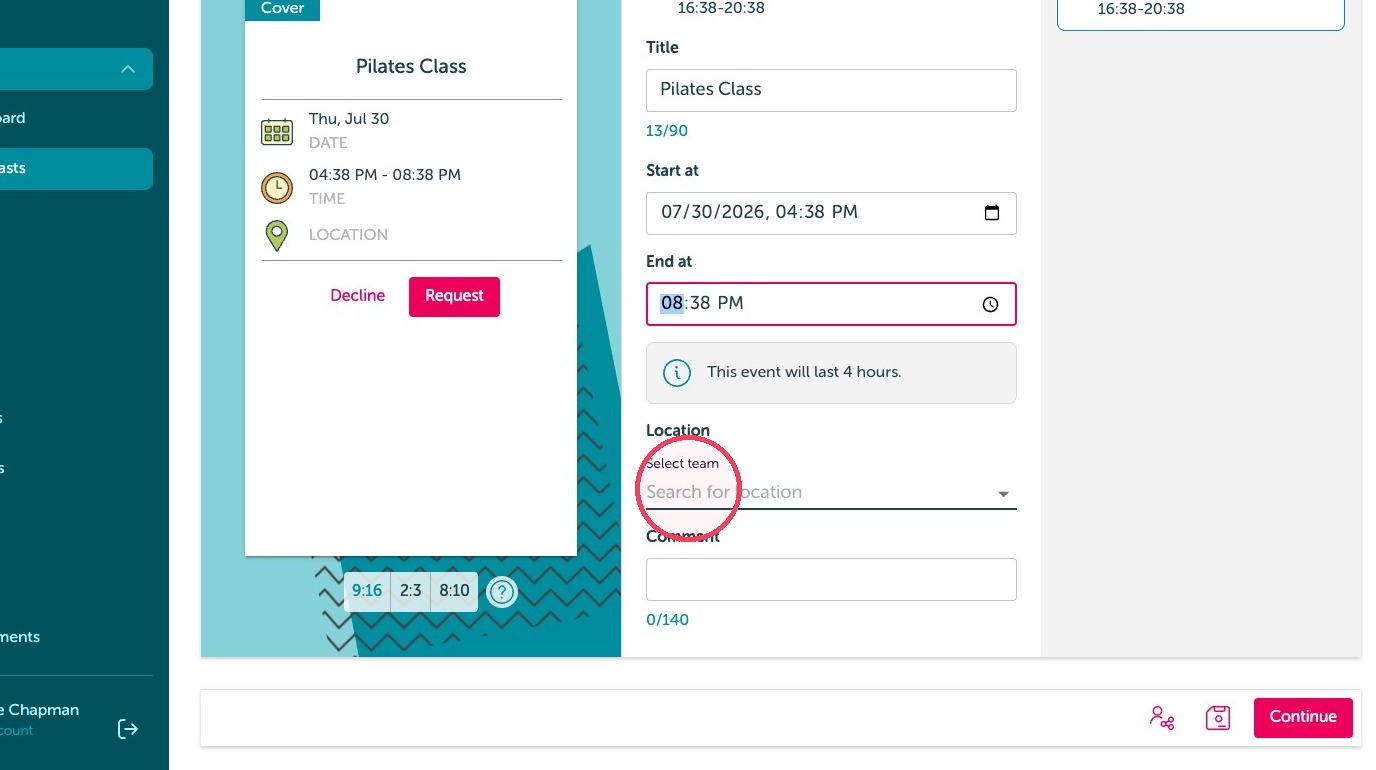
6. Click the "Select team" field.
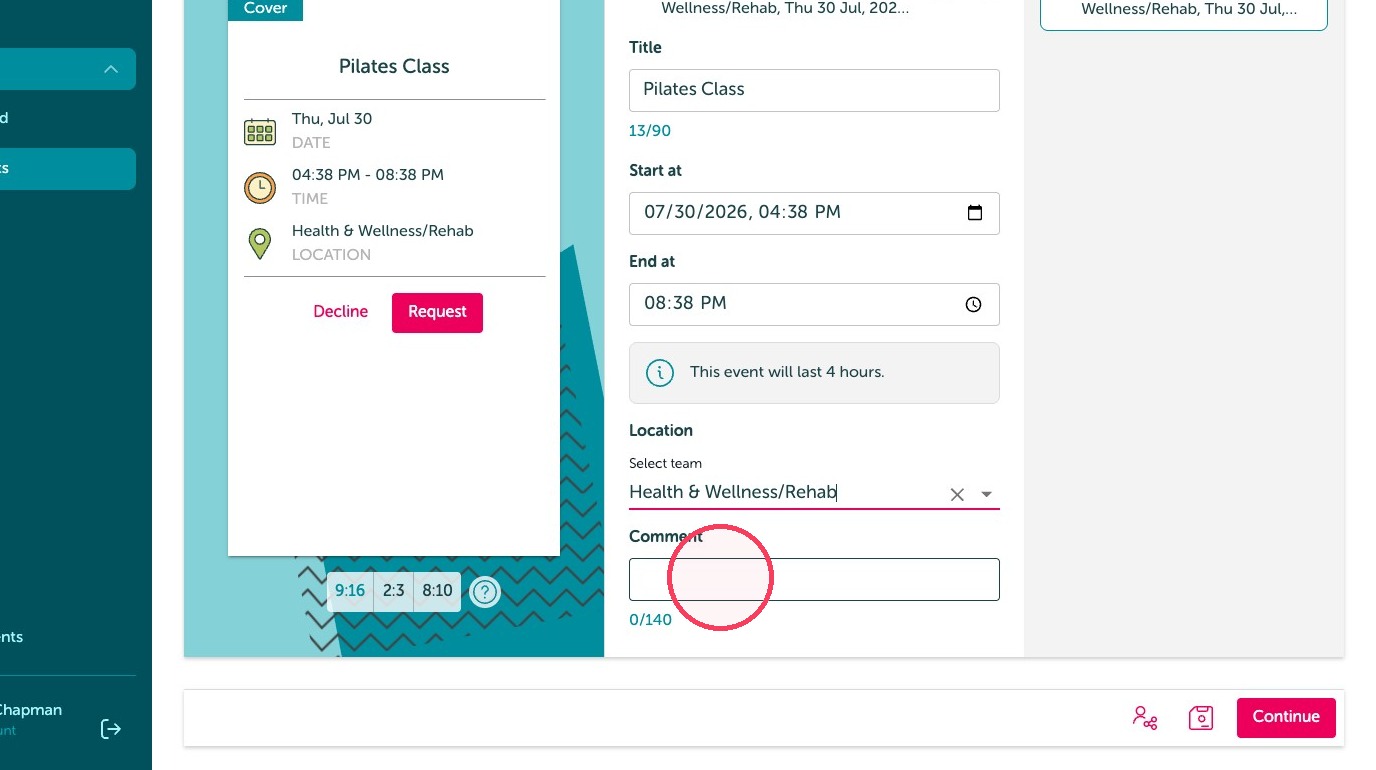
7. Leave a comment, if needed.
8. Click "Continue"
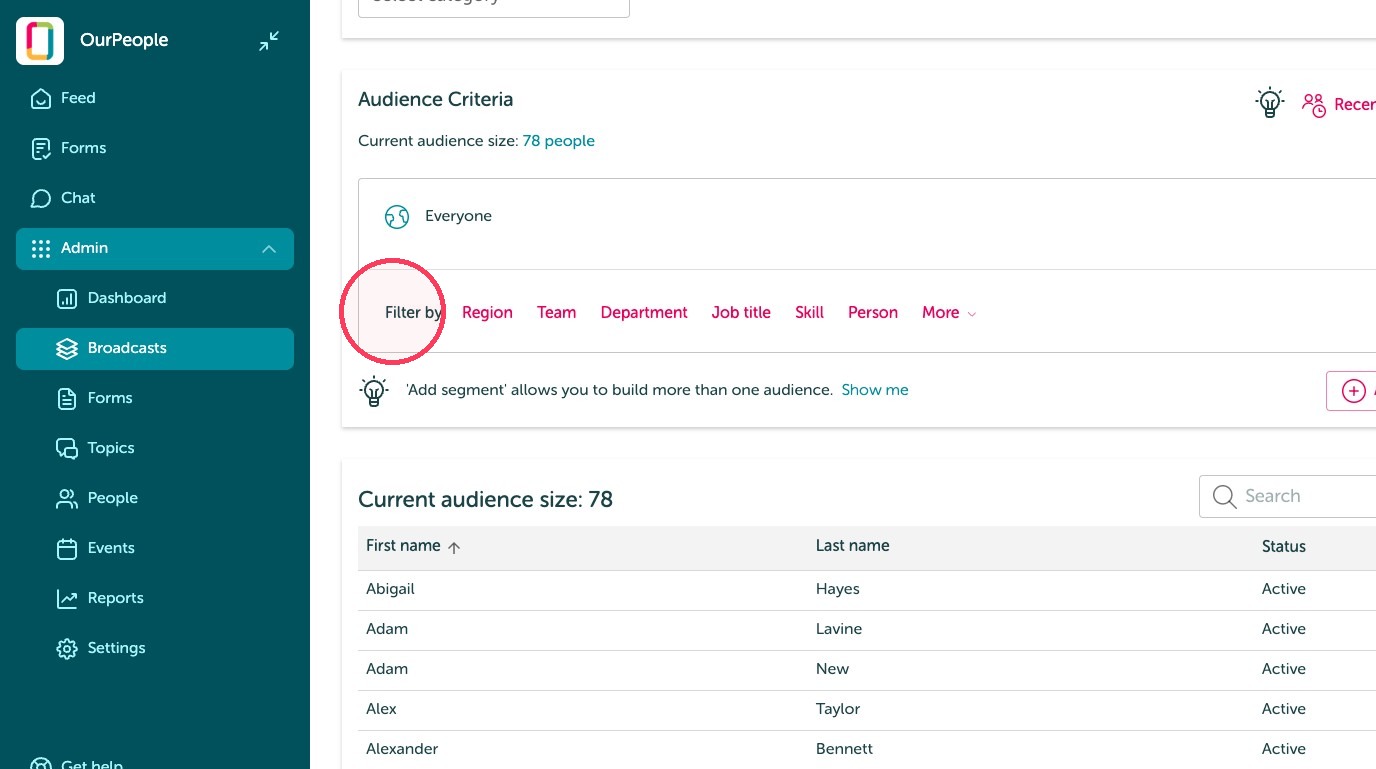
9. Edit the audience.
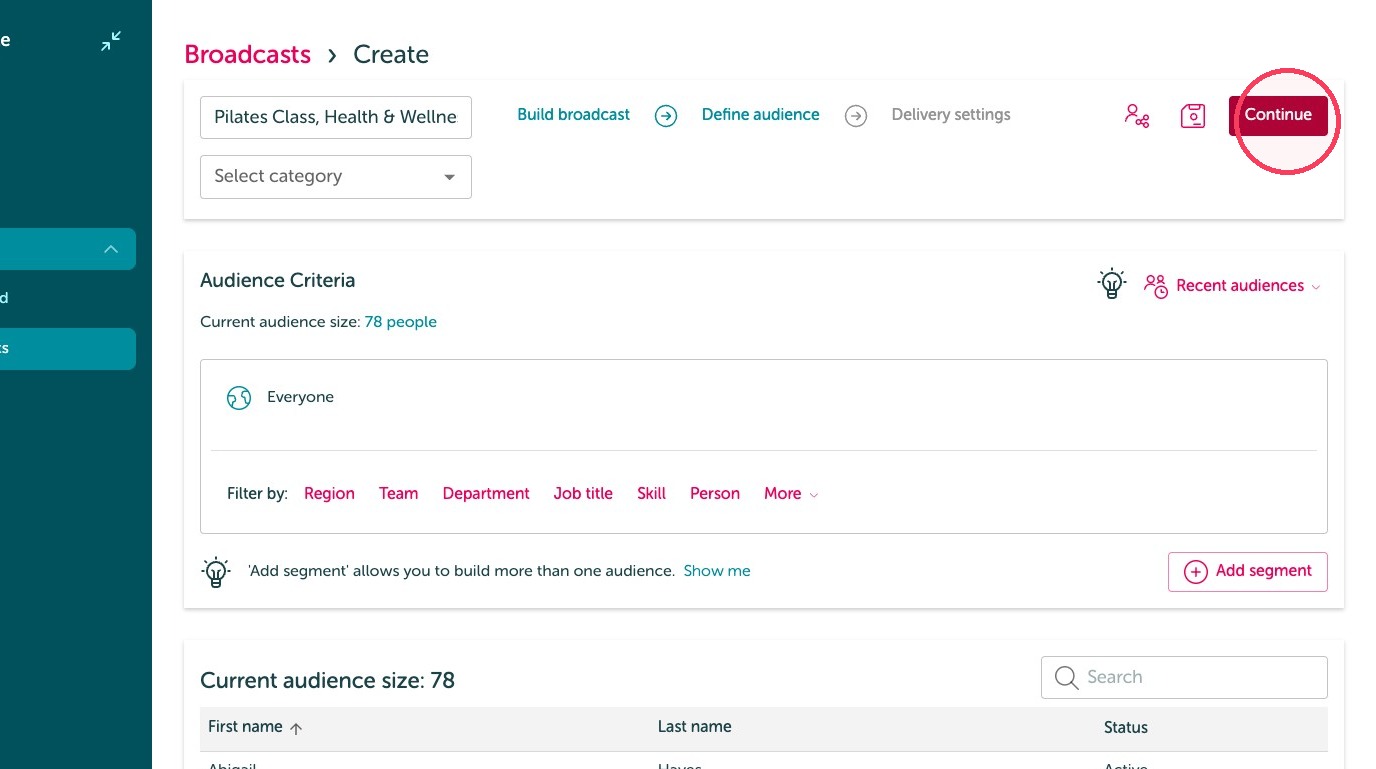
10. Click "Continue"
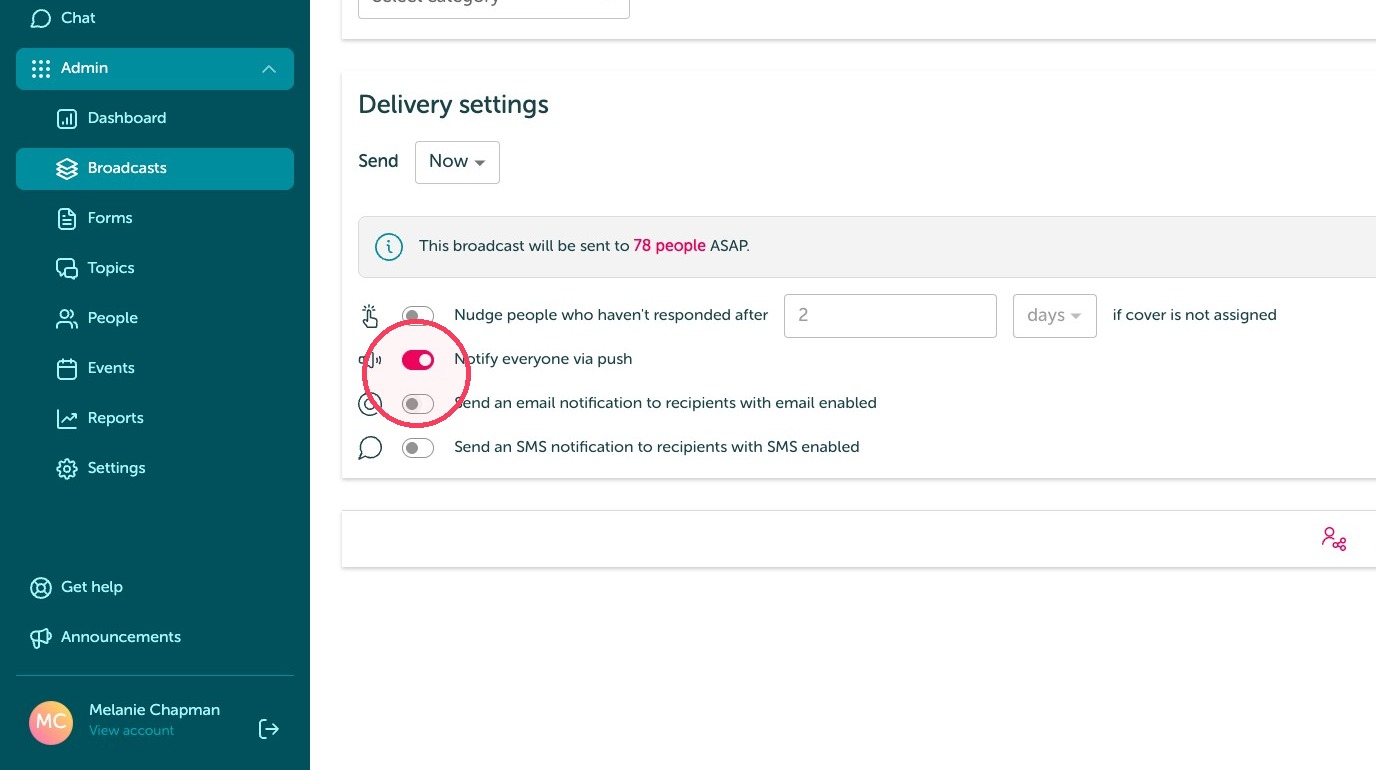
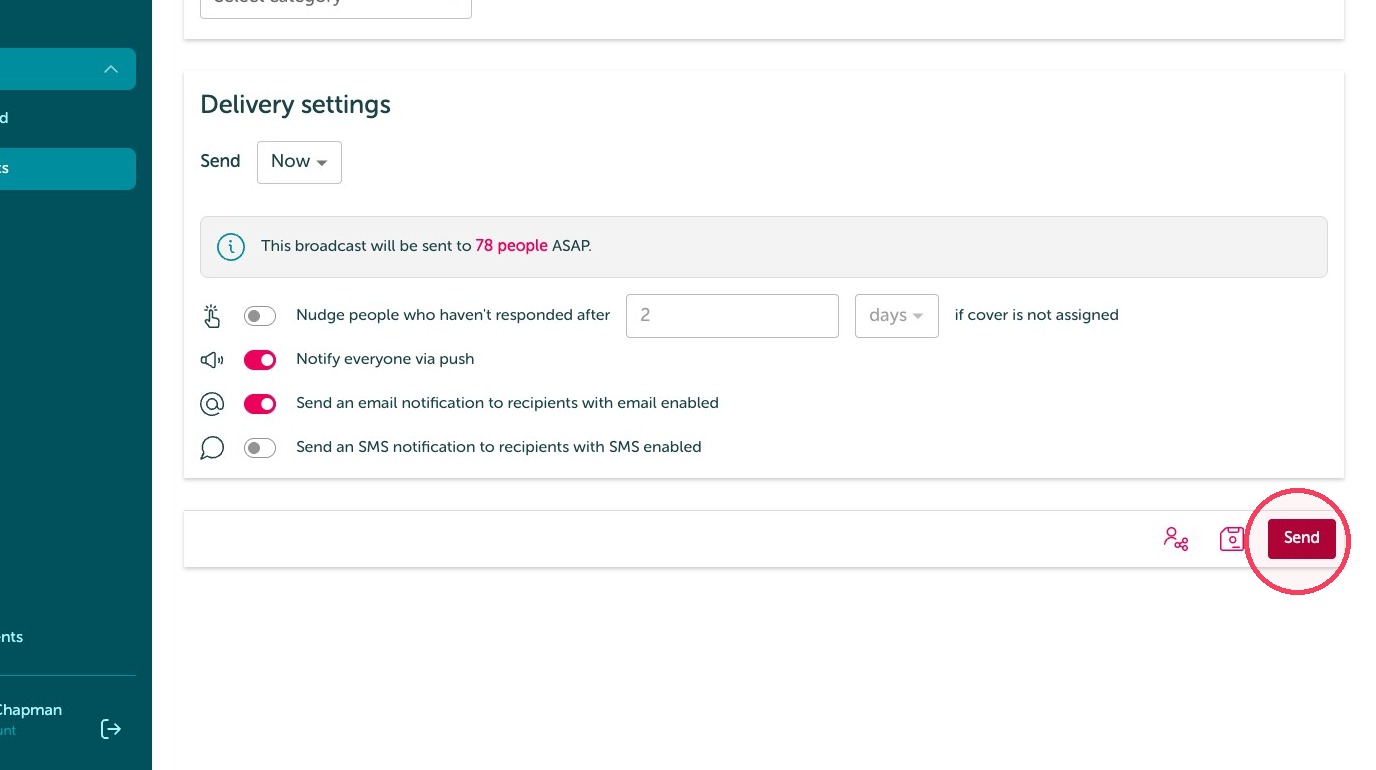
Delivery Settings
11. Adjust notification preferences
12. Click "Send"
13. Click Events in the Admin navigation
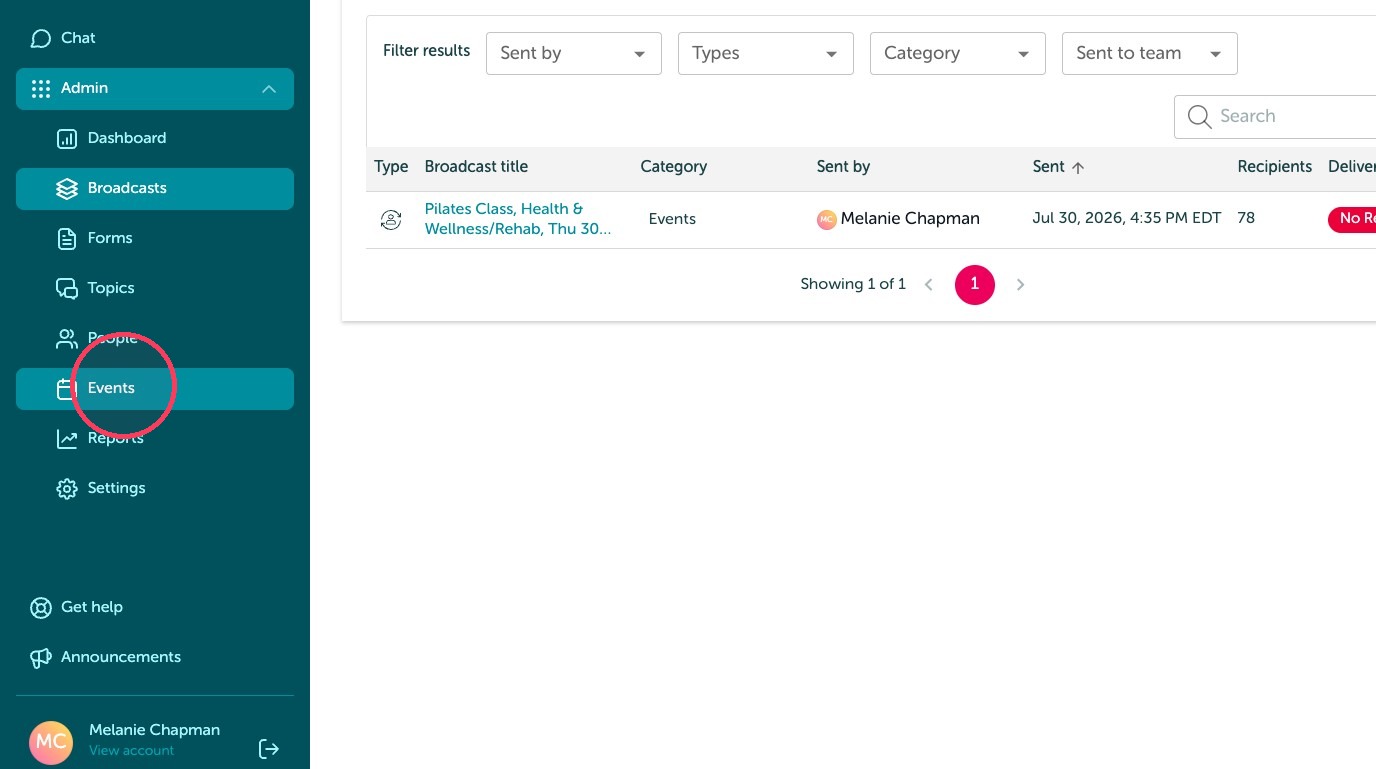
Managing Cover Requests
14. Click "Events"
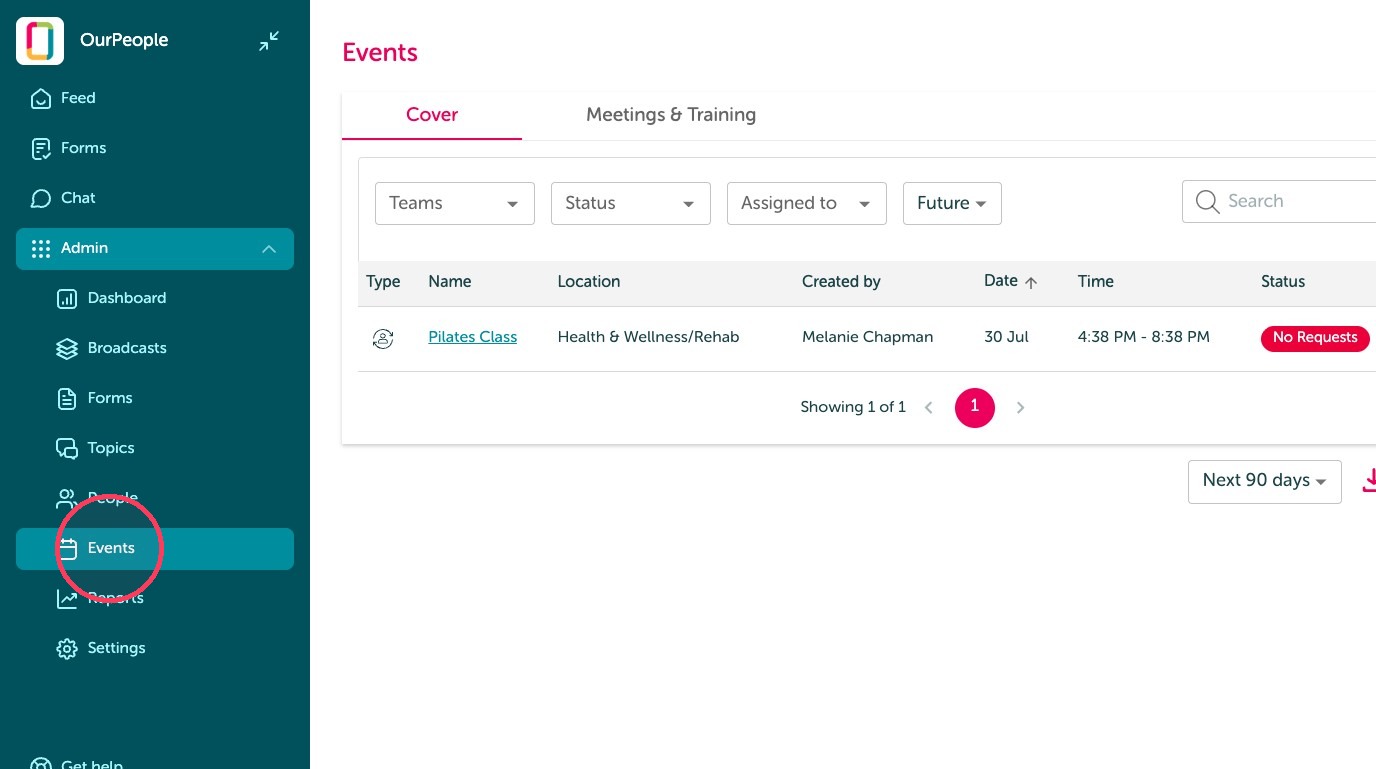
15. You can see who has requested this shift and assign it to whoever is best best fit