Learn how to organize your team communication by creating new discussion topics and adding specific groups. This guide will help you set up collaborative spaces and effectively initiate chats with your team members.
Create a Chat Topic
Tip: Chat topics are Global Admin controlled chat groups. This gives admins more control over chat.
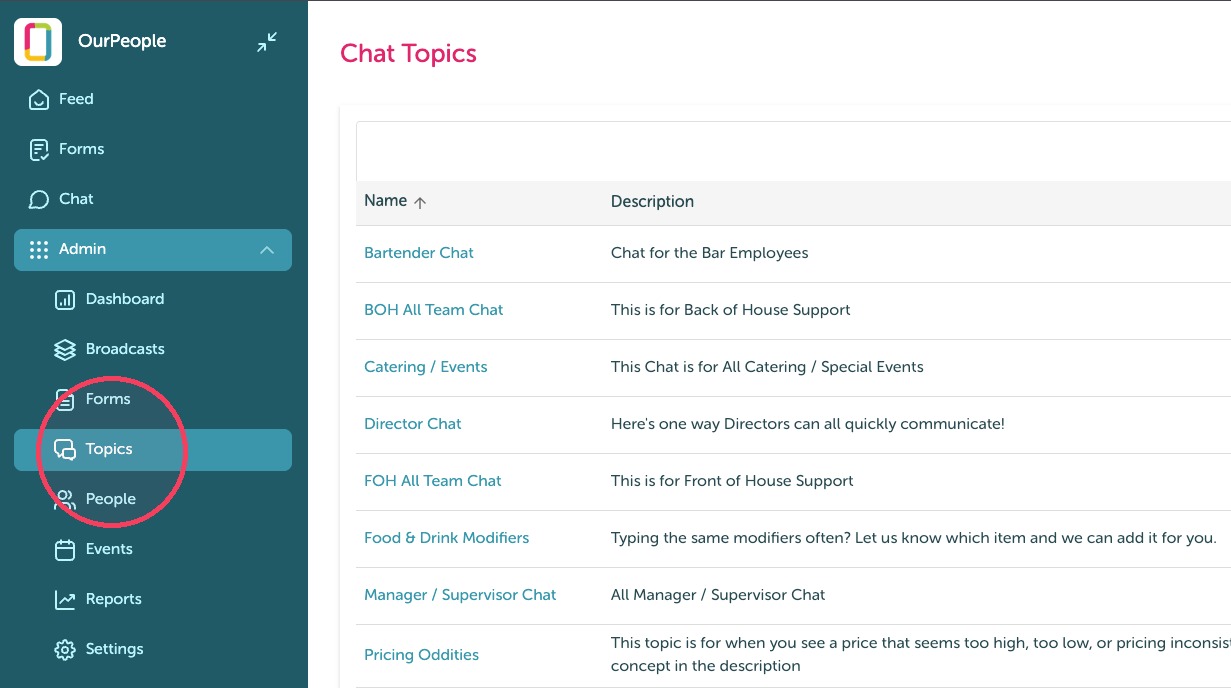
1. Click "Topics"
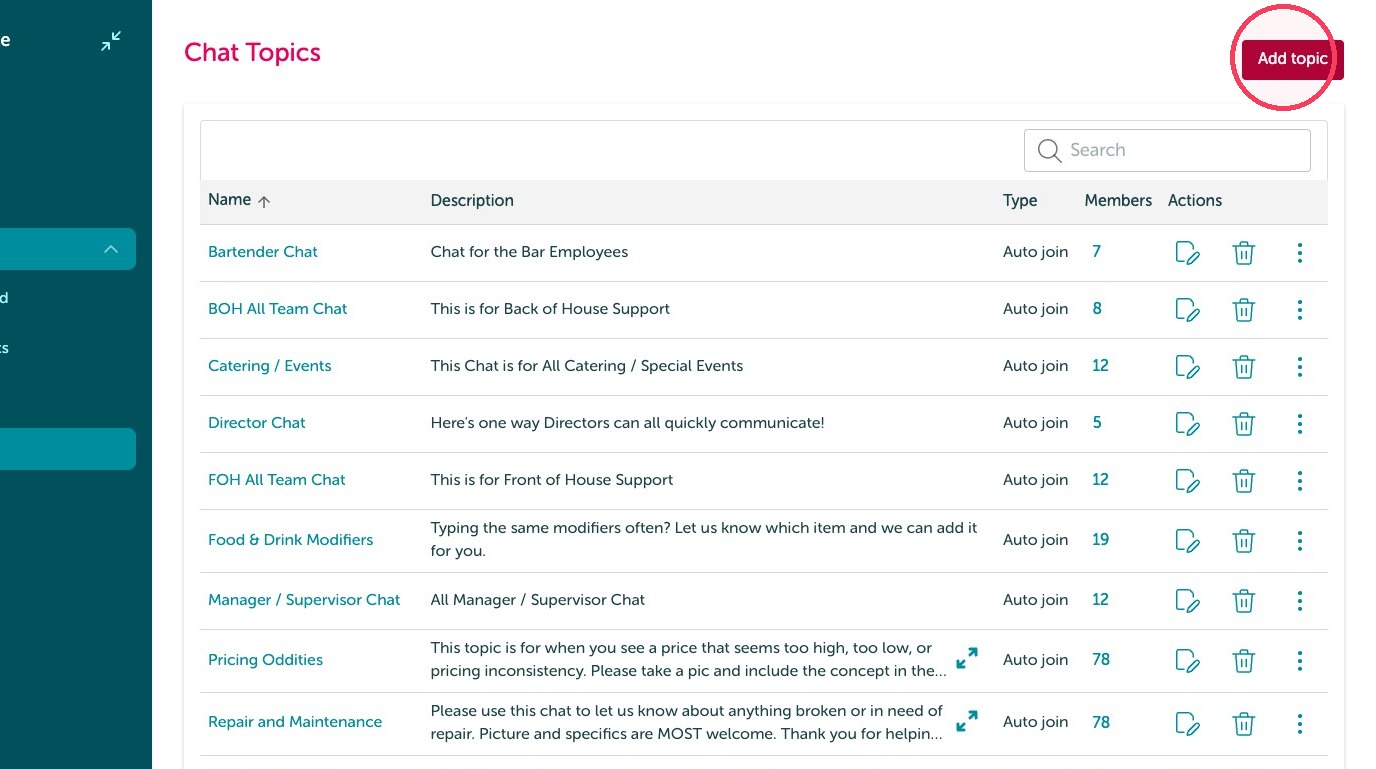
2. Click "Add topic"
3. Add the name of that chat.
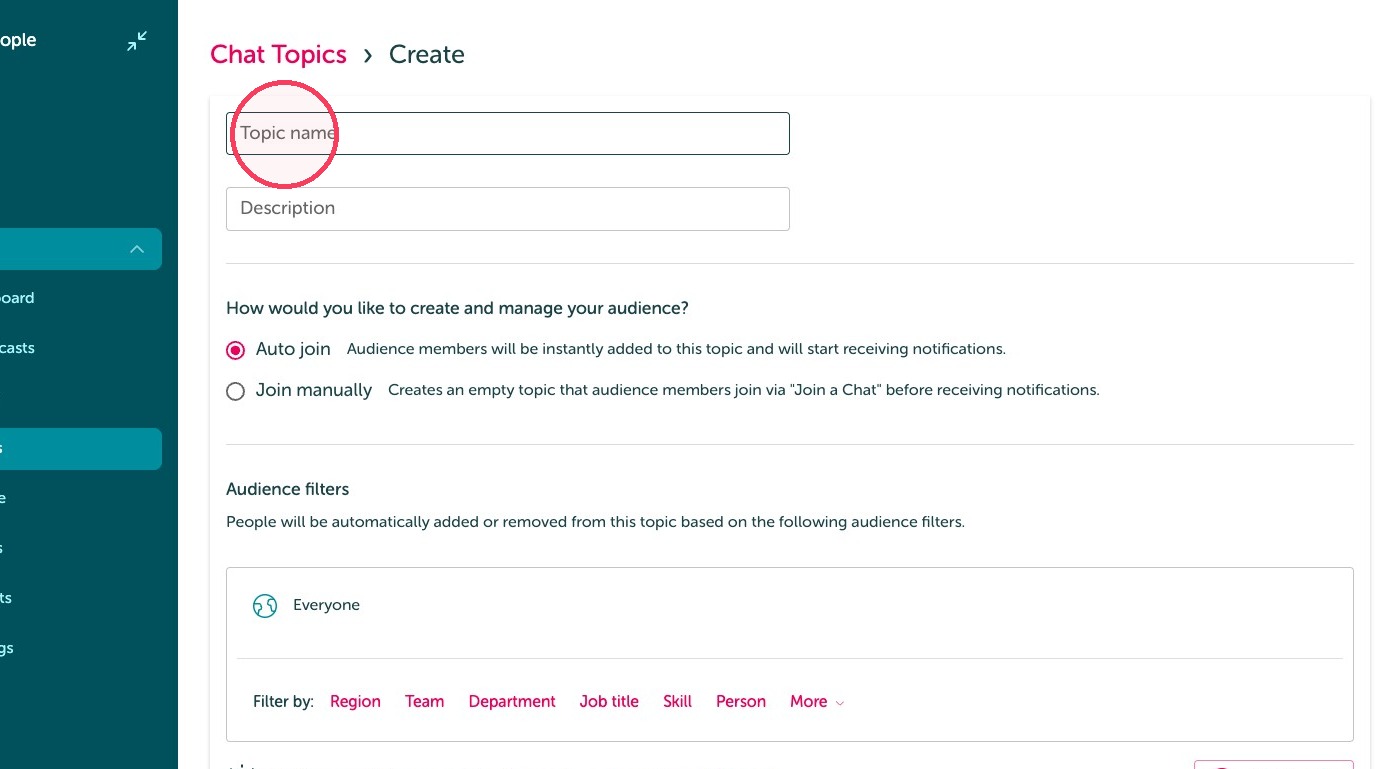
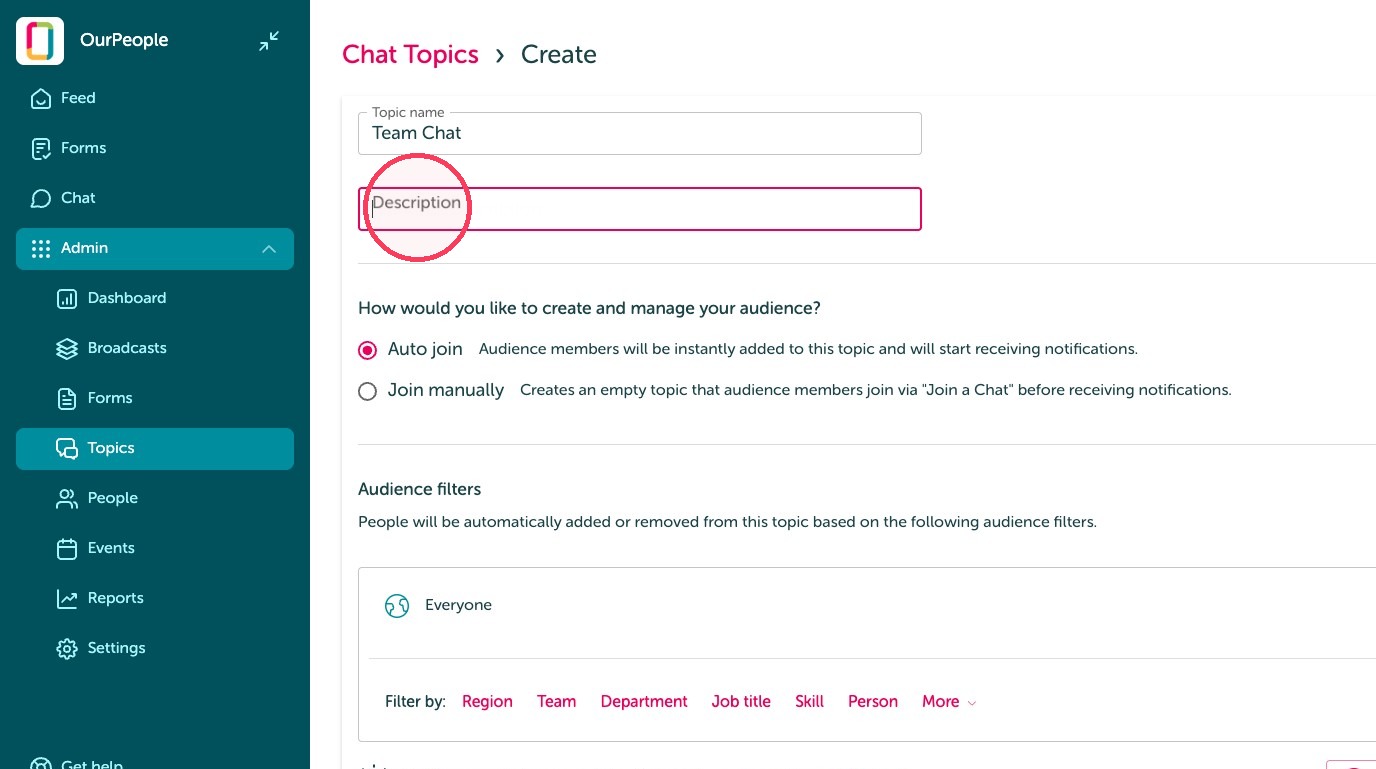
4. Click the "Description" field. Describe what types of conversations should happen here.
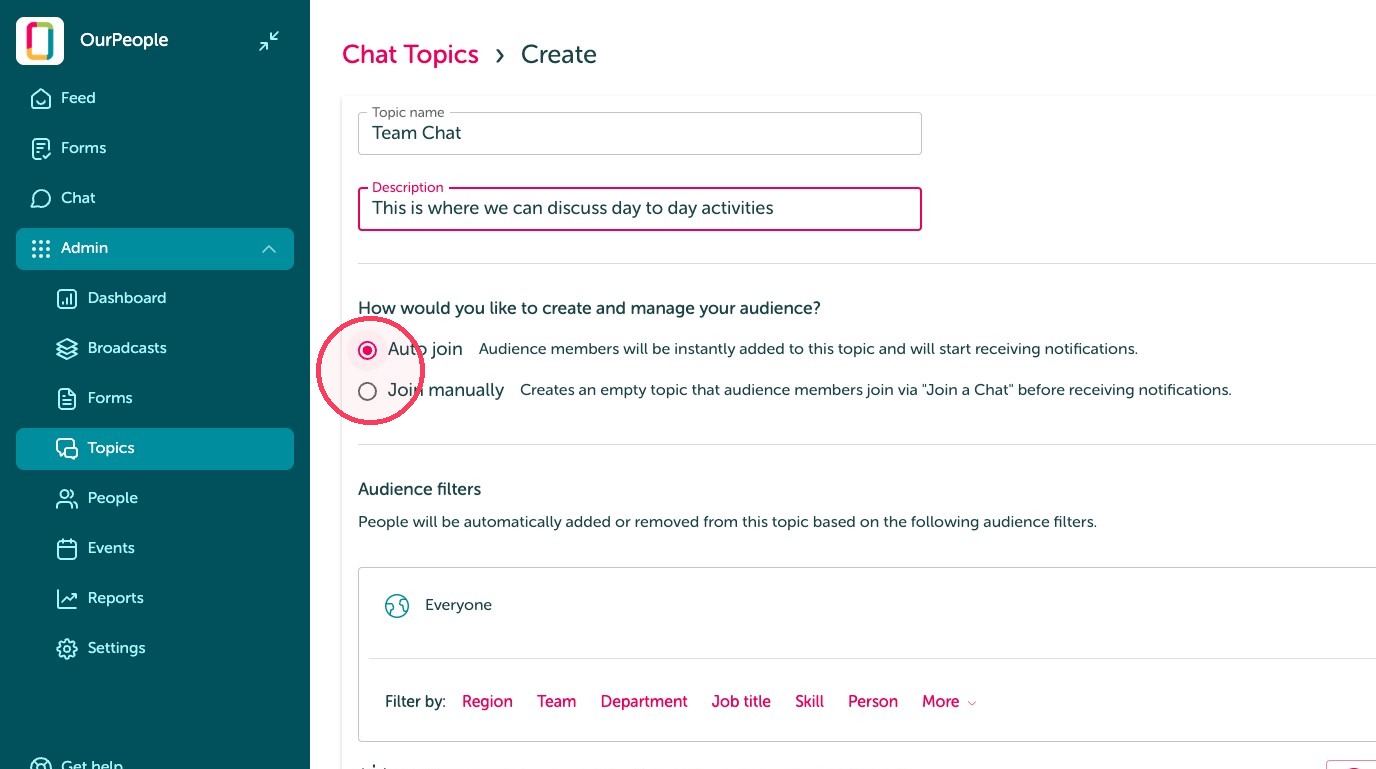
5. Click 'Auto join' or 'Join manually'. Generally, Auto join is preferred.
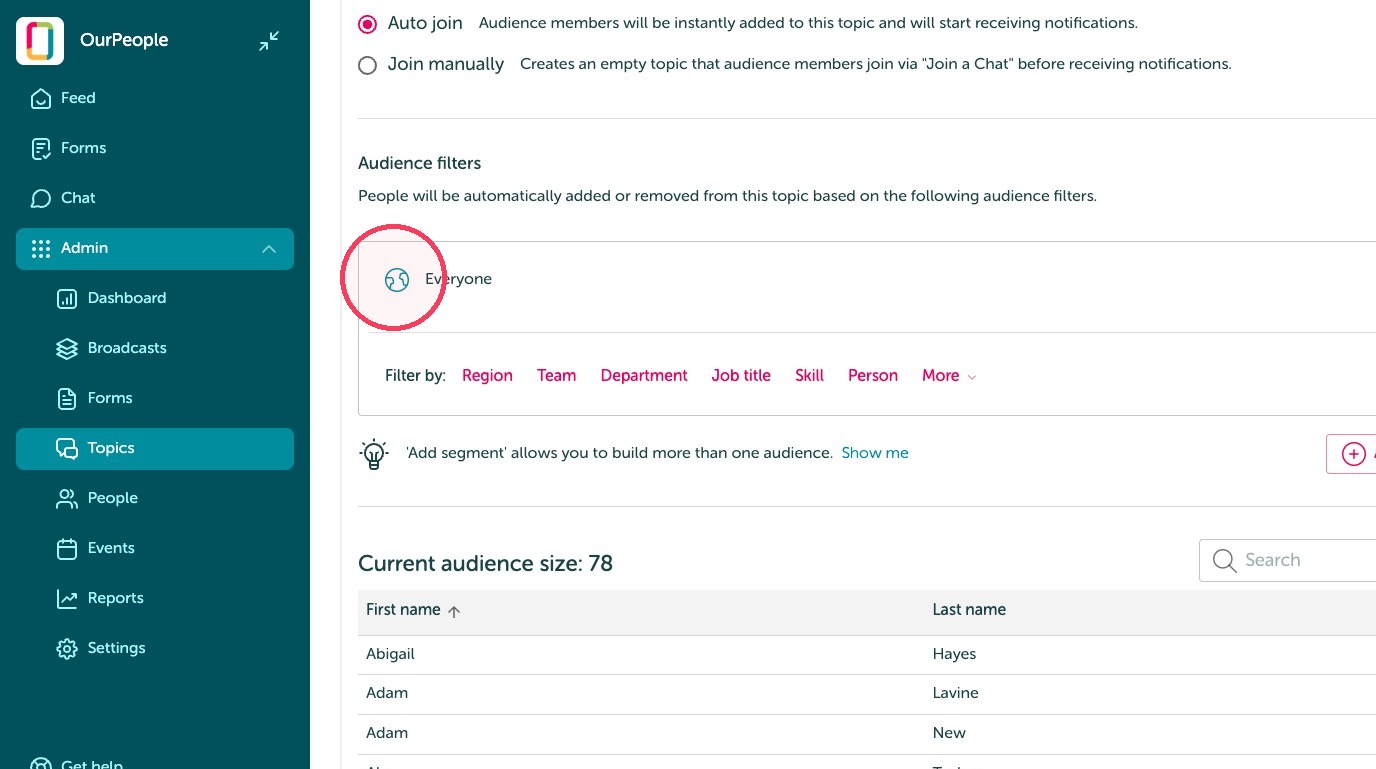
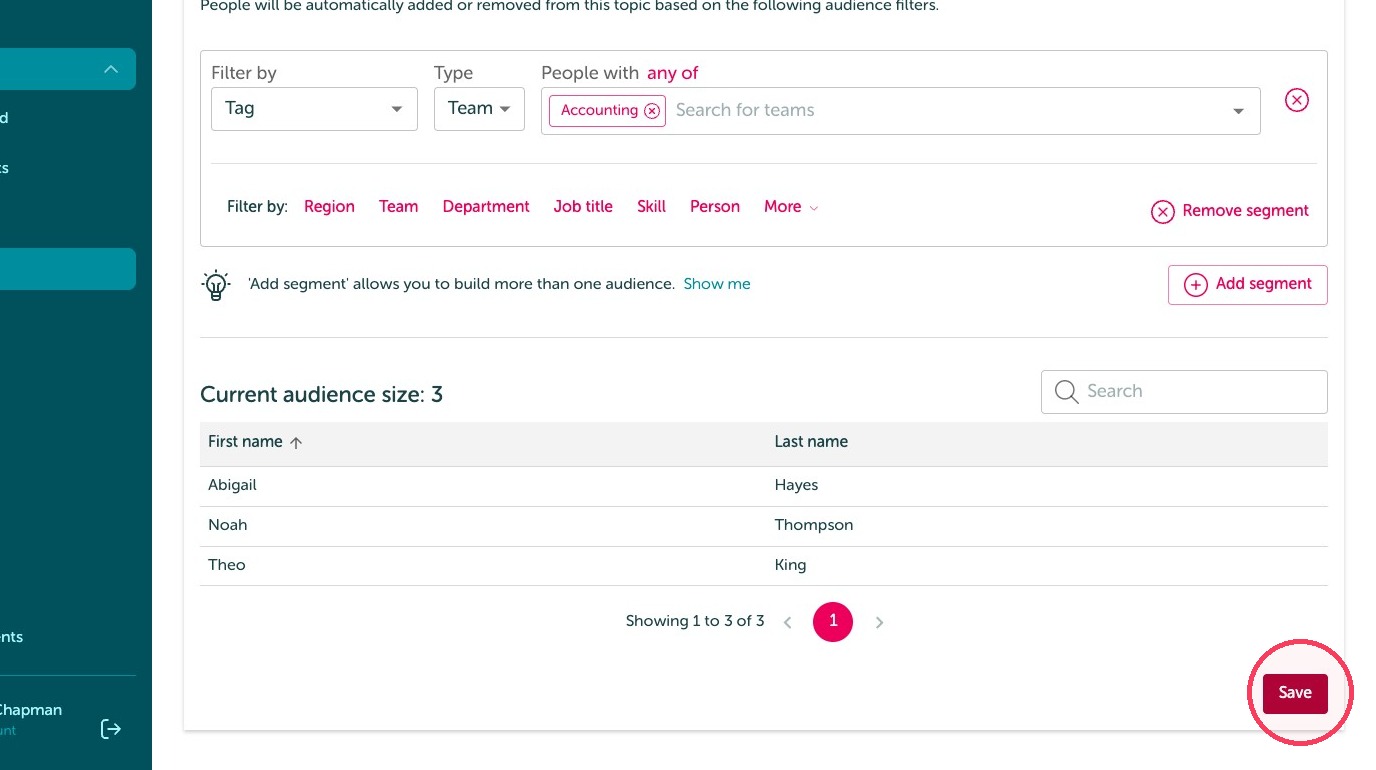
6. Unless edited, the audience will default to everyone. Use the tags to narrow down the audience, if needed.
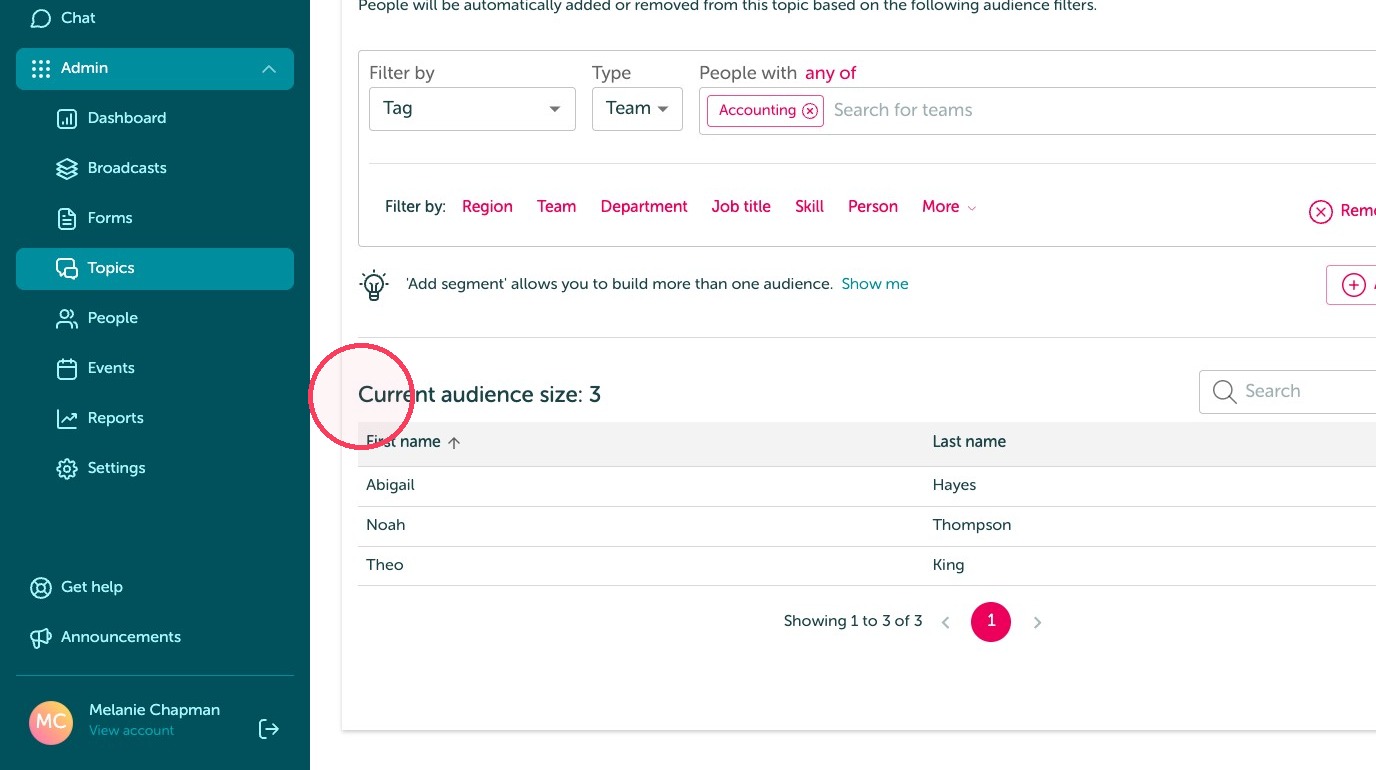
7. Review the audience.
8. Click 'save'.
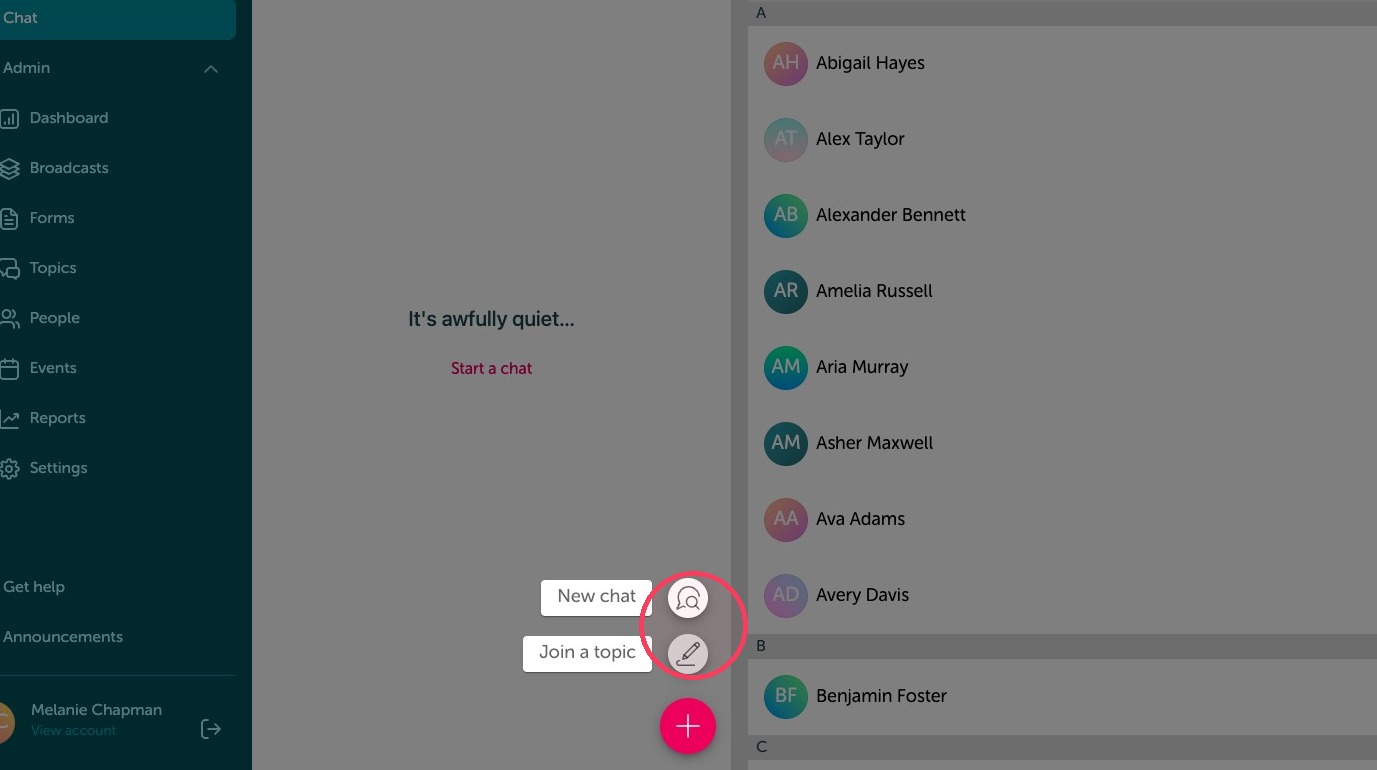
Direct messages & manually joining chats
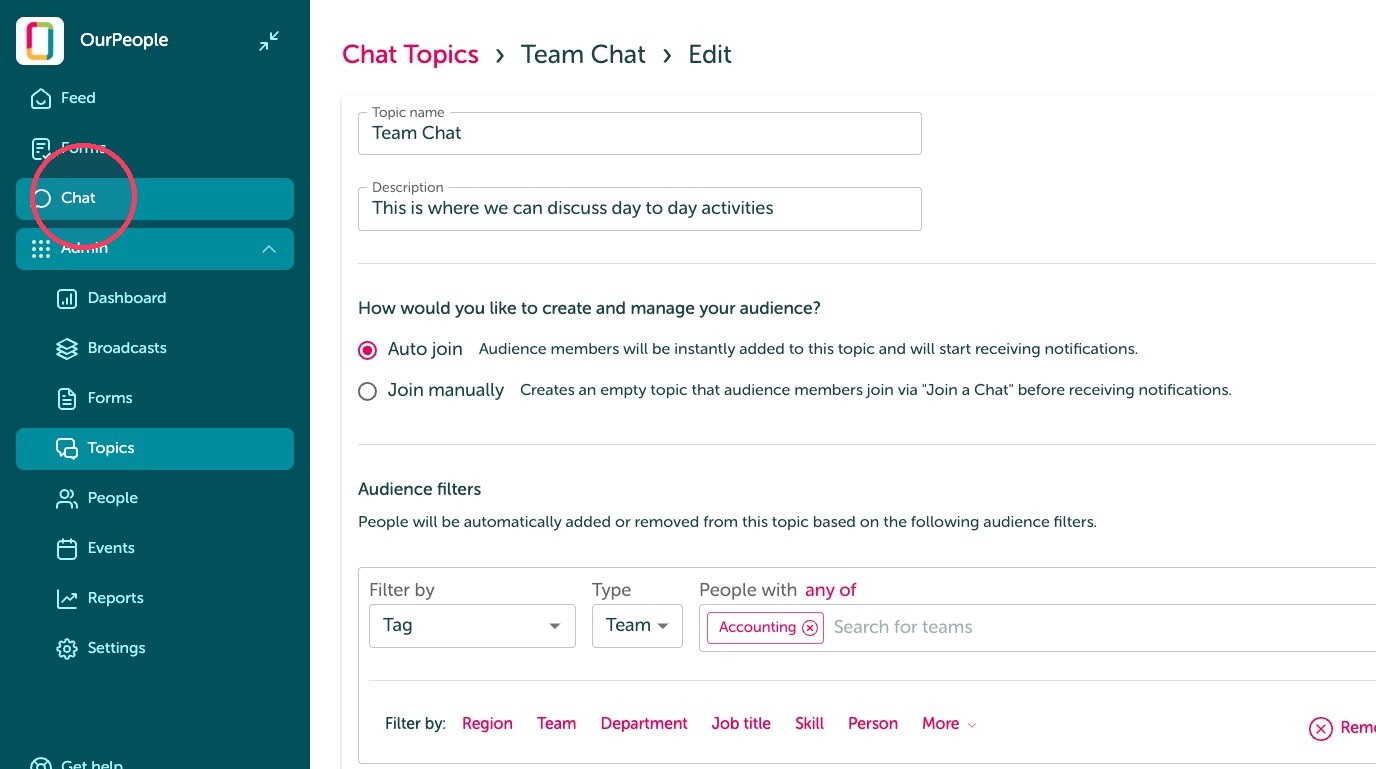
9. Click "Chat"
10. Click the pink plus sign.
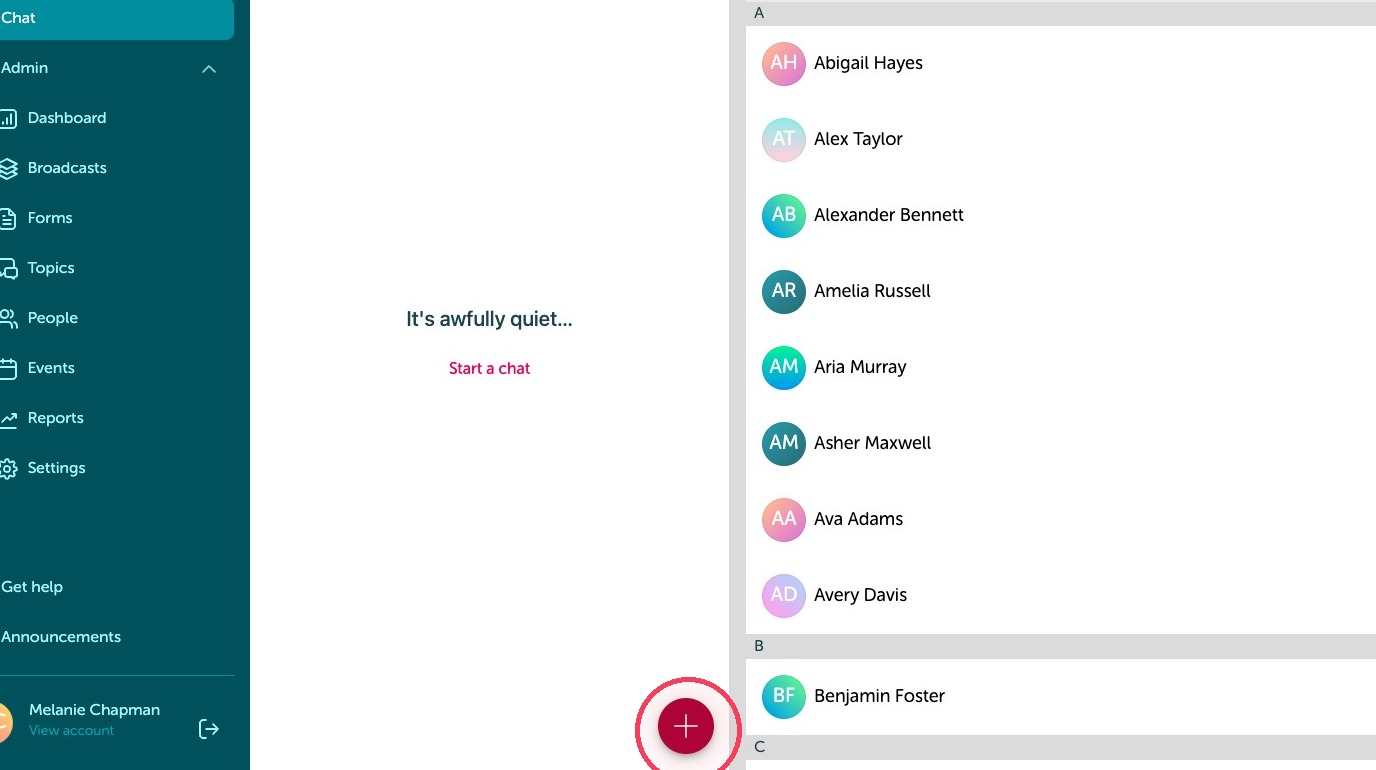
11. You can click 'new chat' to message someone directly, or click 'join a topic' to join any chat topics not automatically added to your chats.