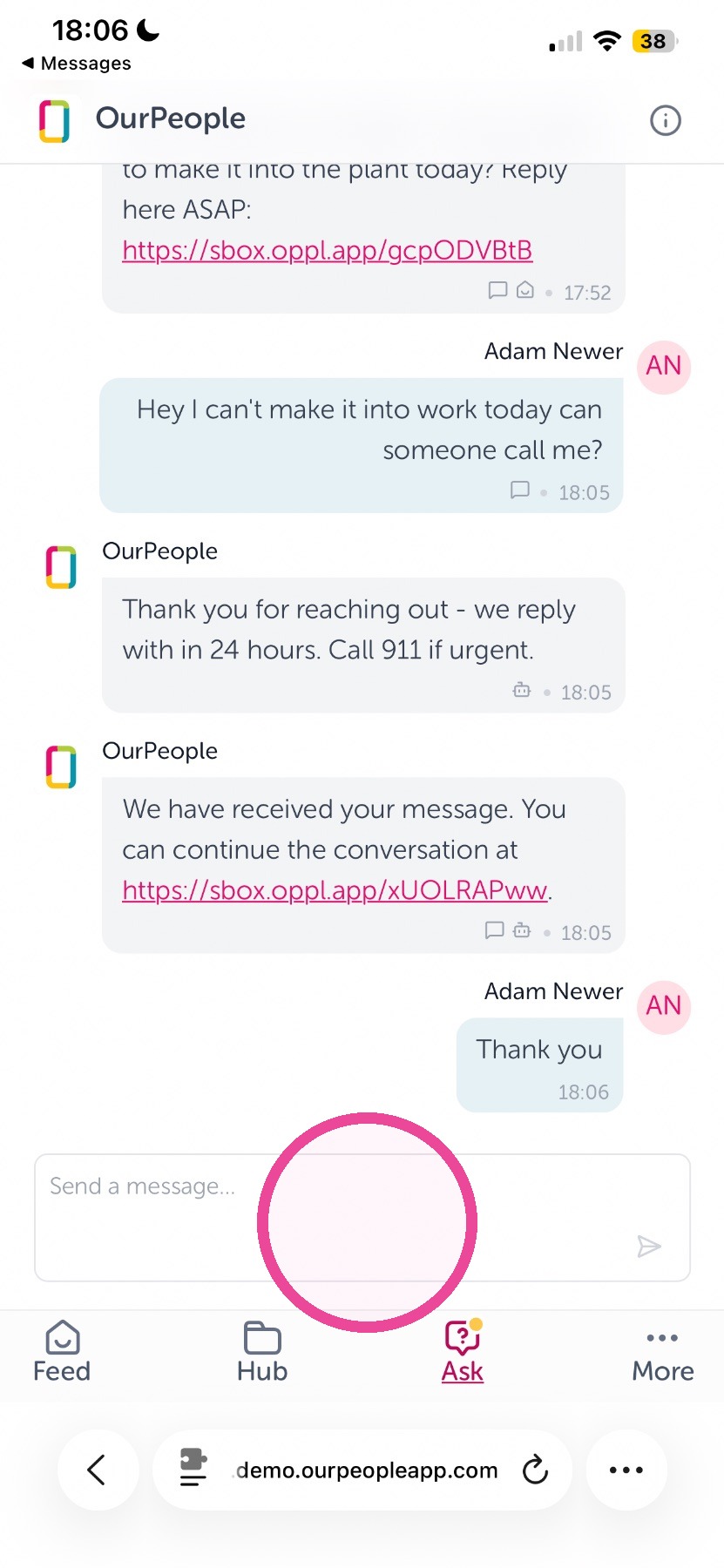
This guide shows employees the quickest way to contact leadership using the company’s Ask feature via text or the mobile web link. It explains how to send a message by texting the usual company number and how to add or edit that same message through the mobile web interface. Follow it to ensure your feedback reaches leadership reliably and with minimal steps.
Use Ask by Text Message
1. To send a message to leadership using Ask simply send a text into the company number or brand you regularly get messages from
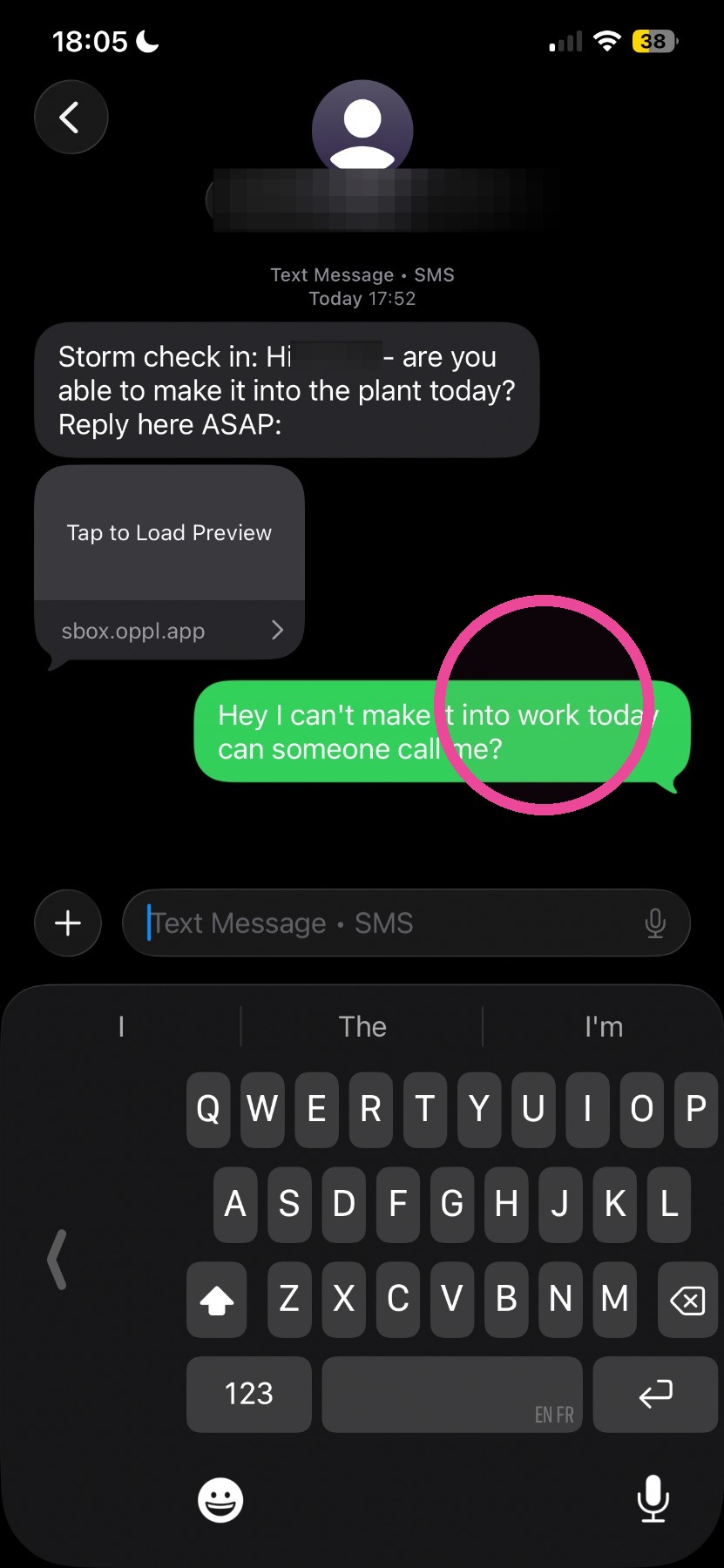
Tip: That is it! Leadership will receive you message and you are done!
Adding more via Ask on the web on mobile
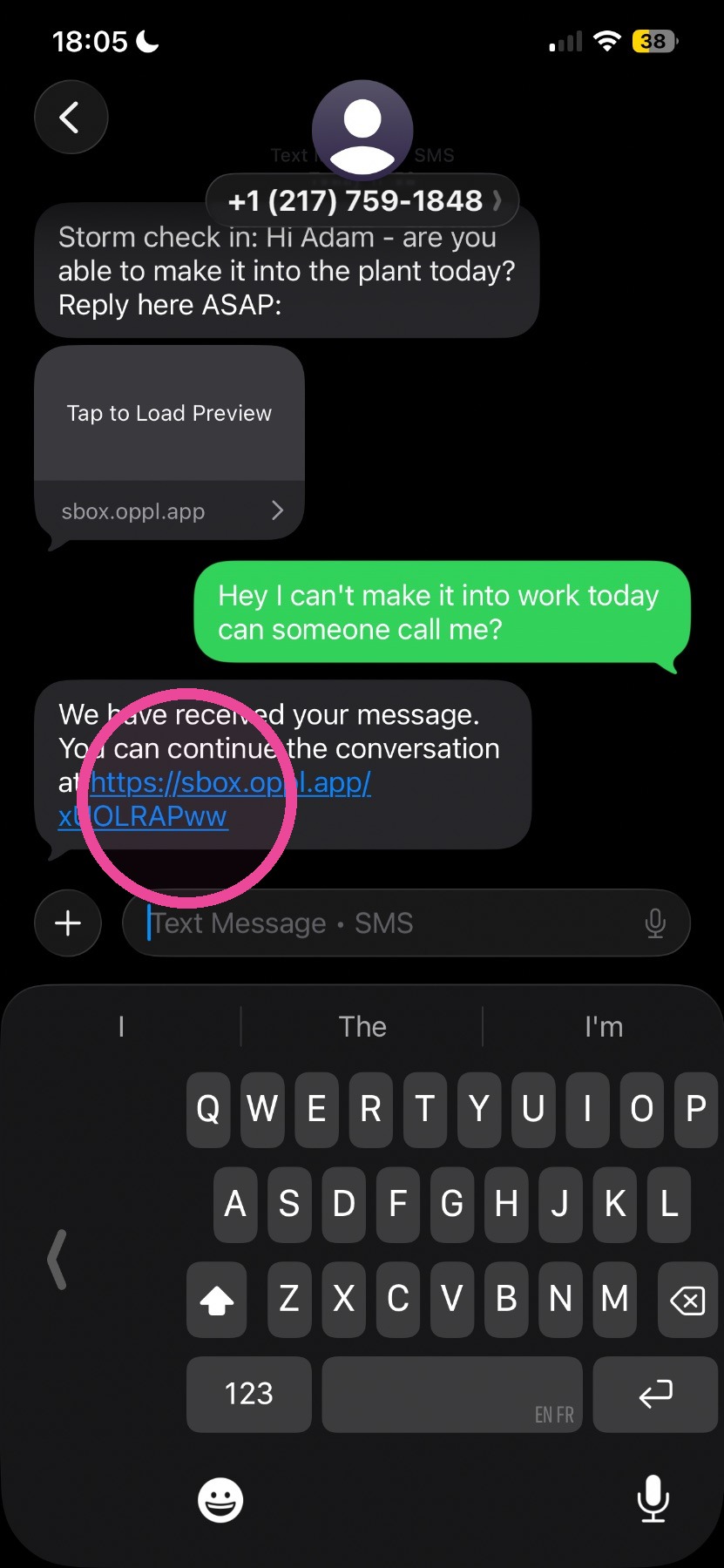
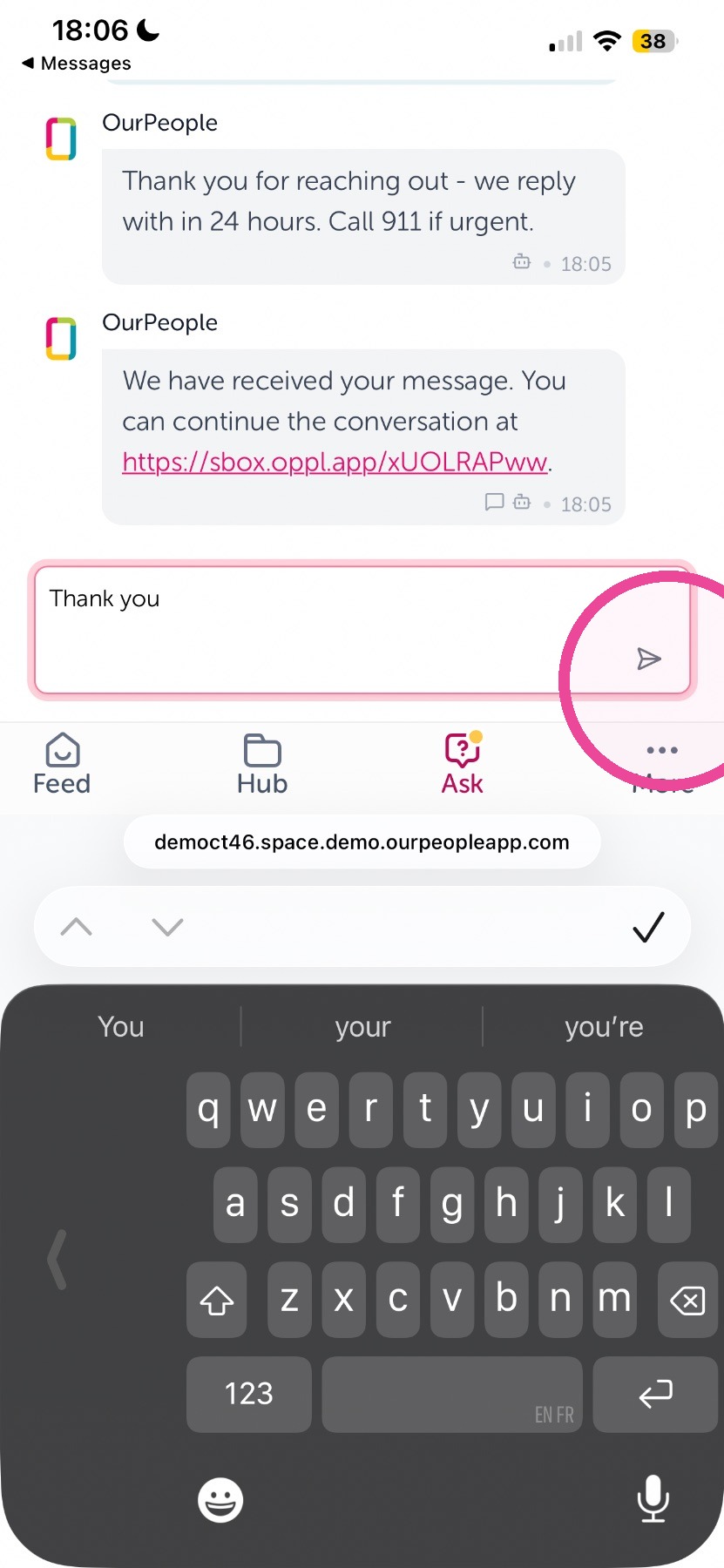
2. Tap the link you get.
3. Add more in the text box, you will notice this is a clone of what you get and send by text message.
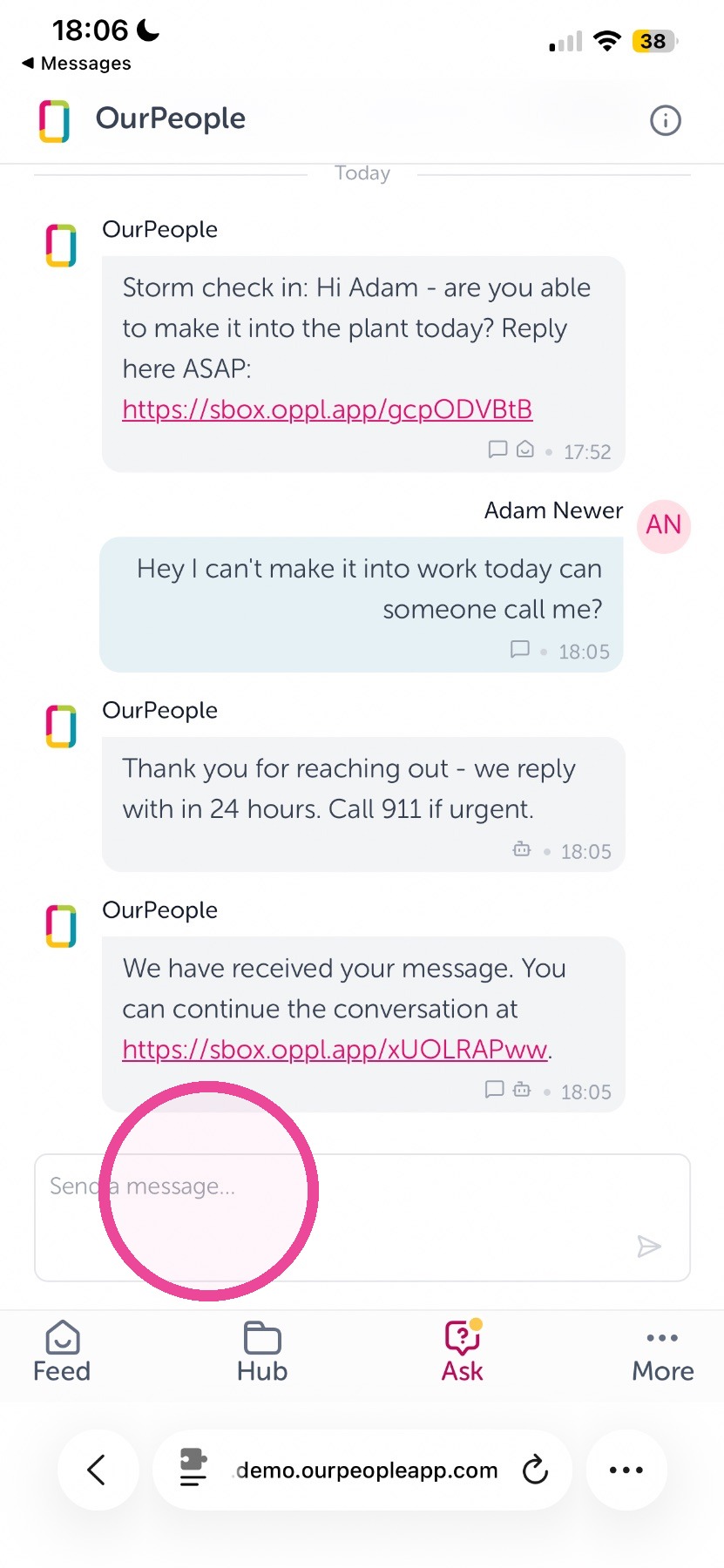
4. Tap here to send
Accessing Ask on the web on mobile
5. Login using any link you receive the click "Ask"
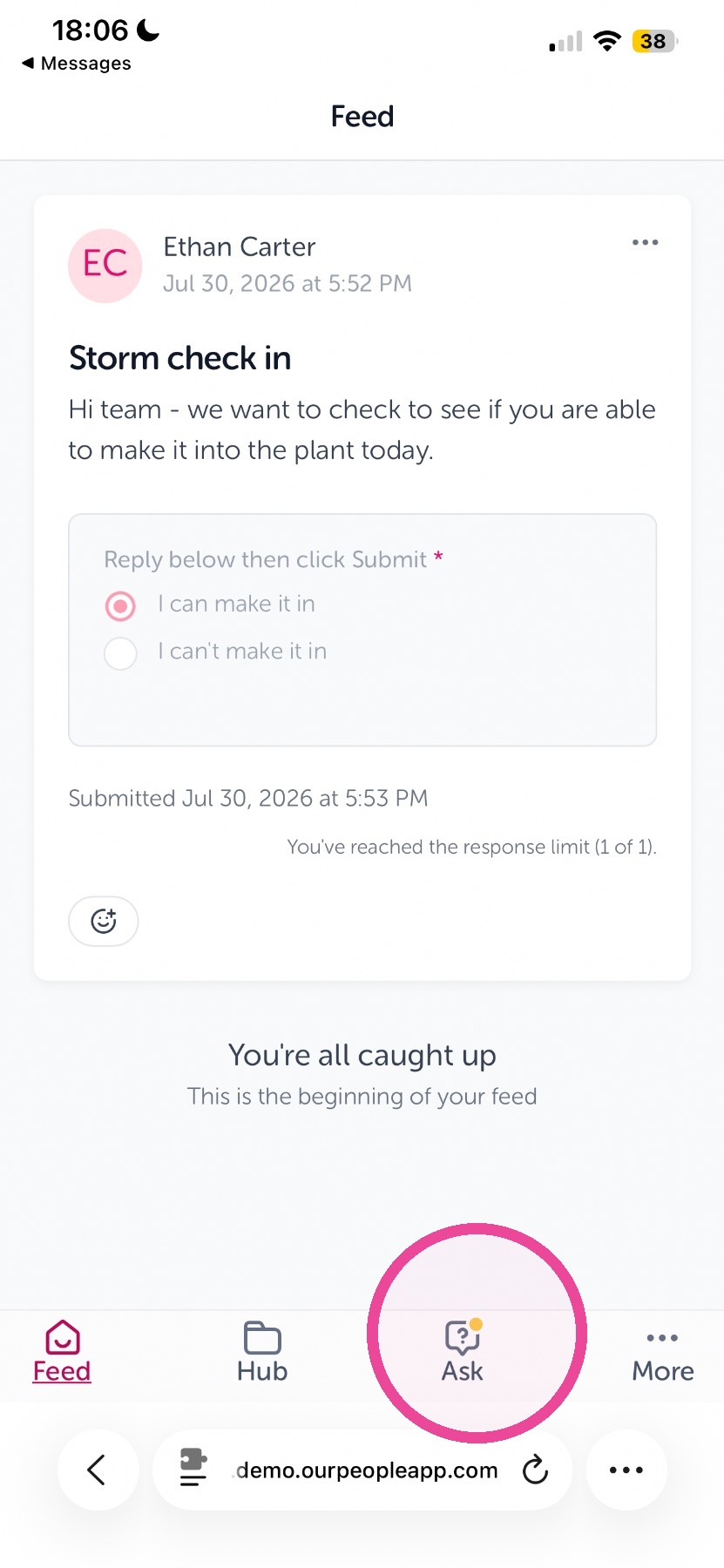
6. Tap here to add a message and send it.