
1. Ask/Live is our new two way texting communication tool. Where user's can either respond to text message notifications, directly text your dedicated OurPeople phone number, or user the Ask screen to send a message to the Admin 'Live' screen. Please note a dedicated phone number is required to utilize the Ask/Live, so please reach out to your Customer Success Manager if you'd like to learn more.
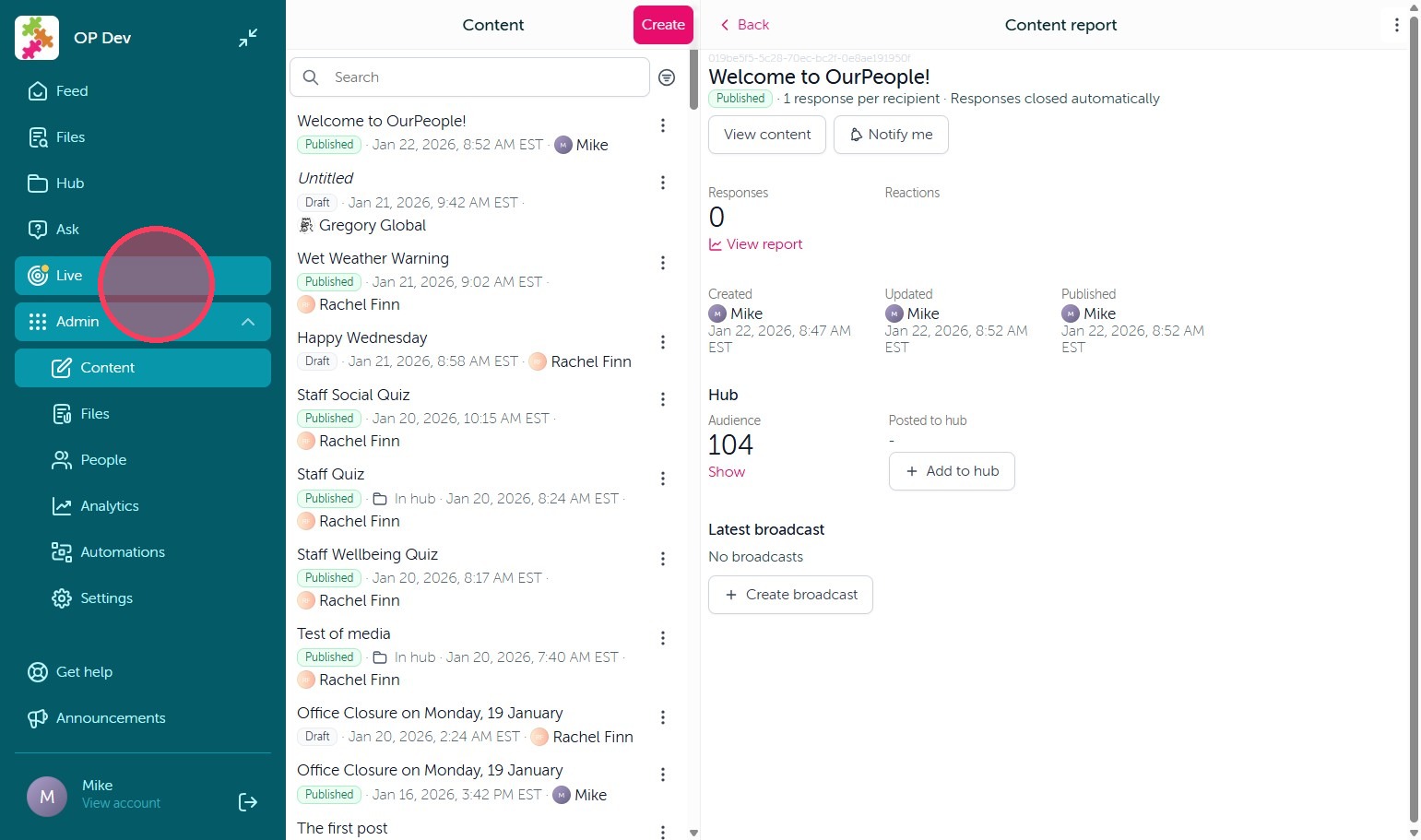
2. Admin's can then view open Live threads of those messages user's have sent in under the 'Live' tab.
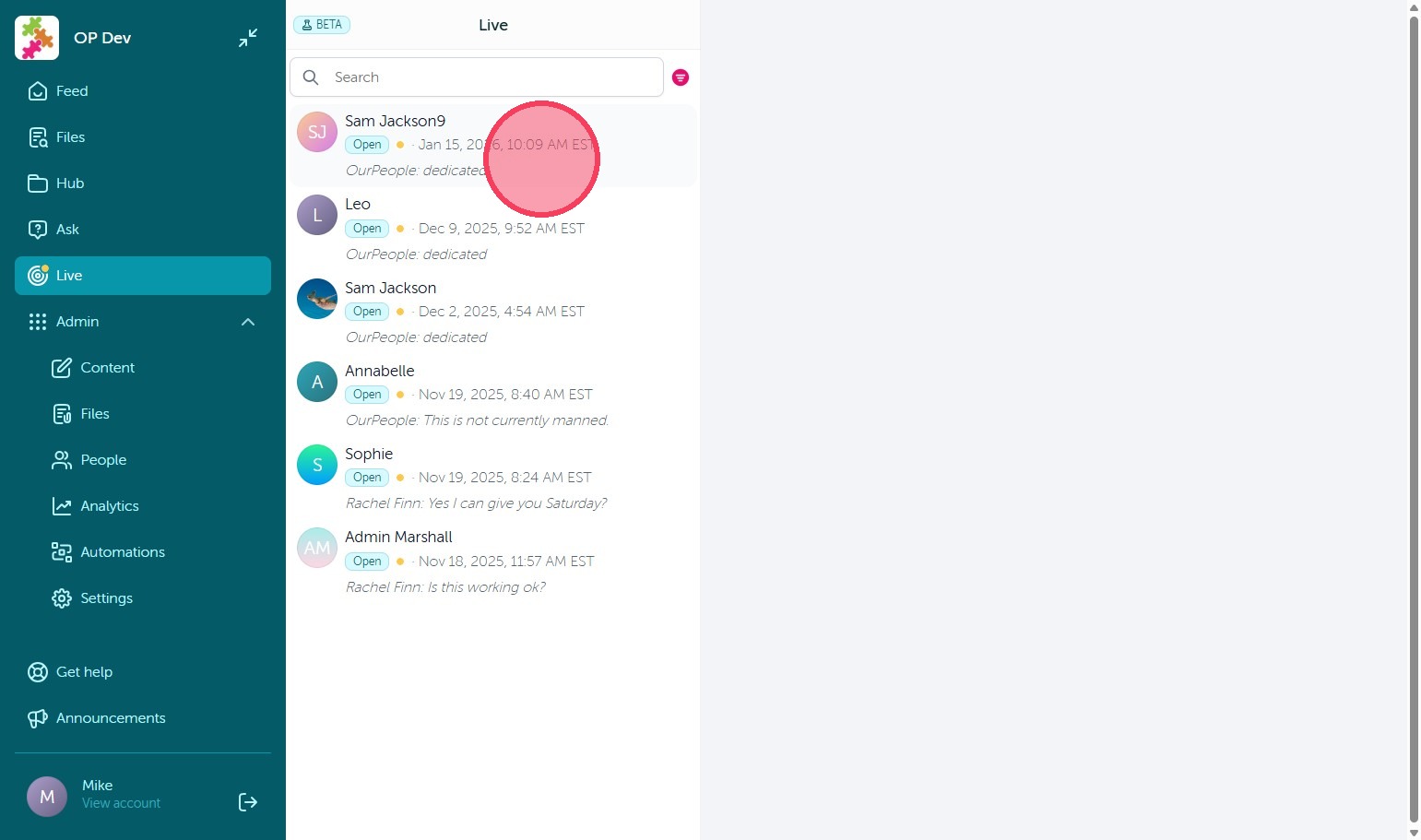
3. Admins can then respond directly to the user's inquiry by typing below. The response will be sent to the inquiring user via text message for them to reply back if needed. By selecting the three dots in the upper right corner of the thread you can add a note or mark the thread as closed. Closing the thread will simply remove it from the open Live taskbar for other admins to view.
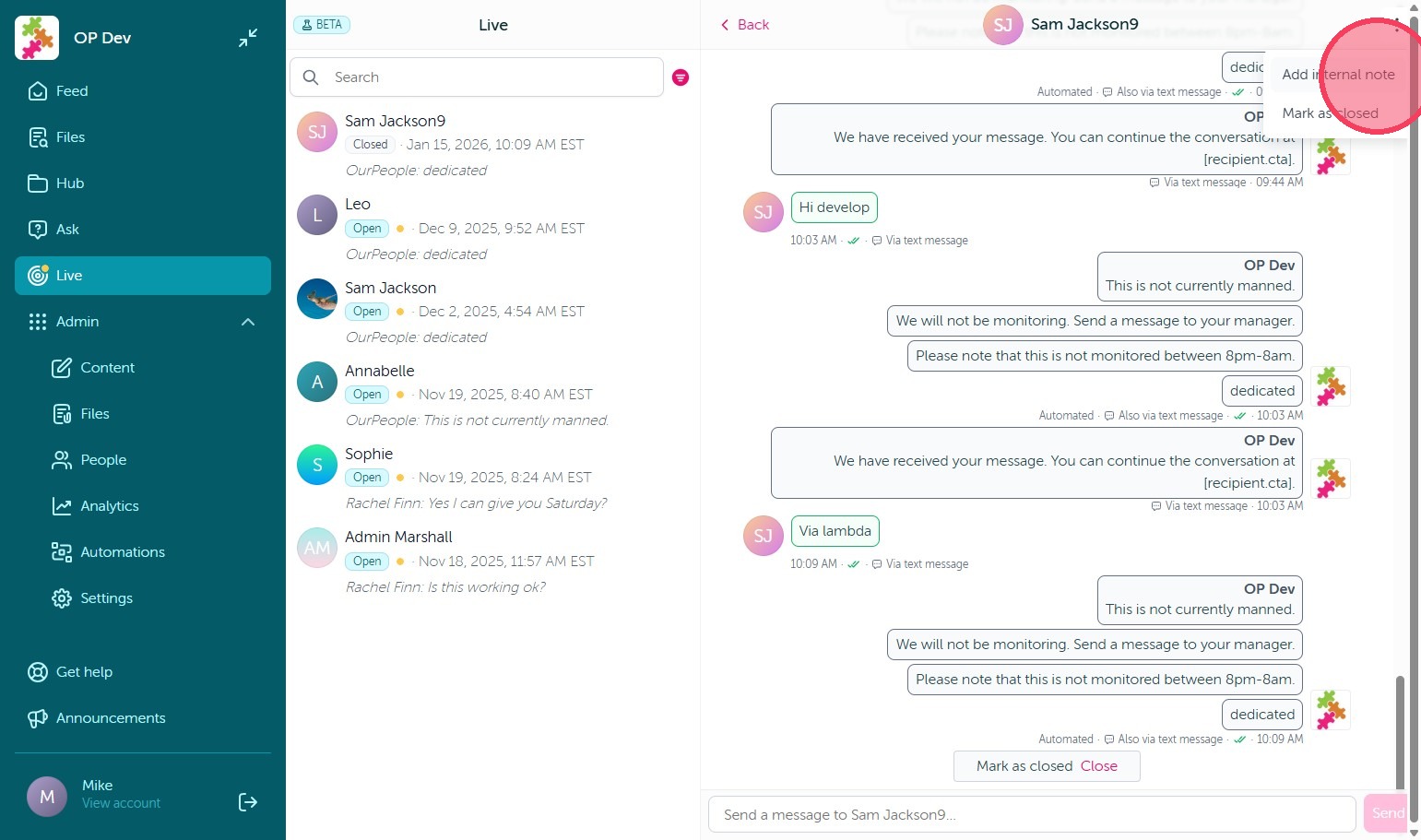
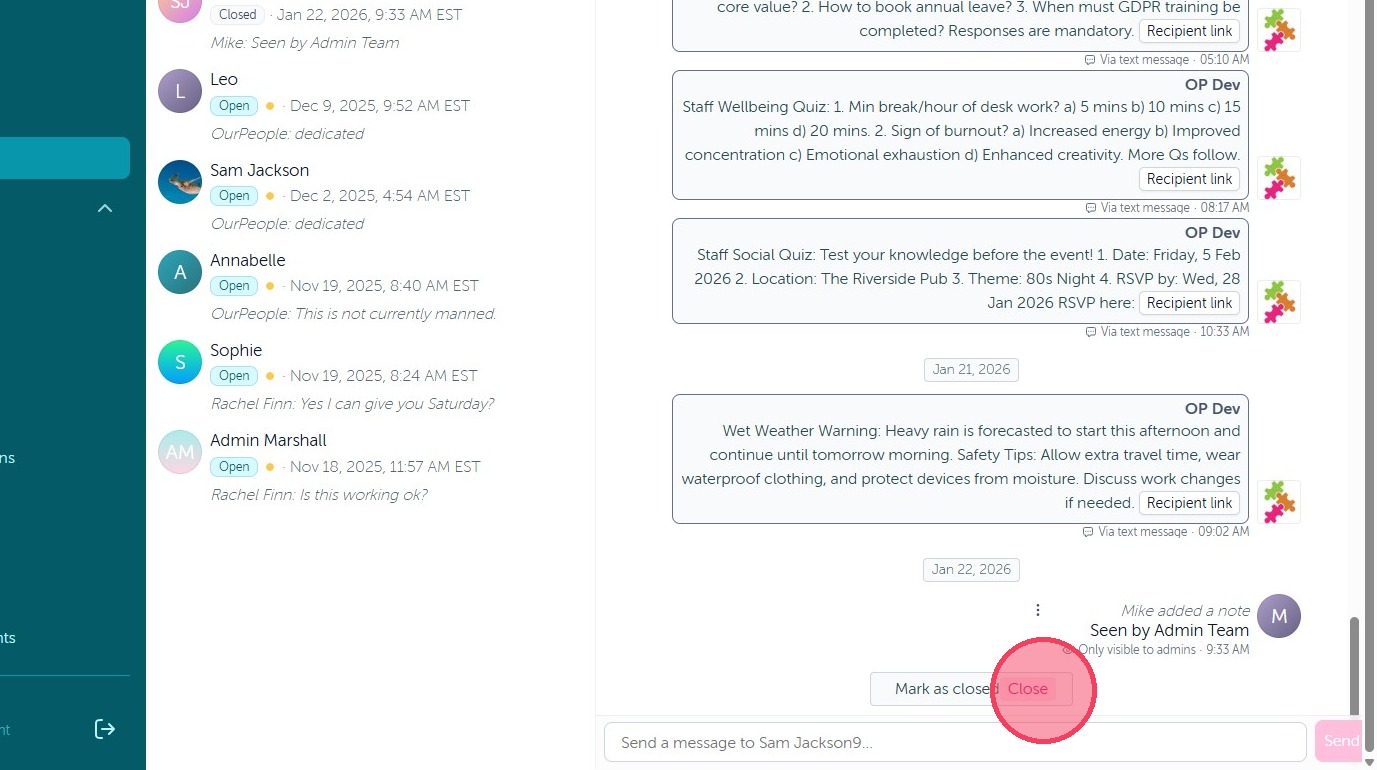
4. Alternatively you can use the 'Mark as closed' option to close the thread as well.
5. To manage the view of messages in the Live screen, select the pink filter icon next to the search bar.
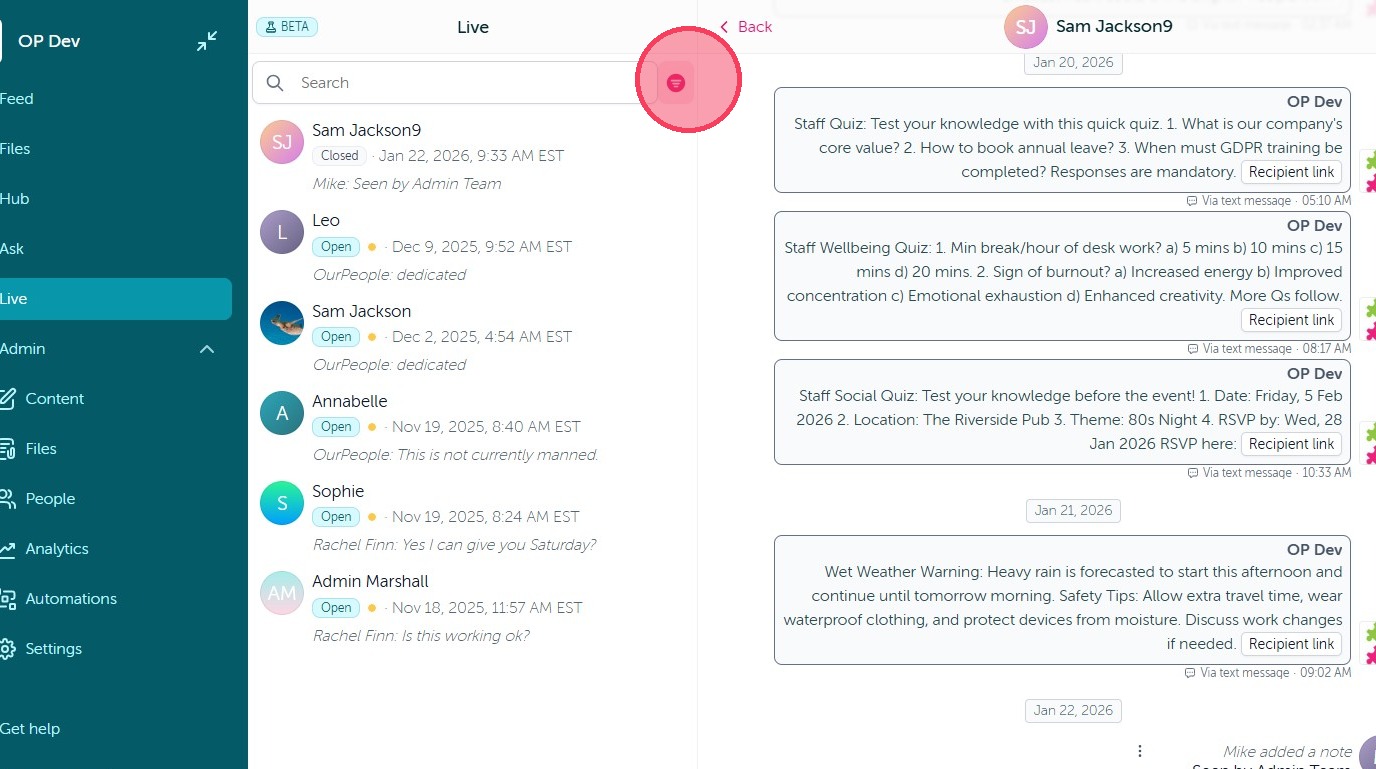
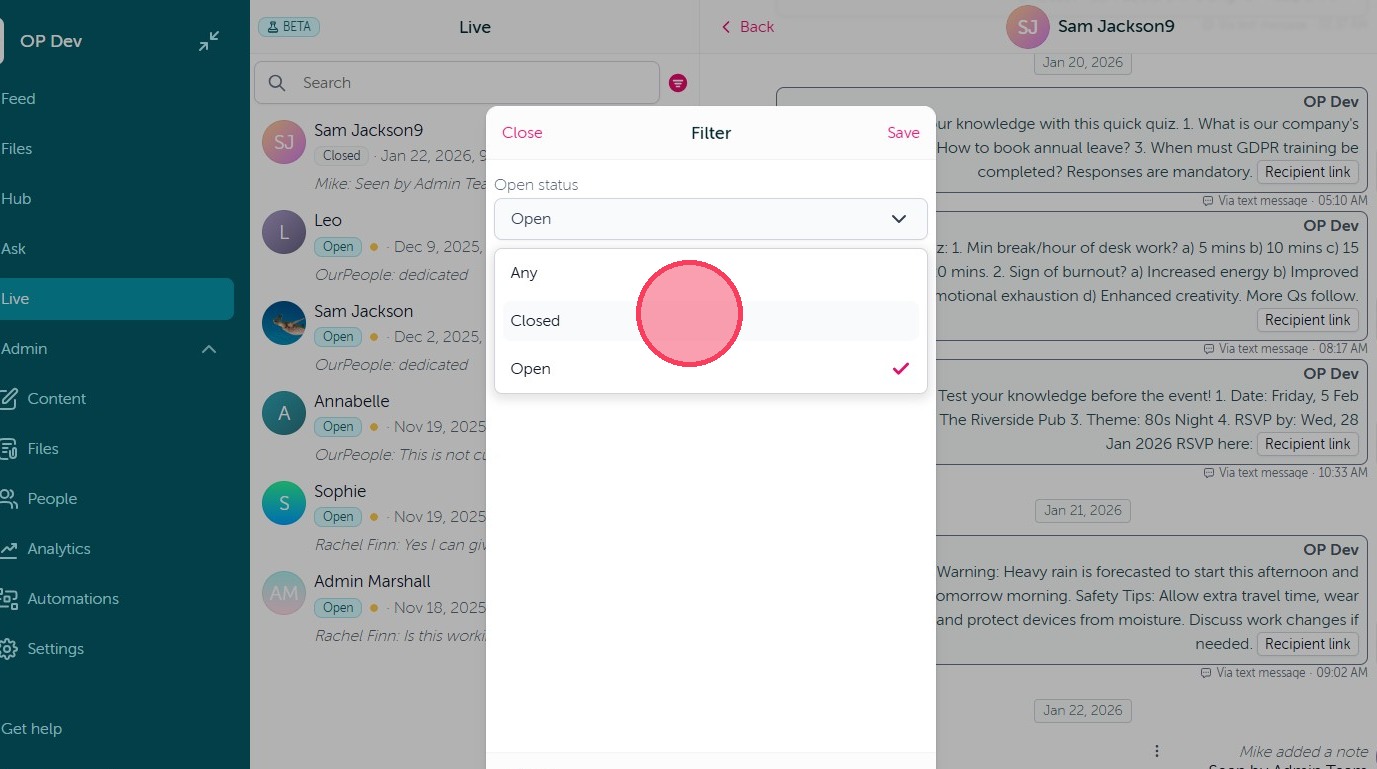
6. This will allow you to filter your view by Open or Closed Live threads.
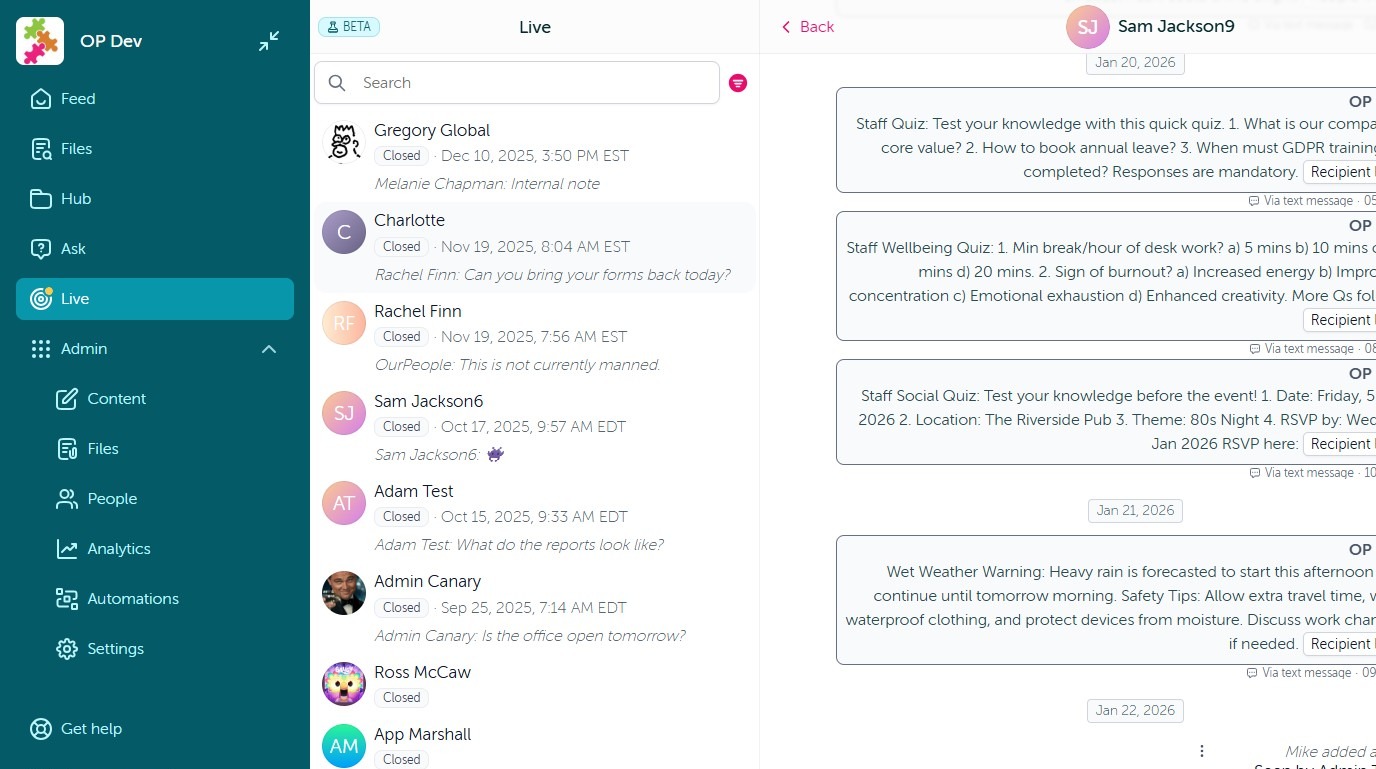
7. Closed threads can still be viewed in their entirety for your records.
Comments
0 comments
Article is closed for comments.