Learn how to efficiently set up a page in the Hub. This guide will walk you through the creation and publishing process to ensure your staff has easy, anytime access to essential resources.
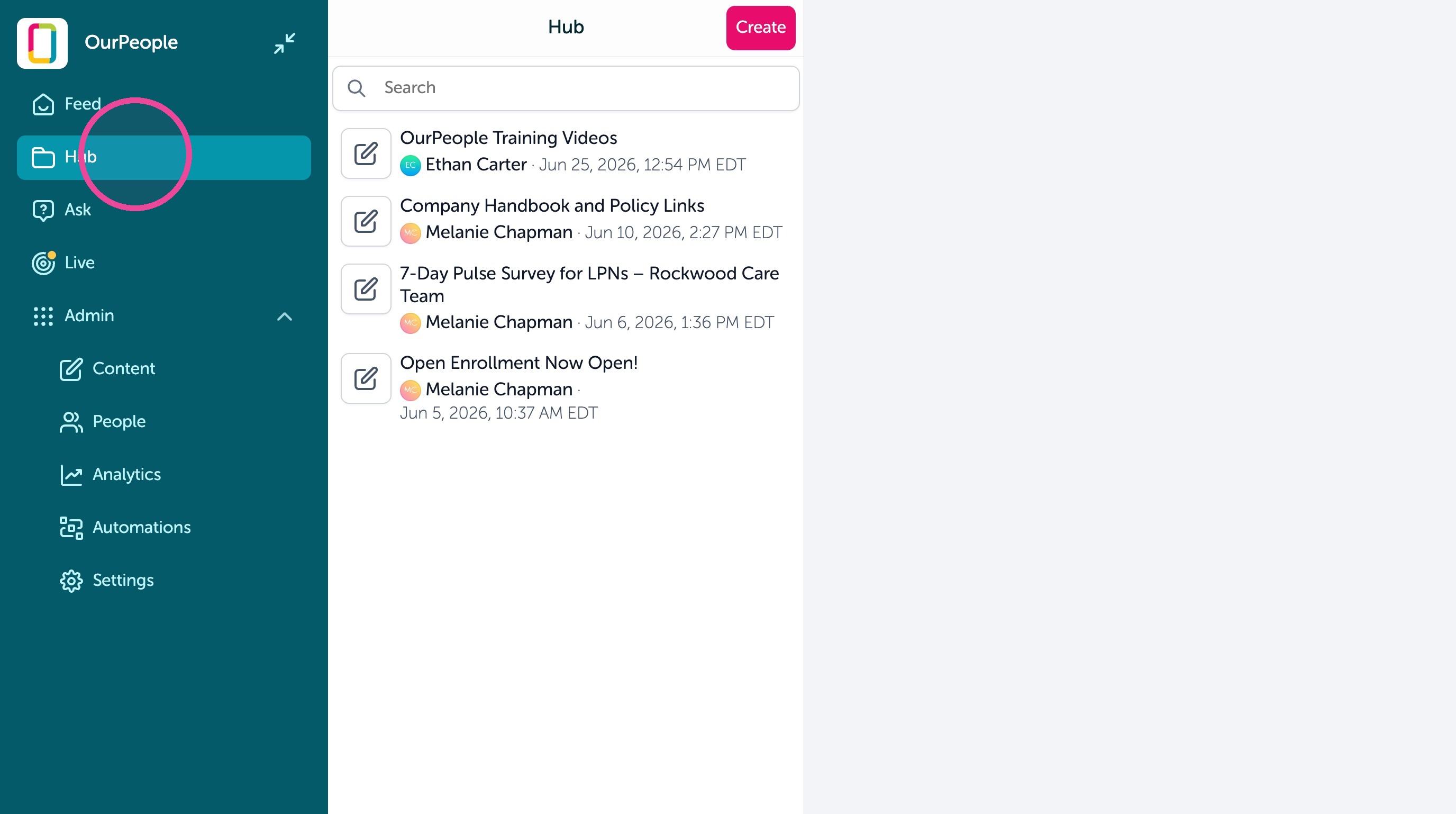
1. To create content for the Hub go into the Hub.
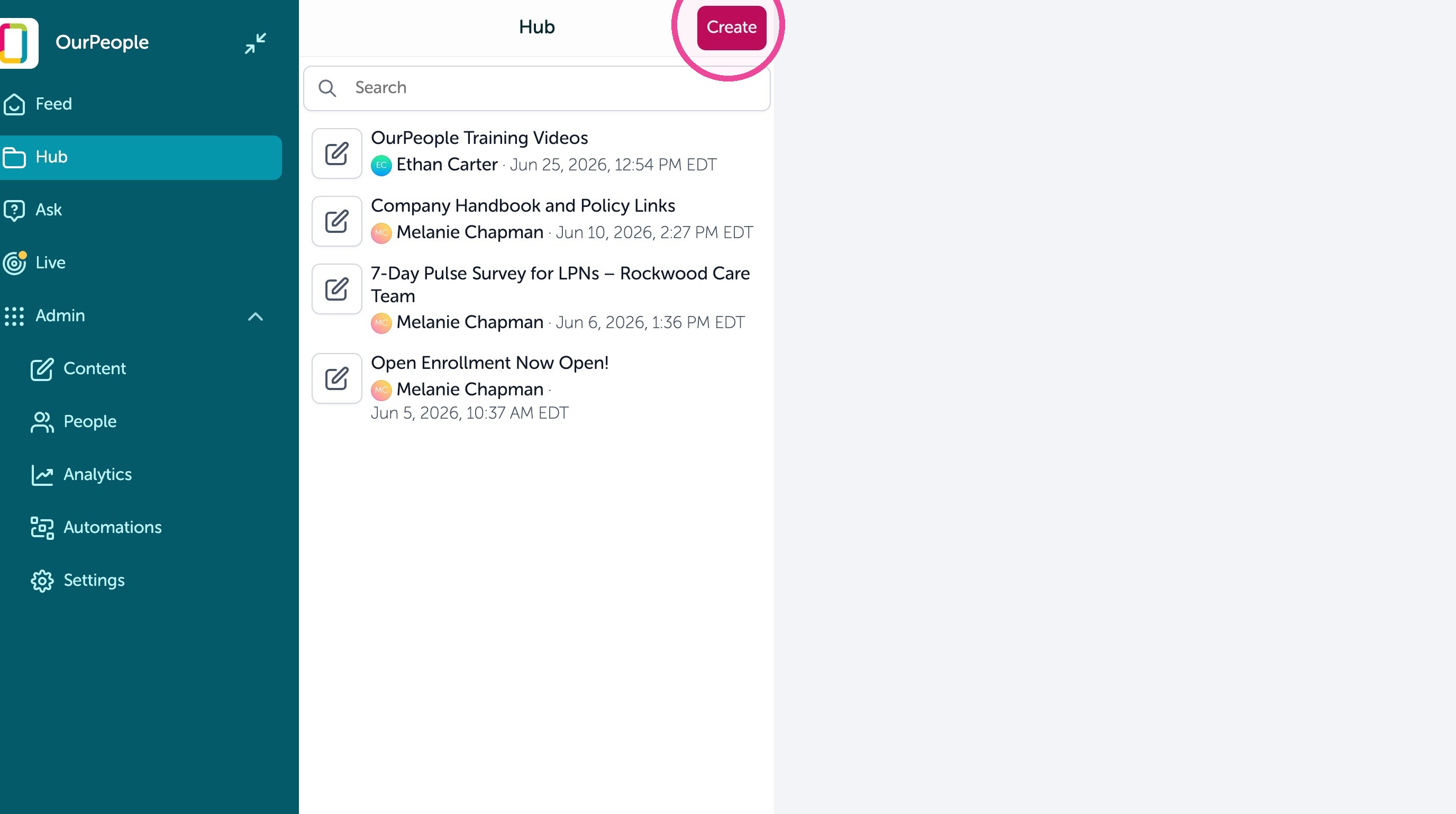
2. Click "Create"
3. From there, it is just like building other content. You can add blocks or use the OurPeople Assistant.
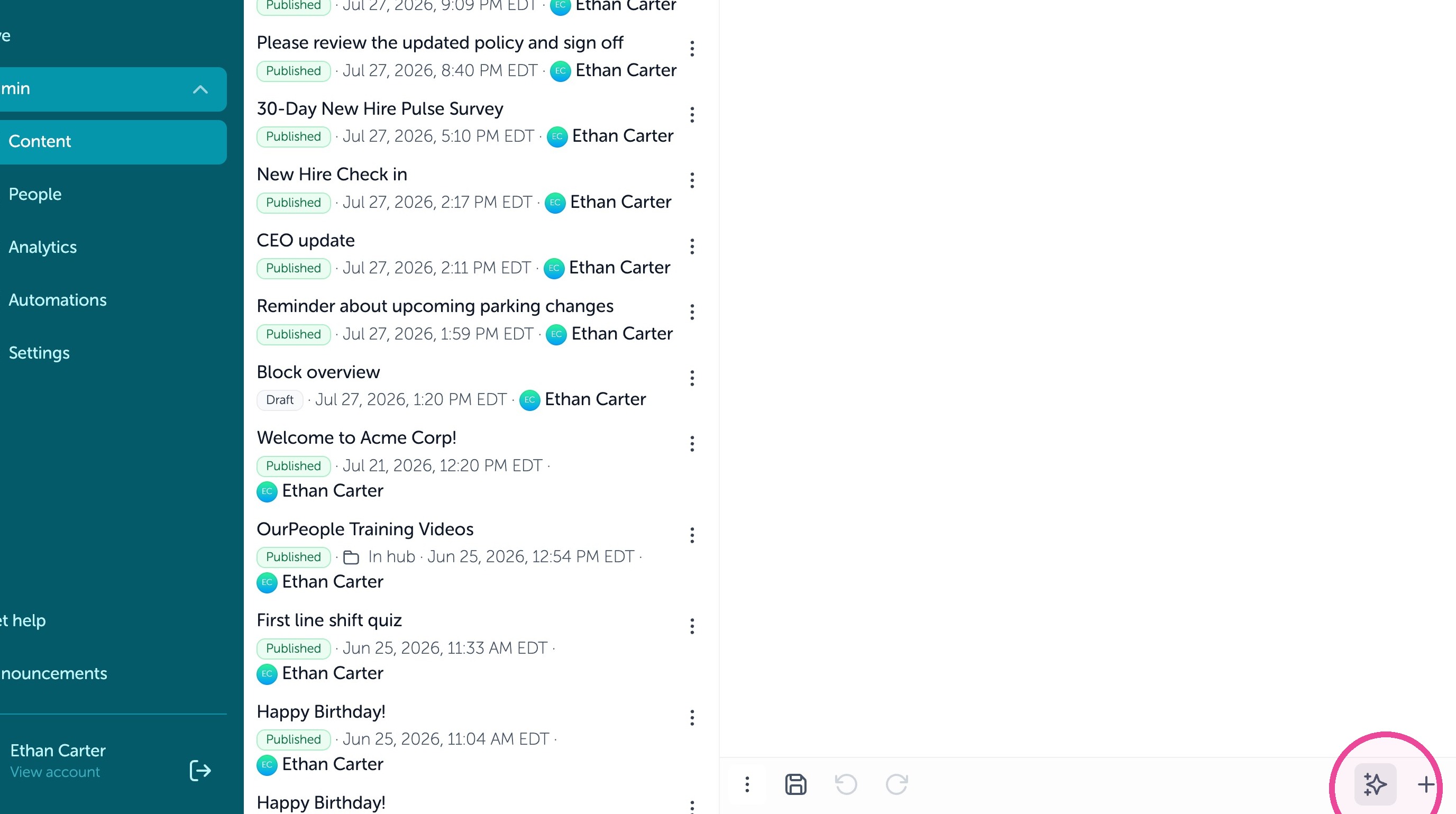
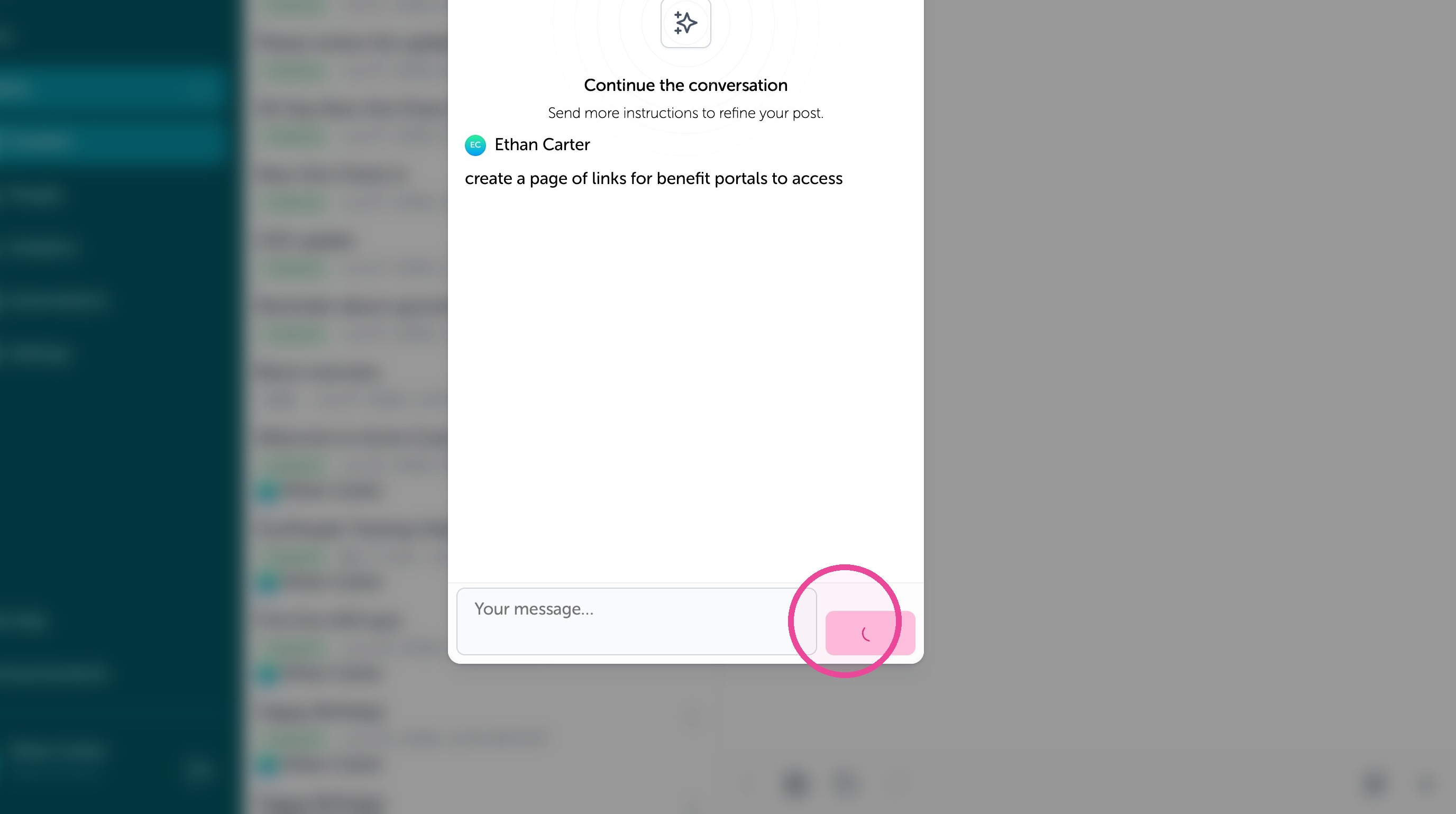
4. We asked the Assistant to generate this AI template using the prompt then clicking on "Submit"
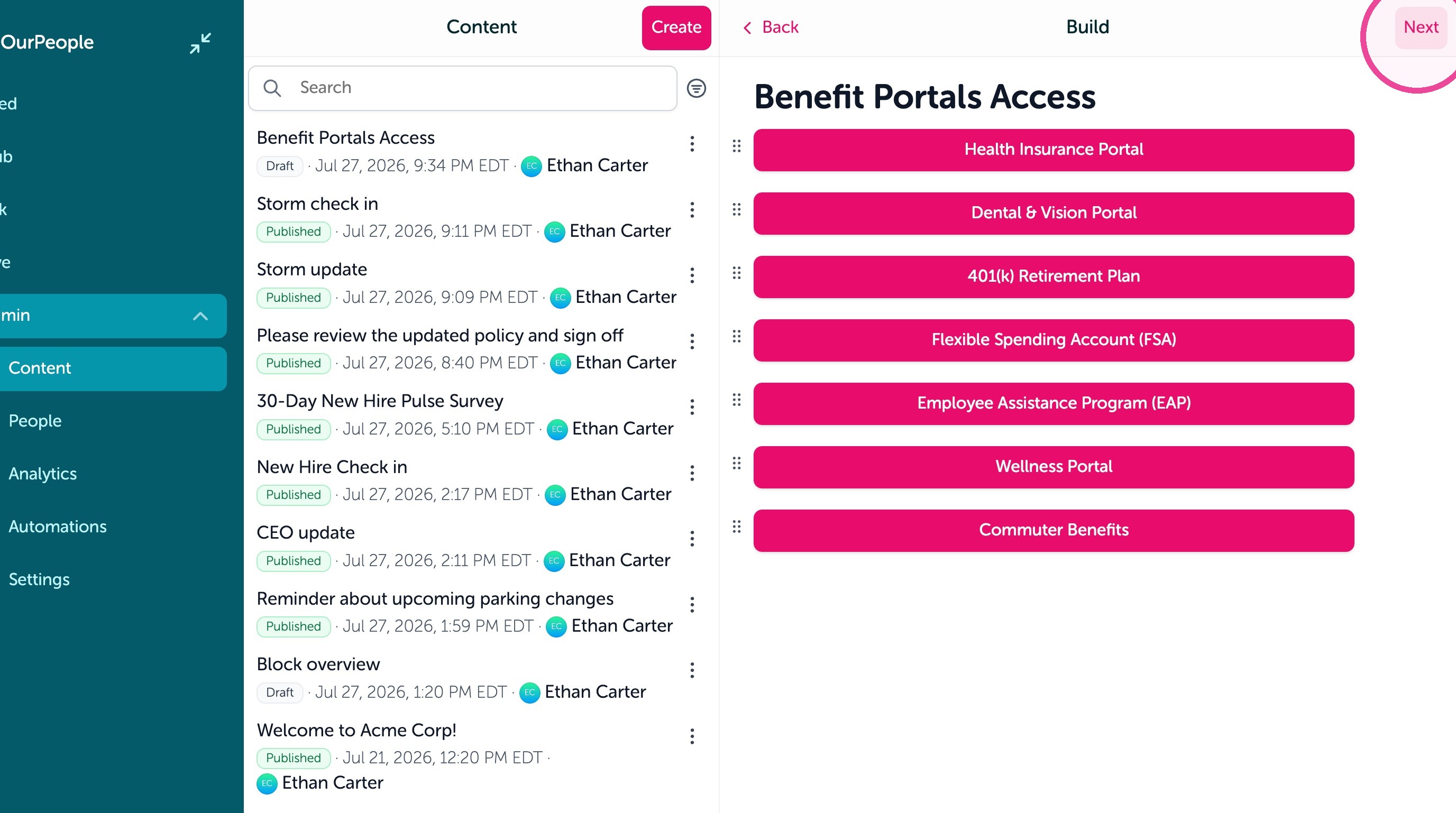
5. Edit your content as needed then click "Next"
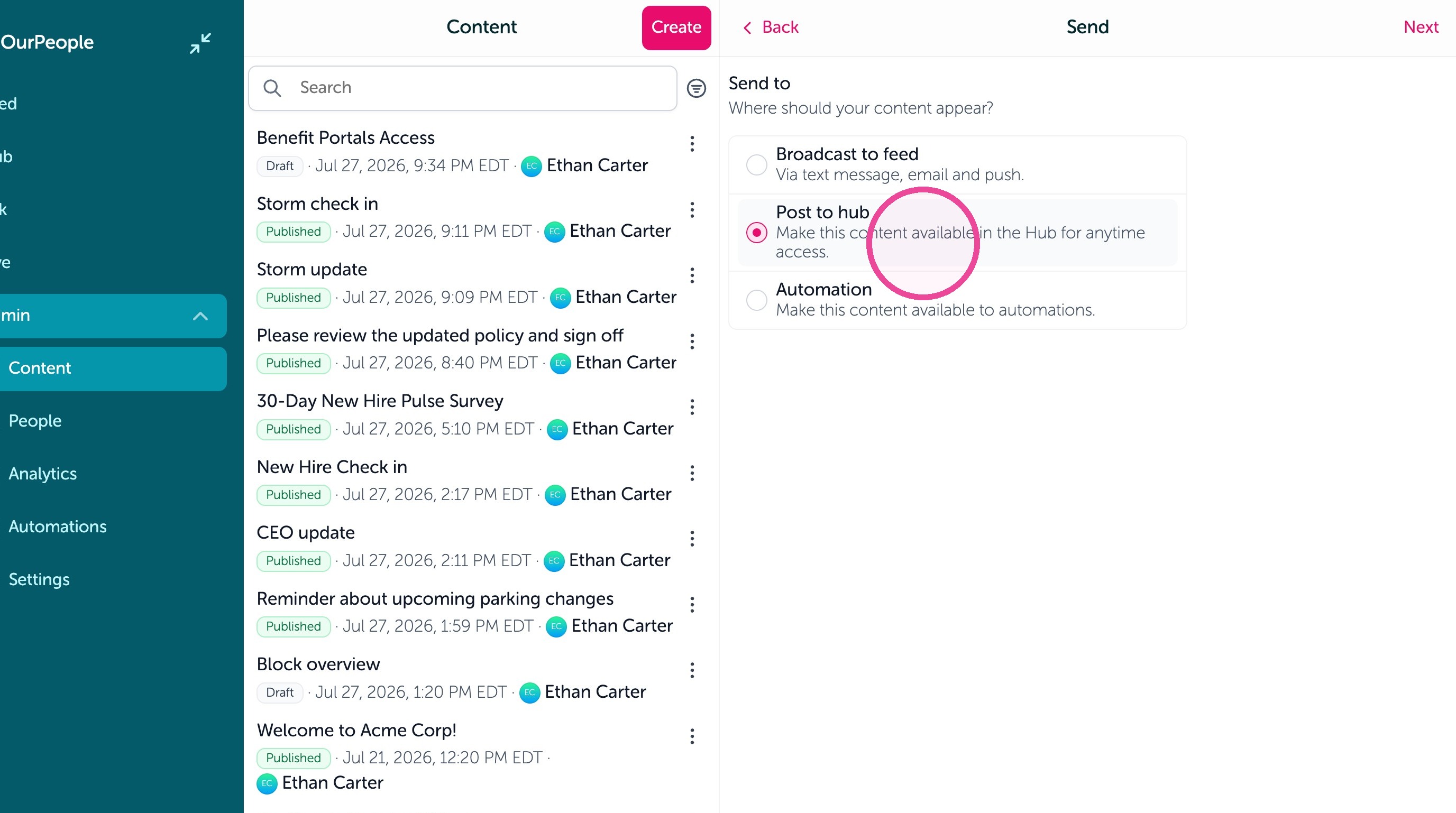
6. Make sure "Post to hub" is selected.
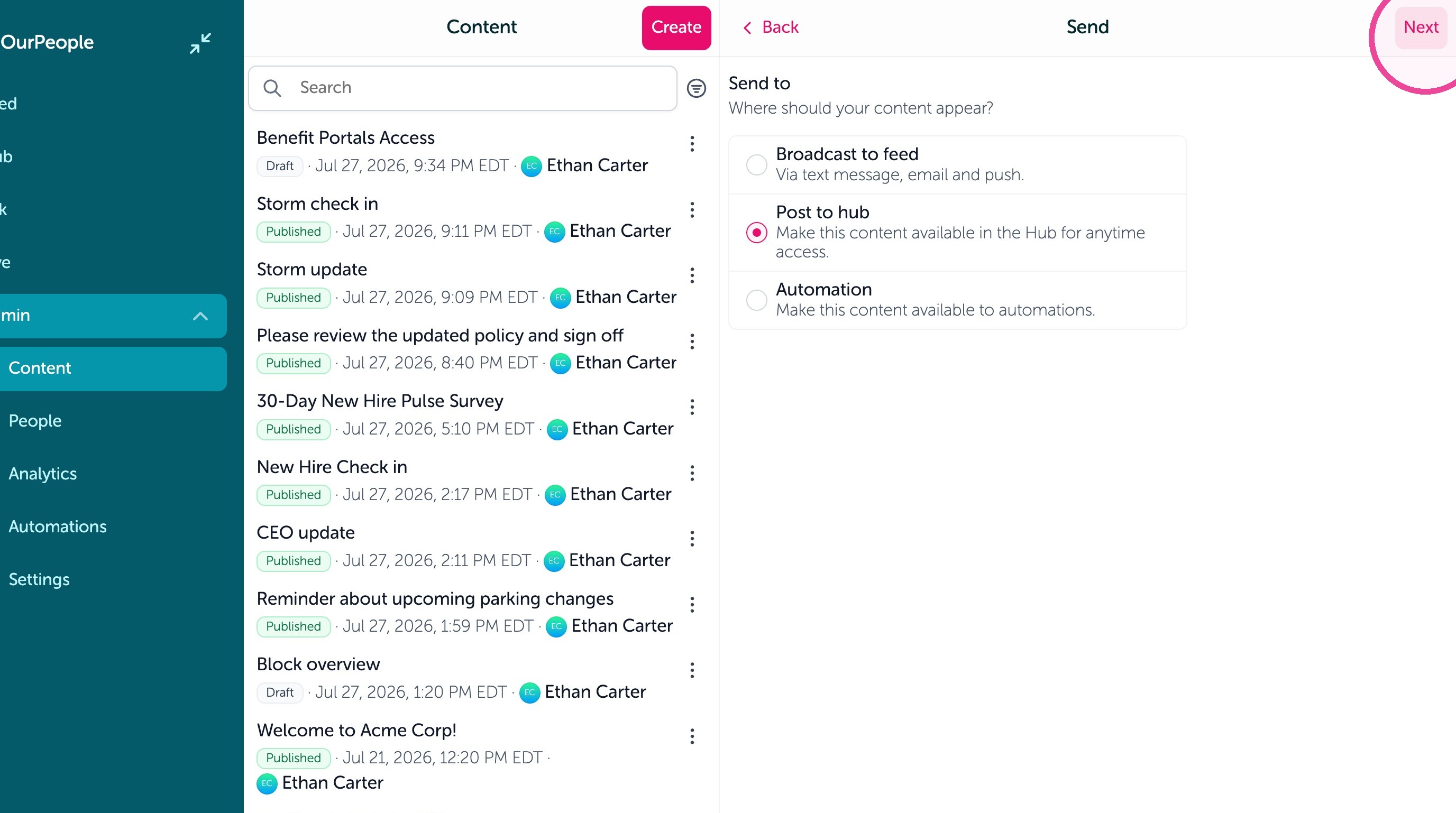
7. Click "Next"
8. Edit who should be able to see this in their Hub by clicking "Edit audience".
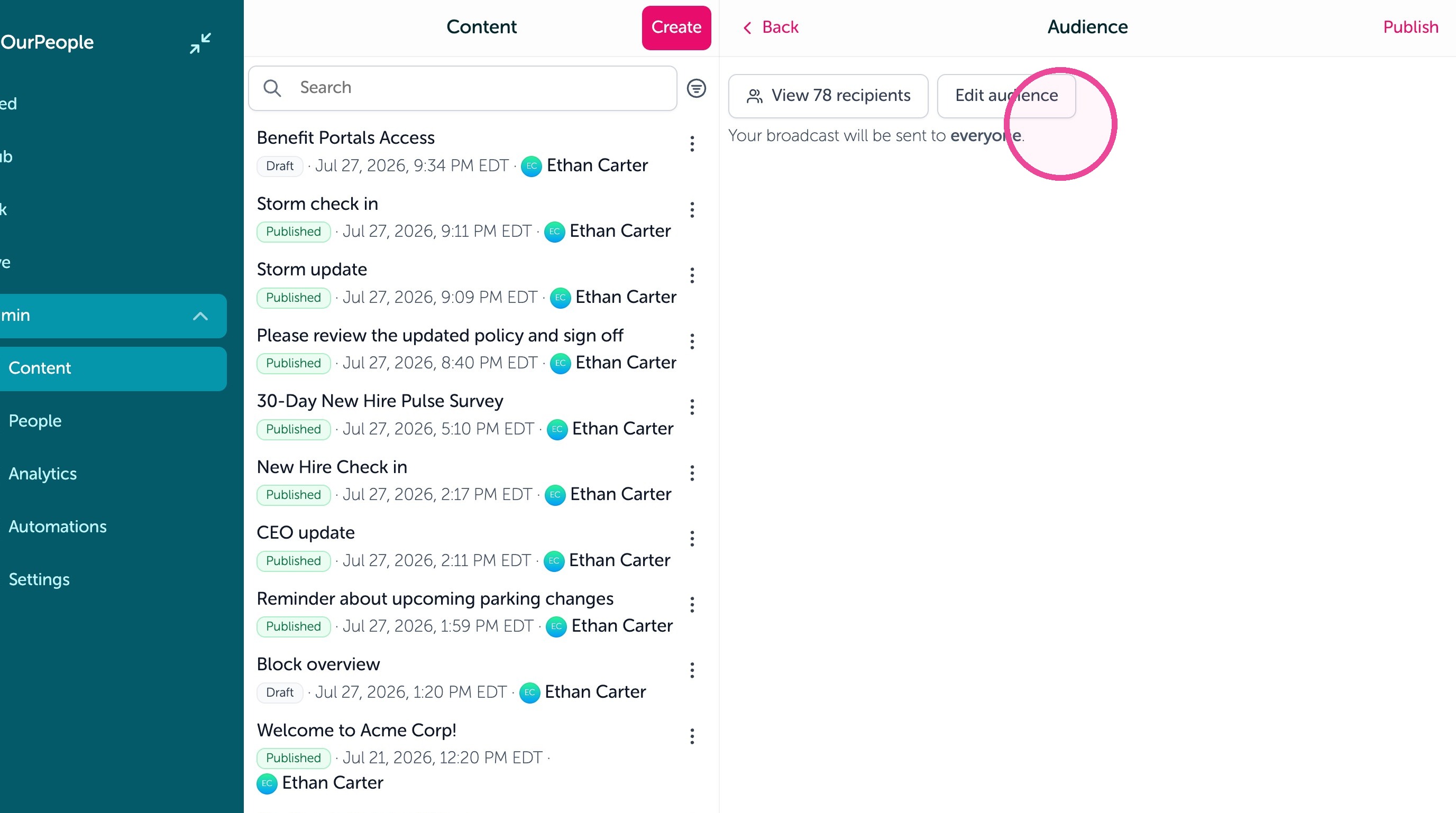
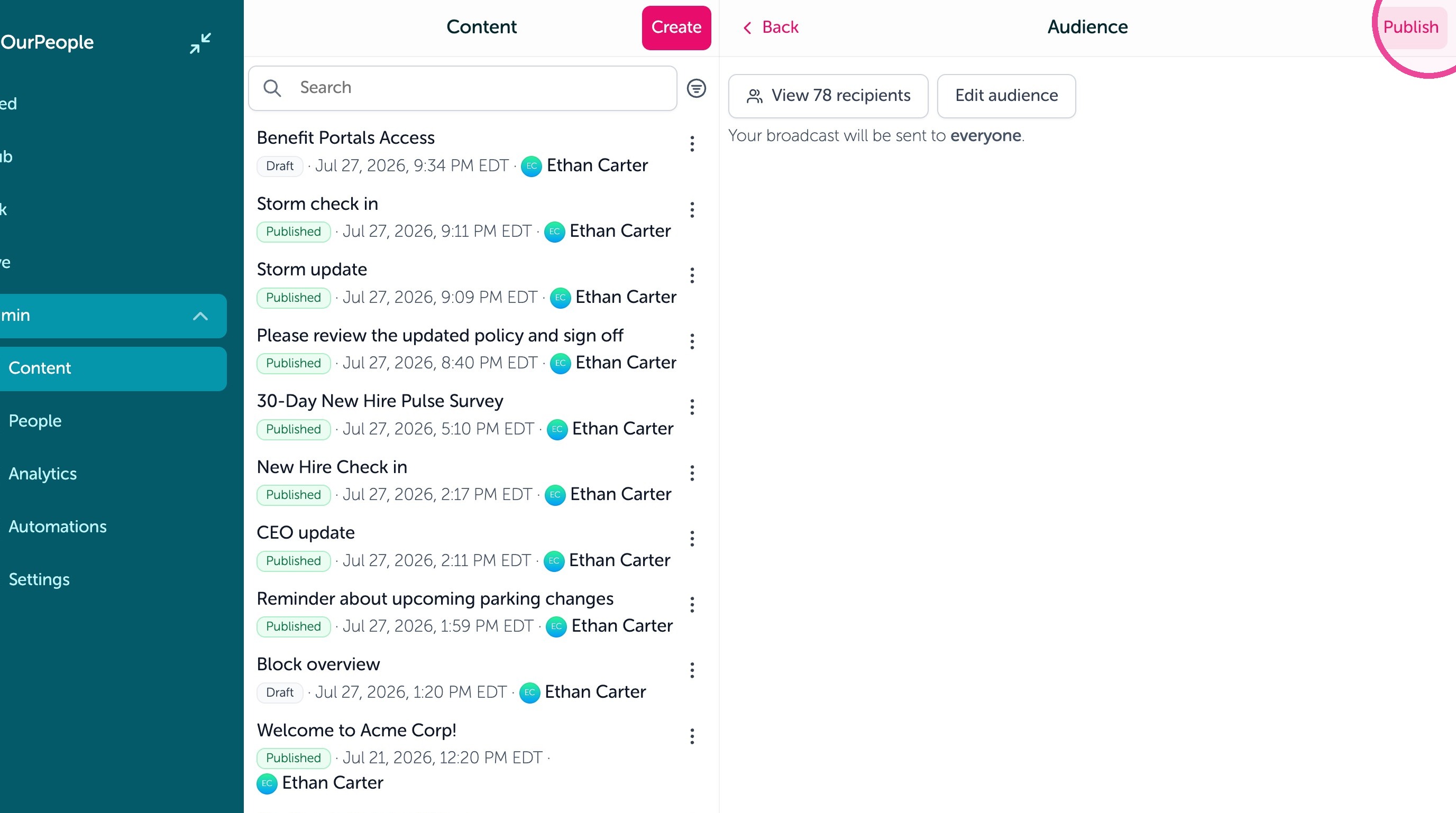
9. Then click "Publish" to save it to the Hub
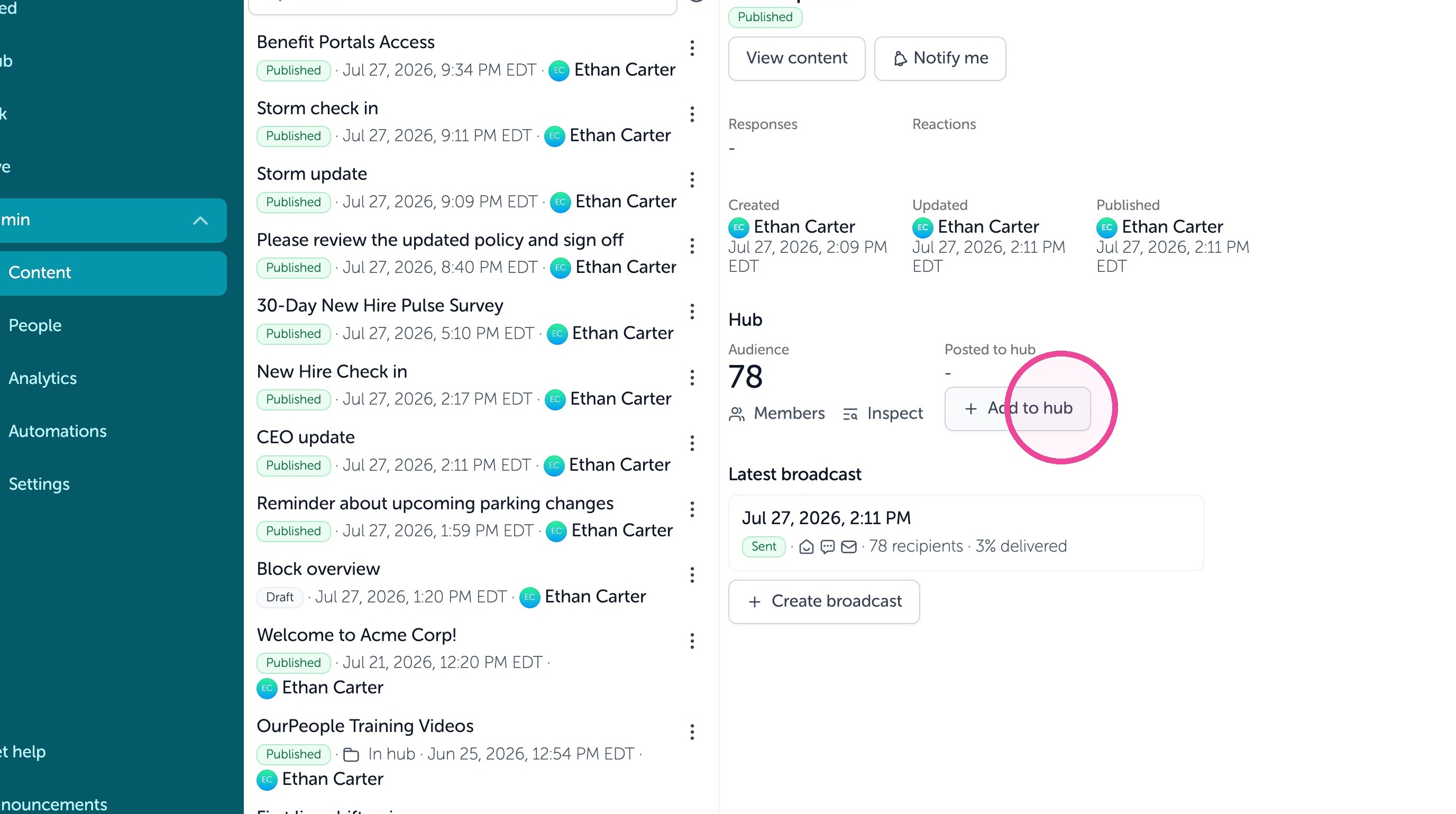
10. You can also take already sent content in the Feed and save it to the Hub. Find the content in your Admin > Content list.
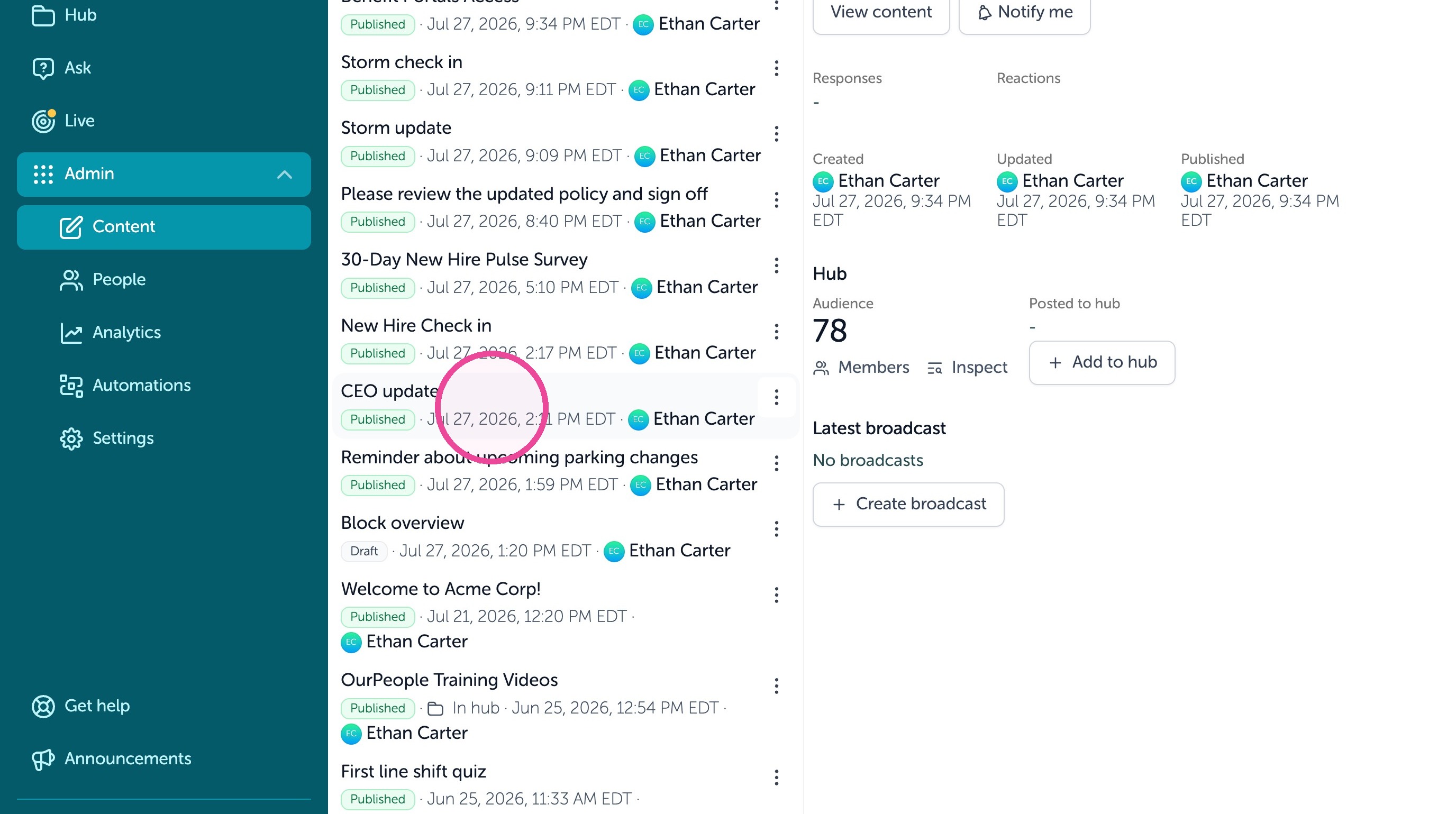
11. Then click "Add to hub" to save it to the Hub for the audience that was selected previously for the content.