
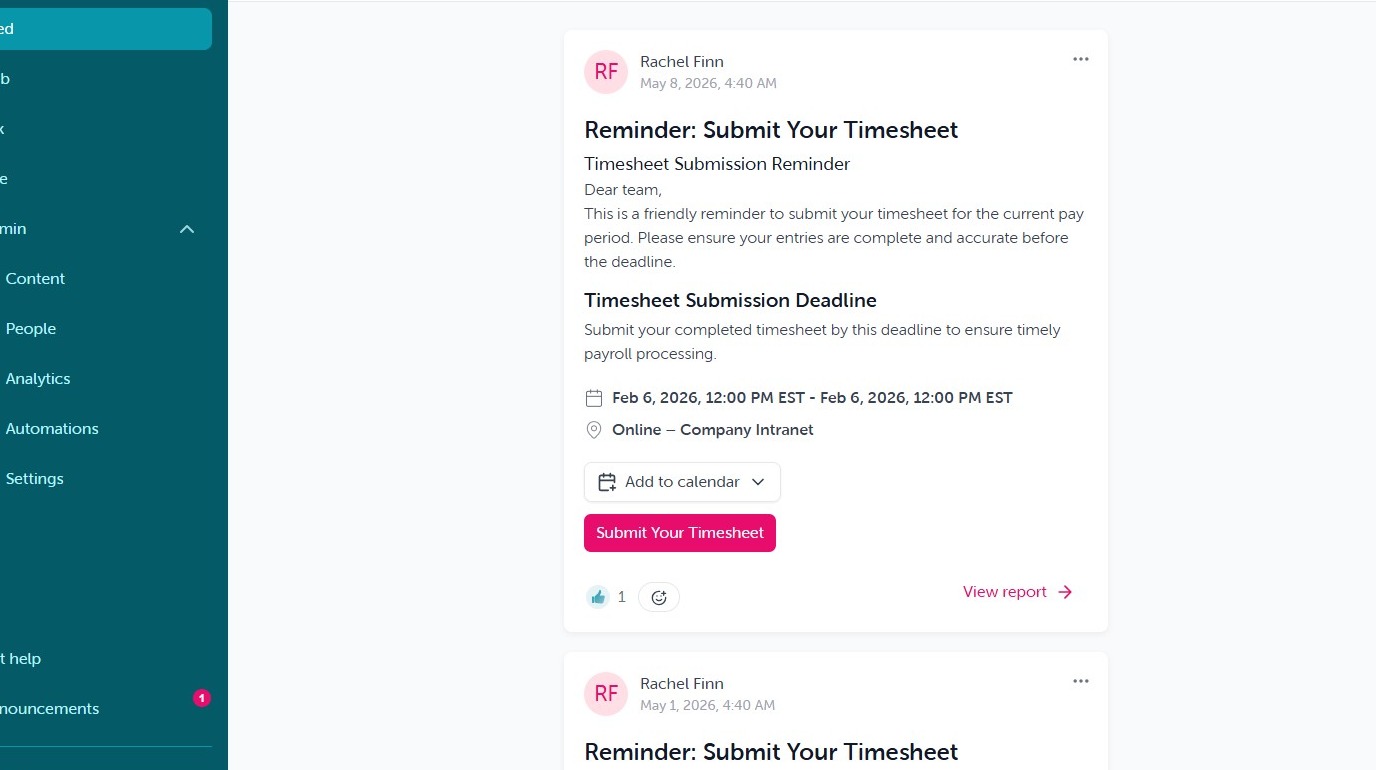
1. Navigating the Feed. The Feed is where all published broadcasts will live indefinitely for user's in their audience.
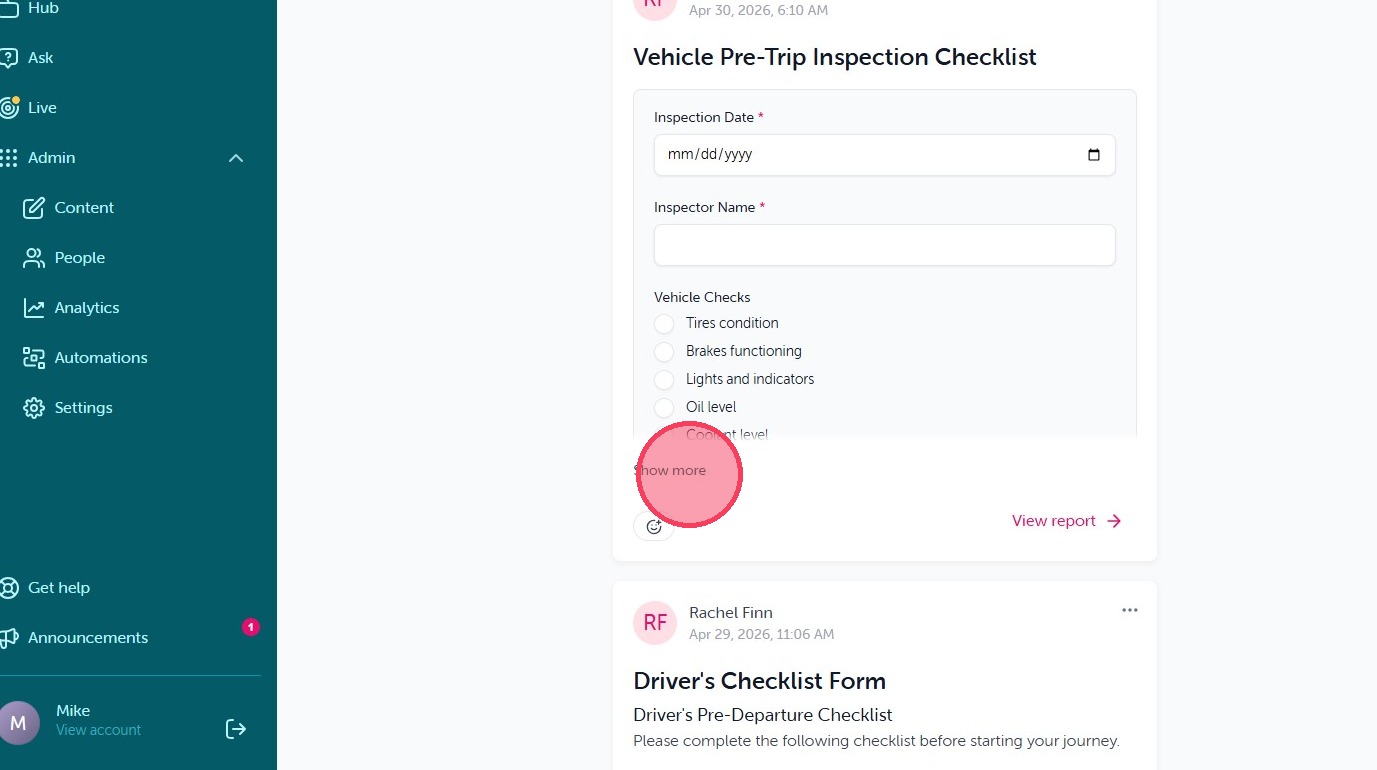
2. For larger content, the 'Show More' option will be visible to expand and view the content in full.

3. Reactions are now possible for end user's to acknowledge content.
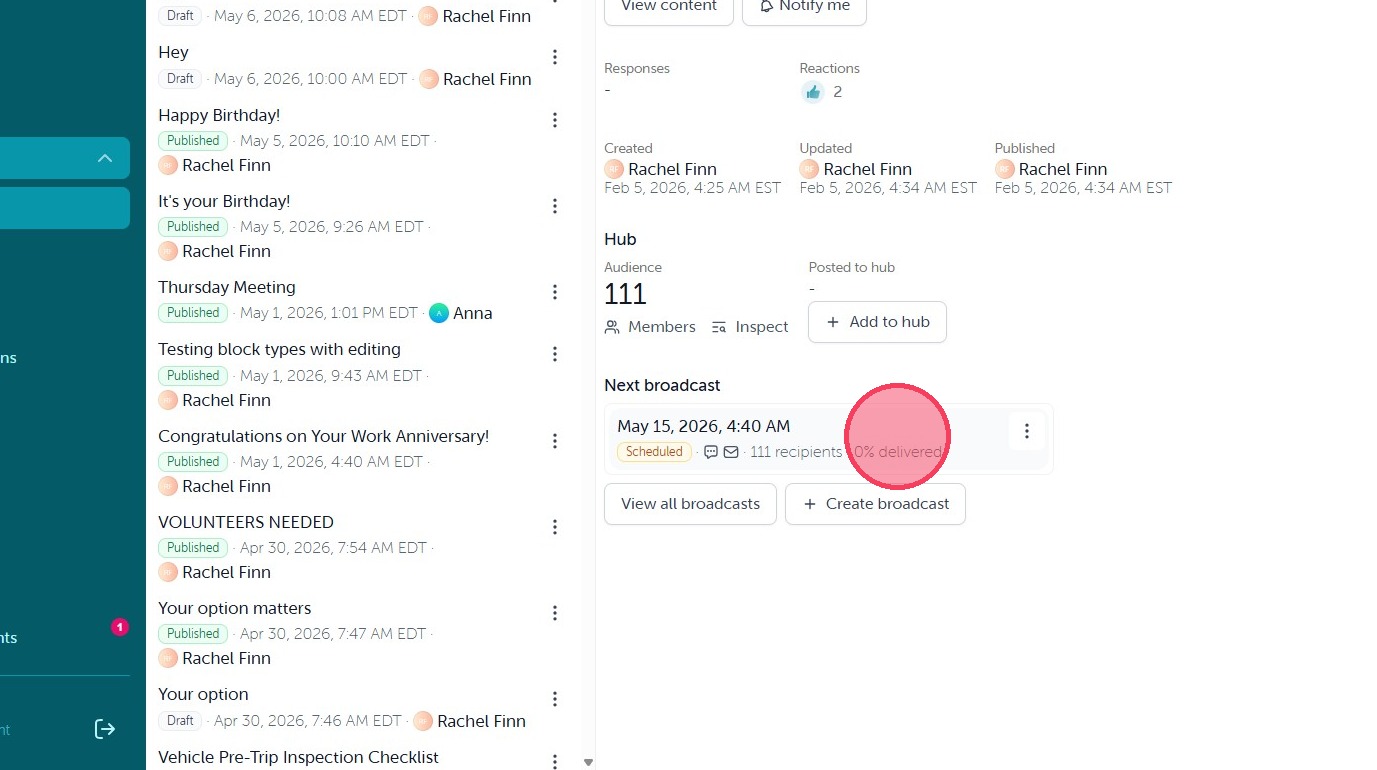
4. Admin level users will have the option to 'View Report', this will take them to the reporting page of the published content.
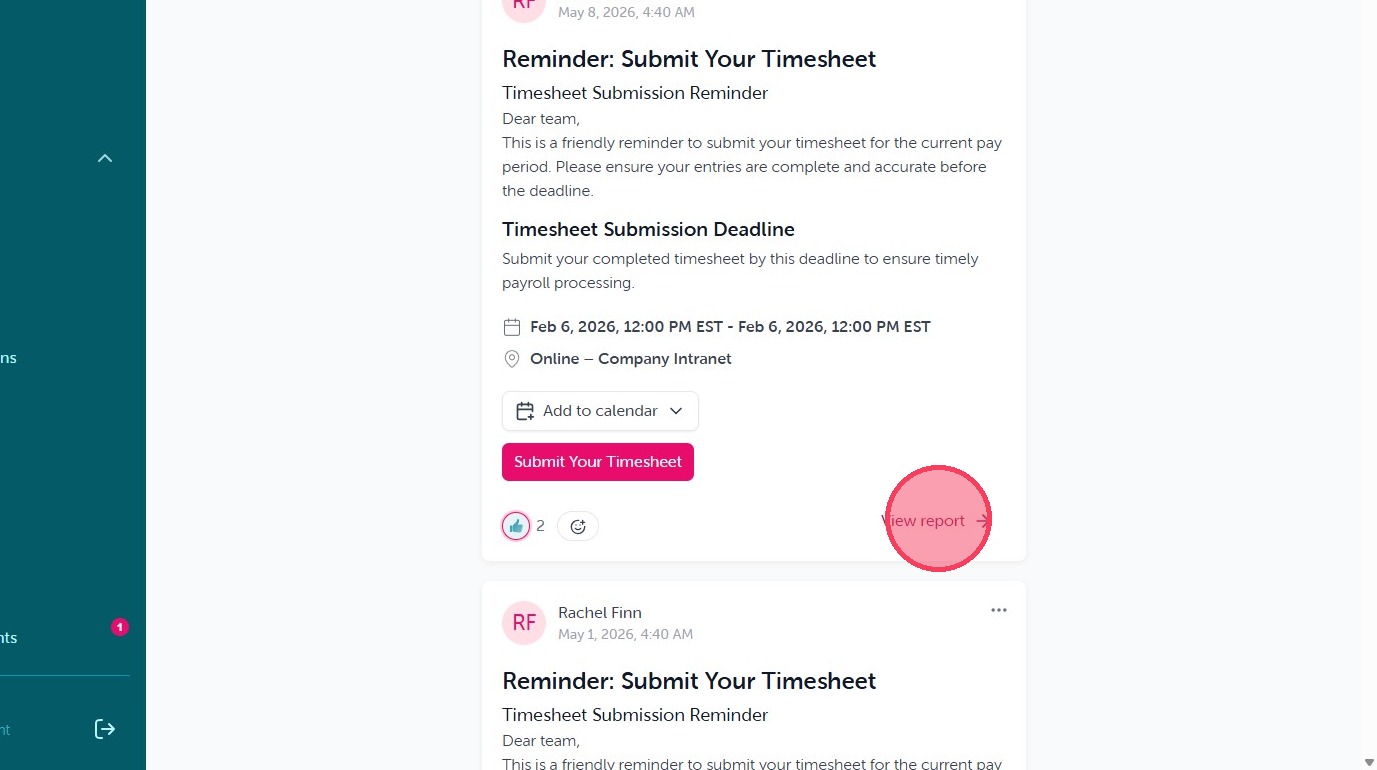
5. To view the delivery data of the broadcast or review reactions and responses.
Comments
0 comments
Article is closed for comments.