
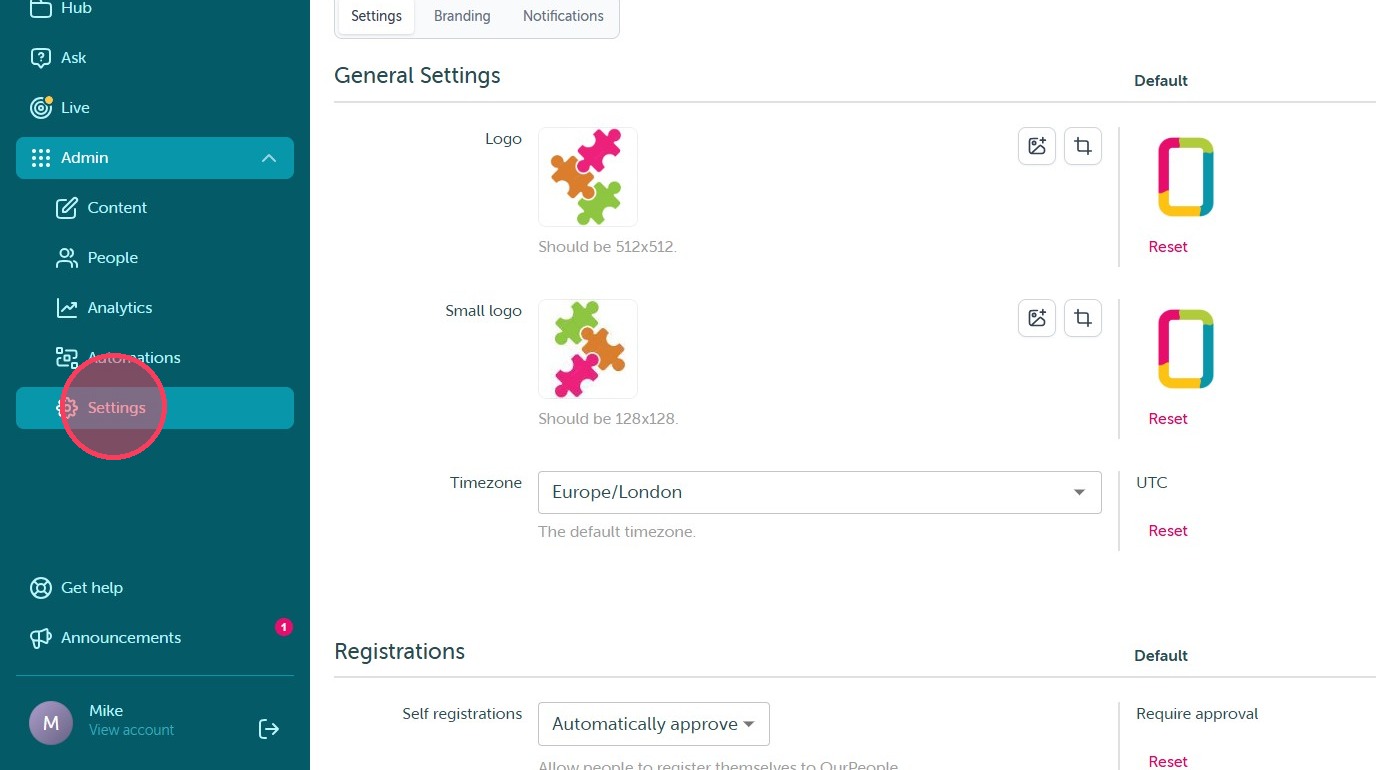
1. This integration setup will be completed with your Customer Success Manager during implementation. To begin, please ensure you are logged into your BambooHR account in a separate browser window with Admin-level access. Then, log into OurPeople and navigate to the Settings tab within the Admin dashboard.
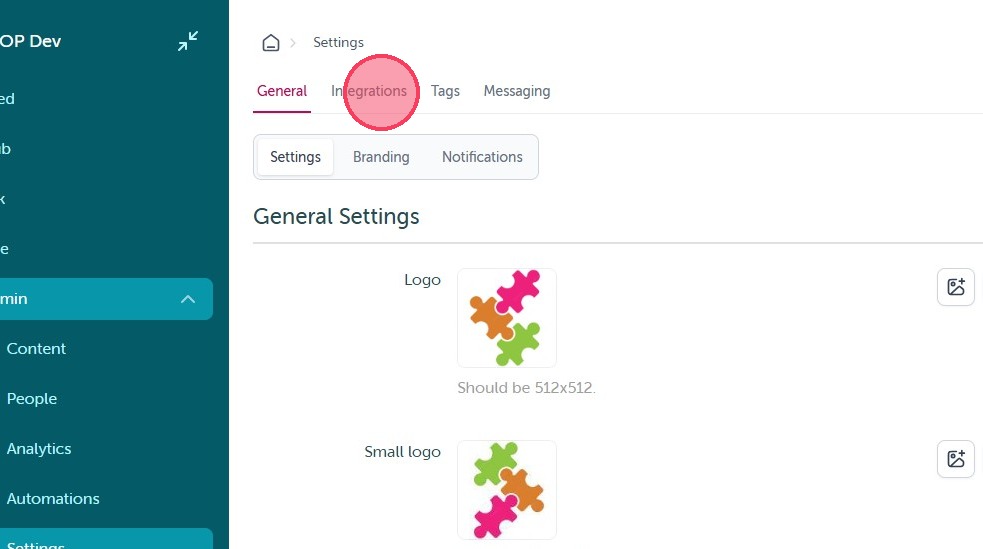
2. Once there select the "Integrations" tab at the top of the screen.
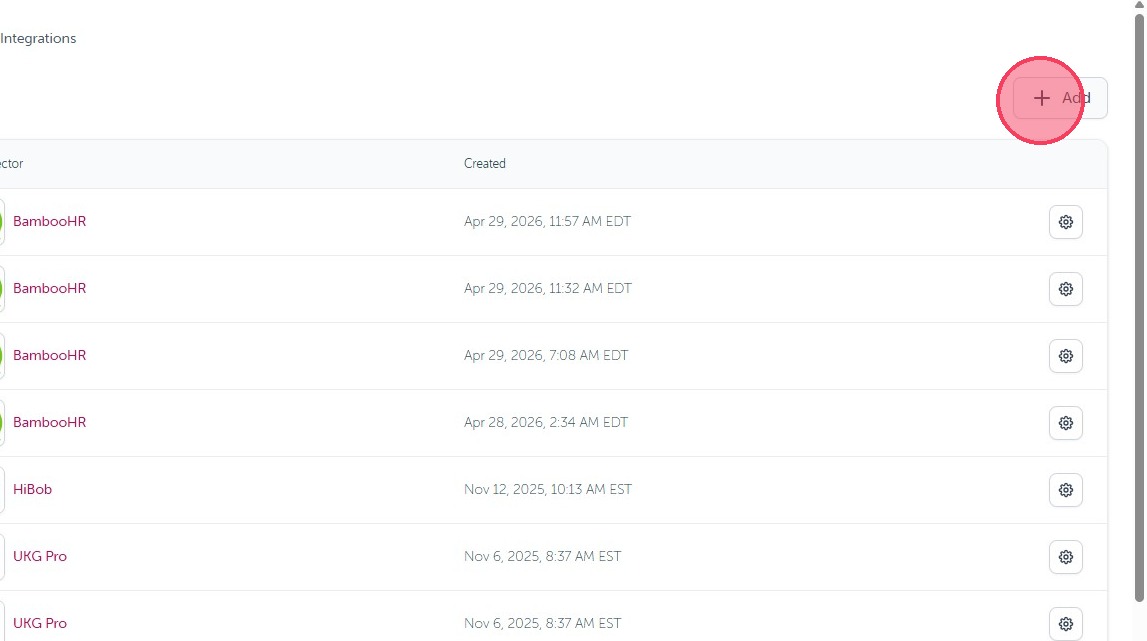
3. Select the Add + icon in the top corner.
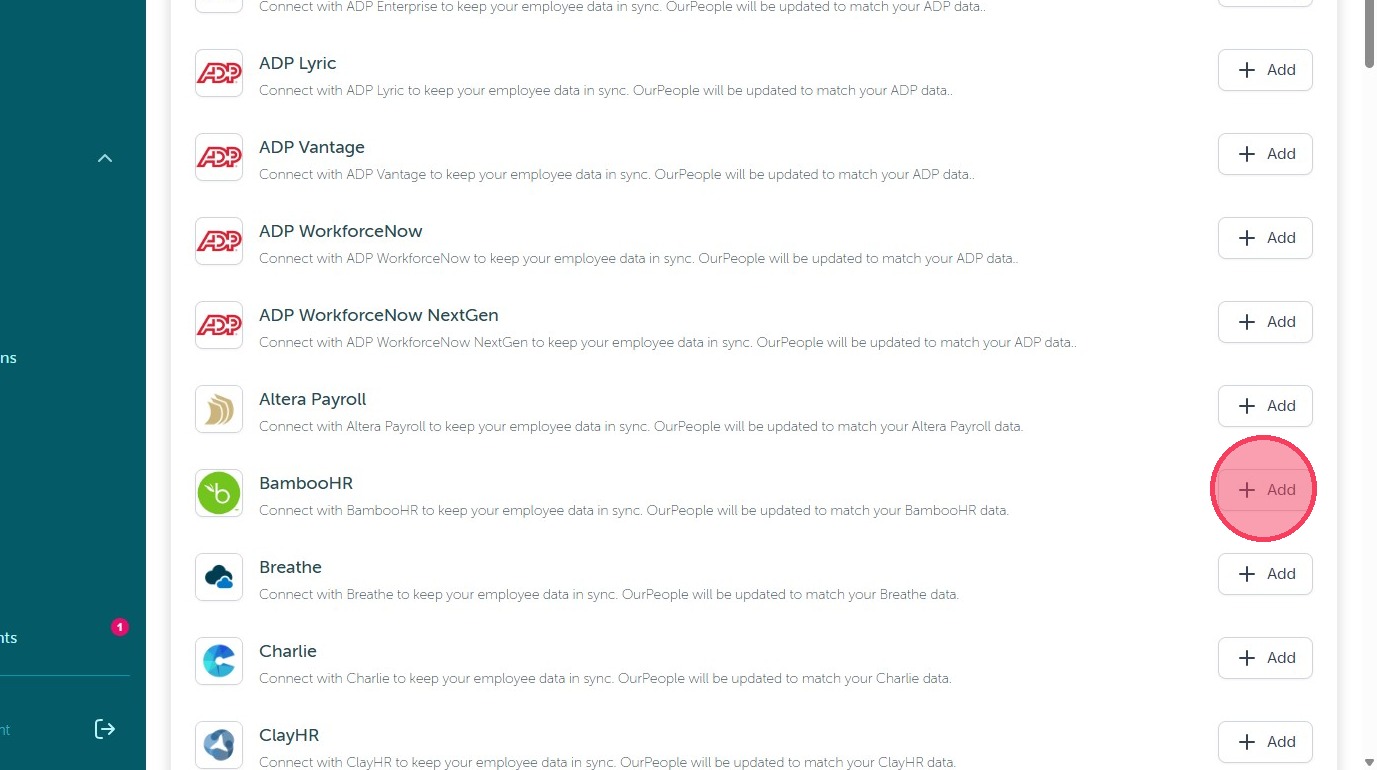
4. Then scroll down to find BambooHR and click "Add".
5. On the next screen enter your Company Domain and select 'Continue'
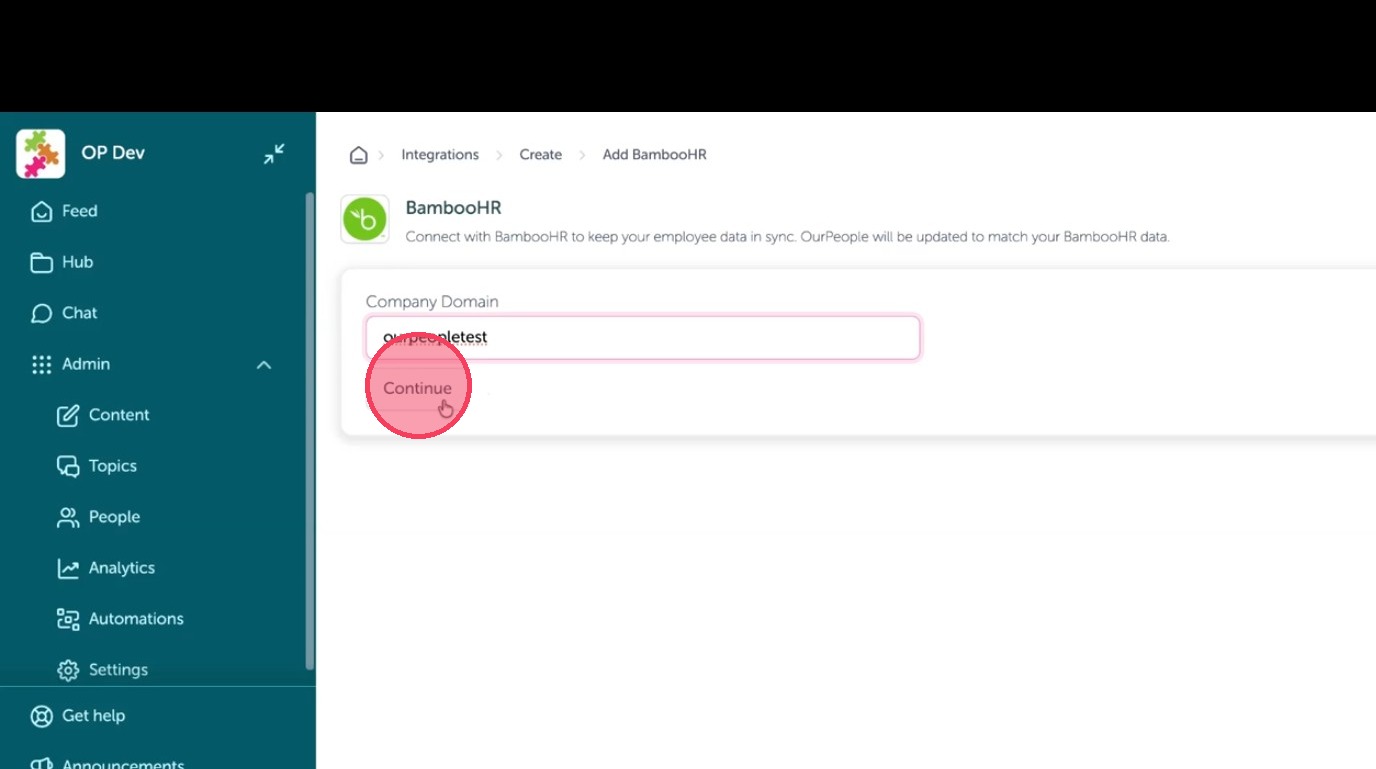
Account Authorization
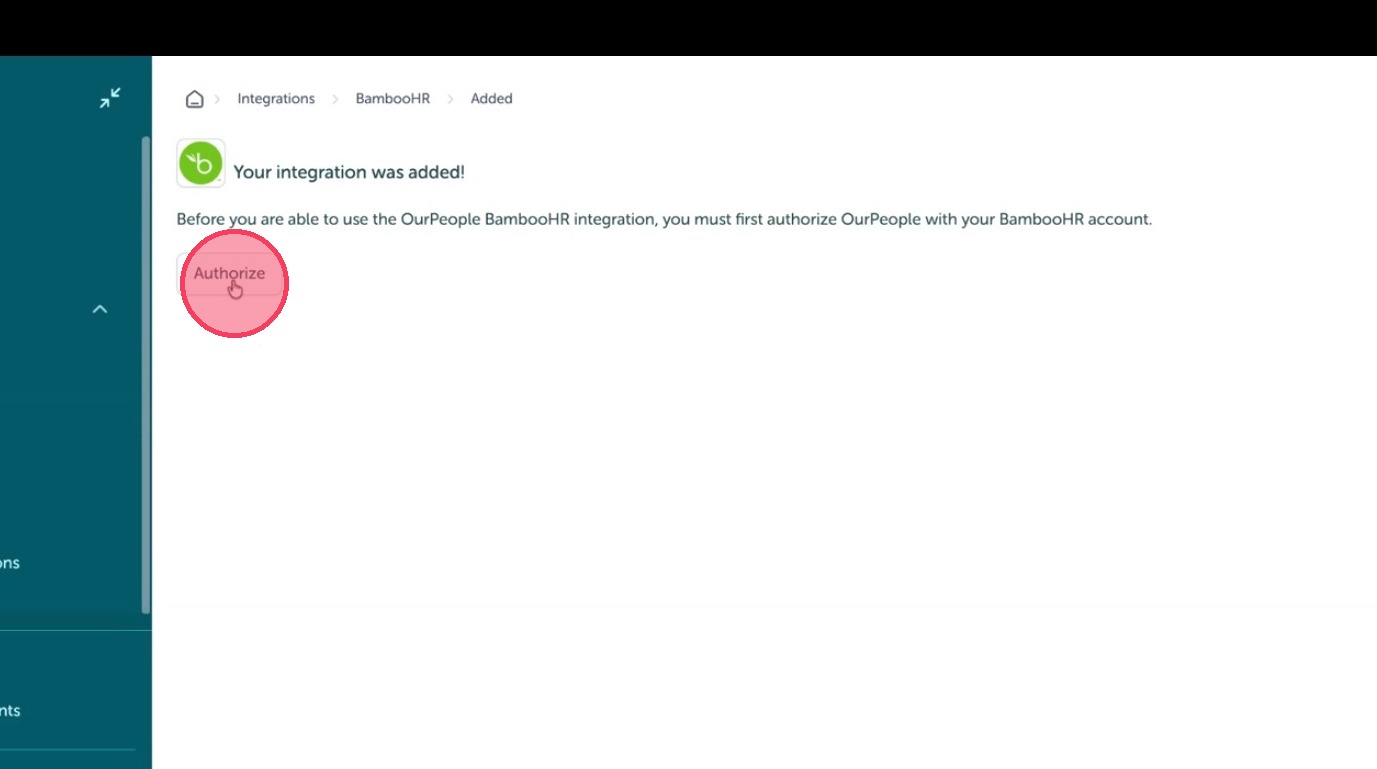
6. Then click 'Authorize' to link your account.
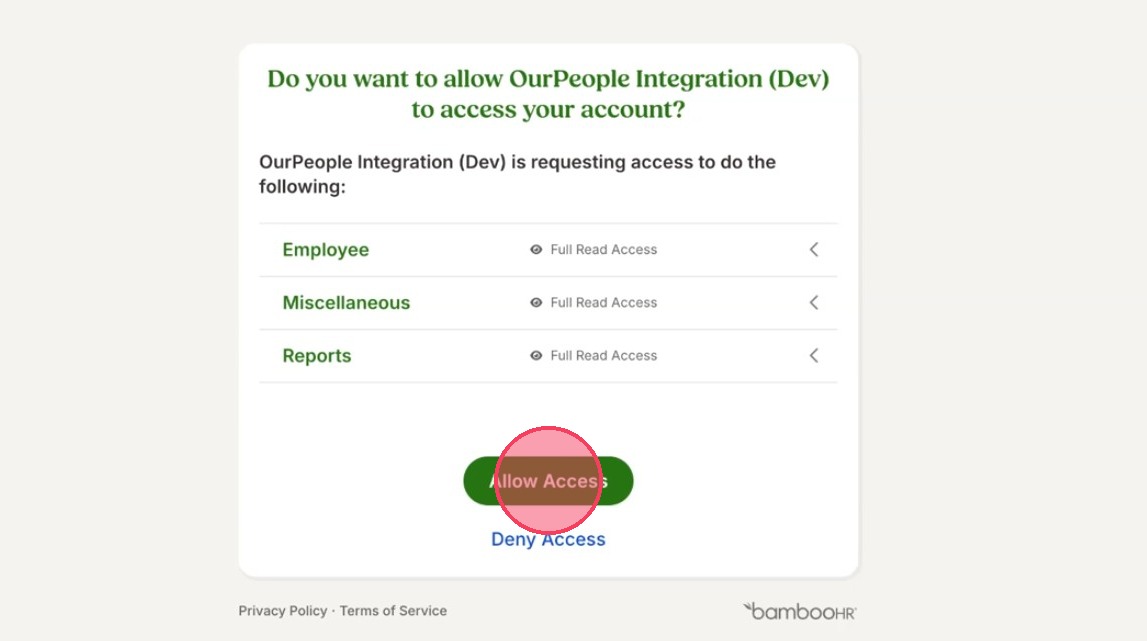
7. You will then be redirected to the BambooHR authorization screen, here click 'Allow Access' to grant the required permissions.
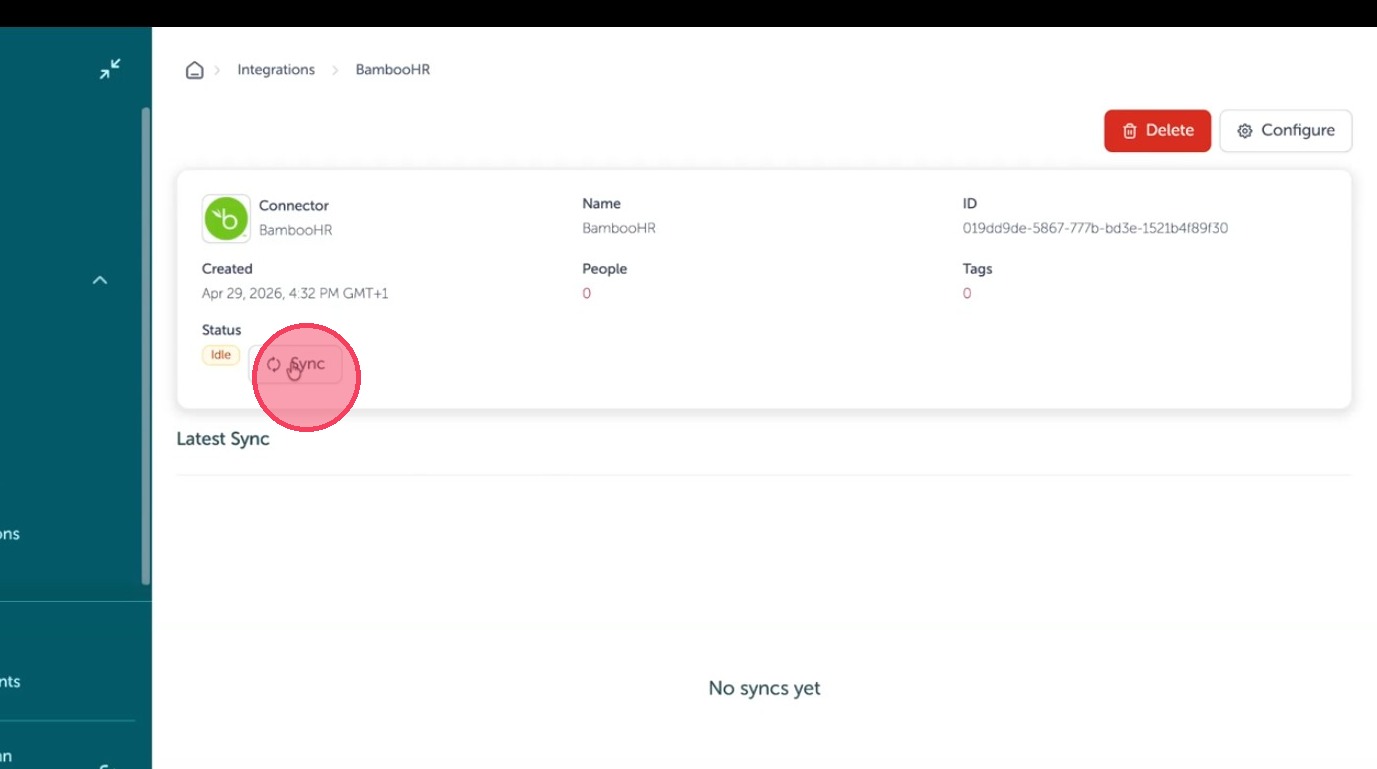
Data Synchronization
8. Then click 'Sync' to start the data transfer.
9. The Sync integration window will open, select 'Fresh Sync' checkbox.
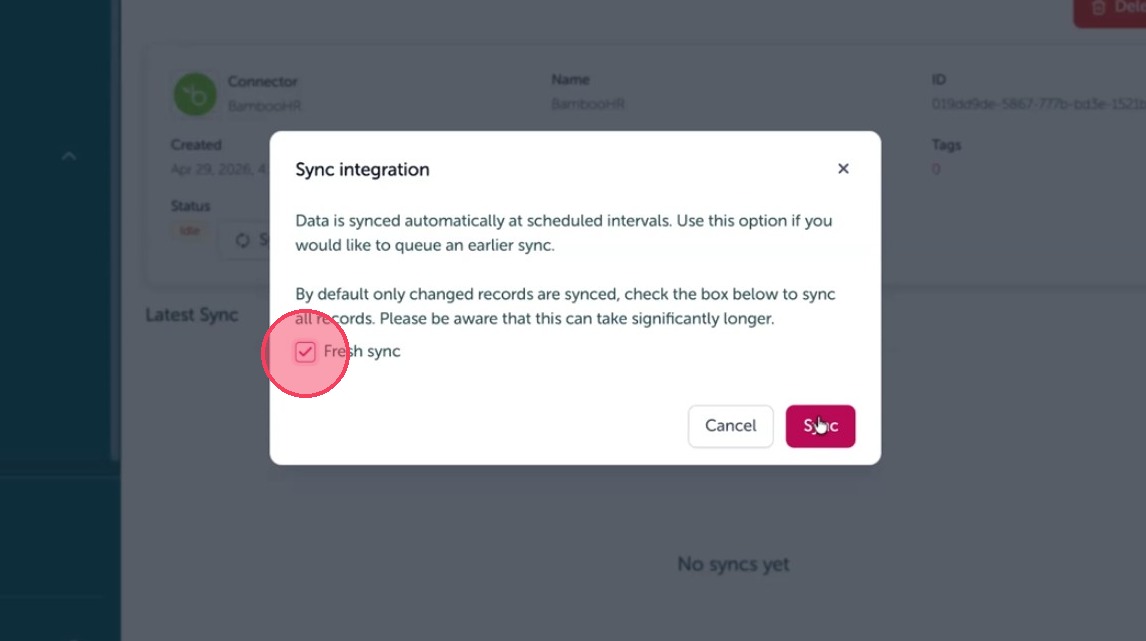
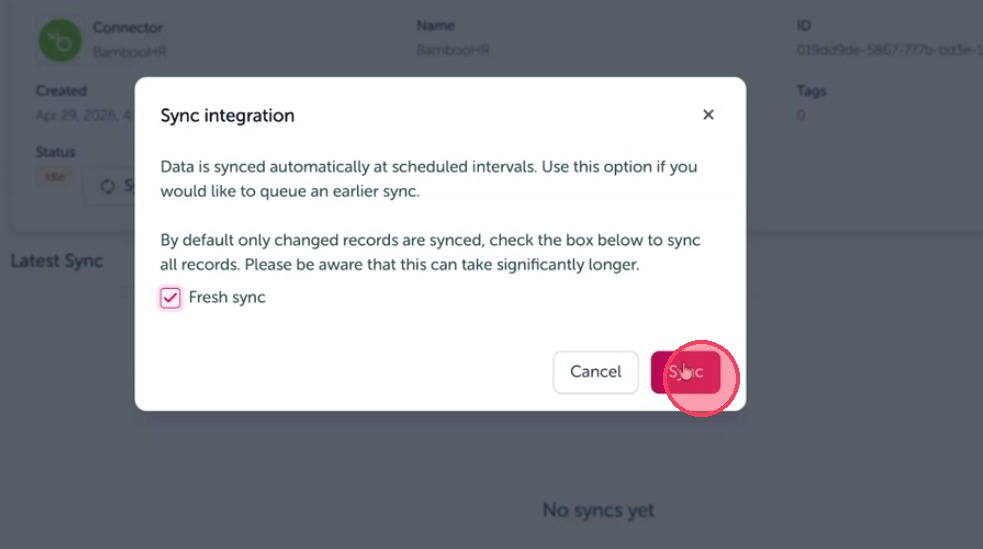
10. Click 'Sync' to start a fresh sync.
Tip: Video walkthrough linked here: https://www.youtube.com/watch?v=gTbePmTJ3jQ
Comments
0 comments
Article is closed for comments.